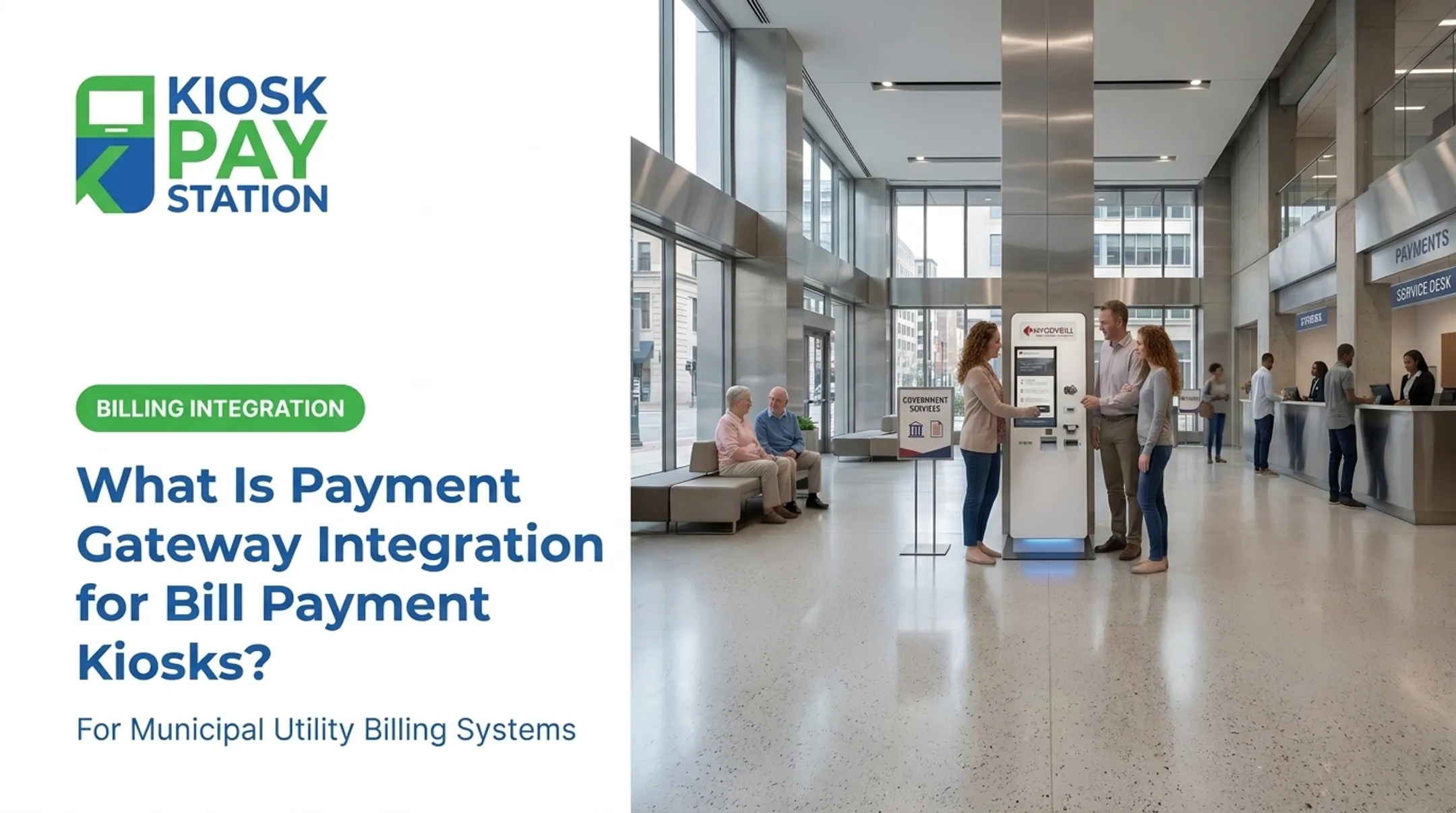
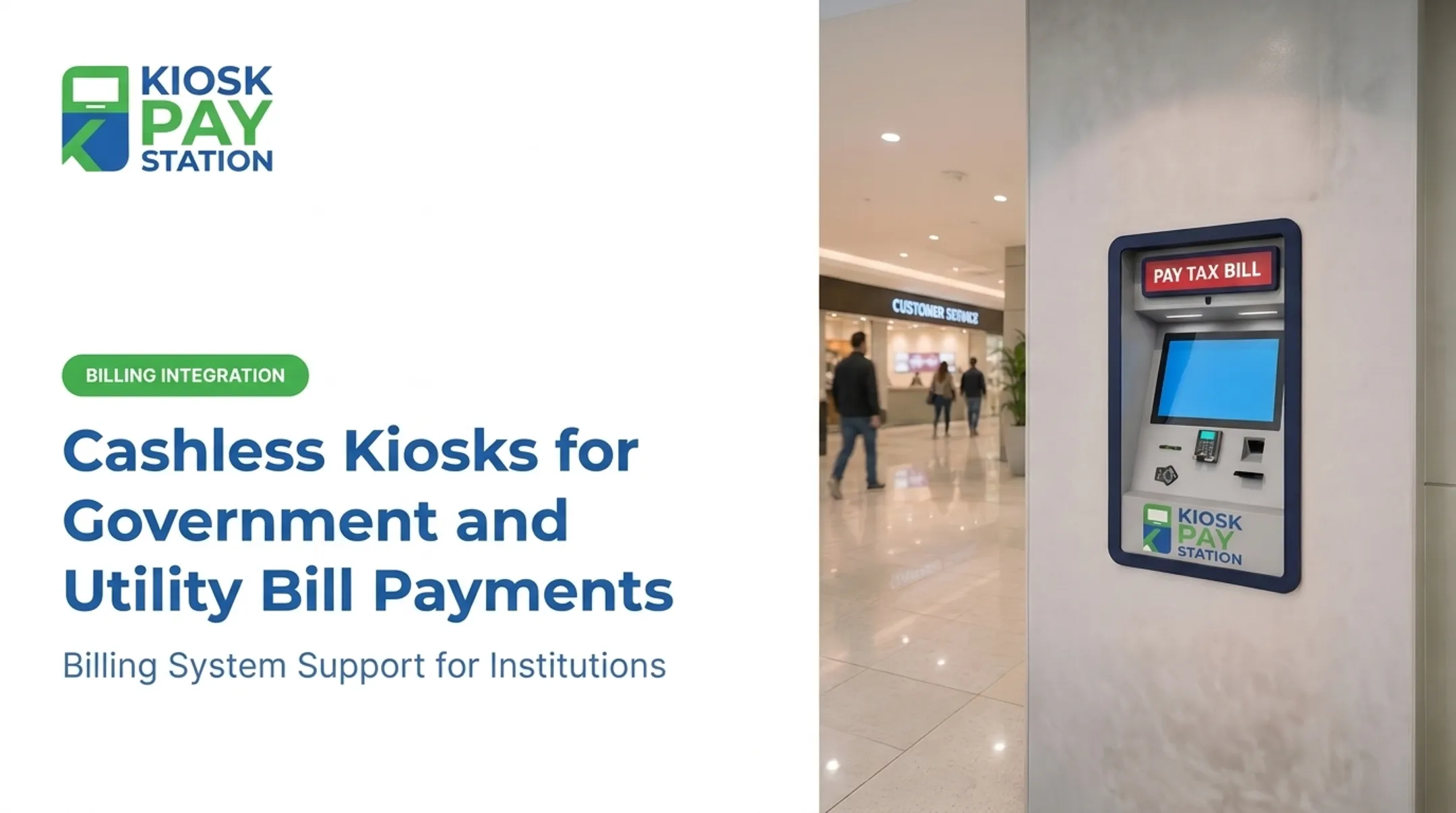
The fix isn't hiring more staff. It's connecting self-service kiosks directly to your billing, CRM, and payment systems so payments post automatically, around the clock.
This guide breaks down how utility bill payment kiosk integration works, the three main integration types, what a utility API actually does, and what to look for in a partner like KIOSK PAY STATION.
Key Takeaways
- Integration connects self-service kiosks to billing systems for automated, real-time payment processing
- Agencies can choose real-time, file-based (batch), or non-validated integration based on system readiness
- Utility APIs exchange account and payment data across kiosks, portals, and billing platforms
- PCI-DSS and EMV certified setups cut counter workload and tighten daily reconciliation
- Flexible, ADA-compliant design scales one payment system across multiple departments
What Is Utility Bill Payment Kiosk Integration?
Kiosk integration is the technical process of connecting a self-service payment terminal to a utility's existing billing, CRM, and account systems. Instead of a kiosk sitting isolated in a lobby, it becomes a live extension of the back office.
Once integrated, a kiosk can:
- Pull real-time account balances the moment a customer scans a bill
- Apply payments instantly against the correct account
- Post updates back to the utility's system of record without staff re-entry
This is what separates a modern kiosk from a glorified drop-box. It's a functioning node on the utility's payment network.

What Is a Utility API?
A utility API is a set of protocols that lets kiosks, mobile apps, and portals securely retrieve account data, verify balances, and confirm payments from a utility's billing platform. Tyler Technologies, for example, publishes API connectors specifically built for cashiering and citizen-portal functions — pulling customer, bill, and payment data on demand (Tyler Technologies API Catalog).
In practice, the API is what reduces manual reconciliation. It also supports features residents actually use, like invoice lookup by account number, QR code, barcode, or invoice number. KIOSK PAY STATION's integration services support these lookup methods, so a customer can scan a paper bill or type an account number and go straight to payment.
What Are the Three Types of Kiosk Integrations?
Not every utility has the same infrastructure, so integration isn't one-size-fits-all. Three approaches dominate the field.
Real-Time Integration
Kiosks connect live to the billing system via API. Accounts are validated instantly, and payments post the moment they're made.
- Best for high-volume utilities needing immediate data accuracy
- Eliminates end-of-day reconciliation gaps
- Requires a billing system with API access
File-Based (Batch) Integration
Data exchanges happen on a schedule, often a nightly file transfer between the kiosk and back-office system.
- Suited to utilities running legacy infrastructure without live API support
- Payments are collected throughout the day, then synced in bulk
- Slightly delayed reconciliation, but far less technical overhead
Non-Validated Integration
Kiosks accept payments without live account verification.
- Useful for agencies without existing digital billing systems
- Requires manual reconciliation afterward
- A practical entry point for agencies not yet ready for deeper integration
Vendor platforms already show the shift. CentralSquare's Utility Billing system, for example, integrates across finance, asset management, and property tax modules (CentralSquare). The industry is moving toward connected, API-based ecosystems rather than isolated point solutions.
KIOSK PAY STATION supports all three approaches. Agencies rarely start from a blank slate, so they need integration that fits the infrastructure they already have, not a rip-and-replace mandate.
Key Benefits of Integrating Payment Kiosks with Utility Systems
Reduced Counter Workload
Automated kiosks handle routine bill payments, the transactions that eat up staff time without requiring judgment. That frees your team for the calls and cases that actually need a human: disputes, service issues, payment plans.
Real-world proof: Riverside County deployed two self-service kiosks that collected $3.01 million in a seven-day period, more than 50% of total payments collected during that window. Eight staffed cashier stations, working the same seven days, processed $2.4 million. Two kiosks outperformed eight staffed counters.

24/7 Payment Access
Integration means payment doesn't stop when the office closes. The City of Portland, Tennessee, for instance, runs a kiosk in its City Hall drive-through lane available around the clock (City of Portland, TN). Residents pay on their schedule, not the office's.
Improved Accuracy and Reconciliation
Direct system integration removes manual entry from the equation. No transposed account numbers, no missing receipts, no end-of-day scramble to match cash drawers against ledgers. Transactions post directly to your billing system, so daily reconciliation stays traceable without manual matching.
Custom Data Capture
Every transaction can carry unlimited custom fields: department codes, property IDs, account numbers, or any identifier your agency needs for reporting. Records export in a format ready for your reconciliation workflow.
Multiple Payment Method Support
Integration unifies the transaction flow across payment types:
- Cash (bills and exact change in bills and coins on cash-enabled units)
- Check
- Credit and debit card (EMV-enabled tap, dip, swipe)
- E-wallet
One kiosk and one flow cover every method a resident might use.

What to Look for in a Kiosk Integration Partner
Security and Compliance Standards
PCI-DSS and EMV certification are the baseline for handling payment data responsibly—not optional extras. PCI DSS applies to any entity that stores, processes, or transmits cardholder data, and payment endpoints in that environment must be included in the assessment (PCI Security Standards Council).
EMVCo Level 1 and Level 2 testing separately verify protocol compliance and payment-application logic. Partners supporting utility bill payment workflows should document PCI-DSS compliance, EMV certification, and encrypted processing so agencies and constituents are protected from data exposure. KIOSK PAY STATION maintains PCI-DSS and EMV-aligned controls as part of its billing-system integration and support work.
Flexibility and Accessibility
A strong integration partner supports all three connection paths—real-time, file-based, and non-validated—so a legacy billing system does not block modernization.
Accessibility belongs in the same evaluation:
- ADA-oriented workflows and readable on-screen layouts
- Voice and light guidance for navigation
- Multilingual interface support
Ask how the partner handles monitoring, reconciliation, and ongoing maintenance after go-live. KIOSK PAY STATION focuses on billing-system integration, monitoring, and support for government and utility clients—from small municipal water districts to county-level departments—so deployment fit and long-term service matter more than a one-time install.

Frequently Asked Questions
What are the three types of integrations?
Real-time, file-based (batch), and non-validated. Real-time syncs instantly via API, file-based exchanges data on a schedule, and non-validated accepts payments without live account verification, requiring manual reconciliation.
What is a utility API?
A utility API is the connector that lets kiosks, portals, and apps securely retrieve account data, verify balances, and confirm payments from a billing platform, reducing manual reconciliation work.
How long does it take to integrate a payment kiosk with existing utility billing software?
Timelines vary by integration type and system readiness. File-based setups are typically faster than full real-time API builds, though a proper needs assessment is the only way to get an accurate estimate.
Are self-service payment kiosks secure for utility bill payments?
Yes, when built to PCI-DSS and EMV standards. KIOSK PAY STATION supports PCI-DSS compliant, EMV-certified processing with encryption that protects transaction data end to end.
Can existing utility infrastructure work with a new kiosk system?
Yes. Kiosks can layer onto existing billing systems through real-time, file-based, or non-validated integration, depending on the agency's infrastructure and goals.
What payment methods can integrated kiosks accept?
Cash, check, credit/debit card, and e-wallet, depending on the kiosk configuration. Cash-capable setups handle bills and coins; cashless setups support card, check, and e-wallet payments.