A basic check-in or wayfinding kiosk isn't priced the same way as a bill-payment kiosk. Bill payment requires cash acceptance, exact-change dispensing, receipt printing, account lookup, PCI-DSS compliant payment processing, and audit-ready reporting. Those features add real hardware and software cost on top of the enclosure.
This guide breaks down current published pricing benchmarks, the cost components behind each tier, ongoing operating expenses, and a practical process for budgeting a bill payment kiosk for a US public-sector deployment.
Key Takeaways
- Full bill-payment kiosk hardware starts around $9,800.
- Indoor units typically run $8,000–$25,000; outdoor units run $15,000–$50,000.
- Cash handling, EMV certification, integrations, and site prep drive most cost variation between vendors.
- Card-only setups fit low-volume lobbies; cash-capable, high-volume sites need a larger budget and stronger support plan.
- The lowest quote often excludes maintenance, reconciliation tools, and payment-processing fees that hit later.
How Much Does a Bill Payment Kiosk Cost? (Pricing Overview)
There isn't a universal price tag for a bill payment kiosk. Treat any published range as directional until you confirm it against a current vendor quote. Before comparing numbers, confirm whether a quoted range covers hardware only, or hardware plus software, installation, and support. That distinction changes the number substantially.
Misreading a quoted price creates three common budgeting problems:
- Underbudgeting for cash handling or integration: a card-only base price doesn't include bill validators, coin dispensers, or custom API work.
- Comparing hardware-only against a full solution: a $9,800 hardware starting price and an $88,000 installed public-sector deployment aren't the same product.
- Discovering recurring charges after go-live: software licensing, payment processing, and maintenance fees often sit outside the sticker price.
Entry-Level or Limited-Functionality Configurations
Card-first, countertop, or wall-mounted kiosks sit at the lower end of the market. Published peripheral and add-on pricing for general self-service kiosks runs roughly $2,500 to $13,000, though that figure reflects generic kiosk guidance, not bill-payment-specific hardware. These configurations typically exclude cash acceptance, check processing, and custom integration work: fine for a card-only satellite office, limiting for a primary payment location.
Standard Bill-Payment Configurations
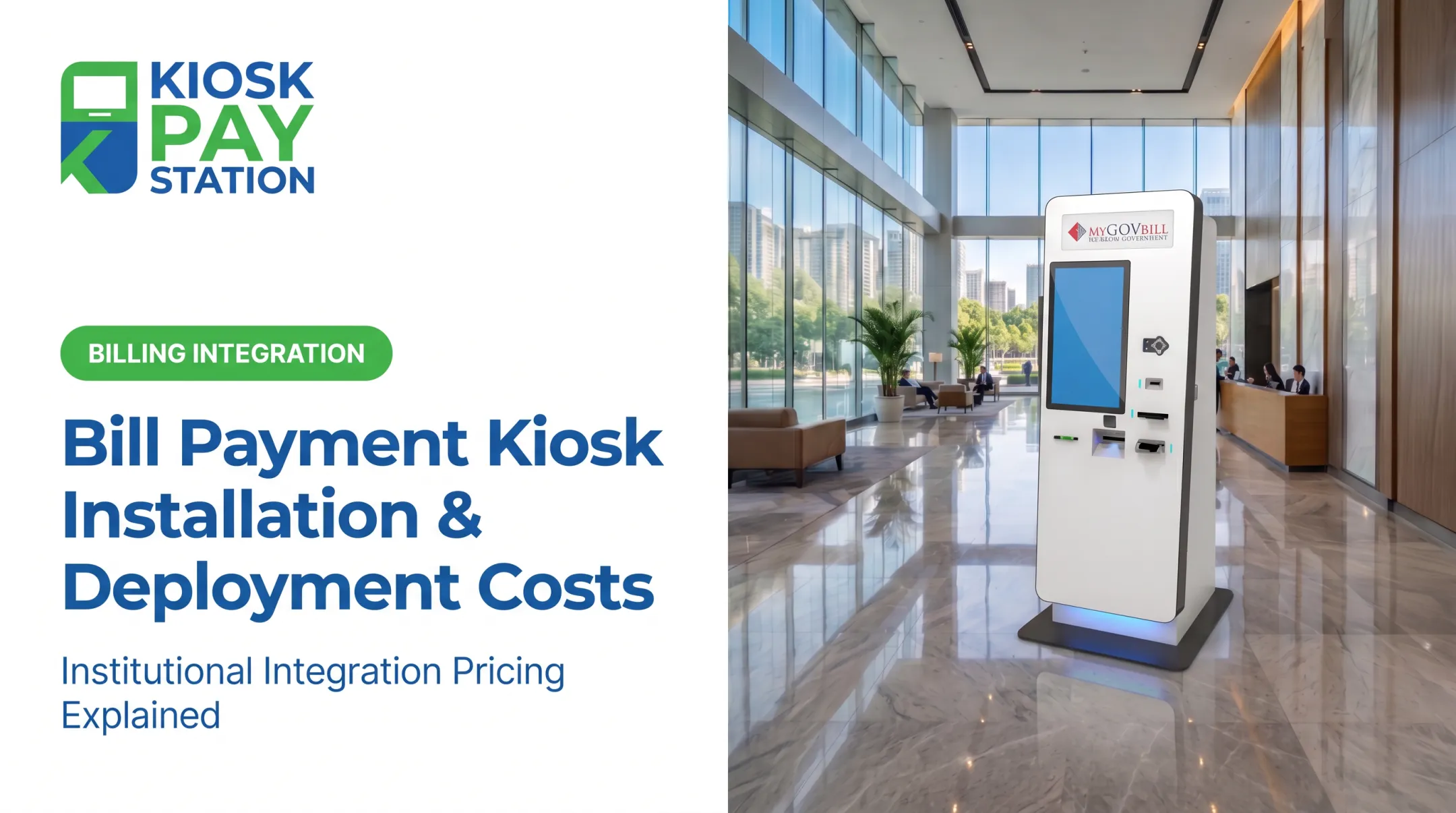
Freestanding kiosks built specifically for bill payment start higher. Advanced Kiosks lists full bill-payment systems starting at $9,800, covering document, freestanding, and ticketing models with card, EMV, cash, coin, check, barcode/QR, and receipt options (Advanced Kiosks, 2021). That figure doesn't specify whether installation, software, or support is included, so treat it as a hardware starting point, not a turnkey number.
Broader vendor buyer's guides put indoor payment kiosks at $8,000–$25,000 and outdoor units at $15,000–$50,000 (REDYREF), reflecting form factor and durability more than a specific feature set.
Advanced or High-Volume Configurations
Cash acceptance, exact-change dispensing, check processing, enhanced security, and multi-department workflows push costs well beyond a hardware sticker price.
The clearest real-world benchmark comes from a 2022 municipal procurement. The City of Nixa, Missouri priced three integrated bill-pay kiosks (hardware, software, and support) at $24,155 each ($72,465 total) (City of Nixa, 2022).

Added project costs included:
- $5,850 in configuration
- $10,407.75 in implementation
- $88,722.75 base-period total, including Year 1 maintenance
- $8,349.05 per kiosk in separate one-time setup fees
One gap shows up across every published range: several ongoing and pass-through costs rarely appear in an advertised unit price.
Ask any vendor to itemize these separately:
- Transaction and payment processing fees
- Connectivity and software subscriptions
- Remote monitoring and maintenance
- Taxes, shipping, and site work
Key Factors That Affect Bill Payment Kiosk Cost
Bill-payment kiosk pricing reflects technical, operational, compliance, and site-specific requirements, not just the size of the enclosure. Five factors drive most of the price spread between vendors.
Kiosk Type and Physical Configuration
Countertop, wall-mounted, in-wall, and freestanding models carry different installation costs. A countertop or in-wall unit reduces footprint and can skip separate anchoring work, which keeps cost down for smaller offices. A freestanding kiosk suits a public lobby or dedicated payment center with higher foot traffic, but it needs floor anchoring, wiring runs, and clearance for ADA-compliant approach and turning space.
Payment Methods and Cash Handling
Card-only and contactless configurations are the least complex to build, secure, and service. Cash and check options raise both hardware and operating cost:
- Bill validators and cash acceptors
- Coin and bill dispensers for exact change
- Check readers and related processing
- Ongoing replenishment and reconciliation work
Don't assume these peripherals are in a base quote. Ask for them itemized.
Software, Integrations, and Custom Data
Account lookup, payment validation, transaction routing, and receipt generation all run through software that needs to talk to existing systems. Real-time or file-based integrations that use established connectors usually move faster and cost less.
Custom APIs, legacy platforms, multi-department routing, or non-validated payment workflows add development and testing time. That work typically shows up as a one-time implementation fee.
Security, Accessibility, and Compliance
These features all add engineering and hardware cost:
- PCI-DSS compliant processing and encryption
- EMV-certified card acceptance
- Tamper resistance and audit trails
- ADA accessibility
- Multilingual or voice-guided interfaces
Some are mandatory. PCI DSS applies to any entity that stores, processes, or transmits cardholder data. Others, such as multilingual screens, are design choices. Confirm which requirements are non-negotiable before you compare vendor quotes.
Volume, Location, and Environmental Requirements
Transaction volume, operating hours, and indoor versus outdoor placement all affect equipment specs and support levels. An outdoor unit needs weatherproofing and vandal resistance. A high-volume lobby kiosk needs a stronger network connection and possibly cellular backup. Ask vendors directly whether volume pricing or multi-site discounts apply. Don't assume a standard percentage without a quote.

Cost Breakdown of a Bill Payment Kiosk (Low-Cost vs. High-Cost Options)
Total cost of ownership covers acquisition, deployment, operation, maintenance, payment processing, and eventual replacement—not just the purchase price.
Initial Kiosk and Payment Hardware (One-Time)
This covers the physical unit and payment components:
- Enclosure, display, and computer
- Payment terminal plus cash, coin, or check hardware
- Printer, scanner, and security features
Confirm exactly what a vendor quote includes. "Base unit" pricing often excludes optional peripherals like coin dispensers or check readers.
Installation, Site Preparation, and Connectivity (Mostly One-Time)
One-time site costs typically include:
- Shipping, assembly, and anchoring
- Electrical work, network cabling, and wall or floor modifications
- Site surveys
Internet service and cellular backup often add a recurring monthly fee even when the physical install is one-time.
Software, Integration, and Configuration (One-Time Plus Recurring)
Application configuration, account lookup setup, payment routing, reporting, reconciliation tools, branding, and multilingual content typically involve a one-time implementation fee. Ongoing software licensing or hosting fees usually continue for the life of the deployment.
Maintenance, Monitoring, Payment Processing, and Replacements (Recurring)
Recurring costs usually include:
- Software updates and remote monitoring
- Field service, cash collection, and consumables
- Transaction fees and eventual hardware refreshes
KIOSK PAY STATION, for example, includes five-year onsite maintenance and component replacement in its service model—compare that directly with any vendor's warranty terms.

Low-Cost vs. High-Cost: What Actually Changes
| Factor | Lower-Cost Configuration | Higher-Cost Configuration |
|---|---|---|
| Payment methods | Card and contactless only | Cash, check, card, e-wallet |
| Form factor | Countertop or wall-mounted | Freestanding or in-wall, high-traffic |
| Integration | Standard connector | Custom API, legacy system, multi-department |
| Accessibility | Basic touchscreen | ADA-compliant, multilingual, voice guidance |
| Support | Limited warranty | Onsite maintenance, remote monitoring |
The right configuration depends on workload and required service levels, not sticker price alone. A card-only kiosk that can't handle a courthouse's cash-paying population creates more operational cost than it saves.
How to Estimate the Right Budget for a Bill Payment Kiosk
Start with the actual payment workflow, not a vendor's price list.
Map the workflow first:
- Which departments will the kiosk serve?
- What payment types come through today (cash, check, card)?
- What's average and peak transaction volume?
- What hours does the location need coverage?
- What customer service options must stay available?
Then decide on configuration:
- Card-only versus cash, check, and change-capable
- Countertop, wall-mounted, in-wall, or freestanding
- Single-location pilot versus multi-site rollout
- Standard integration versus custom or legacy-system connection
- Indoor placement versus a tougher outdoor or public environment
Build a quote comparison across these buckets rather than accepting one lump-sum number:
- Hardware and peripherals
- Software, licensing, hosting, and integration
- Installation, shipping, site prep, and connectivity
- Payment processing and transaction charges
- Monitoring, maintenance, warranties, and replacement parts
- Training, reporting, reconciliation, and implementation support
KIOSK PAY STATION supports government and utility bill-payment environments with billing-system integration, monitoring, maintenance, and ongoing support. A free consultation and needs assessment can clarify integration scope, payment-method requirements, and total cost of ownership before you lock a budget—more useful than any published industry average, since those factors change the final number considerably.
When comparing proposals, weigh total cost of ownership against operational outcomes:
- Reduced counter workload
- Faster customer access
- Cleaner reconciliation
- Fewer manual entry errors
- Payment access beyond staffed business hours
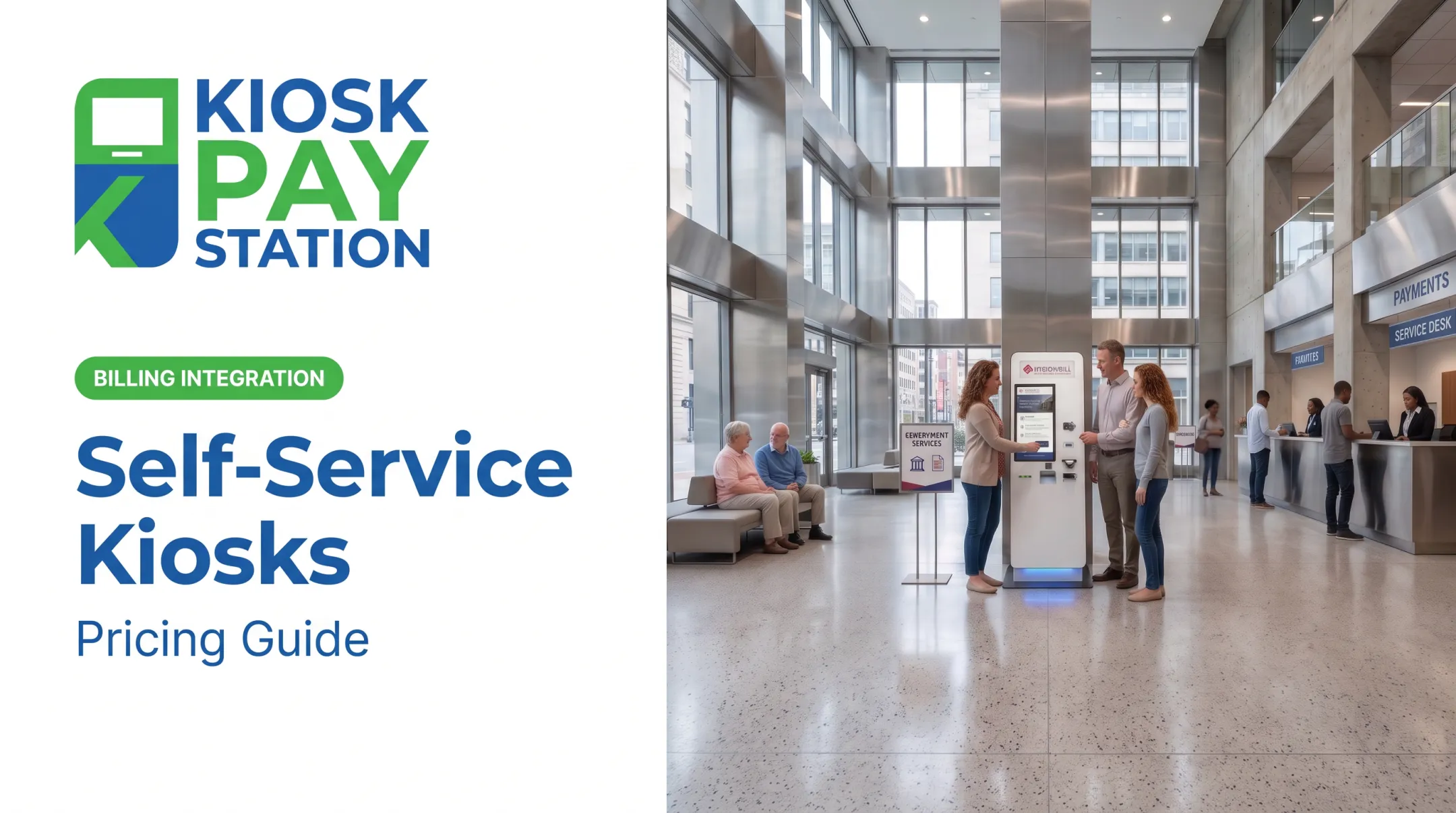
Riverside County deployed two self-service kiosks that collected $3.01 million over a seven-day period—more than half of all payments that week—outperforming eight staffed cashier stations that processed $2.4 million in the same window.

That single case study is not a universal benchmark, but it shows the volume shift agencies should model against their own numbers before setting a budget.
What Most Buyers Miss When Estimating Bill Payment Kiosk Cost
A handful of blind spots consistently blow up bill payment kiosk budgets after the fact:
- Fixating on the enclosure and touchscreen while overlooking cash-handling equipment, processing fees, integration work, site prep, and ongoing service
- Leaving ownership undefined, including who handles reconciliation, cash collection, exceptions, updates, security monitoring, and first-line support
- Choosing a low-cost, card-only configuration that can't support required payment methods, accessibility, volume, or audit reporting once live
- Assuming plug-and-play integration with government, utility, court, tax, or treasury systems without testing validation, data mapping, settlement, and reconciliation first
- Skipping lifecycle planning, including warranties, replacement parts, component availability, security updates, and scaling from one pilot to a multi-site rollout
Kiosk hardware often runs seven to ten years in the field, but the computers, displays, and payment devices inside it can become outdated well before that. Budgeting for a refresh cycle up front avoids an unplanned capital request three years in.
Conclusion
A bill payment kiosk's cost depends on several variables. No single published figure covers all of them:
- Payment methods and hardware configuration
- Software, integrations, and compliance needs
- Site requirements and expected transaction volume
- Support, maintenance, monitoring, and consumables
An accurate budget covers both initial deployment and recurring total cost of ownership, including payment processing, maintenance, monitoring, and consumables.
Government agencies, utilities, courts, tax offices, and other public-service organizations get the most reliable number by defining their actual workflow first, then requesting an itemized quote built around that workflow—not a generic price list.
Frequently Asked Questions
How much does a kiosk cost?
Bill-payment kiosk hardware often starts around $9,800. Fully installed public-sector units with software and support commonly run $24,000+. Confirm whether a quote covers hardware only or a complete installation.
Are kiosks profitable?
Public-sector and utility kiosks are usually judged on operational savings—less counter workload, faster access, fewer errors, and longer service hours—not product markup. Build ROI from your transaction volume and staffing costs, not a generic industry average.
What costs are included in a bill payment kiosk?
A full deployment covers the enclosure, display, payment and cash/check hardware, software, integrations, installation, connectivity, security, accessibility, maintenance, and processing fees. Ask for an itemized breakdown—vendors bundle these differently.
How much does it cost to operate a bill payment kiosk?
Recurring costs include software licensing, connectivity, monitoring, maintenance, payment processing, cash servicing, consumables, support, and periodic part replacement. Require these line items in the vendor proposal—no single published operating-cost figure applies.
What type of kiosk is best for government bill payments?
Match the unit to payment methods, volume, location, integrations, and accessibility needs. Agencies that take cash or need after-hours access usually require a cash-capable, ADA-accessible freestanding kiosk—not a basic card-only model.