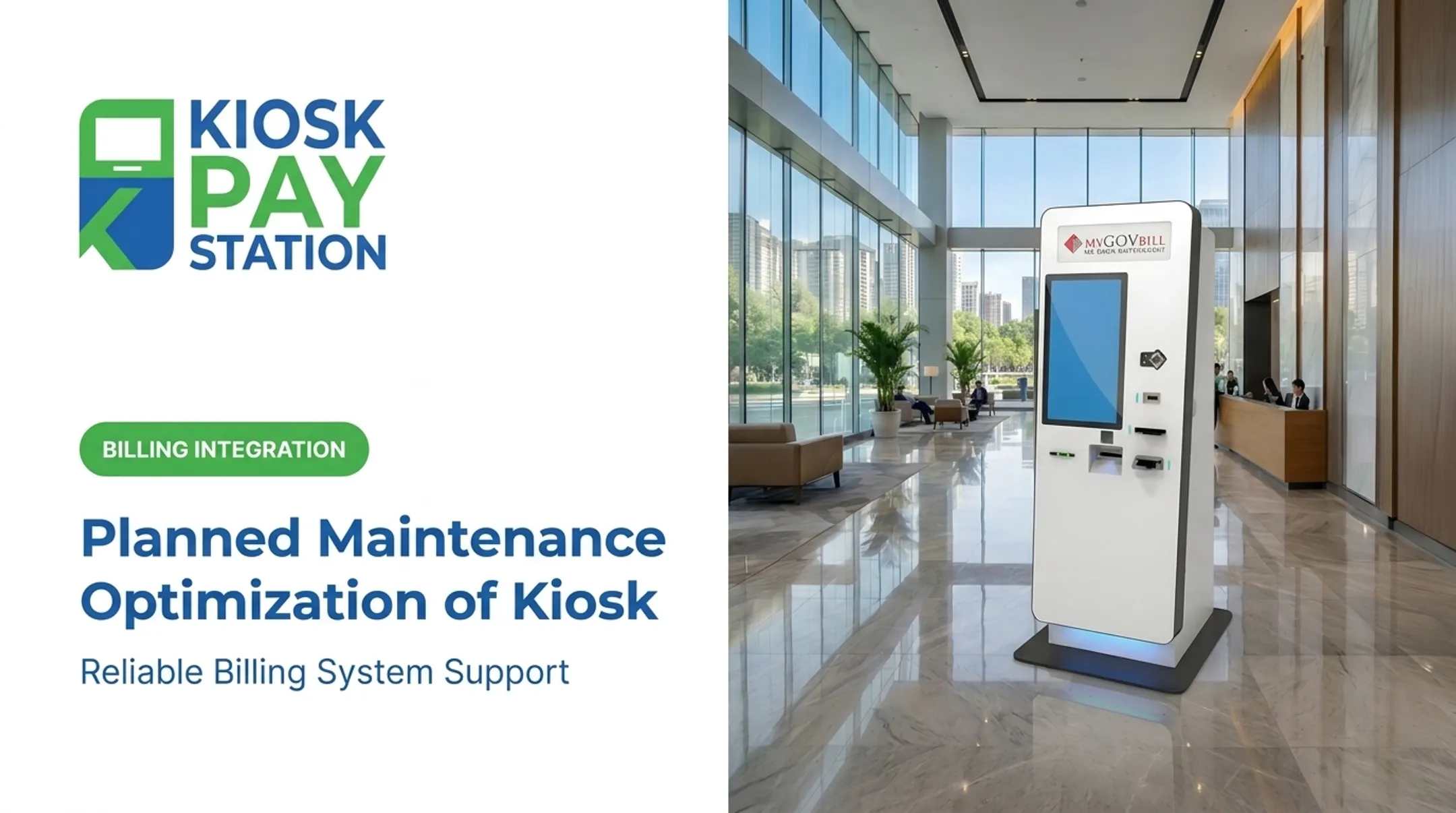
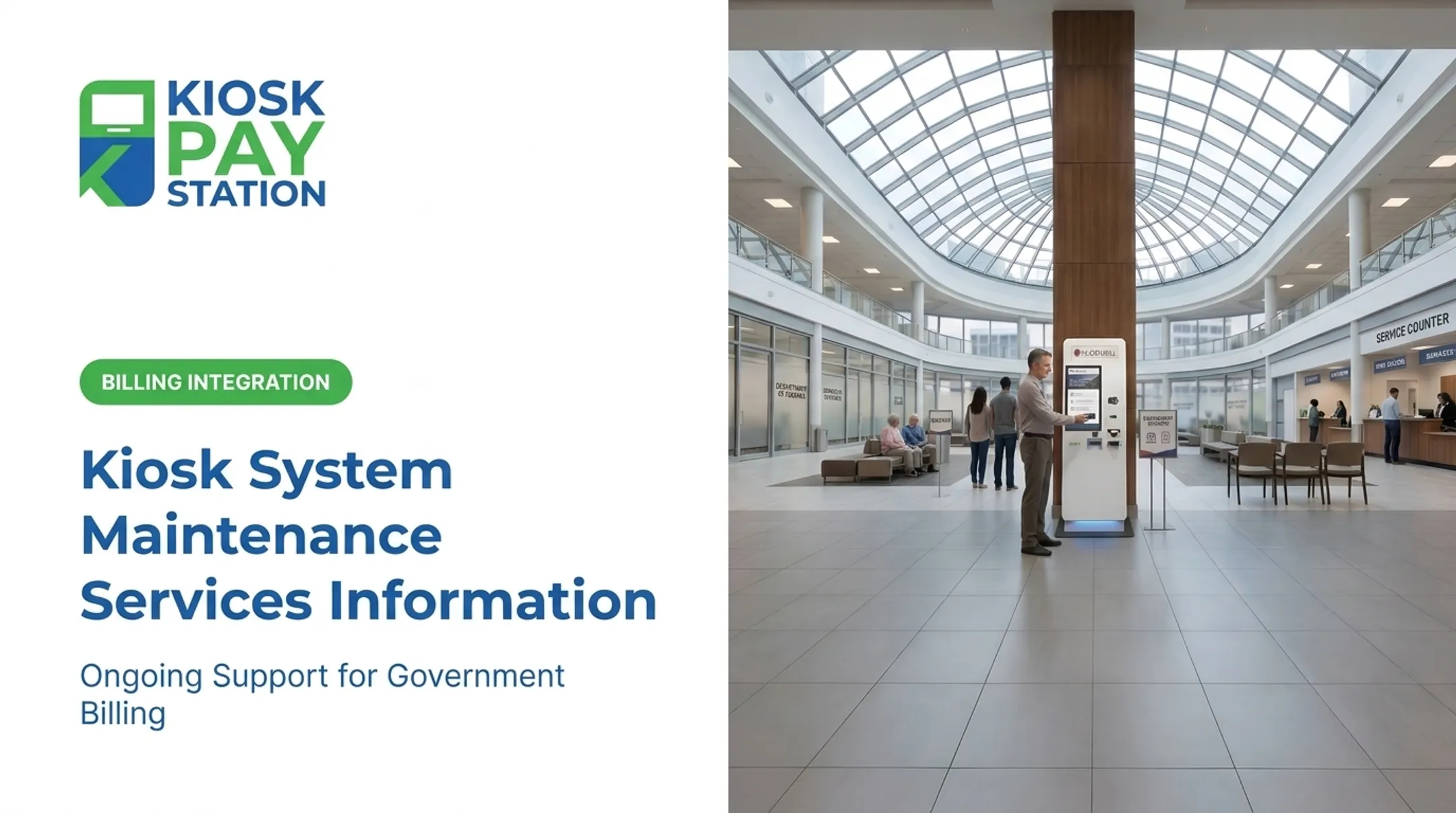
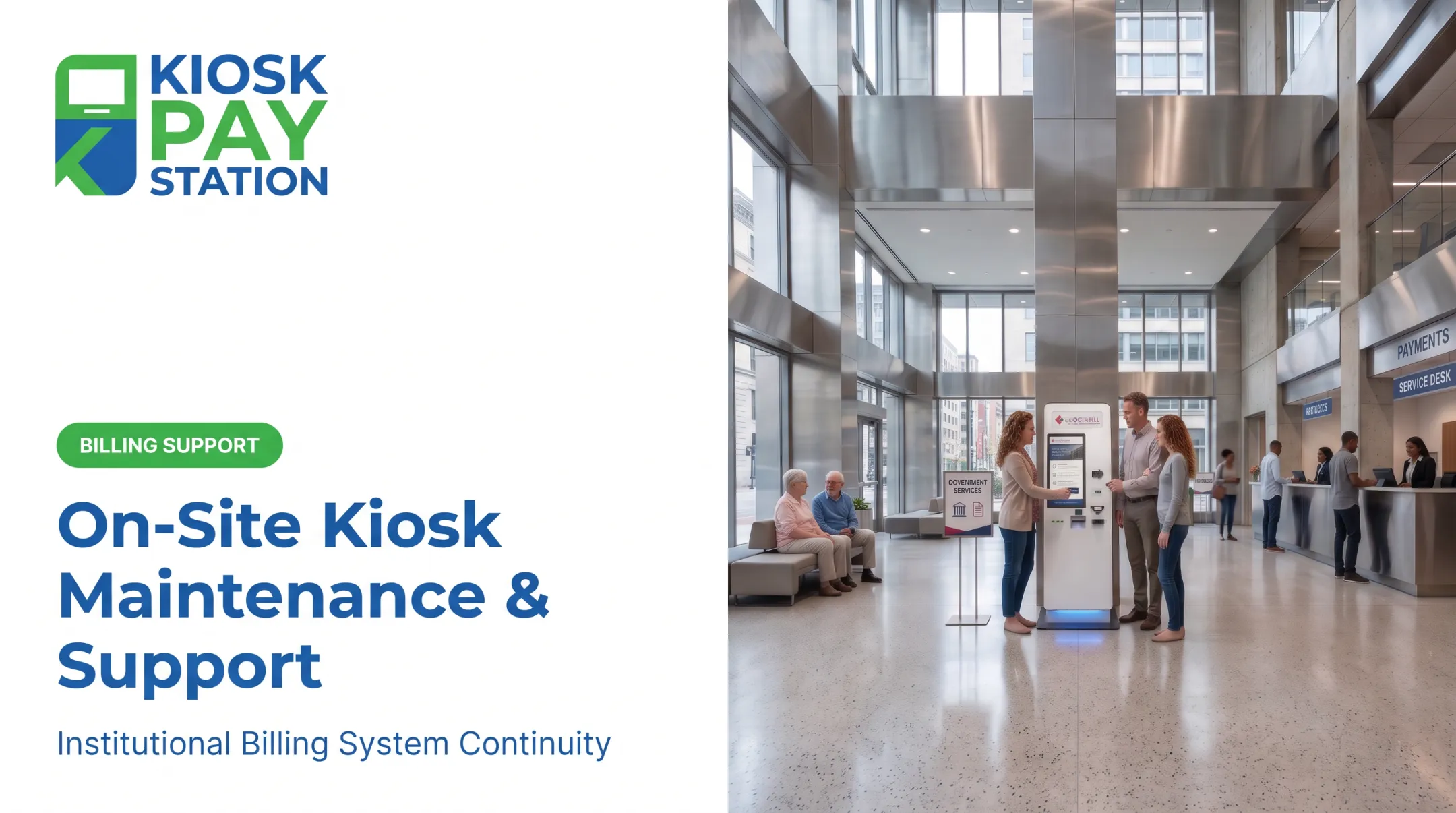
Many agencies struggle with kiosks that "mostly work," which in practice means staff fielding complaints, reconciling mismatched transaction logs, and explaining to frustrated customers why their payment didn't go through. Unplanned downtime doesn't just cost a transaction — it shifts work back onto counter staff and erodes trust in self-service as an option.
This guide covers why maintenance matters, the different types of service a kiosk program needs, warning signs that a unit needs attention, and how to build a realistic maintenance schedule for bill payment operations.
Key Takeaways
- Preventive maintenance keeps bill payment kiosks available, accurate, secure, and easier for staff to support.
- Cover both hardware (screens, printers, readers, cash modules) and digital systems (software, connectivity, patches, reporting).
- Set service frequency based on transaction volume, payment methods, location, and business-hour requirements.
- Log every service action and define when staff handle basic checks versus when a technician steps in.
Why Maintenance of Bill Payment Kiosks Is Important
A single bill payment transaction involves several handoffs: account lookup, payment selection, authorization, cash or card acceptance, receipt generation, posting, and reconciliation. If any one link breaks, the whole transaction fails, and the customer usually doesn't know why.

Worn or poorly maintained components create real problems:
- Inaccurate account lookups from dirty scanners or misaligned card readers
- Duplicate payment attempts when a transaction hangs mid-process
- Unreadable receipts from a printer running low on ribbon or thermal paper
- Reconciliation exceptions when logs don't match posted payments
Every hour a payment kiosk sits offline is a missed transaction and an uncollected payment. According to Olea's kiosk total cost of ownership analysis, when self-service kiosks fail, the work doesn't disappear. It falls back on staff.
Lines form, employees get pulled into manual workarounds, and those workarounds introduce their own errors.
Security and Compliance Are Part of Maintenance, Not Separate From It
Bill payment kiosks handle sensitive account and payment data, which makes maintenance a compliance function as much as a technical one. Following an approved service process — rather than installing unverified software or swapping in unauthorized parts — protects the payment environment.
PCI DSS requirements continue to evolve. As of late 2024, PCI DSS v4.0.1 became the only active version supported by PCI SSC after v4.0 was retired. Kiosk Pay Station's payment technology is PCI-DSS compliant, EMV certified, and uses encrypted processing, which is why authorized updates, not ad-hoc fixes, need to stay part of the maintenance routine.
Accessibility deserves the same attention. Clean touch surfaces, readable screens, working audio prompts, and reliable tactile controls all let customers complete a payment independently. Kiosk Pay Station's units include large touchscreens with light and voice instructions and a multilingual interface, but those features only help if they're actually working when a customer needs them.
Types of Maintenance for Bill Payment Kiosks
Relying on break-fix support alone means every issue becomes an emergency. An effective program blends four approaches: routine and preventive service, corrective repairs, predictive monitoring, and major overhauls or component replacement.
Routine and Preventive Maintenance
This is the day-to-day and week-to-week work that catches small issues before they become outages. It typically covers:
- Cleaning touchscreens, keypads, card readers, and barcode scanners
- Checking receipt paper, cash capacity, and check-processing supplies
- Testing screen responsiveness and printer alignment
- Inspecting vents, locks, cables, and external surfaces for damage or tampering
Task frequency should reflect transaction volume, payment methods, and whether a unit sits indoors, outdoors, supervised, or unattended. A lobby kiosk processing hundreds of daily payments needs more frequent attention than one in a low-traffic satellite office.
A documented service agreement matters here. Kiosk Pay Station's service catalog includes five-year onsite maintenance and component replacement, along with ongoing monitoring and optimization intended to keep kiosk performance stable well after installation, not just during the first few months.
Corrective and Reactive Maintenance
Corrective service responds to something that's already broken: a jam, a failed card reader, a connectivity drop, a cracked enclosure. It's necessary, but it shouldn't be the whole strategy.
Relying only on reactive repairs tends to produce:
- Longer outages while parts get sourced
- Repeated customer failures on the same broken component
- Root causes that never get identified, just patched
- Growing pressure on front-desk staff to cover the gap
When something fails, staff should follow a safe escalation path:
- Record the symptom and the kiosk identifier
- Protect any transaction records tied to the incident
- Place the unit in an appropriate out-of-service status
- Contact authorized support rather than opening secure payment equipment without approval
Predictive and Condition-Based Maintenance
Remote monitoring can flag problems before they cause a failure — rising printer errors, slower response times, repeated reboots, or declining network reliability. Useful indicators to track include:
- Kiosk availability and uptime
- Error frequency and transaction completion rates
- Printer and cash-module status
- Software version and connectivity health
- Time to resolution once an issue is flagged
Kiosk Pay Station supports customizable alerts for low paper and cash replenishment on deployed units, including third-party carrier integration, so a low-supply condition gets flagged before it turns into a stalled transaction.
Major and Overhaul Maintenance
Some issues can't be solved with cleaning or a quick repair. Printers, card readers, and touchscreens typically follow a 3-to-5-year refresh cycle, according to Olea's kiosk lifecycle management research, while a full kiosk is generally built for a 7-to-10-year service life — often needing a major component overhaul around the halfway mark.

Signs that major service is warranted:
- Repeated failures of the same component even after repair
- Software or firmware that's no longer supported
- New security or payment-method requirements the current hardware can't meet
Not every issue calls for full unit replacement. Swapping a printer or card reader is usually far less disruptive, and less expensive, than redesigning an entire kiosk enclosure.
How to Check If a Bill Payment Kiosk Needs Maintenance
Staff don't need to be technicians to catch early warning signs. What they need is a clear process: identify the symptom, confirm whether it's isolated to one unit, preserve transaction details, and escalate securely if payment integrity is in question.

Performance or Transaction Changes
Watch for slower startup, delayed account searches, unresponsive touch input, or receipts that fail to print. Before restarting anything, staff should determine whether the issue is a user-interface glitch or a payment-processing problem — those require different fixes.
When reporting an issue, capture:
- Time of the incident
- Kiosk ID and location
- Transaction status (completed, pending, failed)
- Payment method used
- Any visible error code
Unusual Behavior or Operation
Unexpected restarts, frozen screens, overheating alerts, or repeated application crashes shouldn't be treated as one-off annoyances. A pattern across multiple incidents often points to a failing component, an unstable software update, or an environmental issue like poor ventilation.
Staff should never bypass security controls, adjust payment-device settings, or plug in unauthorized removable media to try to resolve strange behavior on their own.
Visible Wear, Errors, or Irregularities
Physical inspection catches problems monitoring software can't. Look for:
- Cracked screens, damaged bezels, or loose cables
- Blocked vents or fluid exposure
- Worn keypads, dirty scanners, or printer debris
- Signs of forced access or tampering
A kiosk should come out of service immediately if there's suspected tampering, exposed wiring, fluid damage, or any uncertainty about whether a payment actually completed.
Increased Resource Consumption or Manual Intervention
Rising paper usage from duplicate receipts, frequent restarts, or a growing number of staff overrides can signal a deeper problem — not just higher demand. These patterns are worth tracking against service records and transaction reports over time, alongside operational KPIs like transaction completion rate, error frequency, and time to resolution.
Recurring Issues or Downtime
Repeated printer jams, card-reader failures, or reconciliation discrepancies call for root-cause analysis instead of another temporary fix. Document the affected component, how often it fails, recent updates, and whether the transaction was completed, declined, reversed, or flagged for manual review.
Consider professional support or a replacement review when:
- Failures recur even after an authorized repair
- Replacement parts are no longer available
- Software is unsupported
- Disruption to payment access has become unacceptable
Bill Payment Kiosk Maintenance Schedule (General Guidelines)
Think of this as a planning framework, not a fixed rule. Align it with manufacturer guidance, your service agreement, transaction volume, and whether the kiosk accepts cash or check payments.
| Frequency | Key Tasks |
|---|---|
| Daily / Per shift | Clean high-touch surfaces; check paper and consumables; confirm payment and receipt functions; log issues |
| Weekly | Inspect cables, locks, vents, printer paths, and scanners; review recurring alerts |
| Monthly / Quarterly | Check software and firmware status; review transaction logs; test payment peripherals; verify reconciliation |
| Annual | Professional inspection; component-wear review; PCI-DSS/EMV compliance check; accessibility assessment |
A cash-enabled kiosk in a busy lobby needs more frequent attention than a cashless unit in a low-traffic office. Kiosks operating outside staffed hours also need remote monitoring, since there's no one on-site to catch a visible problem in real time.
Keep a maintenance log that captures:
- Kiosk ID
- Date and time
- Task completed
- Technician name
- Observed symptoms
- Parts or software changed
That record is essential when you troubleshoot recurring issues or decide whether a unit needs replacement.
Conclusion
Maintenance for bill payment kiosks is an operational, security, and customer-service requirement. Done well, self-service cuts staff workload. Done poorly, it creates a new set of problems.
A balanced program stays simple:
- Perform routine inspections on a fixed schedule
- Monitor performance and flag drift early
- Document every issue with time, cause, and fix
- Apply only authorized software and firmware updates
- Escalate payment or safety concerns immediately
Kiosk Pay Station supports institutional bill-payment deployments with PCI-DSS compliant, EMV-certified payment technology, ADA-accessible design standards, ongoing monitoring, and multi-year onsite maintenance with component replacement. In Riverside County, two kiosks collected $3.01 million over a seven-day period, more than half of all payments that week and ahead of eight staffed cashier stations.
Results like that depend on kiosks that stay reliably online. Agencies evaluating a maintenance program should match service coverage to their transaction volume and uptime requirements before assuming any kiosk will hold up unattended.
Frequently Asked Questions
What is a self-service kiosk?
A self-service kiosk is an interactive terminal that lets customers complete a task independently, without staff assistance. A bill payment kiosk can support account lookup, payment acceptance, and receipt printing, depending on how it's configured.
How often should a bill payment kiosk be serviced?
Frequency depends on transaction volume, payment methods, environment, and your service agreement. Daily operator checks (cleaning, paper levels) differ from periodic technical inspections and professional servicing.
What maintenance does a bill payment kiosk need?
Regular maintenance includes cleaning, checking receipt and cash or check components, and testing payment devices. It also covers inspecting cables and the enclosure, applying authorized software updates, and reviewing connectivity and accessibility features.
What should you do when a payment kiosk stops working?
Record the error and kiosk ID, check whether a transaction may be pending, and place the unit in an appropriate out-of-service status. Follow your approved troubleshooting steps, then contact authorized support for payment or hardware issues.
Are payment kiosks secure?
Security depends on the full system: compliant payment technology, encryption, EMV support, access controls, authorized updates, and proper handling of transaction data. No kiosk is automatically secure without these controls in place.
When should a kiosk be repaired or replaced?
Repair usually makes sense for isolated, supportable failures. Replacement should be considered when outages recur, parts or software become unsupported, or security and accessibility requirements can no longer be met.