Many agencies are turning to self-service payment kiosks to offer more convenience. However, a secure kiosk is far more than just a card reader in a box. It's one part of a comprehensive, secure payment environment that must meet the rigorous standards of the Payment Card Industry Data Security Standard (PCI DSS). This article will explore what true PCI compliance means for a payment kiosk, covering everything from EMV and encryption to physical security and system integration.
While a purpose-built kiosk can significantly reduce your compliance burden, your agency remains responsible for validating its own compliance obligations. Always confirm requirements with your payment processor, acquiring bank, or a Qualified Security Assessor (QSA).
Key Takeaways
- PCI DSS requirements apply to the entire payment environment, including the kiosk hardware, software, network, connected systems, staff, and operating procedures.
- EMV certification, point-to-point encryption (P2PE), tokenization, and physical tamper inspections are distinct controls that work together to secure transactions.
- Evaluating a kiosk solution requires looking beyond payment security to include account lookup, reconciliation, cash and check handling, accessibility, and system integration.
- A purpose-built payment kiosk helps provide convenient self-service access and reduces front-counter workload, but it does not eliminate your agency's ultimate responsibility for compliance.
What PCI Compliance Means for Government and Utility Payment Kiosks
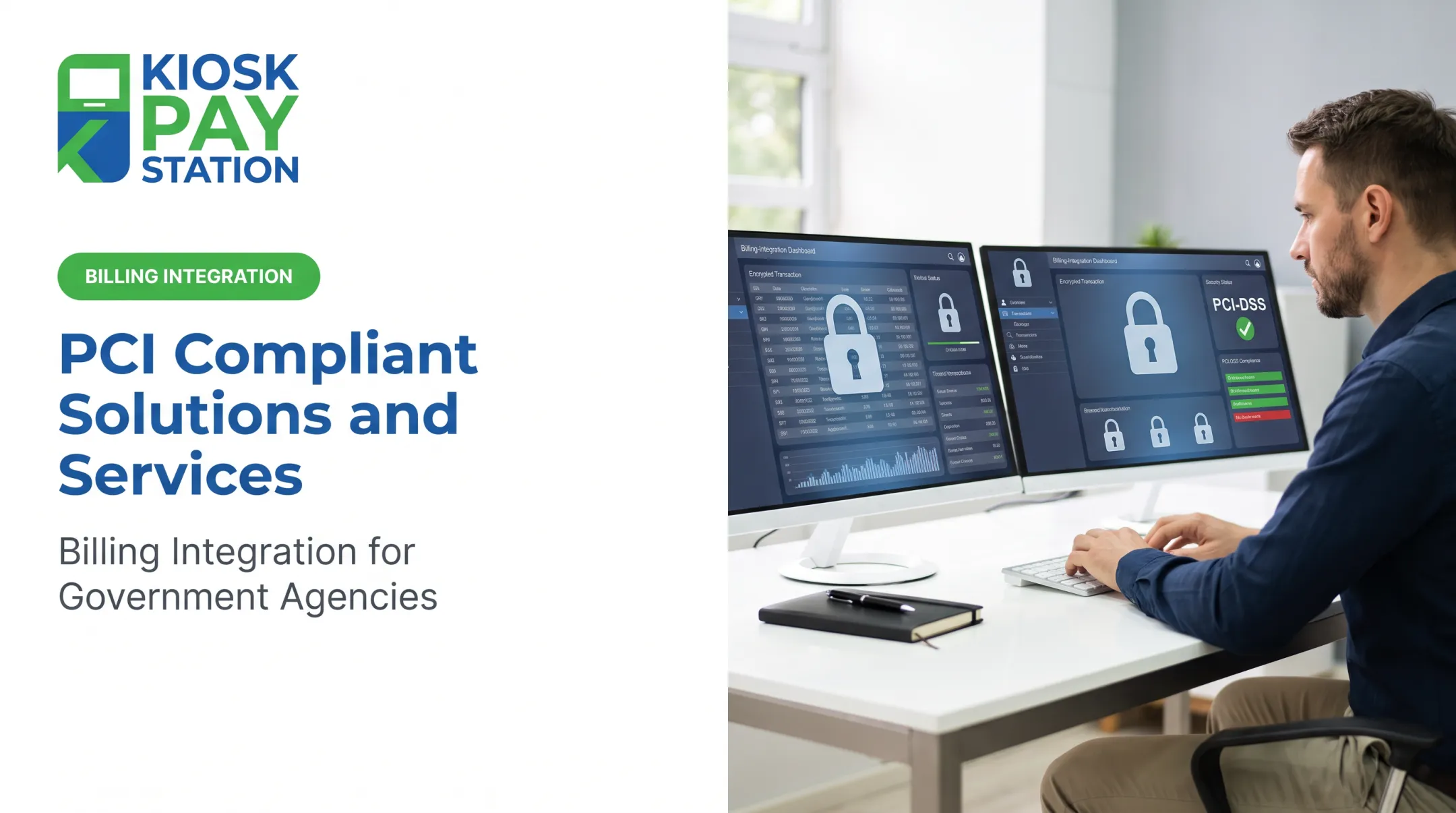
When your agency accepts credit or debit cards, you become part of a payment ecosystem governed by the PCI DSS. This standard applies to any organization that accepts, processes, transmits, or stores cardholder data, including public-sector entities using unattended kiosks.
The core concept is protecting the Cardholder Data Environment (CDE)—the people, processes, and technology that handle card data. For a payment kiosk, the CDE can be extensive, potentially including:
- The payment card reader itself
- The kiosk’s operating system and payment application
- Network connections to the payment processor
- Backend agency systems that receive transaction data
- Administrative access for staff and vendors
- Service and maintenance procedures
PCI DSS vs. EMV Certification
PCI DSS compliance and EMV certification are not the same thing. They address different aspects of security.
- EMV (Europay, Mastercard, and Visa) is a technical standard for smart card payments. EMVCo certifies hardware and software for secure chip and contactless (NFC) processing that helps stop counterfeit card fraud.
- PCI DSS is a broader set of operational and technical controls for securing the entire CDE. An EMV-certified reader is required, but it alone does not make your kiosk or agency PCI compliant.
Reducing Scope with P2PE and Tokenization
Two technologies, point-to-point encryption (P2PE) and tokenization, are essential for reducing the PCI compliance scope of your kiosk deployment.
- Point-to-Point Encryption (P2PE): A validated P2PE solution encrypts card data at the reader before it reaches the kiosk OS or your network. The processor holds the decryption keys, which can sharply cut the PCI DSS controls your agency must handle.
- Tokenization: Replaces the primary account number (PAN) with a unique, non-sensitive token that has no value if intercepted. After a P2PE-protected transaction, tokens support recurring billing or refunds without storing the real card number.
The Shared Responsibility Model
PCI compliance is a shared responsibility among your agency, your kiosk provider, and your payment processor. Before deploying a kiosk, you must have a clear understanding of who is responsible for each control.
- Kiosk Provider: A provider like KIOSK PAY STATION delivers a purpose-built kiosk with a PCI-approved payment device, hardened OS, and validated P2PE solution, plus secure remote updates and maintenance.
- Payment Processor: The processor provides the secure P2PE gateway, handles decryption of transaction data, and securely transmits payment authorizations.
- Your Agency: You remain responsible for physical security (including tamper checks), staff access, your network environment, and compliance validation via an SAQ or formal audit. Your acquiring bank helps confirm the right SAQ for your architecture, such as SAQ P2PE or SAQ B-IP.

Security Architecture and Controls for a PCI-Compliant Kiosk
A secure payment kiosk is built with layers of protection that cover hardware, software, network connections, and physical security. The goal is to ensure that from the moment a resident looks up their account to the final reconciliation, sensitive data is never unnecessarily exposed.
Payment Hardware Requirements
The foundation of a secure kiosk is its payment hardware. It must be a payment device approved for unattended environments.
- PCI PTS-Approved Device: The payment terminal must be listed on the PCI Security Standards Council's list of approved PIN Transaction Security (PTS) devices. These devices have built-in tamper-detection and response mechanisms.
- EMV & Contactless Support: The reader must support EMV chip and PIN transactions as well as contactless payments (NFC) for mobile wallets like Apple Pay and Google Pay.
- Physical Separation: The secure payment device should be physically and logically separate from the kiosk's general-purpose components, like the main computer and touchscreen.
Software and Kiosk Lockdown
The kiosk's software environment must be hardened to prevent unauthorized access or malicious activity.
- Restricted OS: The operating system should be locked down, with all unnecessary applications, ports, and services disabled. Users should never be able to access the underlying desktop or file system.
- Application Control: Only approved software required for the payment process should be allowed to run.
- Secure Remote Access: Any remote access for maintenance or support must use multi-factor authentication and be restricted to authorized personnel. KIOSK PAY STATION manages this as part of our service, ensuring that patches and updates are deployed securely.
Network and Data Protections
How the kiosk connects to your network and the payment processor is a critical part of the CDE.
- Encrypted Transmission: All transaction data must be encrypted in transit using strong protocols like TLS 1.2 or higher, both from the kiosk to the processor and to any internal agency systems.
- Network Segmentation: Whenever possible, kiosks should be isolated on their own network segment, separated by a firewall from general public or administrative networks.
- P2PE: A validated P2PE solution encrypts card data before it enters your network, which helps limit PCI scope.
Physical and Environmental Controls
Because kiosks are in public spaces, physical security is essential. Your agency's staff plays a key role here.
- Regular Inspections: Train staff to check kiosks for tampering, skimmers, and substitution on a documented, risk-based schedule based on each location’s exposure.
- Secure Mounting: Kiosks should be securely mounted to prevent theft or unauthorized access to internal components. KIOSK PAY STATION offers standalone, countertop, and in-wall models to fit different physical environments.
- ADA Accessibility: Meet 2010 ADA Standards for placement and use, including 15 to 48 inch forward reach ranges and controls that don’t require tight grasping. KIOSK PAY STATION kiosks use large touchscreens with optional voice and light instructions.
How to Evaluate and Deploy a PCI-Compliant Payment Kiosk
Choosing the right payment kiosk involves more than just picking hardware. A successful deployment requires a thoughtful evaluation of your agency's needs, a clear understanding of compliance responsibilities, and a plan for integration and ongoing governance.
Follow these steps to ensure a smooth and secure deployment:
- Assess Your Requirements: Document your needs before you talk to vendors. Capture at least:
- Payment types (taxes, utilities, fees) and expected transaction volumes
- Kiosk locations and whether you need cash and check acceptance plus cards
- How residents will look up accounts (account number, property ID, QR code)
Map Your PCI Scope and Responsibilities: Work with vendors and your payment processor on a responsibility matrix that assigns each PCI DSS control to a named party. Require each vendor’s P2PE Instruction Manual (PIM) so your team knows what it must do to keep the P2PE environment valid.
Verify All Certifications: Don't rely on marketing language like "PCI compliant." Request the vendor's Attestation of Compliance (AOC) for PCI DSS, confirm the payment device is on the PCI PTS list, and verify the P2PE solution appears on the PCI SSC list of validated solutions.
Evaluate Integration Options: Confirm how the kiosk will connect to your billing or financial systems. KIOSK PAY STATION supports real-time API validation, secure file-based transfers, and non-validated setups for simpler needs—so payments post automatically and reconciliation stays clean.
Test the Entire Process: Before go-live, test the full flow: successful and declined payments, network interruptions, receipt printer failures, and backend reconciliation. Train staff to handle exceptions and help residents when something breaks.
Establish Post-Launch Governance: Put ongoing security in writing: regular tamper inspections, controlled admin access, device monitoring, and PCI scope reviews each year or whenever payment architecture changes. KIOSK PAY STATION can support this with a five-year onsite maintenance program and ongoing monitoring.

Government and Utility Payment Kiosk Use Cases
Payment kiosks give public-sector organizations a practical way to clear routine payments without long counter lines. Agencies free staff for complex issues and extend payment access beyond traditional office hours.
Tax, Court, and City Hall Payments
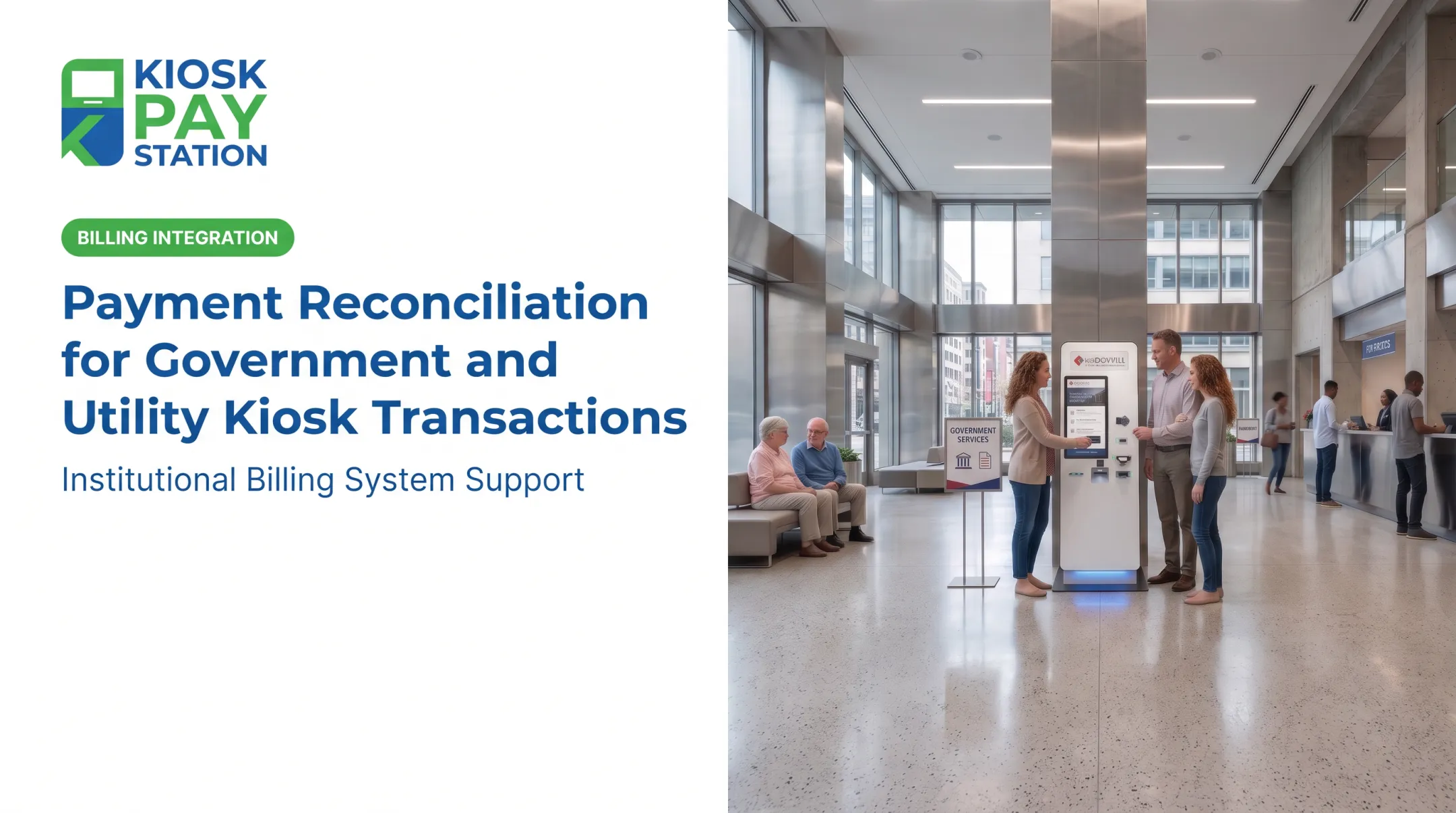
City halls, county tax collectors, and court systems use kiosks for account-based payments. Residents look up an account and pay a property tax bill, traffic citation, or permit fee without waiting in line. The New York City Department of Finance reported that in 2022, transactions on its new payment kiosks were taking less than one minute on average.
KIOSK PAY STATION solutions support unlimited custom data fields, so each transaction can carry department codes, property identifiers, or case numbers. Payments post to the right account, and reconciliation stays clean.
Utility Bill Payments
For utility providers, kiosks give customers a reliable way to pay water, gas, or electricity bills. Customers look up an account with a barcode or QR code on the bill, or by entering a name or account number.
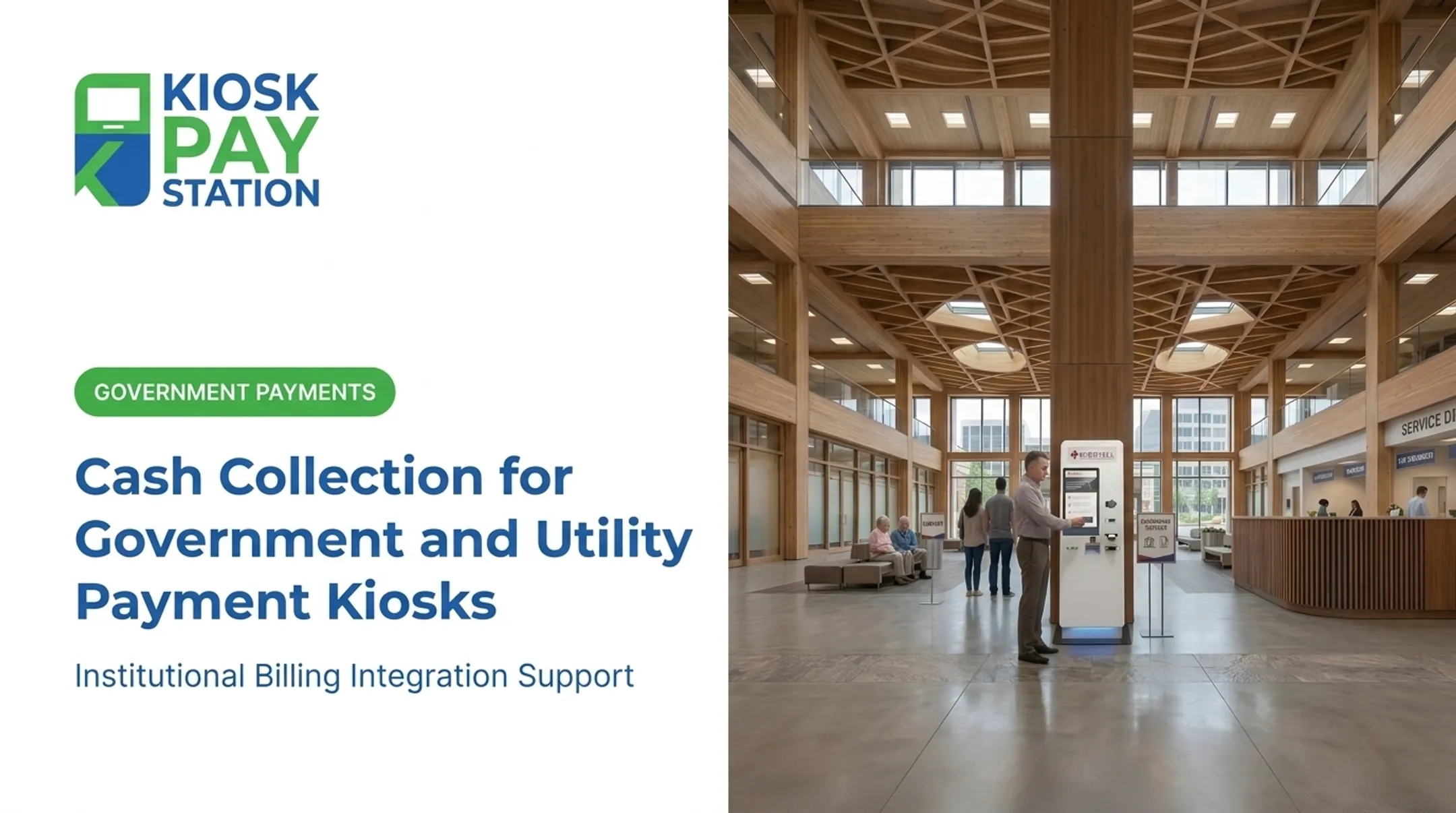
They can pay the full balance or make a partial payment and get an immediate printed receipt. Many agencies place kiosks in 24/7 spots such as an exterior wall or vestibule, so customers can pay anytime.
Depending on the model, our kiosks accept:
- Cash, with exact change dispensed in bills and coins
- Checks
- Credit and debit cards
- E-wallets
In Riverside County, California, two of our kiosks collected $3.01 million in a single seven-day period. That same week, those two units took in more than eight staffed cashier stations, which processed $2.4 million combined.

A Purpose-Built Solution for Public Payments
Most payment kiosks start as generic retail units retrofitted for bill pay. KIOSK PAY STATION does not. As a MyGovBill subsidiary, our hardware and software are built for government and utility payment collection—high volume, mixed tender, and strict compliance.
What agencies get with the platform:
- PCI-DSS compliant processing with EMV-certified readers and validated P2PE encryption
- Configurations for cash, checks, credit/debit cards, and e-wallets
- ADA-accessible units with large touchscreens plus multilingual voice and light guidance
- Billing-system connections that automate reconciliation and keep transactions clean and traceable
- Installation, integration, and a five-year onsite maintenance and component-replacement program
Automating routine payments cuts front-desk traffic, improves transaction accuracy, and frees staff for higher-value work.
Ready to shorten lines and offer secure self-service access—up to 24/7? Contact us for a free consultation on security, integration, and deployment for your agency.
Frequently Asked Questions
Does PCI DSS apply to government payment kiosks?
Yes. If your agency's kiosk stores, processes, or transmits cardholder data, or is connected to systems that do, then PCI DSS requirements apply. The exact scope depends on your complete payment environment.
What makes a payment kiosk PCI compliant?
PCI compliance means required controls cover the full payment environment: approved hardware, secure software, network segmentation, encryption, physical security, and documented policies. A kiosk marketed as "compliant" is not enough on its own.
Is EMV certification the same as PCI compliance?
No. EMV certification validates a device's ability to securely accept chip and contactless cards to prevent fraud. PCI DSS is a much broader standard that covers the security of the entire cardholder data environment, including your network, systems, and procedures.
Can a payment kiosk accept cash, checks, and card payments securely?
Yes, certain kiosk configurations can securely support multiple payment methods. However, your agency must confirm the specific hardware, processing workflows, cash-handling controls, and reconciliation processes for each payment type before deployment.
How often should government payment kiosks be inspected and updated?
You should follow a documented, risk-based schedule for physical tamper inspections, vulnerability scanning, and software patching. This schedule should be based on current PCI DSS requirements, guidance from your payment processor, and the kiosk's level of public exposure.
What should an agency ask a kiosk provider before deployment?
Ask for their PCI DSS Attestation of Compliance, PCI PTS and P2PE validation, integration and account-lookup options, accessibility and payment-type support, plus monitoring, incident response, and maintenance terms.