This scenario plays out in government offices across the country every month. Transaction reconciliation is the process that prevents it: comparing internal payment records against external statements to confirm everything matches. For public agencies juggling cash, checks, and cards across multiple counters and kiosks, getting this right isn't optional. It's the foundation of clean books and audit readiness.
This guide covers what reconciliation is, its main types, a step-by-step process, best practices, and how automation, including self-service kiosks, cuts down the manual grind.
Key Takeaways
- Transaction reconciliation verifies internal records match external statements, catching errors before they hit financial statements
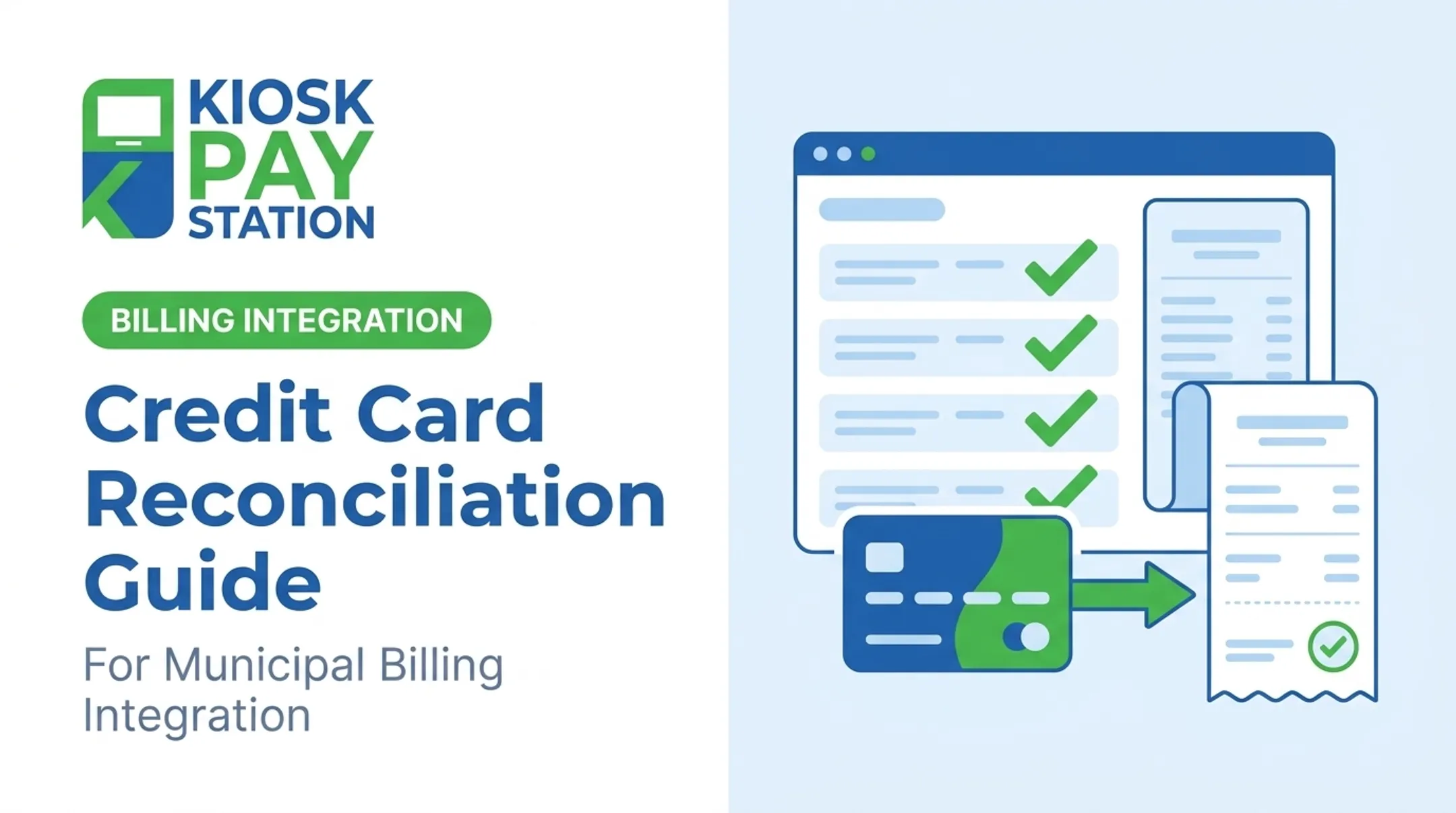
- Bank, AP/AR, credit card, intercompany, and GL/subledger reconciliations each catch different mismatch and timing risks
- A five-step process (gather, match, investigate, adjust, document) speeds up the close and reduces errors
- Automated payment and billing workflows cut manual reconciliation work in high-volume government offices
What Is Transaction Reconciliation?
Transaction reconciliation is the process of comparing two or more sets of financial data at the individual transaction level to confirm accuracy and completeness. That usually means checking internal ledgers or subledgers against external bank statements, processor settlements, or vendor records. The Washington State Office of Financial Management defines it simply: reconciliation correlates one record set with another (or with a physical count) to identify, explain, and correct differences. Treat that as the control model—not just a software feature. Discrepancies typically come from:
- Manual data entry errors during counter transactions
- Timing differences, such as a check that clears days after it's recorded
- Misclassification of transactions between funds or departments
- Fraud or unauthorized activity Transaction-level reconciliation differs from account-level reconciliation. Matching line by line catches issues before small errors compound into large, hard-to-trace balance discrepancies.
Types of Transaction Reconciliation
Different reconciliation types serve different control purposes for public agencies:
| Type | What it verifies |
|---|---|
| Bank reconciliation | Cash records against bank statement deposits, withdrawals, and fees |
| AP/AR reconciliation | Subledgers against vendor invoices or customer payment records |
| Card, cash, e-wallet reconciliation | Multiple payment methods collected at counters or kiosks |
| Intercompany/interdepartmental | Transactions between departments or funds net to zero |
| GL/subsidiary ledger | Subledger detail ties out to summary GL balances |
| Bank reconciliation is the most familiar. The Washington State Auditor's Office requires this at least monthly, comparing bank ending balances, receipts, and deposits against the corresponding accounting records. | |
| AP and AR reconciliation match what an agency owes or is owed against the general ledger. Georgia's State Accounting Office and Washington's OFM both publish dedicated procedures for this, because unmatched receivables and payables are common audit findings. | |
| Card, cash, and e-wallet reconciliation gets complicated fast when agencies run counters and kiosks side by side. Every tender type needs its own trail back to the bank deposit. | |
| Intercompany or interdepartmental reconciliation keeps internal transfers between funds from creating phantom balances. GL/subledger reconciliation is the final tie-out—confirming detailed transaction data matches the summary balances at the top level. |

The Transaction Reconciliation Process: Step-by-Step
Reconciliation isn't complicated in theory. It's the volume of transactions that makes it hard in practice. Here's the standard five-step process:
- Gather documentation — Collect internal records (GL, subledgers, transaction logs) and external records (bank statements, processor reports, kiosk transaction logs).
- Standardize and match transactions — Normalize formats, then match on amount, date, and reference number—one-to-one, one-to-many, or many-to-many when payments are batched.
- Identify and investigate discrepancies — Flag unmatched or duplicate items and dig into root causes, whether that's a timing gap or a data entry slip.
- Adjust records — Post journal entries to correct errors, book fees, or reflect corrections, following an approval workflow.
- Final review, sign-off, and documentation — Confirm balances match and retain a complete audit trail of adjustments and approvals.

That final review is where standards get strict. Washington's bank reconciliation guidance calls out that unrecorded deposits must be investigated and recorded, not just flagged and forgotten. After valid reconciling items are adjusted, no unexplained difference should remain.
A 2021 Missouri State Auditor report found a sheriff's office commissary account that didn't reconcile bank to book, with a vendor report later identifying over $11,000 in unreconciled liabilities.
The auditor's point was practical: monthly liability lists tied to cash help agencies catch and correct errors early, before they snowball.
Why Transaction Reconciliation Matters
Reconciliation isn't paperwork for its own sake. It serves three concrete purposes for public agencies:
- Cleaner books and faster closes, with fewer unresolved adjustments stacking up at period-end
- Fraud and anomaly detection by comparing independent sources—activity one ledger alone can miss (the GAO estimates federal fraud losses at $233 billion to $521 billion annually for 2018–2022; not a reconciliation-only metric, but a clear case for verification controls)
- Audit-ready evidence: New York State requires documented, approved, retained reconciliations, so a dated package with source files and sign-offs stands up to taxpayers and state auditors
Best Practices for Effective Reconciliation
A few habits separate agencies with clean books from those scrambling every close:
- Set a risk-based schedule. Reconcile high-volume accounts daily; run lower-risk accounts weekly or monthly. Washington sets a monthly floor; New York requires completion within 5-7 days of month-end.
- Standardize the process. Clear ownership, approval workflows, and matching tolerances by transaction type prevent ad hoc handling.
- Separate preparation from approval. Keep reconcilers separate from staff who record receipts and disbursements to preserve segregation of duties.
- Distinguish timing differences from true discrepancies. Classify each unmatched item as timing or true error, and document the explanation before close.
- Keep a complete audit trail. Every adjustment needs a reason, a reviewer, and supporting documentation.
How Self-Service Kiosks Simplify Reconciliation for Government Agencies
Manual, counter-based collection multiplies reconciliation work. Every cashier's till, receipt log, and cash drawer has to be matched separately, which means an agency running eight counters is running eight parallel reconciliation processes every single day.
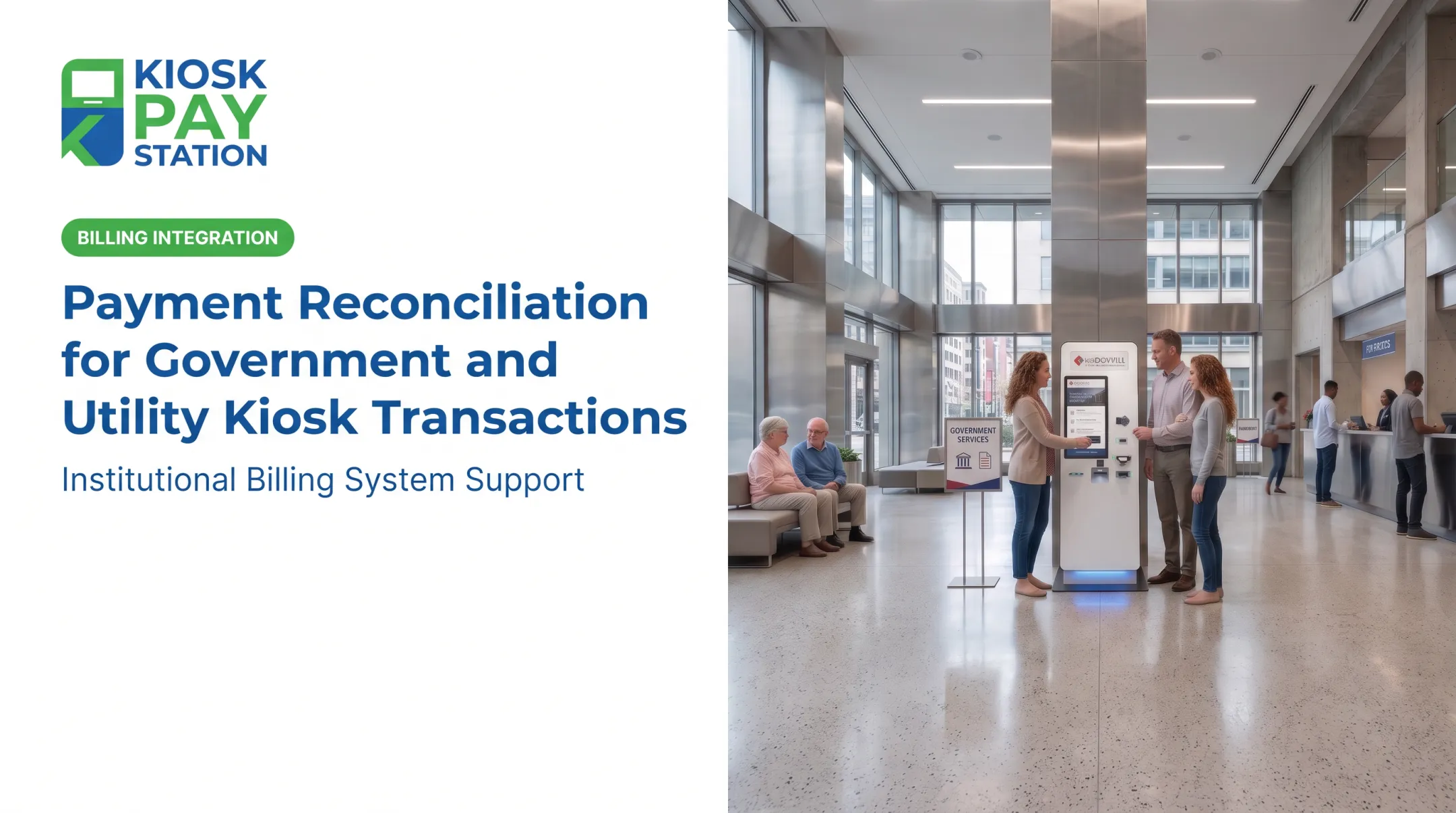
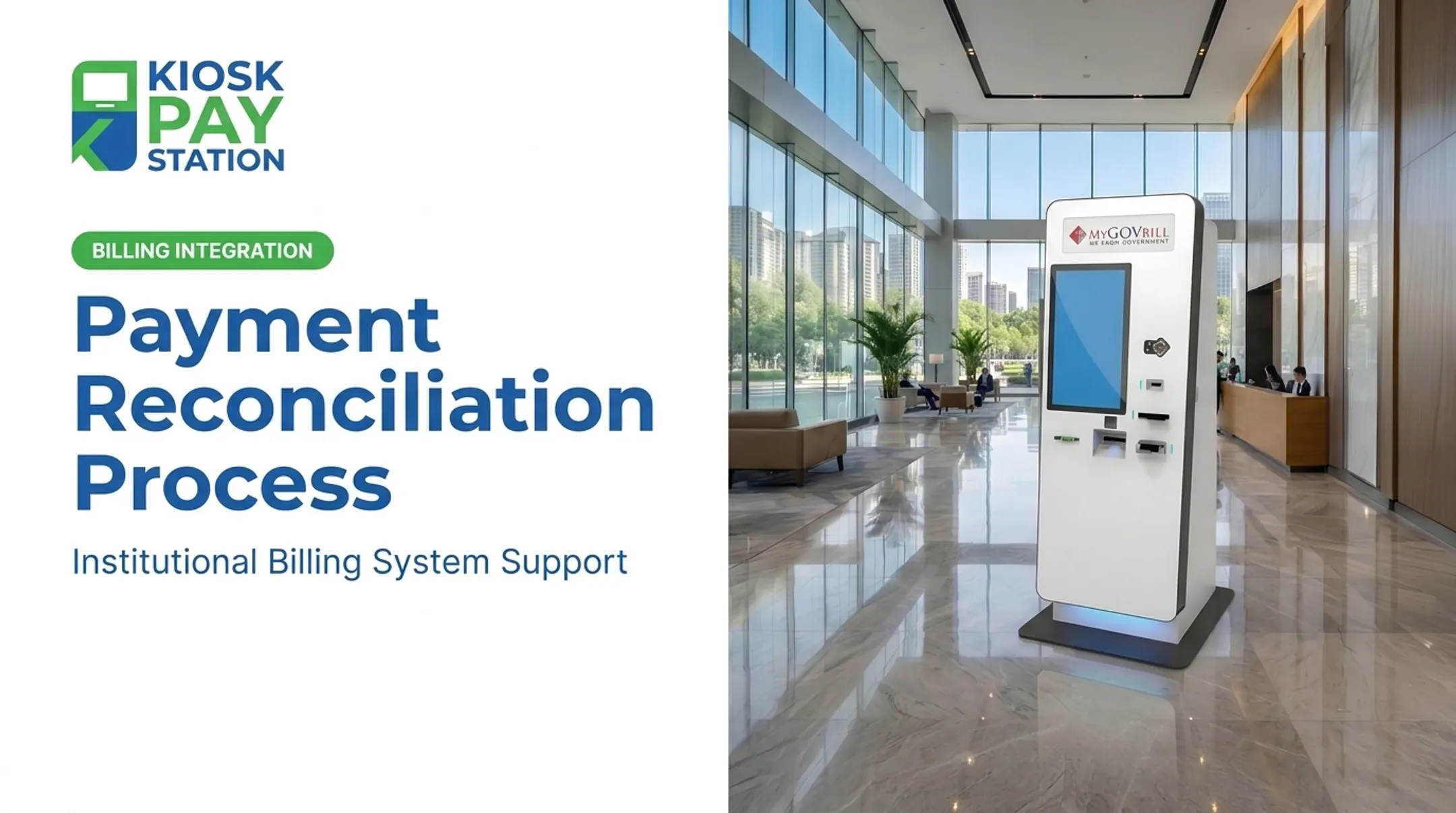
Self-service payment kiosks approach this differently. They centralize cash, check, credit/debit card, and e-wallet transactions into a single, traceable, PCI-DSS compliant system instead of scattering payment data across staffed stations. KIOSK PAY STATION supports that model with billing-system integration, monitoring, and reconciliation-ready data flows for government and utility agencies.

What Automated Reconciliation Looks Like
Each kiosk transaction can carry unlimited custom data elements:
- Department codes
- Account numbers and property IDs
- Invoice references
- QR codes or barcodes for account lookup
That data travels with the payment and syncs to treasury, court, or utility systems through real-time, file-based, or non-validated integration. Agencies get export-ready transaction records built for reconciliation—not a stack of receipts to key in by hand.
Riverside County: Volume and Reconciliation at Scale
The clearest illustration of this comes from Riverside County. Over a seven-day period, two self-service kiosks collected $3,001,000 in payments, more than half of all taxes collected in that window. Eight staffed cashier stations, over the same period, processed $2,400,000.

The reconciliation difference matters as much as the volume. Every kiosk dollar arrived with a consistent, traceable transaction record, so staff were not reconciling eight separate cash drawers. Fewer manual touchpoints means fewer places for a discrepancy to appear.
Automated reconciliation shifts staff time from routine matching to real exceptions. Agencies keep cleaner books and a full audit trail through month-end close and formal review.
Frequently Asked Questions
What are the main types of transaction reconciliation?
Primary types include bank, AP/AR, credit card and cash, intercompany or interdepartmental, and GL/subledger reconciliation. Each verifies a different layer of financial activity.
What is general ledger (GL) and subsidiary ledger (SL) reconciliation?
GL/SL reconciliation confirms that detailed transactions recorded in a subledger, like accounts payable or payroll, match the summary balances posted in the general ledger. It's the final tie-out step in the reconciliation chain.
What are the steps of bank reconciliation?
Gather the bank statement and internal cash records, match transactions by amount and date, identify discrepancies, adjust records for errors or fees, and document the final sign-off.
What is an example of transaction reconciliation?
A common example is matching a kiosk's daily cash and card transactions against both the bank deposit and the internal ledger. If the totals align, transactions are confirmed accurate; if not, staff investigate the discrepancy.
How often should agencies reconcile payment transactions?
High-volume accounts, like daily tax or utility collections, benefit from daily reconciliation. Lower-volume accounts can typically be reconciled weekly or monthly, depending on risk level.
Can transaction reconciliation be automated?
Yes. Modern payment kiosks and billing-system integrations can automate data capture and matching, syncing transaction data in real time or through scheduled file transfers. That cuts manual effort and matching errors.