Sound familiar?
Across the country, government agencies, utilities, and courts are moving away from these outdated workflows. Constituents now expect the same 24/7 payment access they get from their bank or favorite retailer. Cashless payment systems, including cards, mobile wallets, ACH transfers, and self-service kiosks, are how agencies are meeting that demand.
This guide breaks down the types of cashless systems available, the real benefits agencies are seeing, the challenges to plan for, and how to choose the right solution for your organization.
Key Takeaways
- Agencies typically combine cards, mobile wallets, ACH transfers, and self-service kiosks into one cashless stack
- Cashless intake cuts counter workload and errors while extending payment access past business hours
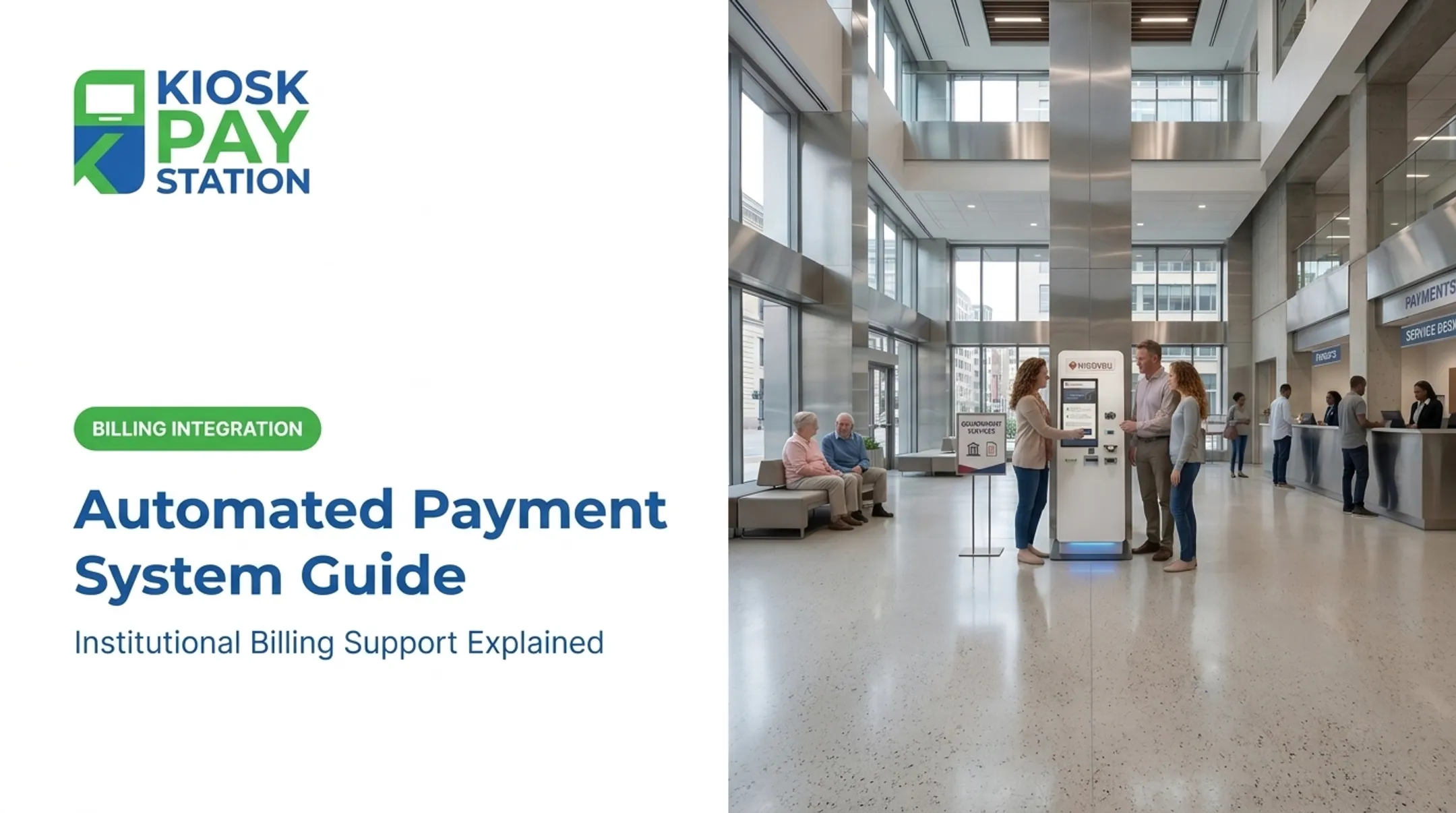
- Self-service kiosks collect utility bills, court fees, and taxes without staffed payment windows
- PCI-DSS and EMV compliance are non-negotiable when selecting a vendor
What Are Cashless Payment Systems and Solutions?
Cashless payment systems cover any transaction method that doesn't involve physical cash. Common methods include:
- Credit and debit cards
- Mobile wallets
- ACH bank transfers
- Self-service payment kiosks
Cashless is not the same as contactless. Contactless means NFC-based "tap-to-pay," whether on a chip card or a phone wallet. An ACH debit or a check scanned at a kiosk is cashless, but not contactless.
Every contactless transaction is cashless; not every cashless transaction is contactless.
Adoption of noncash payments has grown steadily. According to the Federal Reserve's 2024 Payments Study, credit card payment volume grew roughly 31% between 2018 and 2022, reaching 58.5 billion transactions worth $5.83 trillion in 2022 alone.
ACH kept pace. Nacha reported 35.19 billion payments worth $93 trillion in 2025, a 4.9% year-over-year jump in transaction count.
Public agencies are catching up for a simple reason: constituents already bank, shop, and pay bills digitally everywhere else. A city hall that only accepts cash at a counter feels stuck in a different decade—and it costs staff time that could go to higher-value work.
Types of Cashless Payment Systems Available Today
Card-Based and Mobile Payments
Credit and debit card processing remains the backbone of cashless collection, now joined by mobile wallets like Apple Pay and Google Pay. Contactless "tap-to-pay" has made these transactions faster at the point of contact.
For government use, EMV certification is not optional. EMVCo's Level 1 and Level 2 testing verifies that card readers and mobile payment devices meet mechanical, electrical, and transaction-processing standards. Before deploying any card acceptance hardware, agencies should confirm the vendor has documented EMV approval evidence, not just a claim of compatibility.
Digital and Bank-Based Transfers
ACH is the workhorse for recurring and one-time government transactions. The Bureau of the Fiscal Service identifies ACH as its primary electronic funds transfer method. For agencies, that translates to:
- Online bill pay portals
- Direct debit for recurring utility or tax payments
- Bank-to-bank transfers for one-time settlements
These channels work well for constituents who already bank digitally, but they don't solve the problem for walk-in payers or those without a checking account.
Self-Service Kiosks
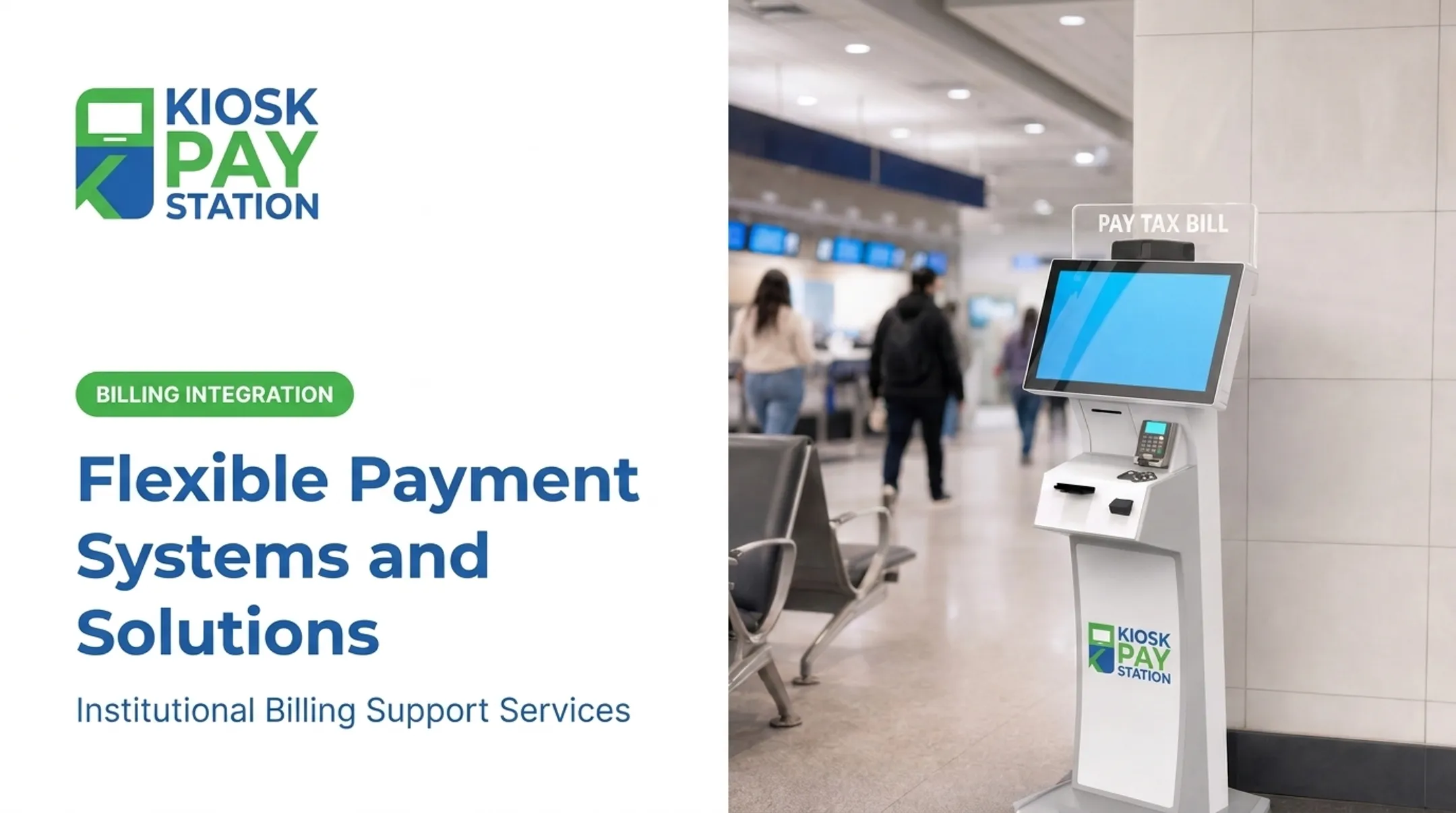
Kiosks fill the gap between fully digital channels and the staffed counter. Constituents can pay by card, check, or e-wallet without a staff member present. Some configurations also accept cash (bills and coins).
Kiosk configurations typically come in three forms:
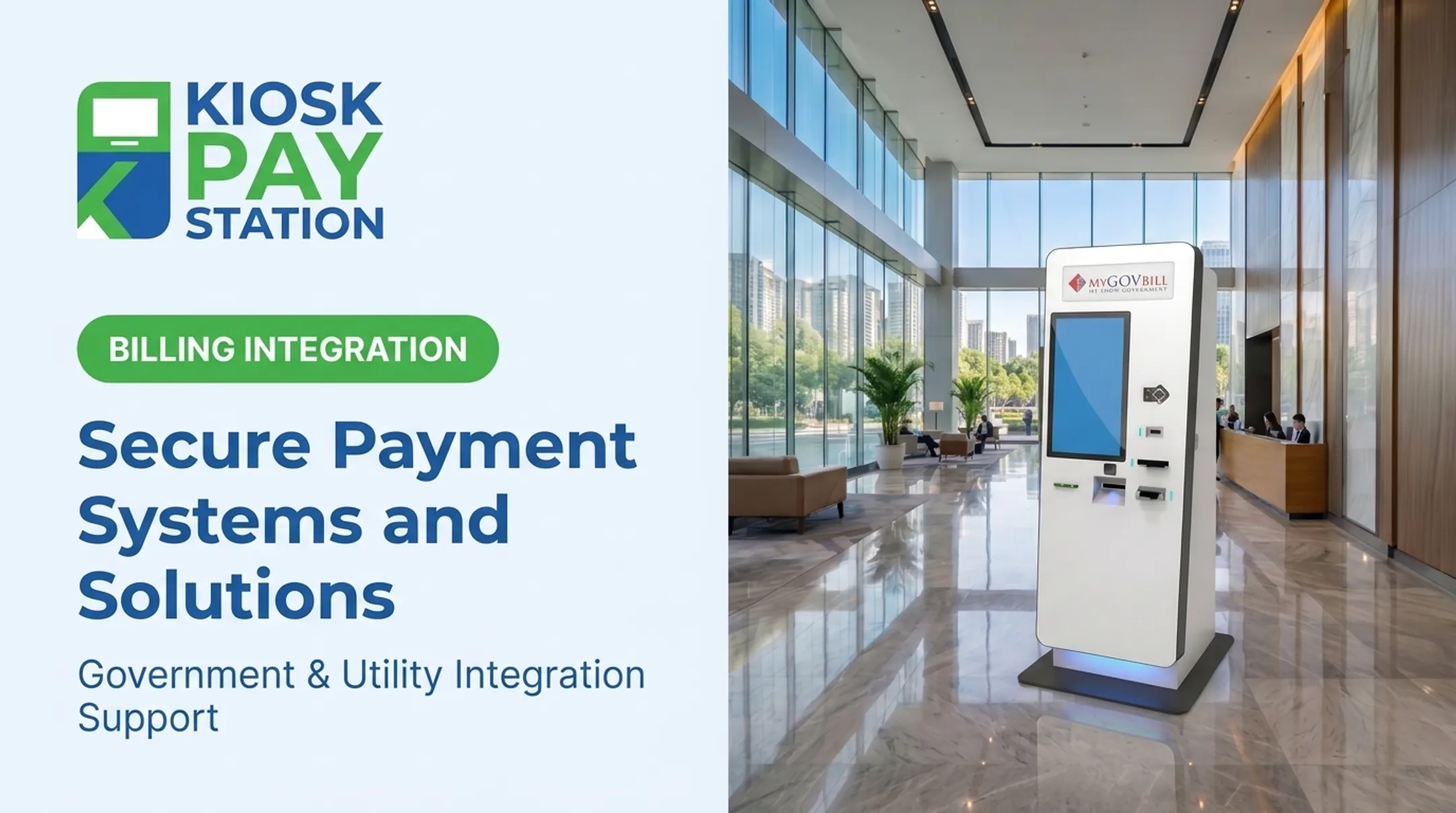
- Standalone units — freestanding, often placed in lobbies
- Countertop units — smaller footprint for existing service counters
- In-wall units — recessed for permanent, exterior-accessible placement

Purpose-built government kiosks stand out on custom data capture. A tax collector's kiosk can look up an account by:
- Invoice number
- QR code or barcode
- Name
- Custom property ID
Each transaction can carry custom data elements—department codes, account references, and similar fields—so reconciliation stays clean later.
Benefits of Cashless Payment Solutions for Government and Public Agencies
Cashless payment solutions cut manual counter work and give constituents more ways to pay. Agencies usually see the strongest gains in four places:
- Generates export-ready records on every kiosk or digital payment, so staff stop matching cash-drawer totals to a ledger at close
- Keeps payment access open after hours, so a constituent can pay a water bill at 9 p.m. instead of taking time off work
- Attaches a digital trail with department code, account number, and timestamp, which makes audits far less painful than paper receipts
- Moves routine payments off the front counter, freeing staff for complex cases that need a human
The Riverside County Example
Riverside County deployed two self-service kiosks that collected $3.01 million over a seven-day period. In that same window, eight staffed cashier stations processed $2.4 million combined. The two kiosks alone accounted for more than 50% of total tax collections, outperforming a staff of eight with a fraction of the footprint.

That's a real-world data point, not a projection.
Those volume gains only hold if every constituent can complete the payment. ADA-compliant kiosk design, large touchscreens with voice and light instructions, and multilingual interfaces ensure self-service does not leave anyone behind.
Challenges and Considerations When Going Cashless
Going cashless isn't without friction. Three areas deserve attention before rollout:
Security and fraud risk. Any solution touching cardholder data must meet PCI DSS requirements and use encrypted processing. PCI DSS v4.0.1, published in June 2024, is now the only active version supported by the PCI Security Standards Council.
Excluding cash-preferring constituents. The FDIC's 2023 survey found 4.2% of U.S. households (5.6 million) were unbanked, and another 14.2% (19 million) were underbanked. A fully cashless strategy risks shutting these residents out.
Technology reliance. System outages happen, and legacy billing or accounting integrations stall when a vendor supports only one data exchange method. Build in failover and require flexible integration options before you commit.
Hybrid acceptance—keeping a cash-capable channel alongside cards and digital wallets—covers unbanked and underbanked residents while automated reconciliation keeps the back end clean.
How to Choose the Right Cashless Payment Solution
Before signing with a vendor, evaluate these criteria:
- Compliance certifications — confirm PCI-DSS and EMV credentials, not just marketing language
- Payment method flexibility — does it handle cash, check, card, and e-wallet, or just some of them?
- Integration options — real-time, file-based, or non-validated data exchange to fit your existing systems
- Customization — can the platform capture your agency's specific data fields (account numbers, department codes, property IDs)?

Also calculate total cost of ownership, not just the initial quote. Factor in integration work, maintenance, support responsiveness, and reporting over the full life of the solution—not only go-live cost.
KIOSK PAY STATION, a MyGovBill offering, is built for government agencies, utilities, courts, and municipalities that need those same checks. It supports real-time, file-based, and non-validated integration with legacy billing systems and can capture agency-specific fields such as account numbers, department codes, and property IDs.
The focus today is billing-system integration, monitoring, and ongoing support for institutional clients—so agencies get predictable maintenance and reconciliation help rather than a one-time install with no runway after go-live.
Frequently Asked Questions
What are cashless payment services?
Cashless payment services are digital transaction methods—including cards, mobile wallets, ACH transfers, and self-service kiosks—that replace physical cash handling. They let agencies and constituents complete transactions without a cash drawer at all.
What are the best contactless payment systems?
NFC-based tap-to-pay cards, mobile wallets like Apple Pay and Google Pay, and kiosk touchscreens with contactless readers are the leading options. All rely on EMV-certified hardware for secure processing.
How do self-service kiosks fit into cashless payment strategies?
Kiosks support multiple payment types—including cash, card, check, and e-wallet—in one unit and extend payment access beyond normal business hours. For agencies, that means fewer missed payments and shorter lines.
Are cashless payment systems secure for government use?
Yes, when they meet PCI-DSS compliance, use encrypted processing, and rely on EMV-certified card readers. These standards are the baseline for protecting cardholder data in any government deployment.
What happens to constituents who don't have bank accounts or cards?
Hybrid solutions solve this. Cash-accepting kiosks still take bills and dispense exact change while automating reconciliation on the back end, so unbanked residents aren't excluded.
How much do cashless payment systems cost to implement?
Costs vary by method: card and ACH transaction fees, billing-system integration work, and ongoing monitoring, maintenance, and support. Vendors such as KIOSK PAY STATION typically provide custom pricing based on an agency's specific needs.