Pick the wrong kiosk and you'll waste budget on hardware nobody uses. Pick the right one and you get 24/7 payment access with far less staff workload. The self-service kiosk market overall is valued at $34.3 billion in 2024, with projections reaching $62.5 billion by 2030 — a clear signal that self-service is becoming the default, not the exception, across public and private sectors alike.
This guide breaks down exactly what to look for before you sign a contract.
Key Takeaways
- Payment kiosks let citizens pay bills, fines, and fees without staff help, cutting counter workload
- PCI-DSS, EMV, and ADA compliance are non-negotiable for any government-facing kiosk
- Cash, card, check, and e-wallet support must match your constituent base
- Total cost of ownership covers maintenance, reconciliation, and software, not just hardware price
- The right kiosk fits your agency's transaction types and citizen needs, not the flashiest feature list
What Is a Self-Service Payment Kiosk?
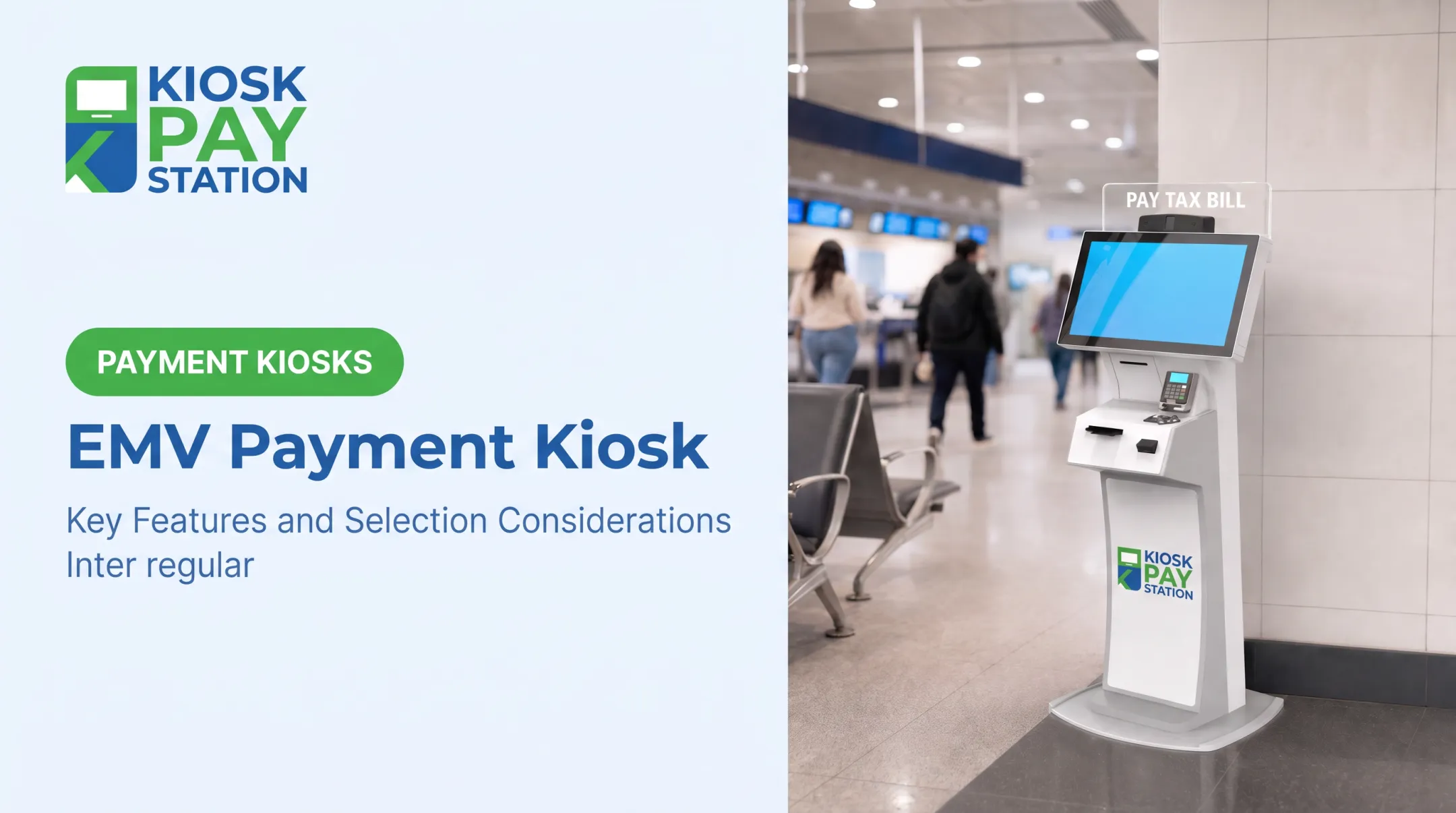
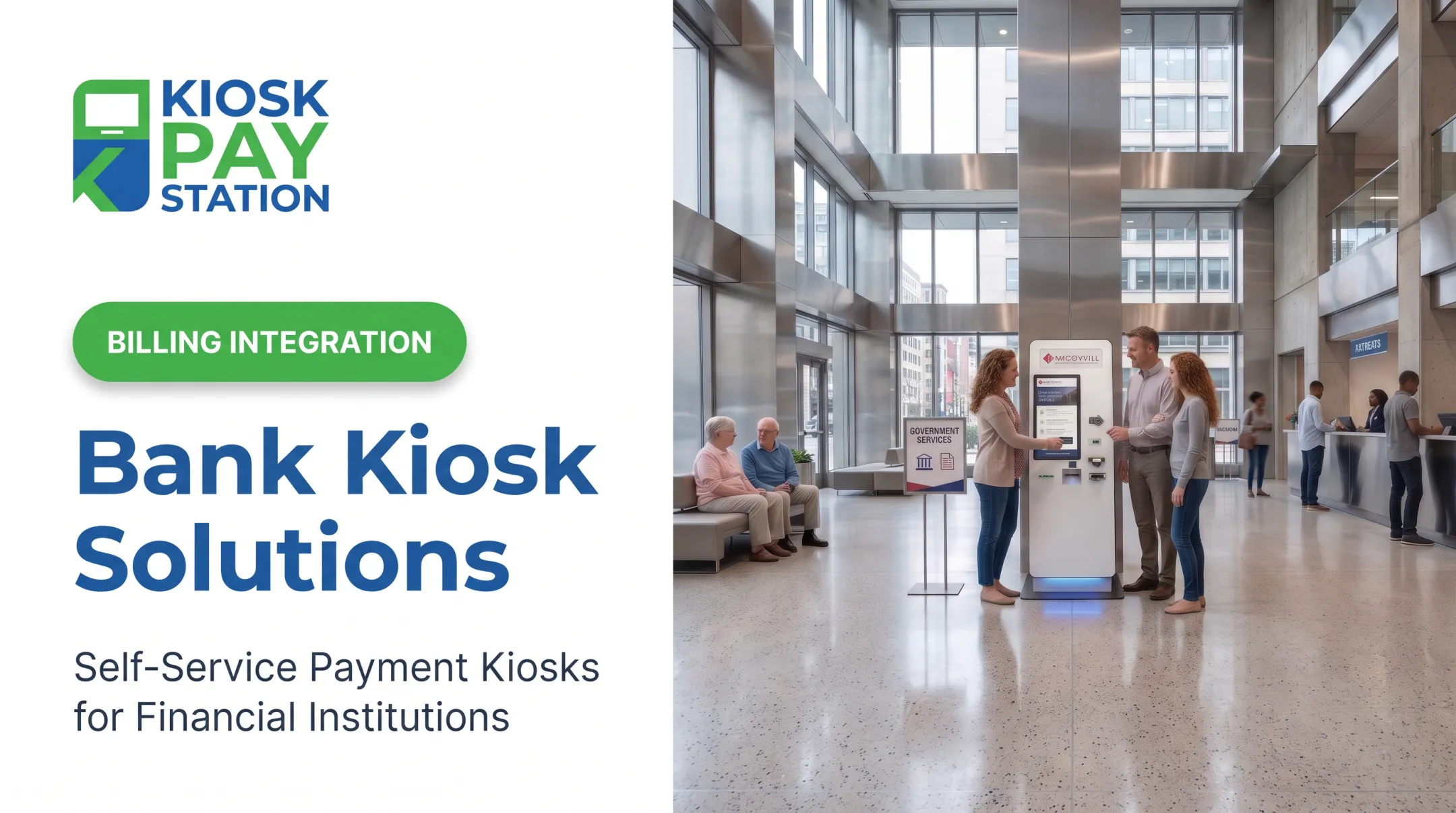
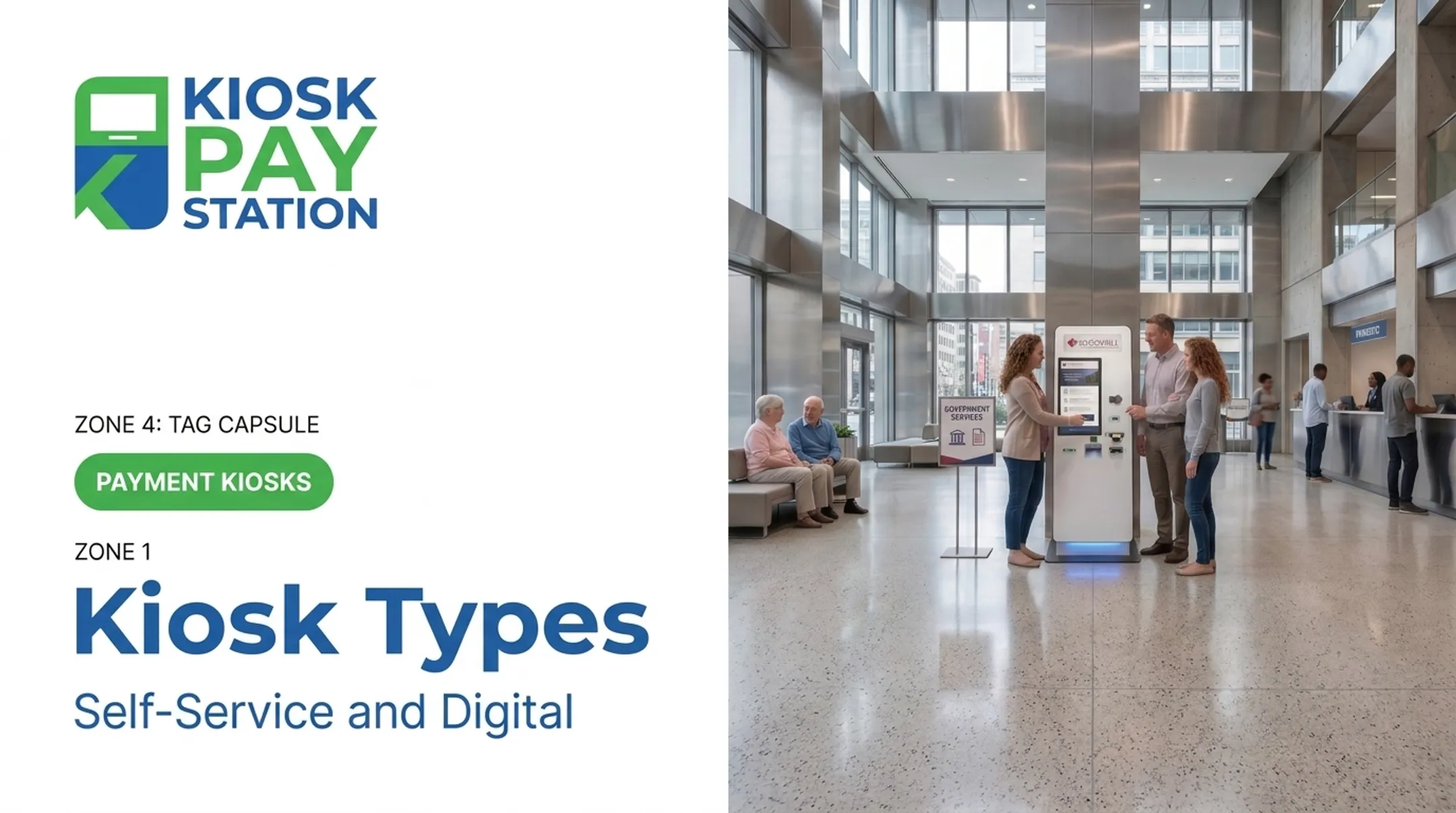
A self-service payment kiosk is a secure, unattended terminal that lets citizens pay bills, fines, permits, and utility invoices without a cashier. Configurations typically include:
- Standalone units for high-traffic lobbies
- Countertop models for smaller footprints
- In-wall/thru-wall builds for 24-hour outdoor access
- Drive-up kiosks for real-time payment posting from a vehicle
Fort Pierce Utilities Authority launched a drive-up model in 2021 that posts payments in real time from the vehicle lane.
Core Components of a Payment Kiosk
Every kiosk breaks down into three functional layers. Knowing what each layer does helps you compare vendors on capability, not brochure language.
Display & touch interface. An intuitive, multilingual screen reduces transaction abandonment. If a resident can't figure out the first screen, they walk away, and you're back to counter traffic.
Payment acceptance hardware. This includes cash acceptors, EMV card readers, check scanners, and e-wallet support. Matching hardware to your constituents' actual payment habits matters more than having every option available. A rural water district with heavy cash usage needs different hardware than an urban parking authority.
Connectivity & software/management layer. This is where real-time processing, remote monitoring, automated reconciliation, and custom data capture (account numbers, invoice IDs, property codes) live. Weak software here means your back office still does manual reconciliation, defeating the point of automation.

Benefits of Payment Kiosks for Government Agencies
- Reduced counter workload and shorter staffed-window lines
- 24/7 payment access, not tied to a 9-to-5 window
- Improved transaction accuracy versus manual cashier entry
- Automated reconciliation and reporting
- Staff freed up for higher-value casework instead of routine collections
Those gains show up quickly in the field. Riverside County deployed two kiosks that collected $3.01 million over seven days, more than 50% of total payments in that window, and outperformed eight staffed cashier stations that processed $2.4 million in the same period.
Chester County, Pennsylvania followed a similar path with 15 kiosks across 8 government and court locations, logging more than 11,000 user interactions in roughly a year.

What to Consider When Choosing the Best Payment Kiosk
Selection factors shift based on your agency's size, transaction volume, and citizen demographics. A small municipal water district doesn't need the same setup as a county court system. Each factor below ties directly to a measurable outcome: uptime, adoption rate, or audit readiness.
Payment Method Support
Matching cash, card, check, and e-wallet acceptance to your constituents' actual preferences drives adoption. If a large share of your population pays in cash and your kiosk is card-only, you haven't solved the counter problem. You've just added a machine nobody uses.
KPIs affected: payment acceptance rate, transaction abandonment rate.
Security & Regulatory Compliance
PCI-DSS, EMV certification, and encrypted processing are mandatory for handling public funds and personal data. As of late 2024, PCI DSS v4.0.1 is the only actively supported version, following the retirement of v4.0.
Payment terminals must be reviewed during a PCI DSS assessment regardless of whether they're separately validated to PCI PTS POI standards.
KPIs affected: compliance audit outcomes, chargeback and fraud exposure.
ADA Accessibility & Multilingual Design
Large touchscreens, voice and light instructions, and multilingual interfaces are legally required and operationally necessary. The 2010 ADA Standards specify precise reach ranges: a maximum forward reach of 48 inches, minimum of 15 inches, and a maximum activation force of 5 pounds for one-hand operation.
DOJ survey data found that more than 85% of surveyed kiosk deployments lacked tactile output, and 71% lacked standard headphone jacks. That compliance gap is one most agencies can't afford.

KPIs affected: complaint rates, legal risk exposure, citizen satisfaction.
System Integration & Custom Data Capture
Your kiosk has to talk to your existing billing and account systems. Look for support of unlimited custom fields — department codes, property IDs, account numbers — so payment data lands where your back office actually needs it.
KPIs affected: reconciliation accuracy, back-office workload.
Deployment Configuration & Environment
Standalone, countertop, in-wall, indoor versus outdoor — each choice affects durability and where you can place the unit. An outdoor drive-up kiosk needs weatherproofing a lobby countertop unit doesn't.
KPIs affected: hardware lifespan, maintenance frequency.
Total Cost of Ownership & Maintenance
Hardware price is one line item. Onsite maintenance, component replacement, and software support determine your actual return over five-plus years. For larger deployments, hardware and ongoing maintenance typically dwarf the initial purchase over the full lifecycle.
KPIs affected: uptime percentage, cost per transaction over the kiosk's lifespan.

How KIOSK PAY STATION Can Help
KIOSK PAY STATION, a MyGovBill subsidiary, brings over 25 years of public-sector payment experience to government agencies, courts, and utility providers. Hardware kiosk sales have been discontinued. The team now focuses on billing-system integration, monitoring, maintenance, and support for institutional clients.
That background still shapes how agencies modernize collection without adding counter staff:
- Map payment flows to treasury, court, and utility billing systems
- Support real-time or file-based integration and reconciliation
- Configure custom data fields for department codes, account numbers, and property IDs
- Monitor transactions for accuracy, uptime, and exception handling
- Maintain PCI-DSS and EMV-aligned payment paths already in place
- Reduce front-desk load so staff can focus on higher-value work
Riverside County remains the clearest proof point from earlier deployments: two kiosks collected over $3 million in seven days, outpacing eight staffed cashier stations. KIOSK PAY STATION applies the same institutional knowledge today when agencies need integration, monitoring, and ongoing support for bill-payment modernization.
Conclusion
The right kiosk choice matches capabilities to your agency's transaction volume, citizen demographics, and compliance obligations—not the brand with the loudest marketing or the longest feature list.
Once deployed, treat the kiosk as an ongoing program, not a one-time purchase. Review performance periodically; these metrics shift as your constituent base and workload change:
- Transaction volume
- Uptime
- Complaint rates
- Reconciliation accuracy
Frequently Asked Questions
What does "kiosk sales" mean?
Kiosk sales refers to the revenue or transaction volume processed through a self-service kiosk, tracked separately from staffed counter sales. Agencies often compare these figures to measure adoption and counter-traffic reduction.
What is kiosk marketing?
Kiosk marketing means using on-screen messaging, signage, or promotions displayed on the kiosk interface itself. For government agencies, this often includes payment reminders, deadline notices, or service announcements shown during a transaction.
How much do self-service payment kiosks cost for government agencies?
Costs include hardware, software integration, connectivity, and ongoing maintenance, not just the upfront unit price. Budget for the full five-year lifecycle—hardware and maintenance usually dominate long-term spend.
Are government payment kiosks ADA compliant?
ADA compliance must be built in from the start, including proper reach heights, audio guidance, and tactile controls. Retrofitting accessibility after deployment is far more costly and risky than designing for it upfront.
What payment methods can a government kiosk accept?
Most support cash, checks, credit/debit cards, and e-wallets, but not every kiosk model supports all four. Countertop units, for example, are often cashless, while standalone models can accept and dispense cash.
How long does it take to deploy a payment kiosk at a public agency?
Mid- to large-scale rollouts typically take 12 to 24 months from planning through installation. Smaller, single-location deployments can move faster depending on integration complexity.