The US self-service kiosk market was valued at $2.4 billion in 2021 and is projected to reach $4.6 billion by 2026, growing at a 13.6% CAGR, according to BCC Research. That growth isn't just about convenience. Kiosks cut wait times, lower labor costs, and reduce human error in cash handling and data entry.
This guide ranks the top self-service kiosk providers serving US government agencies, retailers, and enterprises in 2026, based on compliance, industry fit, and proven results.
Key Takeaways
- Self-service kiosks let people complete payments, orders, check-ins, or account lookups without staff help.
- Top providers specialize by use case: government payments, retail/QSR ordering, or custom interactive builds.
- Prioritize security certifications (PCI-DSS, EMV), industry fit, and maintenance terms over price alone.
- Match the vendor to your payment mix, integrations, and uptime needs—not a generic feature checklist.
Overview of Self-Service Kiosks in the US Market
A self-service kiosk is a self-contained, usually touchscreen terminal that lets someone finish a payment or task without staff on hand. In the US, that model now shows up anywhere lines and counter hours create friction.
Common deployments include:
- Government offices collecting taxes and utility bills
- Restaurants taking orders
- Hospitals handling patient check-in
- Transit agencies selling tickets
As adoption has grown, the hardware and software bar has risen with it. PCI-DSS and EMV compliance are baseline requirements, not optional extras.
Below, we rank the providers best serving these sectors across the US.
Top Self-Service Kiosks for US Businesses and Agencies
We evaluated providers on four criteria: security certification, industry specialization, reliability, and demonstrated customer trust. Below is how the leading options compare for US businesses and agencies.
KIOSK PAY STATION
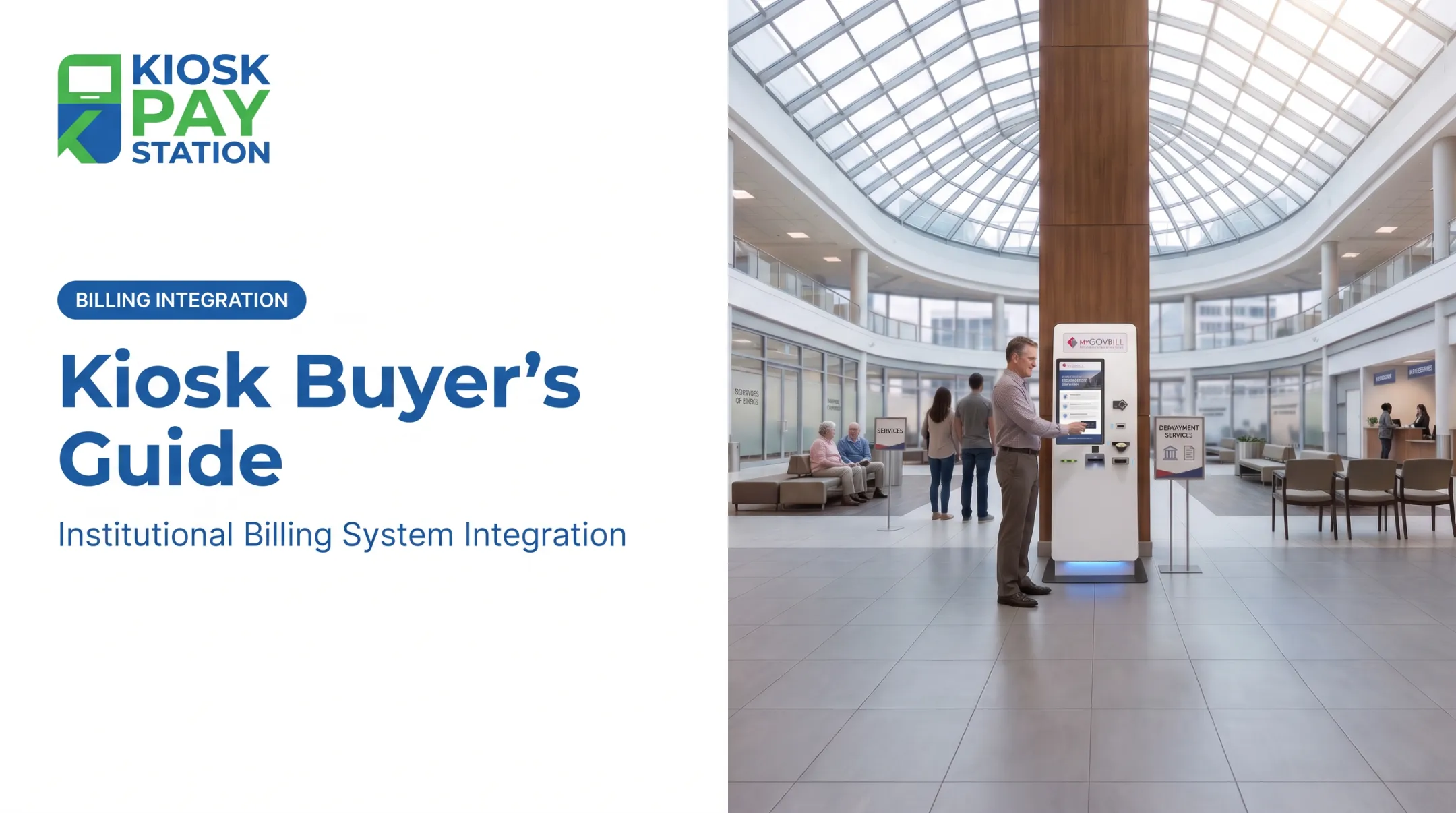
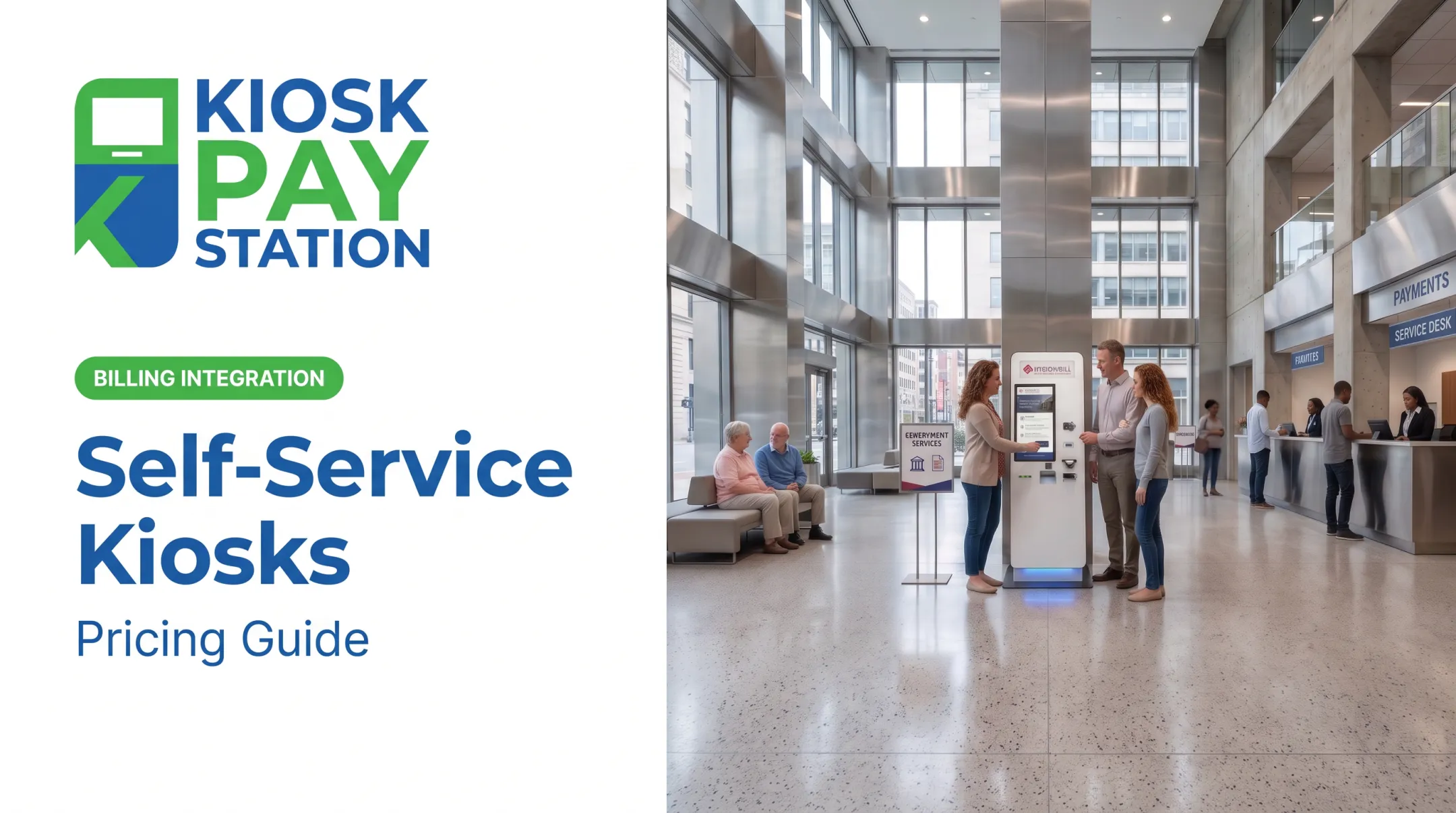
KIOSK PAY STATION is a subsidiary of MyGovBill with over 25 years of experience building self-service payment kiosks for government bill collection. The focus is courts, utilities, and municipal agencies, not retail checkout.
What sets it apart:
- PCI-DSS Level 1 certified and EMV certified, with encrypted payment processing throughout
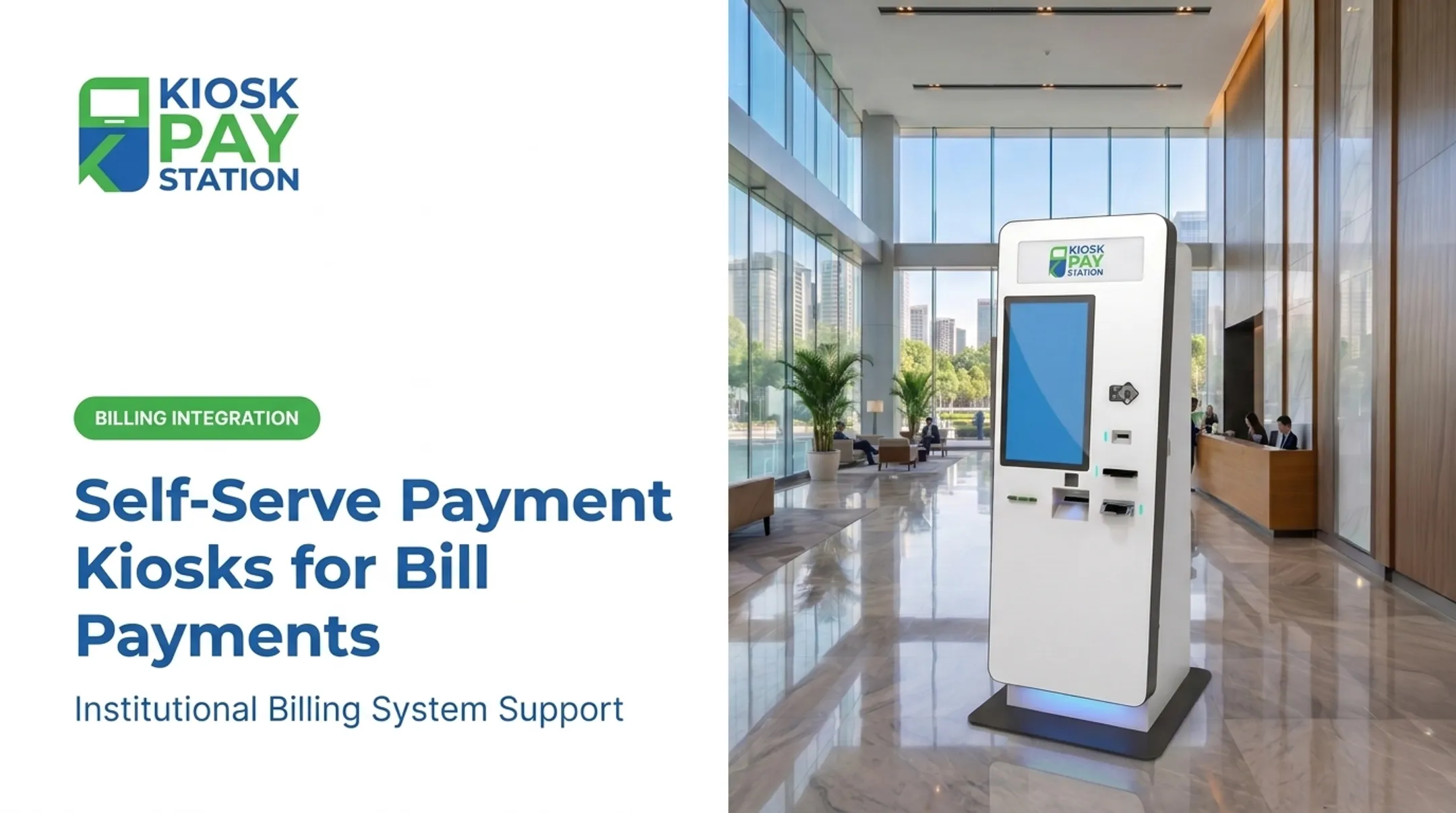
- ADA-accessible design, featuring a 21.5-inch touchscreen with multilingual support plus voice and light instructions
- Accepts cash, check, card, and e-wallet payments, with the Pay Station Pro model dispensing exact change in bills and coins
- Supports unlimited custom data fields (department codes, property IDs, account references) and account lookup by invoice number, QR code, barcode, or name
The clearest proof point comes from Riverside County, where two kiosks collected $3.01 million in seven days. That beat the $2.4 million processed by eight staffed cashier stations in the same window.
Two machines delivered a 25% higher collection total than eight cashiers and handled more than half of all payments taken.
| Aspect | Details |
|---|---|
| Best For | Government agencies, courts, utilities, and municipal bill collection |
| Key Features | PCI-DSS/EMV certified, cash/check/card/e-wallet acceptance, 5-year onsite maintenance, standalone/countertop/in-wall configurations |
| Standout Capability | Pay Station Pro dispenses exact change in bills and coins for cash-based bill payments |

Square Kiosk
Square built its kiosk for restaurants and retailers already running on Square's ecosystem. It integrates directly with Square POS and kitchen display systems, so orders flow straight to the kitchen without manual entry.
Highlights include:
- Compact enough for wall, counter, or floor-stand mounting
- Built-in upselling prompts at checkout
- Tight integration with Square's payments and loyalty programs
Pricing is transparent: the kiosk hardware runs $149, or $14/month for 12 months. Running the kiosk software requires a Square Plus ($50/month per device) or Square Premium ($30/month per device) plan, on top of standard in-person processing fees of 2.5% + $0.15 per transaction.
| Aspect | Details |
|---|---|
| Best For | Quick-service restaurants and retail checkout |
| Key Features | Touchscreen ordering, NFC/card payments, Square POS integration, loyalty sync |
| Pricing | $149 hardware (or $14/mo), plus $30–$50/mo software fee |

MetroClick
MetroClick is a US-based manufacturer headquartered in New York, designing custom kiosk hardware and software deployed across more than 180 countries.
Strengths include:
- Full in-house pipeline from design through ongoing support
- Wide range of form factors: self-service, payment, wayfinding, and interactive kiosks
- Enterprise client base spanning major retail brands
- Rental and device-as-a-service financing options for organizations that don't want to buy outright
| Aspect | Details |
|---|---|
| Best For | Custom interactive and payment kiosk deployments across retail, hospitality, and events |
| Key Features | Modular peripherals, cloud CMS, EMV/PCI-compliant payment kiosks, DaaS financing |
| Screen Sizes | 7" to 98" across form factors |
LamasaTech
LamasaTech is a UK/US kiosk and digital signage provider that has leaned heavily into AI-powered customer service in recent years.
Notable capabilities:
- Broad portfolio spanning visitor sign-in, wayfinding, and conversational kiosks
- Natural language processing with multilingual support for automated, 24/7 assistance
- Remote display management across fleets
- Named enterprise and public-sector clients, including Hampshire County Council and the UK Houses of Parliament
| Aspect | Details |
|---|---|
| Best For | Enterprises needing AI-enhanced customer service or visitor management kiosks |
| Key Features | NLP, multilingual support, remote display management, digital signage integration |
| Notable Use Cases | Corporate offices, healthcare, education, smart city deployments |
Esper-Managed Kiosk Hardware (Zebra, generic Android/Windows terminals)
Esper isn't a kiosk manufacturer. It is a device management platform that lets businesses deploy and remotely control fleets of kiosk hardware across locations.
Core strengths:
- OS-agnostic kiosk mode management across Android, iOS, Windows, and Linux
- Remote monitoring and troubleshooting at scale, including live device viewing
- Hardware validation partnerships, including MicroTouch deployments across retail, restaurants, healthcare, and gaming
| Aspect | Details |
|---|---|
| Best For | Businesses managing large fleets of kiosks across multiple locations |
| Key Features | Remote device management, kiosk mode lockdown, OTA updates, telemetry |
| Ideal Users | Multi-location retail, restaurant chains, healthcare networks |

How We Chose the Best Self-Service Kiosks
The most common mistake buyers make is choosing a kiosk based on sticker price alone, then discovering it doesn't meet compliance requirements or fit their workflow.
We scored providers on:
- Payment security certifications (PCI-DSS, EMV): non-negotiable for anything handling card or cash transactions
- ADA accessibility: required for public-facing government and utility deployments
- Integration flexibility: how easily the kiosk connects to existing billing, POS, or CRM systems
- Ongoing maintenance and support: because a kiosk that goes down for a week is worse than no kiosk at all
- Proven client outcomes: documented deployments and payment-volume results, not marketing claims alone
Conclusion
The right kiosk partner depends on what you're actually trying to solve: payment collection, order-taking, or general customer service. Brand recognition matters less than fit.
Before signing anything, verify:
- Compliance credentials (PCI-DSS, EMV, and related requirements)
- Scalability across locations
- Total cost of ownership, not just sticker price
Public agencies and utility providers who need secure, compliant bill-payment integration, monitoring, and support can contact KIOSK PAY STATION for a free consultation and no-obligation quote.
Frequently Asked Questions
How much does a self-service kiosk cost?
Costs range widely: basic tablet-based units start around $1,000–$2,000, while custom, fully-integrated payment kiosks with cash handling can run $20,000 or more, depending on hardware, peripherals, and software.
What is a business kiosk?
A business kiosk is a self-service terminal that lets customers pay bills, complete transactions, or look up account information without staff assistance.
Are self-service kiosks profitable?
Kiosks can improve profitability by cutting counter labor costs and extending payment access beyond a 9-to-5 window. Agencies and operators often see faster throughput, fewer abandoned payments after hours, and lower cost per transaction.
What are the 7 types of kiosks?
The main types are self-service, payment, wayfinding, information, interactive, digital signage, and ticketing kiosks. Some deployments combine several functions into one unit.
What certifications should a payment kiosk have?
At minimum, look for PCI-DSS compliance and EMV certification. These protect cardholder data and ensure the kiosk meets baseline requirements for secure payment processing.
Can self-service kiosks operate 24/7?
Yes. Most self-service kiosks are built for continuous uptime and can be configured for round-the-clock availability, giving customers payment or service access well outside normal business hours.