That shift creates a real problem for businesses and public agencies still running card-insert-only lines. Slower checkout means longer lines, frustrated customers, and staff stuck babysitting a payment counter instead of doing higher-value work.
This article breaks down how contactless payments work, the types available, how secure they really are, the benefits for your operation, and how to choose the right setup — including for high-volume environments like government offices and utility payment centers.
Key Takeaways
- NFC contactless payments complete in 1-2 seconds at the terminal
- Tap-to-pay hit 28% of US Visa cards by 2022; mobile wallets reached 31% weekly use in 2025
- One-time encrypted codes per tap make cloning far harder than magnetic-stripe fraud
- Self-service kiosks extend tap-to-pay bill collection beyond staffed hours
- Riverside County’s two kiosks took in $3.01 million in seven days, beating eight staffed cashiers
What Are Contactless Payments and How Do They Work?
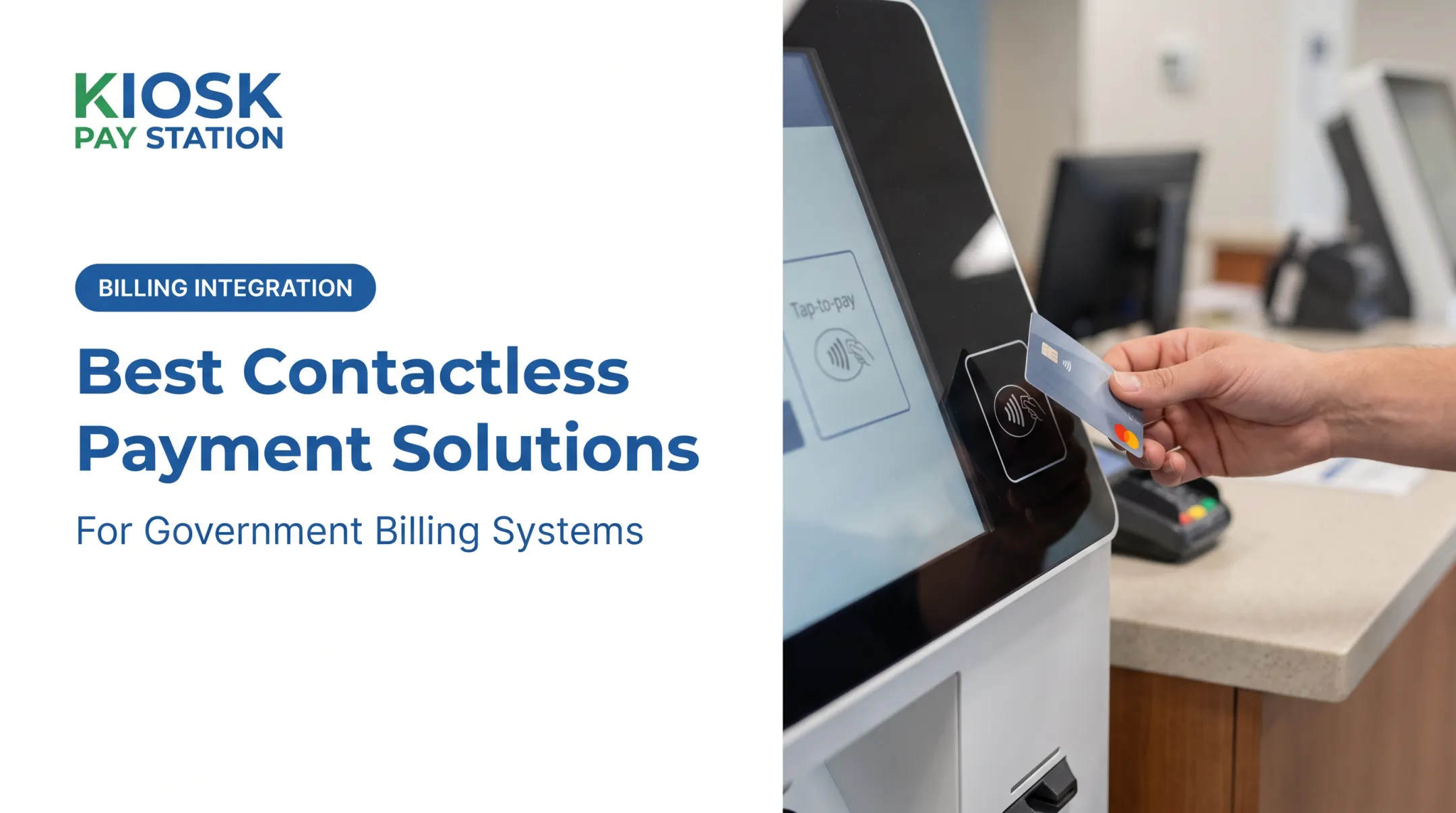
Contactless payment means tapping a card, phone, or wearable near a reader instead of swiping or inserting it. The technology behind it is Near Field Communication (NFC) — short-range radio communication operating at 13.56 MHz, with an effective range of just a couple of centimeters, according to the NFC Forum.
Here's the transaction flow:
- Prompt — the terminal displays the total and waits for payment
- Tap — the customer holds their card or device within a few centimeters of the reader
- Data transmission — encrypted payment data passes wirelessly to the terminal
- Approval — the transaction routes through the payment network for authorization
- Confirmation — a beep, checkmark, or light signals success

You'll recognize contactless-ready terminals by the wave symbol next to the card slot. Cards or devices without a contactless chip still work via chip insert or swipe.
Transaction limits vary by card issuer. Some banks require a PIN above a certain dollar threshold as a fraud safeguard. Visa's own US guidance doesn't mandate a universal cap, but many issuers set their own thresholds, so don't assume every tap is limit-free.
Types of Contactless Payment Systems Businesses Should Know
Contactless Cards and Mobile Wallets
Contactless debit and credit cards embed a tiny antenna that communicates with the reader. Adoption has grown fast: Visa reported 495 million tap-to-pay-enabled cards in the US by fiscal 2022, representing 28% penetration.
Mobile wallets (Apple Pay, Google Pay, Samsung Wallet) go a step further. Instead of transmitting the actual card number, they tokenize the data — swapping it for a unique digital identifier that's useless if intercepted. Wallet usage has climbed sharply too, jumping to 31% weekly in-store use in 2025, up from just 14% the year before, per PYMNTS Intelligence.
Wearables and Emerging Form Factors
Rings, watches, and fobs are entering the mix. Visa's 2016 Olympic payment ring — given to 45 Team Visa athletes — is an early example of tokenized payment moving beyond cards and phones entirely.
Kiosk and QR-Based Payments
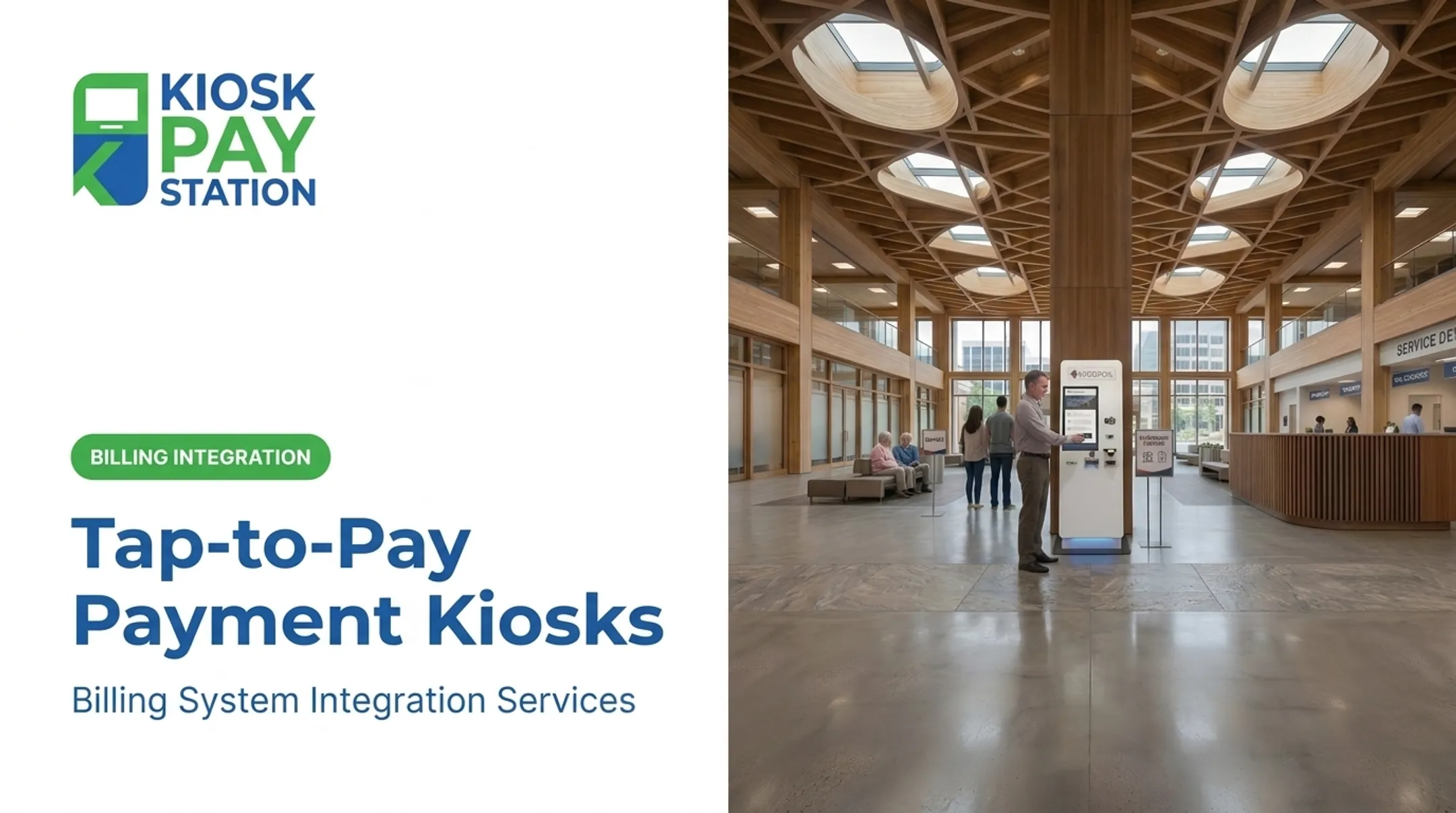
For high-volume bill collection, self-service kiosks are a practical contactless channel. Constituents can tap a card or e-wallet, or pay by cash, check, or dipped/swiped card, without waiting on a staffed counter.
That mix matters for utilities, city halls, and other public agencies that need after-hours access and cleaner reconciliation. KIOSK PAY STATION supports those environments with billing-system integration, monitoring, and maintenance so contactless and EMV acceptance stay reliable inside existing payment workflows.

Across the wider electronic payments stack—cards, wallets, ACH, and self-service terminals—contactless is now a standard acceptance layer. The decision for most businesses is less whether to support it and more which channels (counter, kiosk, QR, or mobile) match their volume and customer mix.
Is Contactless Payment Secure for Businesses and Customers?
Security concerns are the most common objection to contactless adoption — and largely outdated ones.
- One-time cryptographic codes: Every contactless transaction generates a unique code that can't be reused if intercepted, per EMVCo. Magnetic-stripe data is static; this isn't.
- Tight proximity limits: NFC only works within a few centimeters, which rules out long-range skimming from a crowded subway platform.
- Issuer spending caps: Many issuers set per-transaction limits before a PIN is required, capping fraud exposure from a lost or stolen card.
For any business evaluating contactless hardware or a processor, vet them against PCI-DSS and EMV certification standards. KIOSK PAY STATION, for example, builds PCI-DSS compliant and EMV certified encrypted processing into its billing-system integrations—the baseline any vendor handling payment data should meet.
Benefits of Adopting Contactless Payments for Your Business
Contactless payments deliver measurable gains in speed, staffing, and collection volume.
Faster checkout. A Norges Bank study cited by Visa found contactless card transactions averaged 7.8 seconds, versus 14.8 seconds for contact-chip payments. That's nearly half the time per customer.
Rising customer expectation. Mobile wallets are now common enough that many customers treat tap-to-pay as a baseline option, not a bonus.
Other operational gains:
- Less counter congestion: fewer manual transactions free staff for higher-value work
- Cleaner reconciliation: digital transactions eliminate cash-count errors and manual entry
- 24/7 accessibility: pairing contactless acceptance with self-service kiosks removes the "business hours only" bottleneck
Those gains show up clearly in live deployments. Riverside County ran two self-service kiosks that collected $3.01 million in a seven-day period, outpacing eight staffed cashier stations that processed $2.4 million in the same window.
The two machines handled more than 50% of total payments. The county's finance director called it one of their most effective payment-modernization moves.

Choosing the Right Contactless Payment Setup for Your Business
Not every business needs the same setup. Start with volume and environment.
Assess your transaction environment:
- A retail counter with moderate foot traffic may only need a standard contactless card reader
- A high-volume bill payment center or government office often benefits more from a full self-service kiosk that handles tap, dip, swipe, cash, and check in one unit
Check compliance and accessibility credentials. Look for PCI-DSS Level 1 and EMV certification on any hardware, plus ADA accessibility features for public-facing deployments. In government and utility settings, accessibility isn't optional.
Solutions purpose-built for bill payment can layer contactless acceptance onto existing infrastructure without a full system overhaul. KIOSK PAY STATION supports agencies through billing-system integration with real-time account lookup by invoice number, QR code, barcode, or custom identifier, plus unlimited custom data fields for department codes, property IDs, or account references.
Integration checklist:
- Real-time sync with existing treasury, court, or utility billing systems
- Custom data capture matching your department's reconciliation needs
- Automated reporting to reduce manual daily reconciliation work
Contactless Payments Around the World and What It Means for US Businesses
Tap-to-pay is already the default in-person payment method across much of the developed world.
- UK: 18.9 billion contactless transactions in 2024, per UK Finance
- Australia: 94% of in-person card payments were contactless as of the RBA's 2022 survey
- Euro area: Over half of card payments were contactless in 13 of 19 euro-area countries by late 2022

Those figures set the bar for US businesses that serve international customers or travelers. Visitors from high-contactless markets often expect to tap at the terminal the same way they do at home. NFC and EMV standards are globally interoperable, so most US contactless cards and mobile wallets already work the same way abroad—and foreign-issued wallets behave the same way here.
If you serve tourists, business travelers, or other international customers in the US, contactless-ready terminals meet a baseline expectation for that segment.
Frequently Asked Questions
How does contactless payment work?
Customers tap a card, phone, or wearable within a few centimeters of an NFC-enabled reader. The terminal transmits encrypted data, gets network approval, and confirms with a signal, all in about 1-2 seconds.
What are contactless payment systems?
These are card, mobile wallet, or wearable-based payment methods using short-range wireless technology instead of swiping or inserting. They include tap-to-pay cards, Apple Pay, Google Pay, and NFC-enabled devices.
What are the different types of contactless payment systems?
The main categories are contactless cards, mobile wallets, wearables like rings and watches, and kiosk or QR-code-based payment options. Each serves different transaction environments and volumes.
What are the best contactless payment systems?
It depends on your business type. Retail environments often lean on mobile wallets and card readers, while high-volume bill payment settings benefit more from purpose-built self-service kiosks with integrated tap-to-pay.
Can I use contactless in Europe?
Yes. US contactless cards and mobile wallets generally work in Europe because both regions rely on shared NFC and EMV standards, making cross-border acceptance seamless in most cases.
What are the five types of electronic payment systems?
Cards, mobile wallets, bank transfers/ACH, digital currencies, and self-service kiosks/POS terminals. Contactless technology now touches nearly every one of these categories.