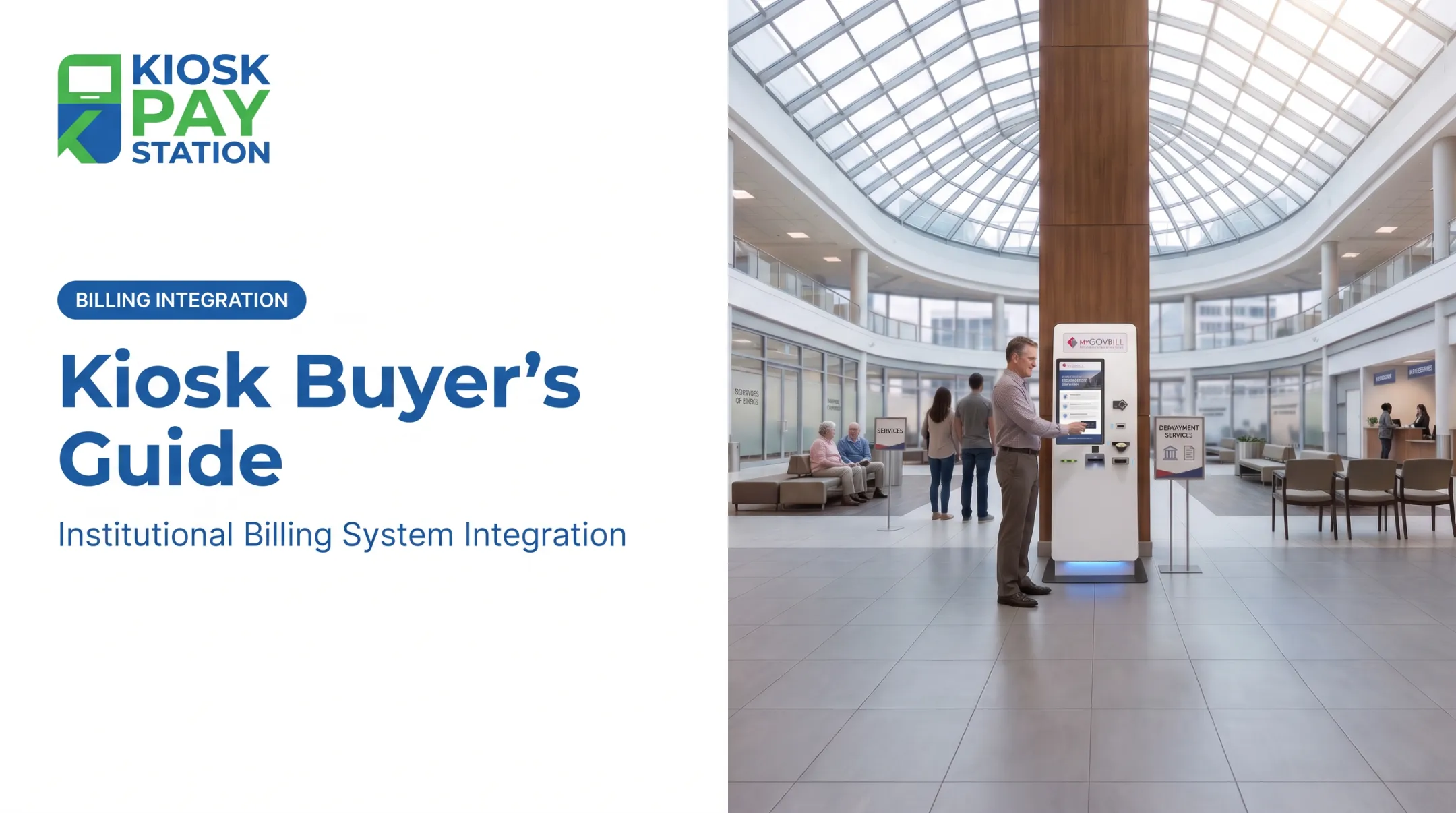
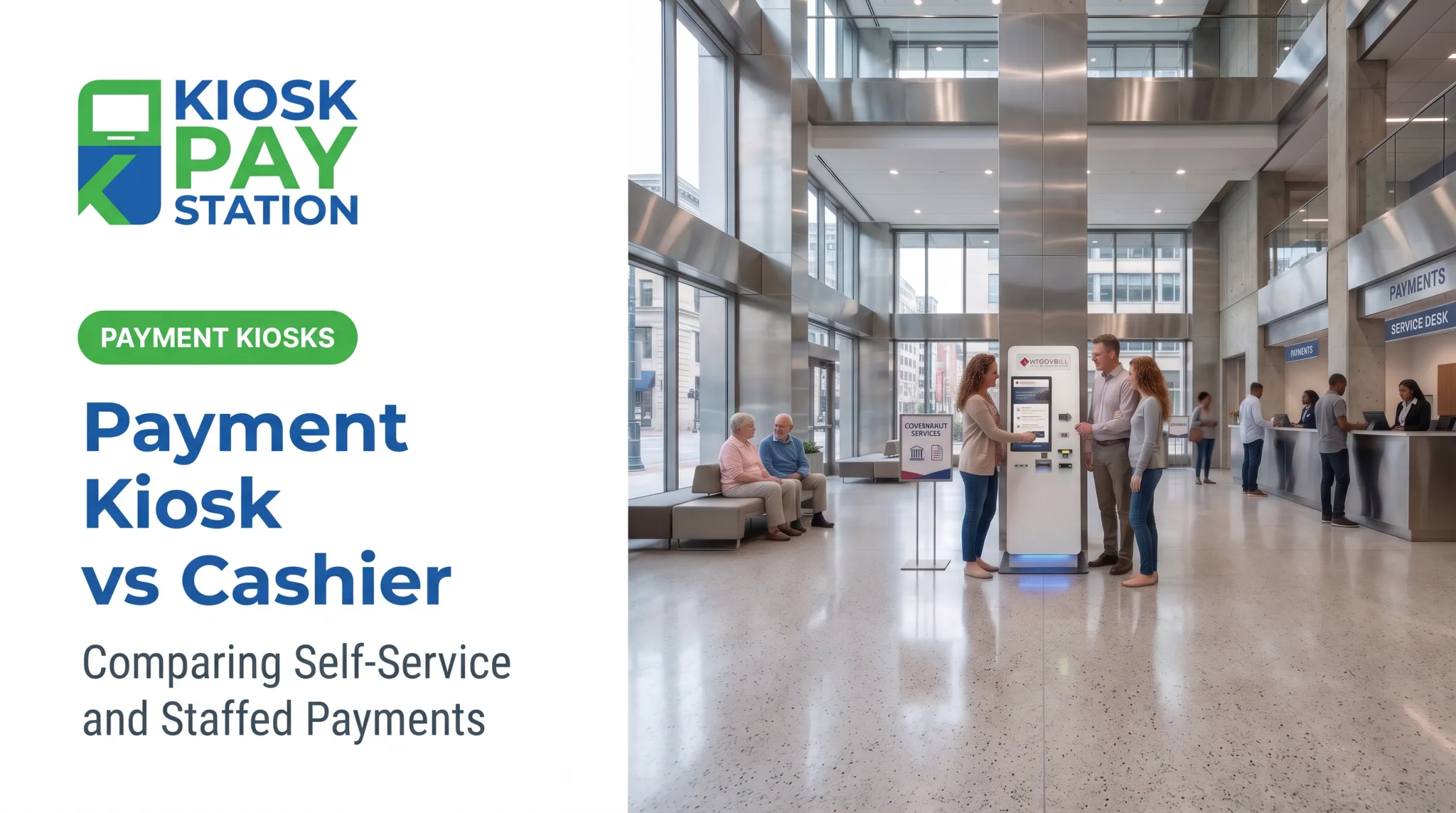
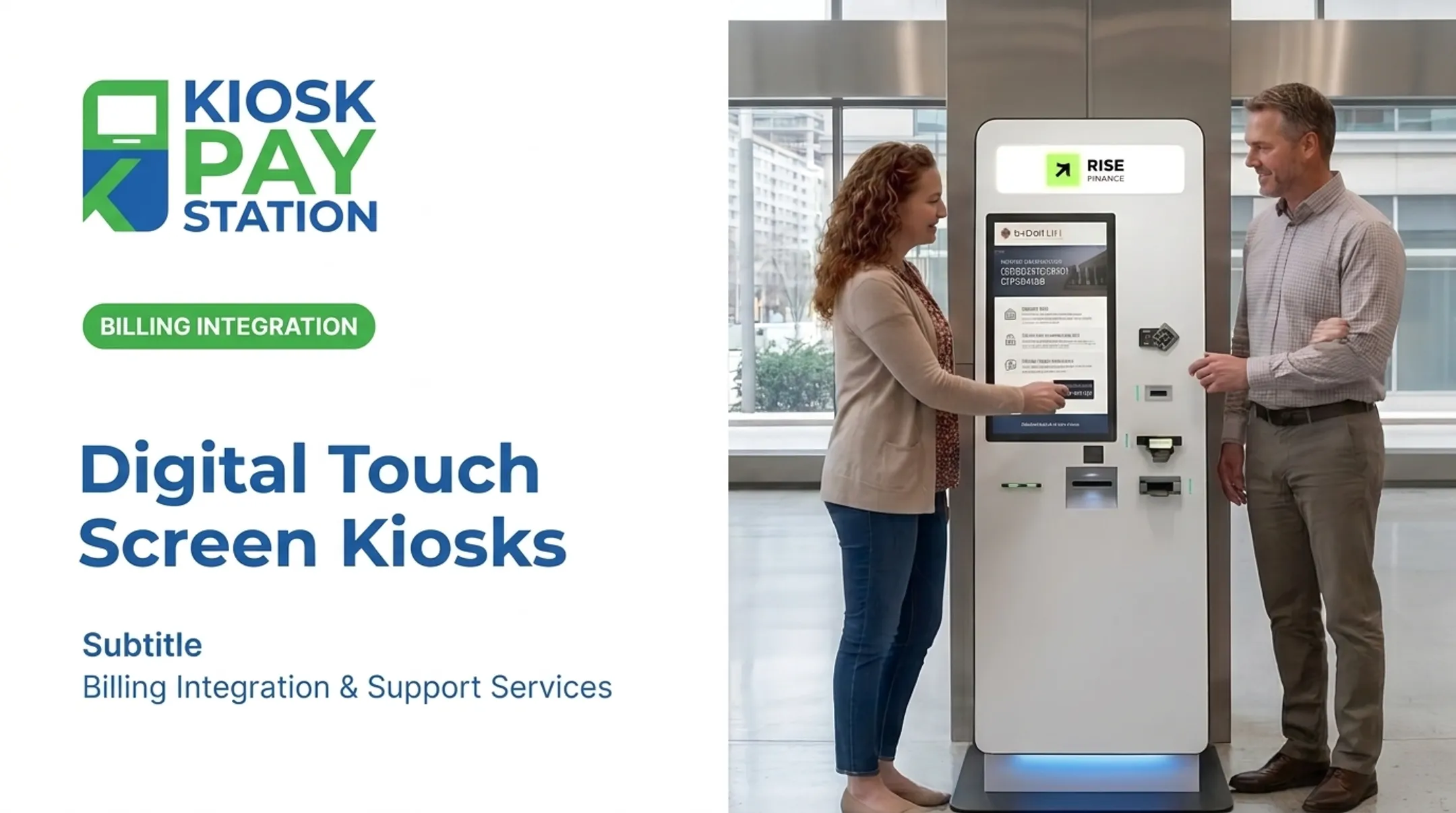
These interactive terminals let people pay bills, check in, or find directions without waiting for an employee. A 2023 survey of 1,000 Americans found 84% liked using self-service kiosks, and 66% preferred one over a staffed checkout entirely (Kiosk Marketplace).
This article breaks down what kiosks actually are, the main types available today, and how to pick the right one for your organization.
Key Takeaways
- Kiosks fall into two broad categories: transactional (payments, ordering) and informational (wayfinding, signage)
- The right choice depends on purpose, transaction volume, and compliance needs
- Payment kiosks require PCI-DSS and EMV certification; informational kiosks don't
- Government agencies increasingly use self-service payment kiosks to cut staffing costs and extend service hours beyond 9-to-5
What Is a Kiosk?
A kiosk is a standalone, interactive terminal that lets someone complete a task or find information without help from staff. That's the entire definition, but the applications span wildly different needs.
The Access Board's 2022 Federal Register notice describes kiosks as fixed devices "designed for unattended customer operation to conduct a transaction" or to "check in, place an order, obtain a product, or retrieve information" (Federal Register).
Common use cases include:
- Bill payment and utility collection
- Ticketing and parking
- Patient or visitor check-in
- Restaurant ordering
- Wayfinding and building directories
Retail, healthcare, hospitality, and government agencies all deploy kiosks, but rarely for the same reason. A hospital wants faster check-in. A city hall wants payment collection outside business hours. Those are different jobs requiring different hardware.
Why Self-Service and Digital Kiosks Are Important
Without kiosks, front counters absorb every walk-in transaction manually. That means longer lines, more data-entry errors, and staff burnout during peak hours.
The cost of skipping self-service:
- Peak-hour lines that stall every walk-in (high-volume service desks have reported waits up to 10 minutes) (MGMA)
- Manual entry errors that create reconciliation headaches
- Limited service hours: no payments after 5 p.m. or on weekends
- Staff stretched thin on repetitive tasks instead of complex casework
Government agencies feel this pressure most. High foot traffic combined with paperwork-heavy processes (tax payments, court fees, utility bills) creates bottlenecks that a staffed counter alone can't solve.
Riverside County deployed two self-service payment kiosks that collected $3.01 million over seven days. In the same window, eight staffed cashier stations processed $2.4 million. Those two kiosks handled over half of all payments—more than four times the per-unit output of a staffed counter.

Types of Self-Service and Digital Kiosks
Kiosks aren't one-size-fits-all. A payment kiosk and a wayfinding display solve completely different problems, even though both sit in a lobby. This guide groups them into three practical types: self-service payment kiosks, check-in and registration kiosks, and digital/informational kiosks.
Self-Service Payment & Transaction Kiosks
These kiosks exist to complete a financial transaction: bill payment, self-checkout, ticketing, or ordering. They process cash, credit/debit cards, checks, and e-wallets, then reconcile that data automatically.
Best suited for: government bill payment, utility collection, retail checkout, courts, and parking authorities.
Key strengths:
- Speeds up payment collection with multiple accepted payment types
- Automates daily reconciliation, cutting manual finance work
- Provides 24/7 access, no waiting for office hours
- Supports custom data capture (account numbers, department codes, property IDs)
Trade-offs:
- Requires PCI-DSS and EMV compliance
- Higher upfront hardware investment
- Cash-handling components need ongoing maintenance
KIOSK PAY STATION supports government bill-collection workflows with PCI-DSS compliant, EMV certified payment technology, automated reconciliation, and billing-system integration. Account lookup can use invoice number, QR code, barcode, or custom identifiers, so residents don't need to dig through paperwork to find and pay a bill.

Check-In & Registration Kiosks
These automate arrival, registration, and identity verification for patients, visitors, or guests. Unlike payment kiosks, the job here is data capture and verification, not money movement.
Best suited for: healthcare clinics, hotels, corporate offices, courts.
Key strengths:
- Reduces administrative workload on front-desk staff
- Improves data accuracy over handwritten forms
- Supports contactless registration
One dermatology practice serving 250-280 patients daily deployed five check-in kiosks and estimated savings comparable to two full-time employees (MGMA).
On the hospitality side, Mews-powered hotel kiosks cut check-in time by a third, with roughly 30% of reservations checking in through the kiosk (Asian Hospitality).
Trade-offs: These kiosks don't handle payments or navigation, and they need integration with existing reservation or records systems to be useful.
Digital Signage, Wayfinding & Information Kiosks
These display static or interactive content: maps, directions, event schedules, public notices. The job is communication, not transactions.
Best suited for: malls, airports, hospitals, government buildings, campuses.
Brooke Army Medical Center, with more than 350 potential destinations inside its facility, needed interactive wayfinding with wheelchair access and rugged 24/7 durability (Kiosk Industry).
Key strengths:
- Content updates instantly without reprinting signage
- Supports multilingual and ADA-accessible interfaces
- Doubles as advertising space during idle time
Trade-offs: No transaction handling. Interactive versions require more complex software and ongoing maintenance than a static sign.
How to Choose the Right Type of Kiosk
The right kiosk depends on the tasks and users it must serve—not the option that looks most advanced. Walk through these factors:
- Primary purpose — payment collection, check-in, information display, or some hybrid of the three
- Expected transaction volume — a small satellite office needs less capacity than a busy county tax collector's lobby at peak season
- Payment methods required — cash, card, check, e-wallet, and whether PCI-DSS/EMV compliance applies
- Budget — hardware, software licensing, and ongoing maintenance all factor in
- Accessibility needs — ADA compliance, multilingual interfaces, voice and light instructions
- Integration requirements — sync needs with billing, reservation, or records systems

For payment kiosks, integration usually takes one of three forms:
- Real-time — instant sync with treasury or utility systems
- File-based — data exchanged in batches
- Non-validated — data isn't checked against the connected system
Real-time integration eliminates manual entry, which matters most for high-volume municipal offices.
What to Check Before Finalizing a Kiosk Type
A few common mistakes trip up procurement teams:
- Don't over-invest in features you won't use. A simple transactional kiosk often beats an AI-powered interactive unit when the job is just collecting a bill payment.
- Never skip compliance checks. A PTS-approved card reader alone does not guarantee PCI-DSS compliance; the whole system gets assessed (PCI Security Standards Council).
- Factor in long-term maintenance. Component replacement, onsite service agreements, and software updates add up over a kiosk's lifespan.
- Base decisions on actual workflows. Choose the kiosk type that fits how your constituents or customers actually use your service, not what a vendor is pushing.
Conclusion
Kiosks are speeding up service delivery across retail, healthcare, and government offices, but self-service payment kiosks and digital/informational kiosks solve different problems. Treating them as interchangeable leads to wasted budget and frustrated users.
Understanding these distinctions helps agencies and businesses pick solutions that genuinely reduce workload and expand public access. For government and utility bill-payment workflows, that means purpose-built payment solutions built around compliance, automated reconciliation, and availability beyond standard counter hours.
Frequently Asked Questions
What are the different types of kiosks?
Kiosks fall into two main groups: transactional (payment, ordering, checkout) and informational (wayfinding, signage, check-in). Each is built for a different job, so define the task before you choose a type.
What kiosk form factors are available?
Common form factors include standalone floor kiosks, countertop units, wall-mounted or in-wall kiosks, and outdoor-rated enclosures. The right style depends on available space and expected foot traffic.
What are some examples of kiosks?
Examples include bill payment kiosks, self-checkout terminals, hotel check-in kiosks, and wayfinding kiosks in malls or airports. Bill-payment units focus on secure collection and reconciliation; the others prioritize speed, guidance, or guest intake.
How do self-service payment kiosks benefit government agencies?
They reduce counter workload, extend payment access beyond business hours, and improve reconciliation accuracy. Riverside County's two kiosks collected over $3 million in seven days, outperforming eight staffed stations.
What payment methods can self-service kiosks accept?
Modern kiosks can accept cash, checks, credit/debit cards, and e-wallets, depending on configuration. Cash-enabled units can also dispense exact change in bills and coins.
Are self-service kiosks secure for handling payments?
Compliant kiosks use PCI-DSS and EMV-certified technology with encrypted transaction processing. PCI DSS v4.0.1, published in 2024, sets the current security requirements payment terminals must meet.