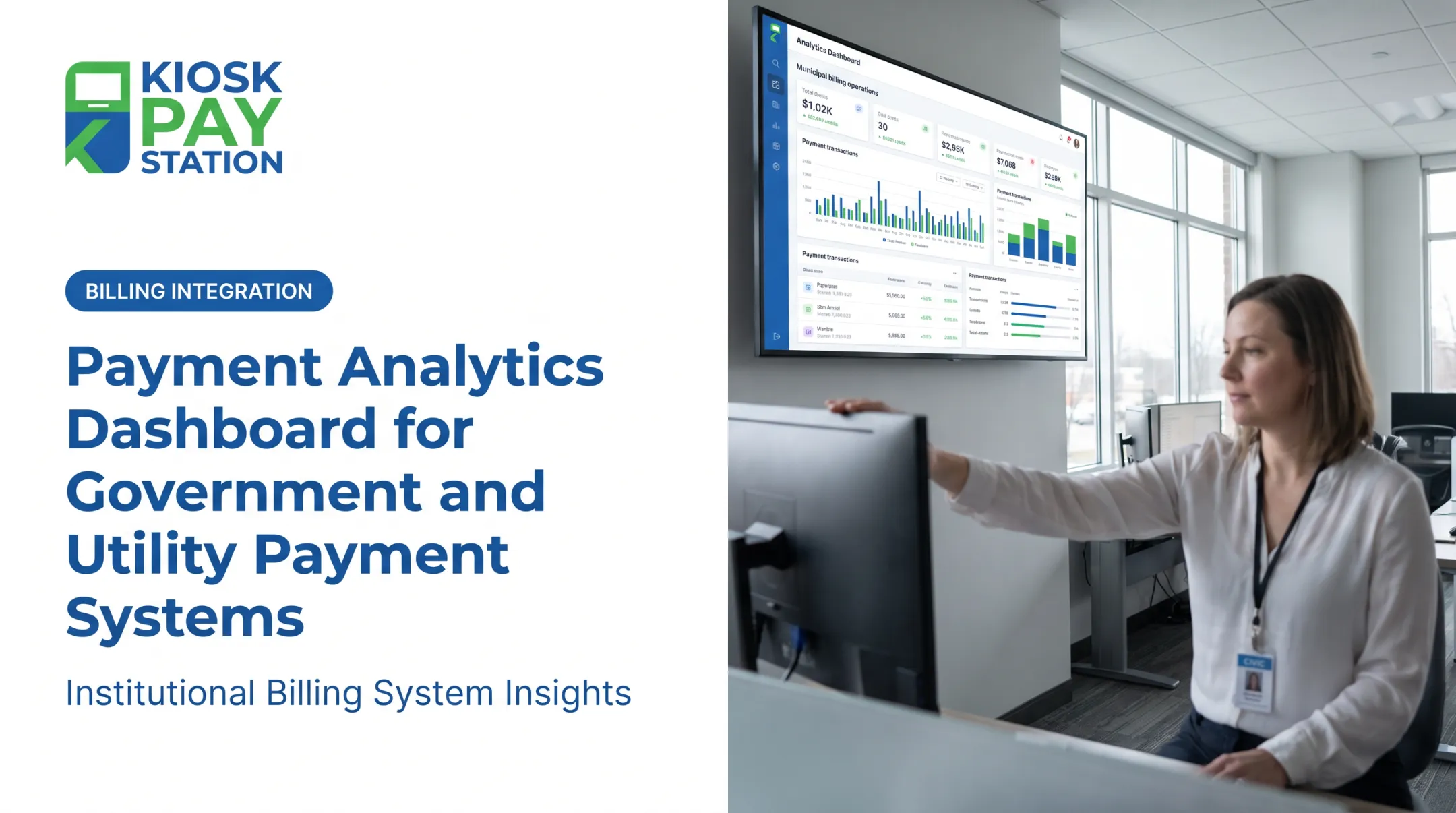
A payments dashboard is the centralized tool built to fix that problem. It lets staff view, analyze, reconcile, and manage transactions across every channel a constituent might use to pay a bill, fine, or fee.
For public-sector organizations, the stakes are higher than convenience. When payment data is scattered across processors and departments, exceptions go unnoticed, funds take longer to reconcile, and staff struggle to answer a resident's simple question: "Did my payment go through?"
This article breaks down what a payments dashboard actually does, the features worth prioritizing, the public-sector use cases that matter most, and the security and accessibility questions to ask before you buy.
Key Takeaways
- A dashboard should connect payment activity to reconciliation, refunds, exceptions, and reporting, not just show totals.
- Real-time data, configurable reports, role-based access, and audit trails keep staff aligned and accountable.
- Vet payment-method coverage, accessibility, language support, and security certifications before choosing a platform.
- The best dashboards give staff visibility while keeping the payment experience simple for constituents.
What Is a Payments Dashboard and How Does It Work?
A payments dashboard is the interface staff use to monitor payment activity, review transaction details, spot problems, and generate reports. Think of it as the operational nerve center that sits behind whatever payment page or kiosk a customer actually uses.
How Data Moves from Payment to Report
Payment data typically moves through four stages:
- A customer submits payment through a gateway, processor, kiosk, or online page.
- The transaction is recorded in a billing or collections system with account context.
- Funds settle to the organization's bank account.
- The dashboard pulls those records together for staff review.

The exact architecture varies by provider. The U.S. Treasury's Pay.gov, for example, separates its payer-facing collection service from its agency reporting service. Agencies get online transaction reports and downloadable activity files they can import into their own systems (Pay.gov agency documentation).
That separation matters: the payment page and the reporting view are two different tools serving two different audiences.
Dashboard vs. Portal vs. Processor Console
These terms get used interchangeably, but they're not the same thing:
- Payment portal – customer-facing, designed to submit a payment, not to give staff operational oversight.
- Processor console – typically focused on processing activity alone, without account, department, or reconciliation context.
- Organizational dashboard – combines payment data with account records, department breakdowns, reconciliation status, and service history.
Some platforms blur these lines. A single centralized system can contain both portal and dashboard functions, which is worth clarifying with any vendor.
Who Actually Uses the Data
Dashboard users typically include:
- Finance staff and payment operations teams
- Department managers and IT administrators
- Auditors reviewing controls and exceptions
- Customer-service reps fielding "where's my payment" calls
Each transaction usually needs clear identifiers so these users can find records quickly:
- Account numbers, invoice numbers, and property IDs
- Department codes and payment channel
- Tender type, status, and settlement details
Essential Features of a Payments Dashboard
Not every dashboard is built the same. Here's what actually matters for a public-service environment.
Transaction Monitoring and Reporting
A useful dashboard supports:
- Searchable transaction history with filters for status, channel, date, and tender type
- Visibility into refunds, reversals, and declined payments
- Configurable date ranges and department or location comparisons
- Scheduled, exportable reports with permission-controlled access
Reconciliation and Exception Handling
Reconciliation is where dashboards earn their keep. Staff need to compare collected payments against billing records, bank deposits, processor settlements, and accounting entries. Then they flag what doesn't line up.
Common exceptions include:
- Unmatched transactions
- Duplicate payments
- Chargebacks
- Partial payments
- Rejected files
Pay.gov's reporting guide, for instance, includes a Collections API Exception Report that flags issues like duplicate agency tracking IDs (Pay.gov reporting documentation).
A dashboard without exception workflows just shows you the mess without helping you clean it up.
Integrations and Administration
Compatibility with billing, ERP, treasury, accounting, or case-management systems determines whether payment data actually gets used or sits isolated. Integration models vary (real-time, file-based, or non-validated), and each has trade-offs in speed and complexity.
For public-service configurations, also confirm:
- Support for custom data elements (department codes, account numbers, property IDs)
- Multi-department views and multilingual interfaces
- Role-based permissions, approval controls, and audit logs
Vendor checklist: Before signing anything, ask about:
- Data refresh frequency
- API or file access
- Report customization limits
- Data retention periods
- Export formats
- Who owns the payment data
How Payments Dashboards Benefit Government and Public-Service Organizations
Centralized visibility changes how staff spend their day. Instead of logging into three systems to answer one resident's question, they pull up one record.
From Fragmented Data to Faster Answers
Grand Rapids, Michigan, cited redundant payment processors as a direct reconciliation problem. The city consolidated invoicing and payment data from four departments into one centralized platform, covering customer-account, processing, reconciliation, and audit functions in a single view (GFOA case study, 2025).
That is a documented example of consolidation fixing fragmentation, not a universal guarantee for every agency.
Understanding Channel Usage Without Assumptions
Channel-level reporting helps organizations see how residents actually pay, rather than guessing. Lancaster County, Nebraska found that cash and checks made up 55% of funds collected across its revenue-accepting departments in FY2017-18 (NACo/Visa research).
Digital channels matter, but in-person and paper options still need to stay visible in your reporting.
| Case | What was measured | Context |
|---|---|---|
| Grand Rapids, MI | 440% growth in internet/mobile payments; 65% fewer walk-ins | Broader modernization, not dashboard-only |
| Lancaster County, NE | 55% of revenue collected via cash/check | Historical FY2017-18 channel mix |
Integrated payment channels feed this same reporting picture. Kiosk Pay Station billing-system integrations can pass custom data elements such as account numbers, department codes, and invoice references into the dashboard, which supports cleaner reconciliation. What each channel contributes depends on configuration and integration, not on any single device.
Better visibility supports:
- Staffing decisions tied to real channel volume
- Payment-access improvements where residents still use cash or in-person options
- More consistent reporting across every department that touches collections
Security, Compliance, Accessibility, and Trust
Payment dashboards handle sensitive financial data. That means security questions can't be an afterthought.
Security Questions to Ask Any Vendor
Before selecting a provider, ask about:
- Encryption and tokenization – how is card and account data protected in transit and at rest?
- Access controls and authentication – how are roles enforced, and what login methods are supported?
- Audit logging – can you trace who viewed or exported a given transaction?
- Vulnerability management and incident response – what's the process if something goes wrong?
- Data retention – how long is payment data kept, and can you control that?

Standards like PCI DSS, EMV certification, and Section 508 each cover different pieces of this puzzle: card-data security, chip-payment device testing, and federal ICT accessibility. None of them alone certifies an entire dashboard end to end.
Kiosk Pay Station's PCI DSS compliance, PCI DSS Level 1 certification, and EMV certification are relevant credentials to weigh. They still shouldn't replace your own compliance review.
Accessibility Isn't Optional
Public-facing payment systems need to work for everyone. An active payment service isn't automatically exempt from accessibility rules.
The Department of Justice's 2024 Title II rule requires state and local government web content and mobile apps to meet WCAG 2.1 Level AA. Compliance deadlines run to April 26, 2027 for larger public entities and April 26, 2028 for smaller ones (DOJ ADA.gov fact sheet).
Practical accessibility considerations include:
- Clear, plain-language instructions
- Screen-reader and keyboard navigation support where applicable
- Multilingual interfaces
- Readable displays and, for kiosks, features like voice guidance and large touchscreens
Internally, dashboards should also protect staff and sensitive data through least-privilege access, configurable roles, and controlled exports. Accessibility and security are part of the same internal-user experience, not separate conversations.
Regulatory guidance changes. Confirm current requirements with legal counsel before making compliance claims.
How to Choose and Implement a Payments Dashboard
Picking the right dashboard starts with mapping what you actually collect today.
Build a Selection Framework
Evaluate providers against your specific:
- Transaction volume and payment channels (online, counter, phone, kiosk)
- Payment methods accepted (cash, check, card, e-wallet)
- Number of departments and account-identifier types
- Reporting needs and integration model
- Deployment environment and expected growth
Map the full payment journey—from initiation through authorization, settlement, reconciliation, refunds, and disputes—before you compare vendors.
Test any shortlisted platform against realistic scenarios:
- Failed payment
- Same-day reconciliation
- Refund request
- Unmatched settlement
- Cross-department report
- Audit inquiry
Where Self-Service Fits the Bigger Picture
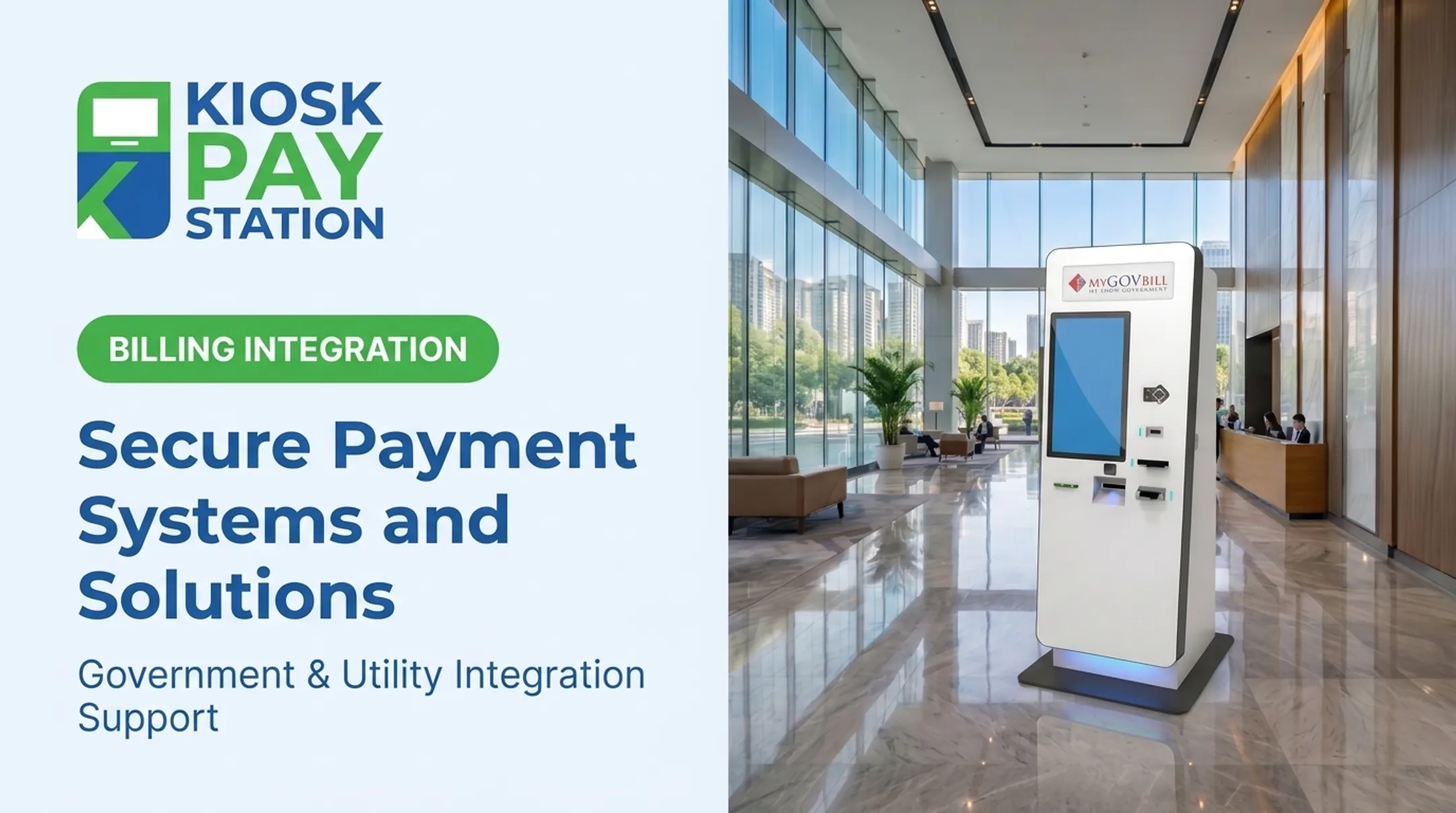
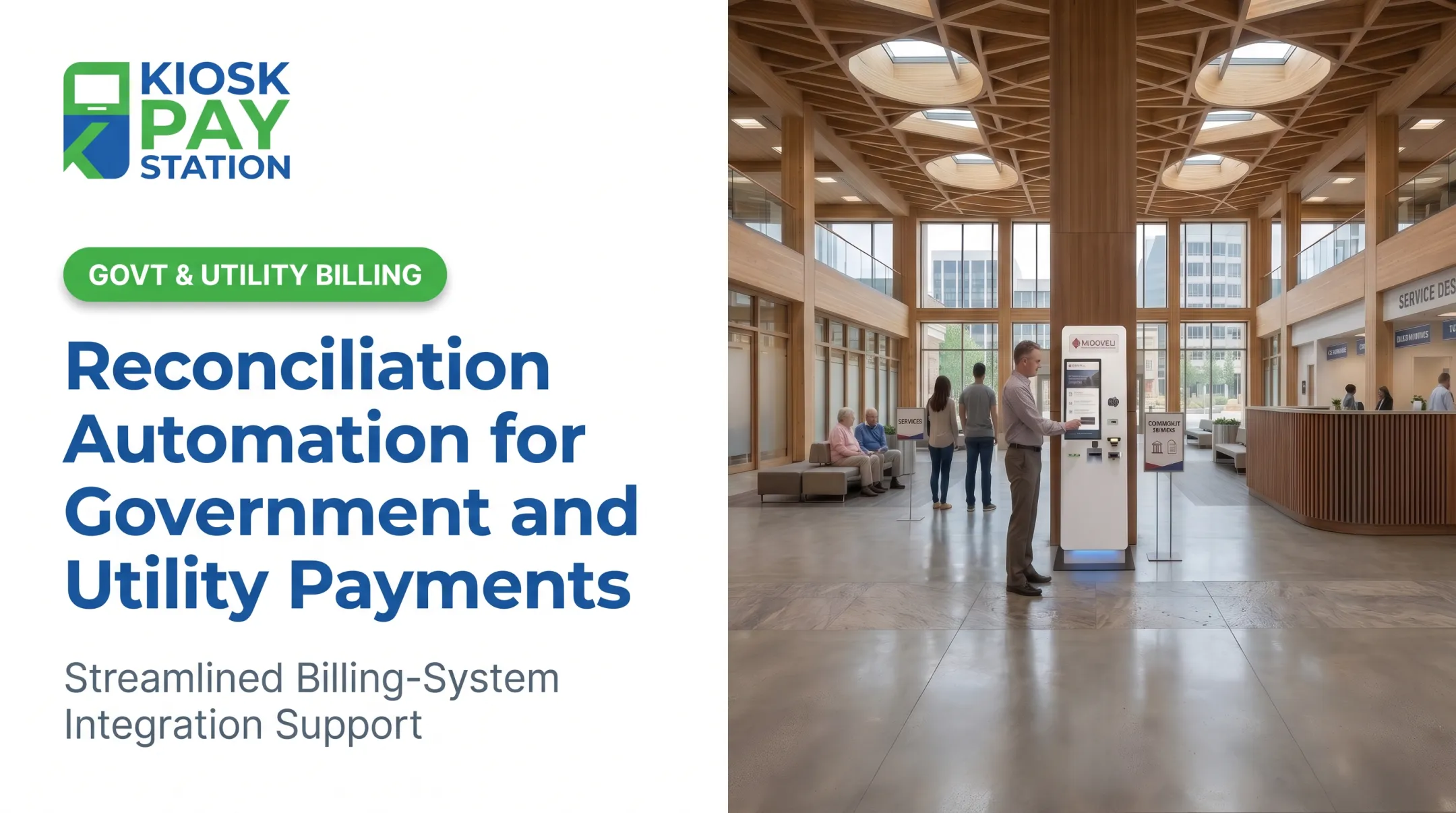
If self-service or kiosk payments are part of your channel mix, judge them by how cleanly transaction data lands in your dashboard. Confirm the channel can capture the account identifiers, department codes, and payment-method detail your teams need for reconciliation—and that those records flow into the same reporting views as counter, online, phone, and other channels.
For agencies already running self-service endpoints, integration quality matters more than the device footprint: real-time or file-based feeds, exception handling, and monitoring should keep kiosk volume visible beside every other intake path. Kiosk Pay Station supports billing-system integration, monitoring, and ongoing support so self-service activity stays tied to the same reconciliation and audit trail as the rest of your stack.
Riverside County offers one documented example: two self-service kiosks collected $3.01 million over a cited seven-day period, processing more than 50% of payments during that window, compared to $2.4 million processed through eight staffed cashier stations in the same timeframe (Kiosk Pay Station internal case data). That's one county's result over one specific period — not a guaranteed outcome for every deployment.

Implementation and Post-Launch Tracking
A phased rollout typically covers data mapping, user-role setup, report design, testing, staff training, and customer communications before go-live. After launch, track:
- Reconciliation exceptions
- Payment completion and refund/dispute volume
- Support contacts and system availability
- Channel usage shifts
- Staff time spent on manual reconciliation
Vendor checklist — confirm before you sign:
- Security certifications and accessibility conformance
- Monitoring capabilities and maintenance terms
- Reporting customization and integration options
- Implementation support and service levels
- Total cost of ownership
Frequently Asked Questions
How do I access my dashboard?
Access usually comes through administrator-issued credentials and role-based authentication set up by your provider. If you cannot log in, contact your system administrator or the vendor's support team.
How can I accept payments on my website?
Most agencies use a hosted payment page, embedded form, or gateway API that accepts cards, ACH, or e-wallets. Route those transactions into your billing system so they show on the payments dashboard for reconciliation.
What should a payments dashboard show?
At minimum it should show transaction status, payment method, channel, account or invoice ID, settlement details, refunds, disputes, and exceptions, plus export and reporting options filtered by user permissions.
Can a payments dashboard combine online and kiosk payments?
Yes, if your payment solution and integrations support consolidated data, consistent identifiers, and the right permissions. That capability depends on your systems, not a universal default.
Is a payments dashboard secure for government payments?
Security depends on the provider's certifications, access controls, integration design, and monitoring, plus your agency's own governance and compliance practices. No single certification covers every risk alone.