The GAO found that federal legacy IT systems can run 23 to 60 years old, with roughly 80% of federal IT spending going toward maintaining what already exists rather than building what's next. Local and county agencies face a version of this same problem: aging billing software that a self-service kiosk can't just plug into out of the box.
That's where custom bill payment kiosk integrations come in. They connect a self-service terminal to your existing utility billing, court case management, or tax system, so payments post automatically instead of landing in a manual reconciliation queue. This guide covers the integration types available, how they compare, real use cases, and how to pick the right one for your department.
Key Takeaways
- Custom integrations connect payment kiosks to billing, case management, or ERP systems
- Three models cover most needs: real-time API, file-based/batch, and standalone
- Choose based on data complexity, transaction volume, and legacy system limits
- PCI-DSS and EMV-ready paths support flexible integration without a full system overhaul
What Is a Custom Bill Payment Kiosk Integration?
A custom integration is a tailored connection, built through APIs, middleware, or file exchange, that syncs a kiosk's payment data with your agency's core system. It's the difference between a kiosk that just prints a receipt and one that actually updates a citizen's account balance the moment they pay.
Typical transaction flow:
- Customer locates their account (invoice number, QR code, barcode, name, or custom identifier)
- Kiosk validates the account against live records
- Payment is captured (cash, card, check, or e-wallet)
- Transaction posts to the backend system
- Reconciliation happens automatically

That account-lookup step matters more than it seems. Searching by a custom identifier, such as a property ID or account number, requires the kiosk to validate against your live database in real time. Without backend integration, that lookup simply doesn't work.
Custom data elements keep the integration flexible for government workflows. On every transaction, a kiosk can capture:
- Department codes
- Property IDs
- Invoice numbers
- Other agency-specific identifiers
Finance teams get the granularity they need for reporting and audit trails.
What Are the Three Types of Kiosk Integrations?
Real-Time (API-Based) Integration
This connects the kiosk directly to your live database. Accounts get validated and payments post instantly, with no delay between the transaction and the updated balance.
Best suited for:
- Tax collector offices processing high volumes during peak season
- Utility providers needing immediate balance updates
- Agencies where citizens frequently return to check status same-day
The trade-off is upfront complexity. Real-time integration requires more technical setup and closer IT coordination. In exchange, you get the most accurate, current data available.
File-Based (Batch) Integration
Here, transaction data collects throughout the day and transfers to the core system on a schedule, often a nightly batch upload via secure file transfer. This mirrors how the ACH network moves batches of transactions rather than settling instantly, as the Federal Reserve describes it.
This model works well for agencies running legacy mainframe systems that simply can't support live API calls. Balance updates lag, sometimes a full day, but the integration is less dependent on constant technical maintenance.
Non-Validated/Standalone Integration
The kiosk operates independently. It accepts payments without checking them against a live account in real time, then someone reconciles the data manually or via exported reports afterward.
This fits smaller departments or pilot deployments testing whether self-service demand exists before committing budget to a deeper integration. Treat it as a starting point, not a long-term architecture for high-volume operations.

Choosing Between the Three
The right choice depends on a few factors:
- Transaction volume — higher volume favors real-time validation
- IT resources — limited staff availability may push you toward file-based or standalone
- Data sensitivity — NIST's Risk Management Framework recommends categorizing systems by impact before choosing an architecture
- Legacy system constraints — some mainframes genuinely can't support live API connections
KIOSK PAY STATION supports all three synchronization options, which means the integration path can match your existing infrastructure rather than forcing a system replacement.
Custom API Integration vs. Native/Standard Kiosk Setup
An API is the interface a system exposes, the access point that lets outside software request or send data, as NIST defines it. An integration is the actual built connection that uses that API to move data automatically between two systems. The API defines what can be shared; the integration makes that data exchange run without manual work.
A standard/native kiosk setup works out of the box with common billing platforms. A custom integration is built for proprietary or older government software that will not fit a generic template.
| Factor | Standard/Native Setup | Custom Integration |
|---|---|---|
| Setup time | Faster, often days | Longer: days to several weeks |
| Cost | Lower upfront | Higher upfront, but tailored |
| Flexibility | Limited to supported platforms | Built for your exact system |
| Long-term scalability | Adequate when platforms stay common | Scales with unique agency needs |

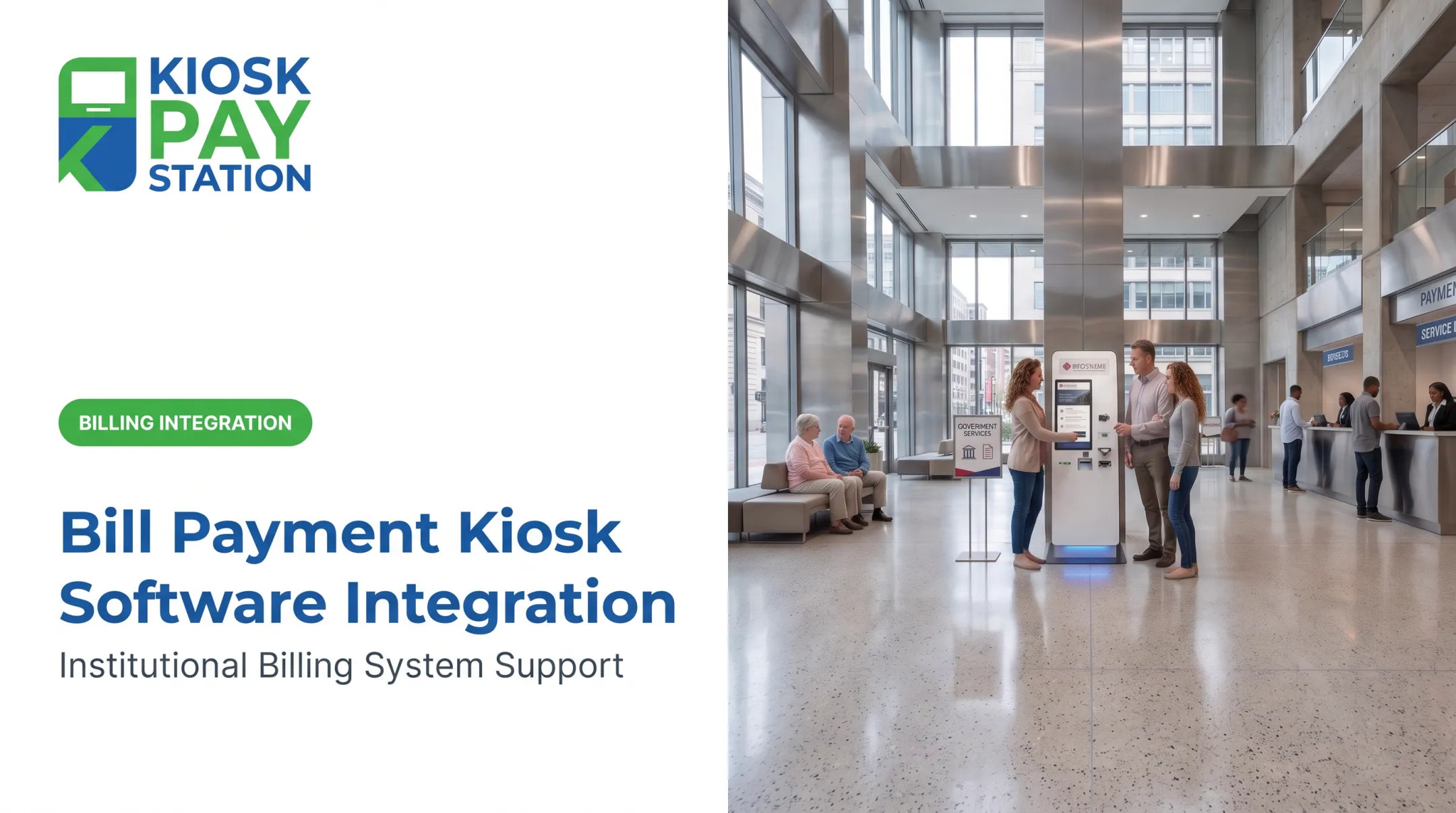
Example workflow: A resident scans a utility bill QR code at the kiosk and sees the live balance from the billing system. They pay by card. The system posts the payment instantly and prints a receipt—no staff, manual entry, or delay.
KIOSK PAY STATION supports both paths. It can deploy as a complete end-to-end solution or layer onto infrastructure your agency already has in place, so you're not forced into a full software overhaul just to add self-service payment access.
Real-World Use Cases Across Government Agencies
Custom kiosk integrations show up wherever agencies collect high volumes of citizen payments. The patterns below are common across utilities, courts, tax offices, and parking.
Utility providers integrate kiosks with billing software so residents see current balances and past-due amounts before paying. Yuma, Arizona installed a self-service kiosk outside City Hall that applies payments immediately and prints receipts on the spot, running 24/7/365.
Courts and correctional agencies connect kiosks to case management systems, accepting fines and fees with case or docket numbers as lookup identifiers. North Carolina's Judicial Branch deployed roughly 20 ADA-compliant kiosks across five counties, reporting fewer lines and phone calls as a result.
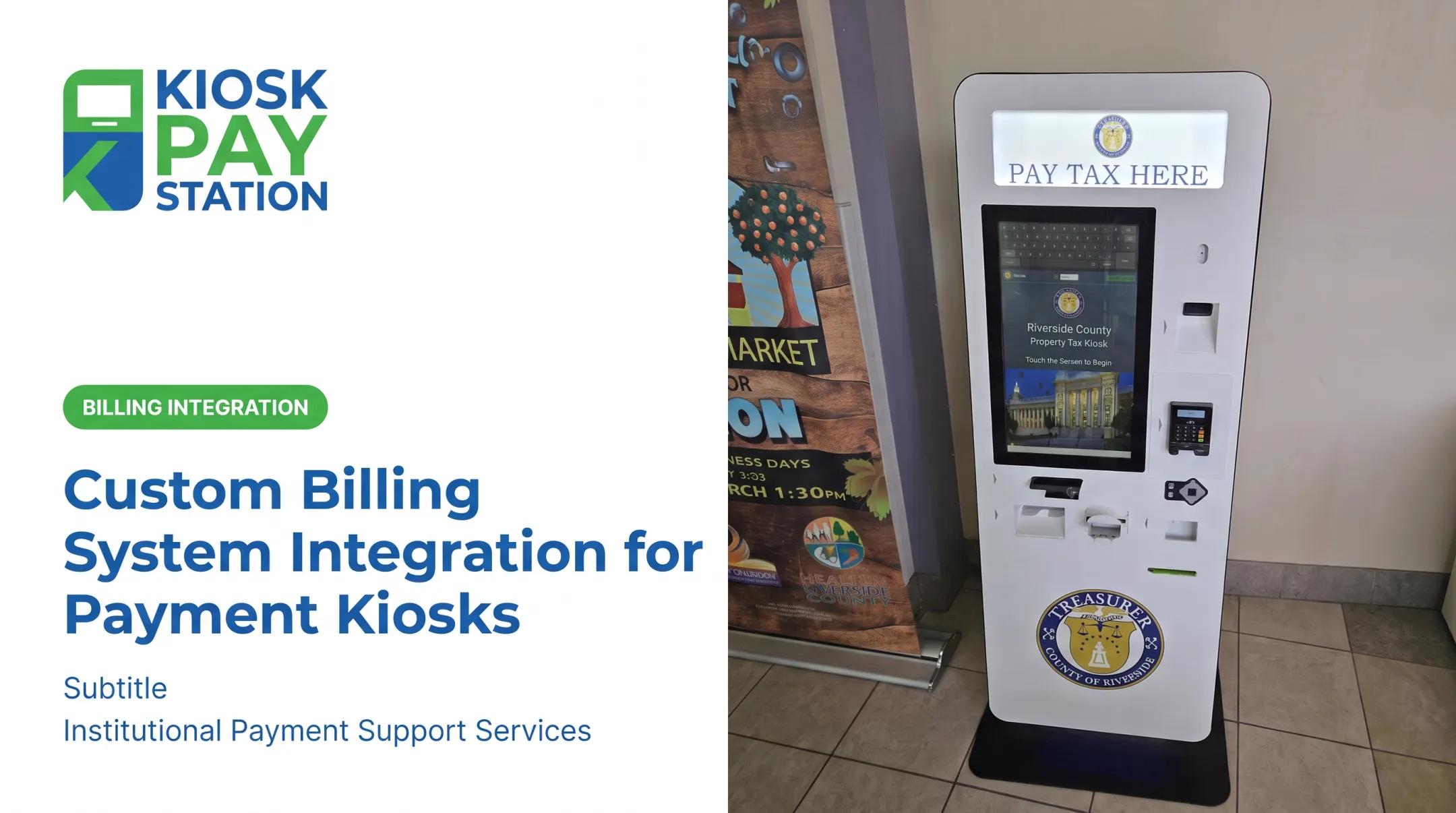
Tax collectors and county governments sync kiosk payments with property tax databases using property IDs as the connecting field. Riverside County shows what that looks like at peak volume:
- Two kiosks collected over $3 million in a seven-day tax period
- Eight staffed cashier stations processed $2.4 million in the same window
- Kiosks delivered roughly 25% more throughput than eight counter staff
- More than half of all payments that period ran through the kiosks alone

Parking authorities and municipal departments tie barcode and QR lookups to citation or permit records, so residents can pay tickets without a trip to the counter.
Key Benefits of Investing in Custom Kiosk Integrations
- Reduces front-desk workload by automating reconciliation between kiosk and backend systems instead of manual matching
- Extends payment access up to 24/7, without adding staff hours to cover it
- Supports multiple payment methods — cash, check, card, e-wallet — within one reconciled record
- Creates audit-ready transaction trails with custom fields like department codes and account numbers baked into every payment
Chicago shows what scaled deployment looks like in practice. The city placed 74 kiosks across government offices, libraries, and community centers, where residents pay utility bills, tickets, taxes, and citations around the clock. Database integration enables live balance lookups at every terminal.

Security, Compliance, and Vendor Considerations
Kiosks handle sensitive financial and citizen data, so compliance isn't optional. PCI-DSS sets the baseline for protecting cardholder data for any entity that stores, processes, or transmits it. EMV certification covers the card-reading hardware itself, ensuring tap, dip, and swipe transactions meet security standards.
When evaluating an integration partner, check for:
- Encrypted payment processing
- ADA accessibility (large touchscreens, voice and light guidance)
- Multilingual interface support for diverse communities
- Ongoing maintenance and component replacement commitments
KIOSK PAY STATION, for example, pairs billing-system integration and monitoring with long-term support—including five years of onsite maintenance and component replacement for institutional clients. That kind of commitment matters. A kiosk that goes down for a week during tax season isn't just an inconvenience. It's lost revenue and frustrated residents.
Frequently Asked Questions
What is custom API integration?
A custom API integration is a tailored connection that moves data between a kiosk and your agency's software systems. It matches your exact workflow instead of a generic default.
What's the difference between an API and an integration?
An API is the interface a system exposes for communication. An integration is the actual built connection that uses that API to automate a real workflow between two systems.
What are the three types of integrations?
Real-time (API-based), file-based (batch), and non-validated (standalone). Each fits different combinations of transaction volume, IT resources, and legacy system constraints.
Can you give me an example of an API integration?
A kiosk pulls a resident's live utility balance, accepts their payment, updates the billing system instantly, and prints a receipt, all without staff involvement or manual entry.
How long does it take to set up a custom kiosk integration?
Timelines vary by type. File-based setups often finish in days, while complex real-time API builds may take several weeks depending on the agency's existing systems.
Can existing infrastructure be used instead of a full kiosk replacement?
Yes. Custom integrations can layer onto systems your agency already runs rather than requiring a complete overhaul or hardware replacement.