That gap between citizen expectations and legacy service delivery is exactly what eGovernment aims to close. Long lines, staffing costs tied to counter hours, and manual data-entry errors all add friction to routine transactions like tax payments and permit renewals.
This guide covers what eGovernment actually means, its four main service types, the core benefits agencies see, and how technologies like self-service kiosks are changing payment collection. We'll also walk through common implementation hurdles and practical first steps.
Key Takeaways
- Map eGovernment work to four delivery models: G2C, G2B, G2G, and G2E
- Self-service payment kiosks are a proven G2C path for agency bill and fee collection
- Agencies cut admin costs, speed up service, and strengthen payment transparency
- PCI-DSS compliance, EMV certification, and ADA accessibility are non-negotiable for public payment tech
- Choose public-sector compliance experience over the lowest bid
What Is eGovernment? Core Concepts and Definition
The U.S. Government Accountability Office defines electronic government as the use of web-based applications to give citizens a simplified interface over agency structures and processes, improving both service delivery and access to information (GAO, 2000). In short, governments use technology to deliver services and information without requiring an in-person visit.
Core concepts behind eGovernment include:
- Digital service delivery — online portals replacing paper forms and counter visits
- Transparency — published data, audit trails, and accessible records
- Interactivity — two-way communication instead of one-directional notices
- Integration — systems that talk to each other across departments
- Data use — using transaction data to improve operations and reporting
A Legal Framework Two Decades in the Making
The E-Government Act of 2002 set much of this in motion. It established a Federal CIO within the Office of Management and Budget, created an E-Government Fund, and required agencies to build internet-based systems that improve public access to information (Congress.gov). It also introduced privacy-impact-assessment requirements for any system handling identifiable citizen information.
Twenty years later, the scale is substantial. GSA reported more than 105 million engagements with USAGov websites, its contact center, social media, and email in fiscal year 2022 alone (GSA, 2022). Today that work shows up across everyday agency channels:
- IRS e-filing and other federal self-service portals
- Court record and case-status systems
- Utility bill payment and city hall self-service payment options

What Are the Four Main Types of eGovernment Services?
Government digital services generally fall into four categories, based on who's on the receiving end.
G2C: Government-to-Citizen
This is the category most residents interact with directly. Common G2C services include:
- Tax filing and refunds
- License and permit renewals
- Benefits applications
- Utility and other bill payments
Friction shows up fastest here. Residents notice immediately when a service is slow, confusing, or unavailable outside business hours.
G2B: Government-to-Business
Businesses depend on government services for:
- New entity registration
- Permit applications
- Public contract bidding
- Professional license renewals
Streamlining these transactions cuts the paperwork burden that slows small businesses down.
G2G: Government-to-Government
Not every eGovernment interaction involves the public. Typical G2G exchanges include:
- Courts sharing records with law enforcement
- State agencies exchanging data with federal counterparts
- One department verifying information held by another
G2G work is largely invisible to citizens, but it is critical for efficient operations.
G2E: Government-to-Employee
Internal-facing tools count too. Common G2E tools include:
- Payroll systems
- Pension administration
- Training portals
- Internal communication platforms
These systems help agencies run efficiently and keep staff informed of benefits and policy changes.
Key Benefits of eGovernment Solutions for Agencies and Citizens
Modernization shows up in hard numbers.
Agencies and citizens typically gain in four areas:
- Reduced administrative costs when automation handles data entry, reconciliation, and routine inquiries
- Faster citizen experiences with 24/7 self-service that removes the need to take time off work for routine payments
- Improved transparency through digital audit trails and published transaction data available without records requests
- Better accuracy because systems capture information once, correctly, at the point of transaction
Cost impact is concrete. A Pew Charitable Trusts study of 15 cities found the average cost of a 311 call was $3.39, with Detroit reaching $7.78 per call (Governing, 2012). Online self-service alternatives cost far less to operate.
Riverside County shows the throughput side. Two self-service kiosks collected $3,001,000 in payments over seven days, outperforming eight staffed cashier stations that processed $2,400,000 in the same window. More than half of all taxes collected during that period came through the two kiosks.

Self-Service Kiosks: A Practical eGovernment Solution for Payment Collection
Payment collection remains one of the most friction-heavy citizen interactions in government. Residents typically must visit during limited business hours, wait in line, and interact with a cashier for a transaction that takes seconds to process electronically.
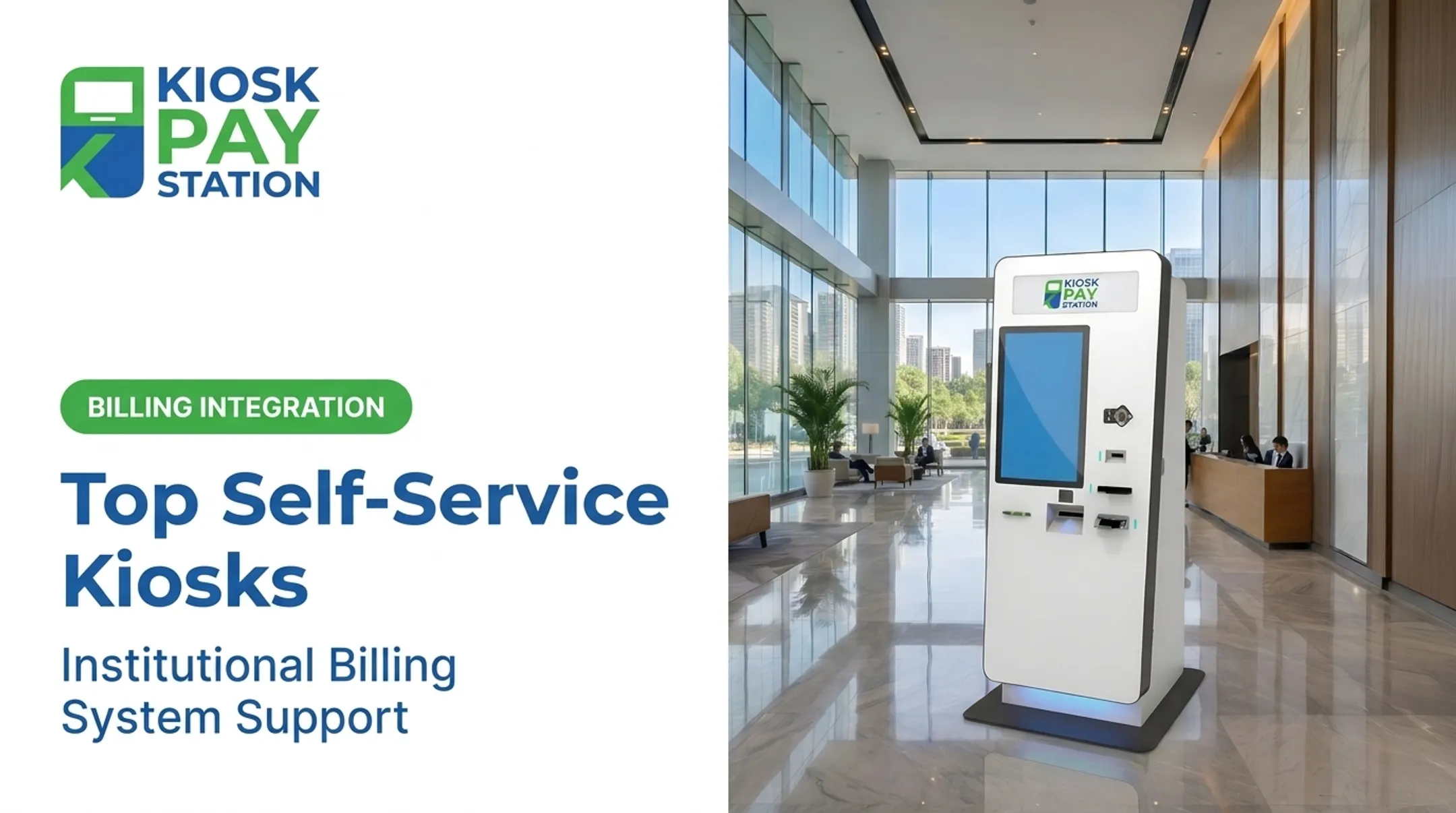
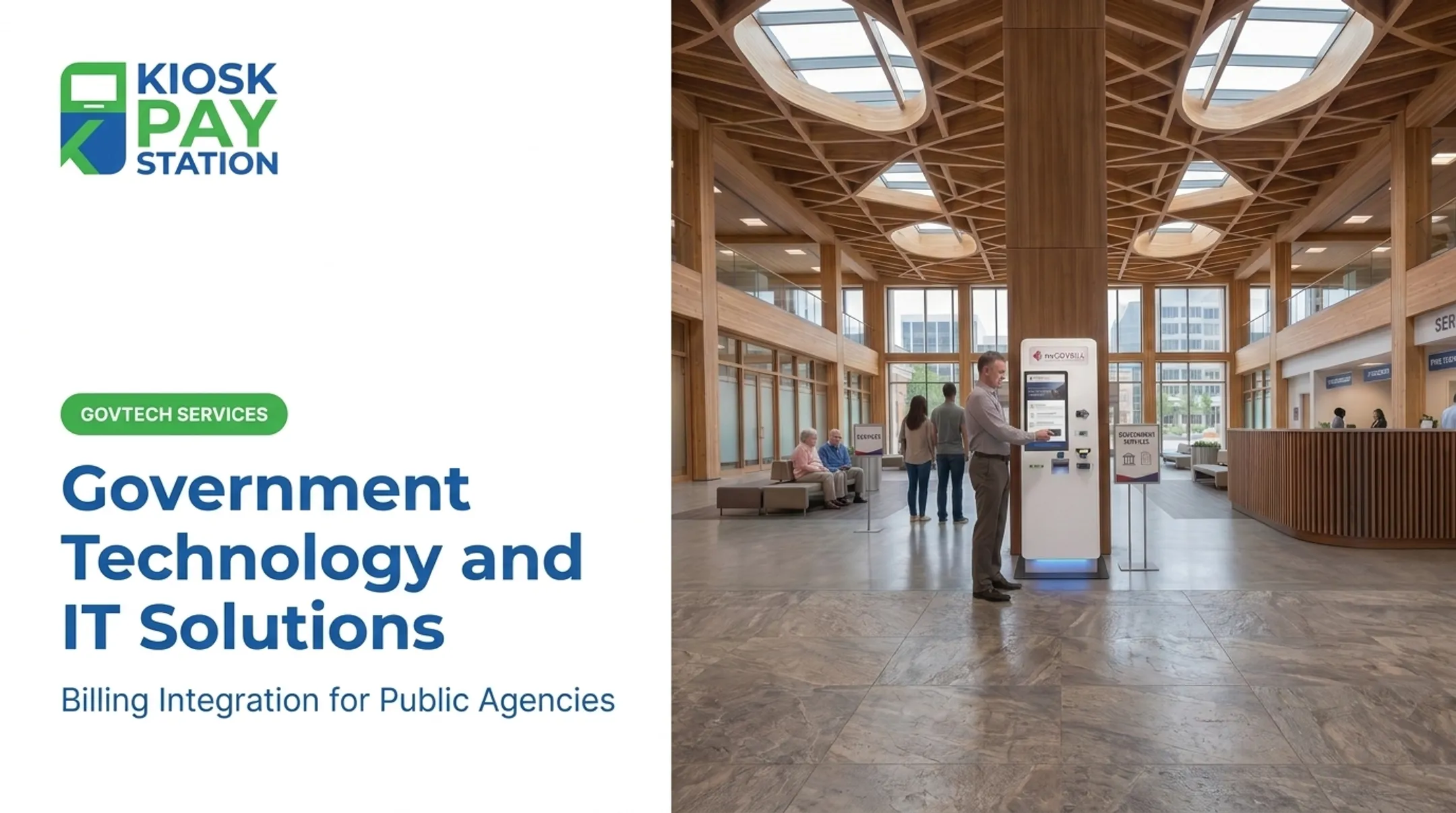
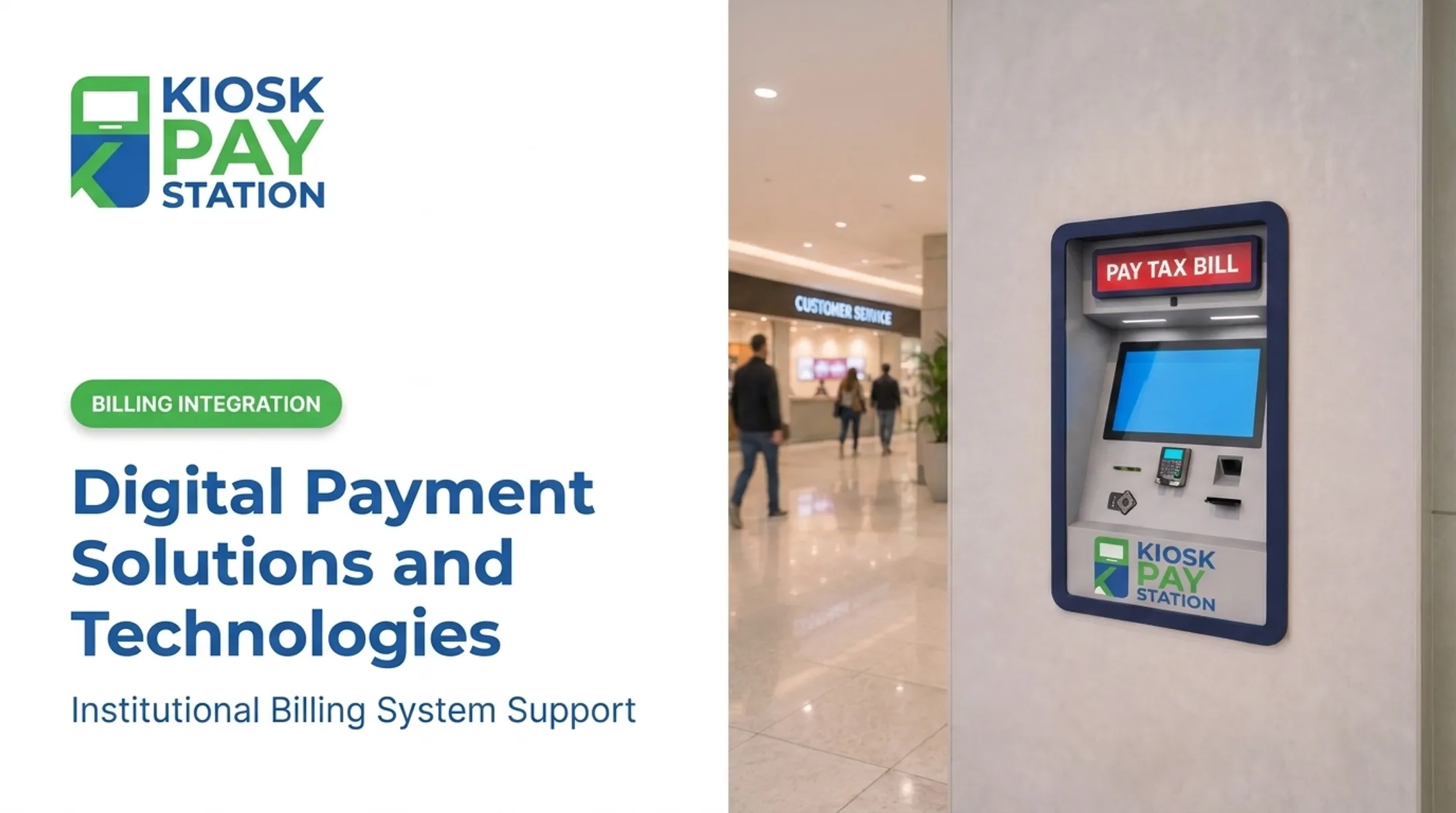
Self-service payment kiosks solve this as a G2C technology, letting residents pay property taxes, utility bills, court fines, and permit fees using cash, card, check, or e-wallet — without needing staff assistance.
KIOSK PAY STATION, a MyGovBill subsidiary with over 25 years in government payment technology, helps agencies modernize bill collection through billing-system integration, monitoring, maintenance, and support. For self-service payment programs, the capabilities that matter most include:
- PCI-DSS compliant, EMV-certified processing with encryption
- Automated reconciliation and reporting that cuts manual bookkeeping
- Unlimited custom data fields for department codes, account numbers, property IDs, and more
- Flexible account lookup by invoice number, QR code, barcode, name, or account number
- Multilingual, accessible interfaces suited to diverse public lobbies

The Riverside County Numbers
Riverside County put the model to the test: two kiosks collected $3,001,000 over seven days, while eight staffed cashier stations processed $2,400,000 in the same window. That is $601,000 more collected with a fraction of the staffing footprint—and more than 50% of all tax payments in that period moved through the two self-service units.
Integration Without Rip-and-Replace
Lobby layouts differ—high-traffic floors, service counters, or fixed indoor and exterior placements—but the lasting requirement is connecting payment collection to the systems agencies already run.
KIOSK PAY STATION focuses on that layer: real-time, file-based, or non-validated data synchronization with existing government billing platforms, plus monitoring and support so teams can sustain self-service collection without replacing current infrastructure.
Common Challenges in Implementing eGovernment Solutions
Modernization isn't friction-free. Agencies typically run into four recurring obstacles.
Budget constraints. Smaller municipalities often lack capital budgets for technology upgrades. NASCIO consistently ranks inadequate funding among state CIOs' top priorities (NASCIO).
Accessibility gaps. Not every resident has reliable internet. Pew Research found that 96% of U.S. adults use the internet, but only 78% subscribe to home broadband (Pew Research, 2025). Lower-income and less-educated adults are notably less likely to have a connection. Digital literacy and language barriers compound the gap.
Security and compliance requirements. A 2025 GAO report found that of 11 federal legacy systems most urgently needing modernization, eight ran on outdated programming languages and seven had known cybersecurity vulnerabilities. Data privacy rules add compliance work agencies cannot skip.
Resistance to change. Staff and leadership used to legacy processes can slow adoption, even when new tools clearly improve outcomes. Training gaps and process redesign often take longer than the technology rollout itself.

How Agencies Can Get Started with eGovernment Modernization
Modernization doesn't require an agency-wide overhaul on day one.
- Start with high-friction, high-volume processes. Bill payments and permit applications are usually the best entry points. They're repetitive, rules-based, and immediately noticeable to residents when improved.
- Choose vendors with proven compliance credentials. Look for PCI-DSS compliance and EMV certification, plus a track record of public-sector deployments specifically (not just general retail experience).
- Pilot before scaling. Roll out payment modernization in one department or location first—self-service collection and billing integration are common starting points. Measure results, then expand.
- Explore available funding. CISA's State and Local Cybersecurity Grant Program made $91.7 million available for FY 2025, part of a $1 billion four-year appropriation (CISA).
For agencies modernizing bill-payment collection, prioritize partners that provide ongoing monitoring, maintenance, and billing-system integration. Post-launch support matters as much as the initial rollout.
Frequently Asked Questions
What are eGovernment solutions?
eGovernment solutions are digital tools governments use to deliver services, share information, and interact with citizens, businesses, and other agencies. They replace in-person, paper-based processes with online or self-service alternatives.
What are the four main types of eGovernment services?
The four types are G2C (government-to-citizen), G2B (government-to-business), G2G (government-to-government), and G2E (government-to-employee). Each labels a different government relationship: citizens, businesses, other agencies, or employees.
How secure are self-service government payment kiosks?
Reputable kiosks use PCI-DSS compliant, EMV certified processing with encrypted transactions. These standards govern how payment data is stored, processed, and transmitted to protect against fraud and breaches.
Can eGovernment solutions be customized for different departments?
Yes. Kiosk-based systems, for example, support unlimited custom data fields such as department codes, account numbers, and property IDs, plus flexible account lookup by invoice number, QR code, or barcode.
What is the cost benefits of adopting eGovernment payment technology?
What are the cost benefits of adopting eGovernment payment technology?
Agencies typically see reduced staffing needs at payment counters, faster collections, and fewer reconciliation errors from manual entry. In one seven-day period, Riverside County's two kiosks outperformed eight staffed cashier stations.
Are eGovernment kiosks accessible to all citizens, including those with disabilities?
Well-designed kiosks include ADA-accessible features like large touch screens, voice and light instructions, and multilingual interfaces. This ensures residents with disabilities or limited English proficiency can complete transactions independently.