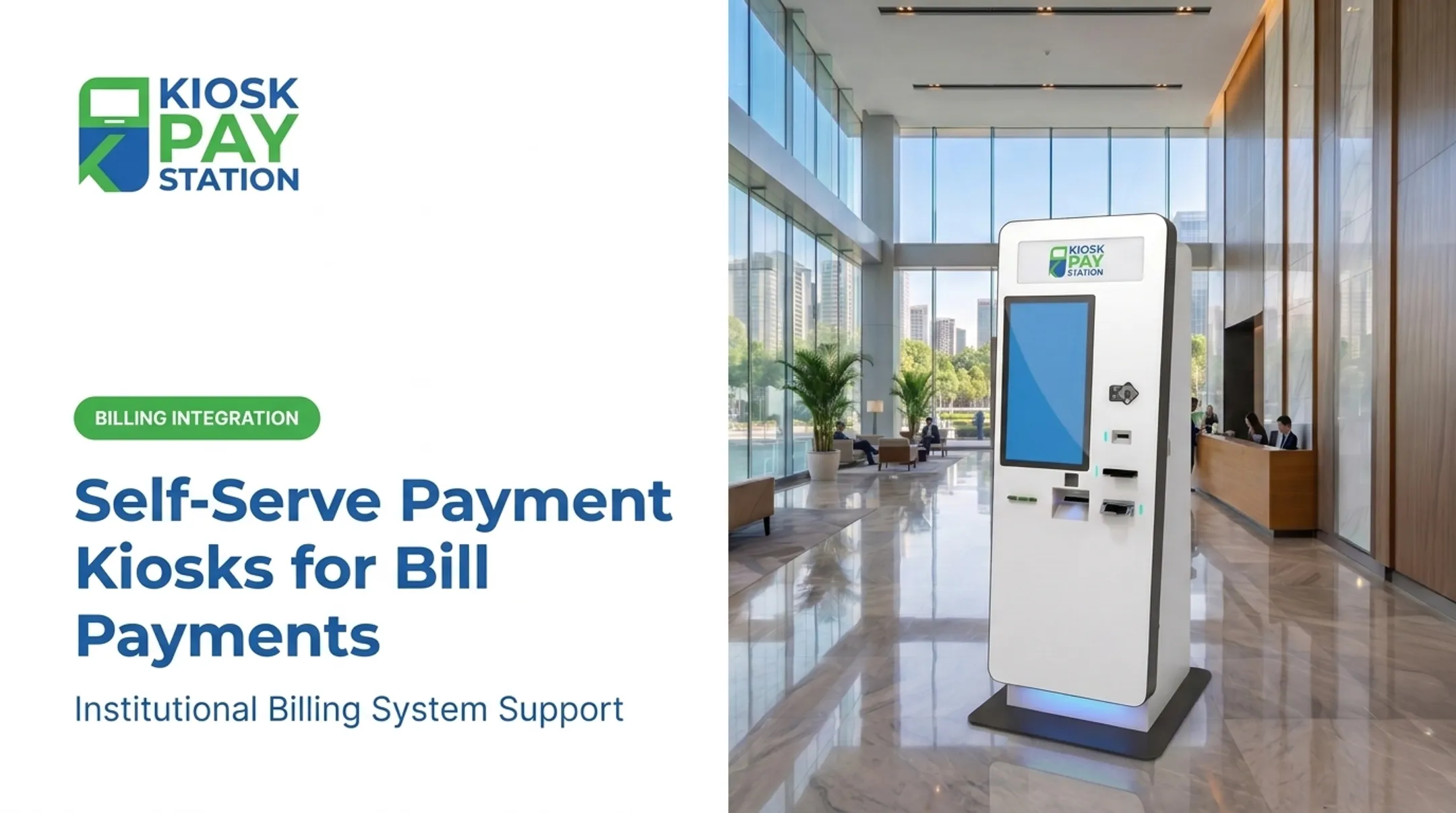
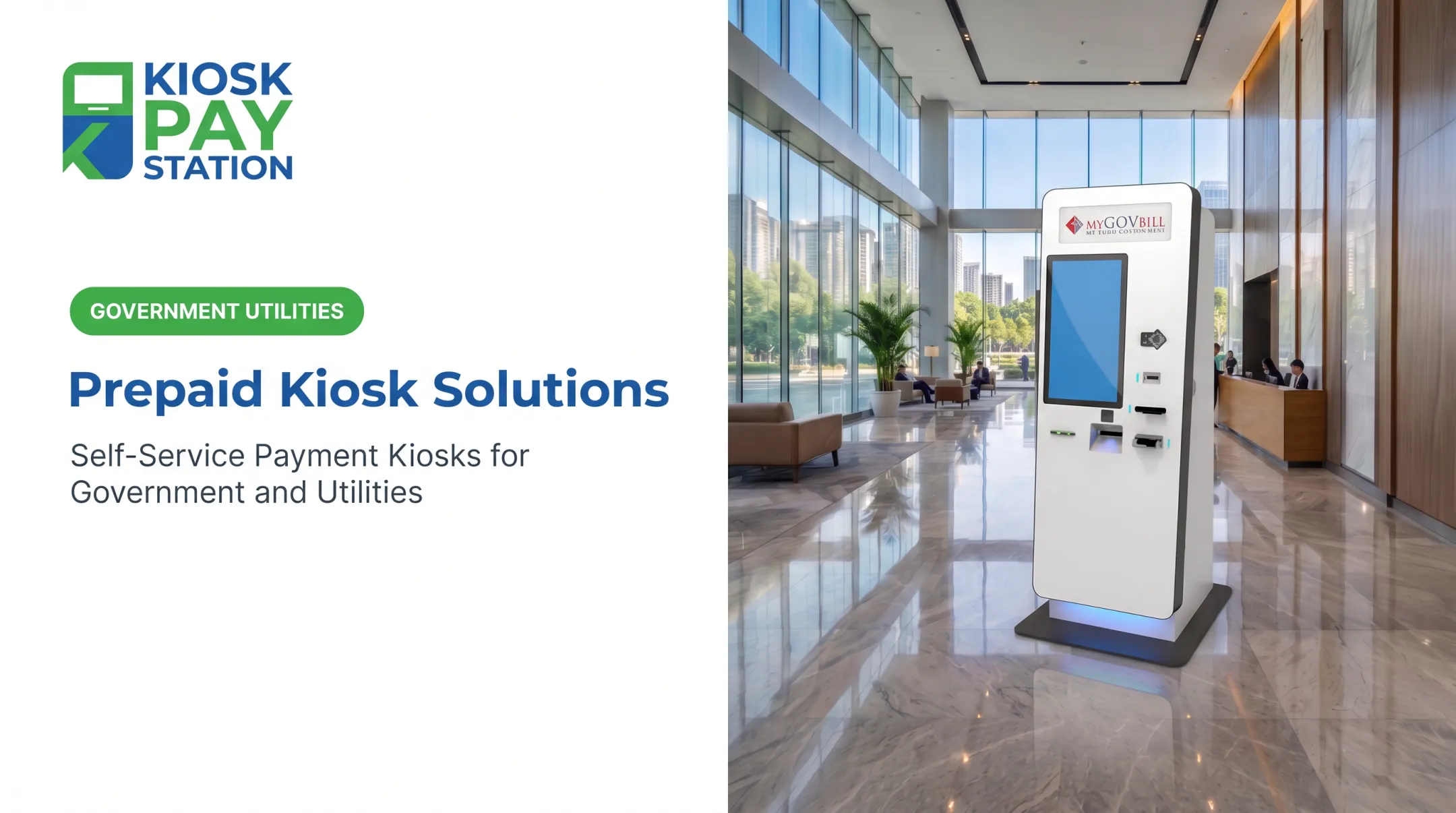
Payment processing kiosks offer a practical answer. They extend convenient, self-service access beyond typical business hours, support a wide range of payment methods—including cash and checks—and can connect transactions directly to your existing billing or treasury systems. These kiosks complement your staffed services, freeing your team to handle more complex issues.
This article provides a detailed comparison of the leading payment kiosk solutions, focusing on their suitability for the public sector. We'll evaluate them based on security, accessibility, integration capabilities, cash handling, reporting, and total cost of ownership to help you find the right fit for your agency.
Key Takeaways
- A government payment kiosk must do more than accept cards. Look for full-workflow support, including account lookup, cash and check handling, receipt printing, and audit-ready reporting.
- Security and accessibility are critical. Prioritize solutions with PCI-compliant architecture, EMV-certified card acceptance, strong encryption, ADA-conscious design, and multilingual interfaces.
- KIOSK PAY STATION is a purpose-built solution for bill payment, designed specifically for government and utility workflows with robust support for multiple payment methods and hardware configurations.
- Compare the entire solution, not just the hardware price. Factor in software, integration, payment processing, installation, maintenance, and ongoing support to understand the true cost.
Overview of Payment Processing Kiosks in the Government and Utilities Market
A payment processing kiosk is a self-service terminal that allows constituents or customers to manage their bills with minimal staff assistance. A user can typically identify their account, review the amount due, select a payment method, and receive a printed or digital receipt confirming the transaction.
In the public sector, these kiosks support a wide range of bill-payment workflows. Common use cases include:
- Property taxes
- Utility bills (water, electricity, gas)
- Court fees and fines
- Permits and licenses
- Other department-specific transactions
While online payments are widespread, they haven’t eliminated the need for in-person options. A 2025 survey of government leaders found that while 87% of agencies offer online payments, only 30% collect at least 60% of their revenue that way.
66% of agencies still accept cash, so agencies still need channels that work for every constituent. A self-service kiosk bridges this gap by offering digital convenience in a physical location.
Operationally, a kiosk sits inside a larger payments ecosystem. It connects to a payment gateway or processor, a merchant account, your agency's billing system, and your reporting environment.

Integration typically takes one of three forms:
- Real-time via APIs for instant posting
- File-based for batch processing
- Non-validated for simpler setups
The best approach depends on your payment volume, constituent needs, existing systems, and internal support capacity.
Best Payment Processing Kiosk Solutions for Government and Utilities
We assessed providers with verifiable kiosk, unattended payment, or public-sector payment capabilities. The comparison covers payment support, integration, security, accessibility, hardware options, and service coverage.
KIOSK PAY STATION
KIOSK PAY STATION is a specialized provider focused exclusively on bill collection for government, utilities, and other public-service organizations. With over 25 years of experience in self-service payment technology, their solution is engineered from the ground up for these specific environments, not adapted from retail or restaurant models.
Security and compliance sit at the center of the platform: PCI-DSS Level 1 certified technology, EMV certification, and encrypted processing. Hardware and software are ADA accessible, with multilingual support and customizable branding that matches your agency's identity.

Workflow and Payment Capabilities:
- Payment Methods: Accepts cash, checks, credit cards, debit cards, and e-wallets.
- Account Lookup: Find accounts by invoice number, QR code, barcode, name, account number, or custom ID.
- Custom Data: Unlimited custom fields per transaction (department codes, property IDs) for clean reconciliation.
- Hardware: Standalone, countertop, and in-wall options; Pay Station Pro takes bills and dispenses exact change in bills and coins.
- Operations: Automated reconciliation, export-ready reporting, plus five-year onsite maintenance and component replacement.
As a proof point, the company reports that in Riverside County, two kiosks collected $3.01 million over seven days, processing more than half of all payments during that period and outperforming eight staffed cashier stations.
| Feature | KIOSK PAY STATION |
|---|---|
| Public-Sector Fit | Purpose-built for government and utility bill payment |
| Payment Methods | Cash, Check, Card (EMV/Contactless), E-Wallets |
| Integration | Real-time API, file-based, and non-validated options |
| Accessibility | ADA-conscious design, voice/light guidance, multilingual |
| Hardware Options | Standalone (cash/cashless), countertop, in-wall |
| Maintenance | 5-year onsite maintenance included |
| Pricing | Contact vendor for a proposal |
NCR Voyix
NCR Voyix has a documented presence in the government payments space, with software that explicitly covers state and local agencies, utilities, and bill presentment. Their Payment Business Portal lists kiosks as a supported channel alongside web, IVR, and desktop options for accepting credit/debit cards and ACH/eCheck payments.
Public-sector materials mention tax and parking ticket payments at city kiosks, but no specific, named government or utility kiosk implementation turned up in available research. The hardware portfolio is extensive, though many solutions skew retail or banking.
Agencies should request a demo of the exact unattended model and a comparable public-sector customer reference before assuming bill-payment workflow fit.
| Feature | NCR Voyix |
|---|---|
| Public-Sector Fit | Offers government payment software that lists kiosks as a channel |
| Payment Methods | Supports card and ACH; cash/check handling in an unattended kiosk needs verification |
| Integration | Enterprise-level integration capabilities |
| Accessibility | Documentation available on request |
| Hardware Options | Extensive portfolio; requires matching the right model to the use case |
| Pricing | Contact vendor for a quote |
Diebold Nixdorf
Diebold Nixdorf is a major player in self-service transaction terminals, particularly in the banking (ATMs) and retail (self-checkout) sectors. Their DN Series EASY line, for instance, is marketed for retail environments. While the hardware is durable and offers advanced cash and card handling, it's not inherently designed for government bill payment.
Most agencies would need third-party software on top of the hardware for public-sector workflows—custom account lookups, department coding, and automated reconciliation with a utility billing system. Recent announcements have centered on retail and restaurant use cases.
Confirm a qualified bill-collection configuration and a referenceable public-sector installation before selecting this path.
| Feature | Diebold Nixdorf |
|---|---|
| Public-Sector Fit | Primarily focused on retail and banking; requires configuration for government use |
| Payment Methods | Strong hardware for cash and card handling |
| Integration | Requires integration with third-party bill payment software |
| Accessibility | Varies by model; must be verified for public use |
| Hardware Options | Durable retail and banking terminals |
| Pricing | Contact vendor for a quote |
KIOSK Information Systems
KIOSK Information Systems specializes in designing and manufacturing standard and custom self-service enclosures for various industries, including the public sector. They offer their own licensed Standard Bill Payment (SBP) application, designed to integrate with a client's back-end systems. Their solutions can be configured with a wide range of peripherals for handling cash, checks, and cards.
The payment processor is often chosen by the client or recommended by KIOSK Information Systems. That flexibility helps, but the agency must define who owns payment certifications, PCI scope, software updates, and field service.
Solutions appear in DMV and transit settings; still verify direct experience with your utility or tax payment workflows.
| Feature | KIOSK Information Systems |
|---|---|
| Public-Sector Fit | Custom hardware and bill-pay application for various sectors |
| Payment Methods | Configurable for cash, check, and card peripherals |
| Integration | Flexible integration model; processor relationship must be defined |
| Accessibility | Offers ADA-conscious hardware design |
| Hardware Options | Standard and fully custom enclosures |
| Pricing | Contact vendor for custom project pricing |
Advanced Kiosks
Advanced Kiosks markets a range of interactive kiosks for government and municipal use cases, including bill and fee payments. Their hardware can be equipped to accept cash, cards, and checks. The company provides APIs to connect their kiosks to an agency's existing billing platforms and third-party payment processors.
This hardware-led model is not an all-in-one payment platform; it depends on a separate merchant account and gateway. A documented case study with the Prince William County Circuit Court Clerk used six kiosks for after-hours court fee payments.
That public-sector proof is useful, but court fee flows differ from utility billing—confirm account validation methods and treasury workflow fit before you buy.
| Feature | Advanced Kiosks |
|---|---|
| Public-Sector Fit | Experience in government fee collection; hardware-focused |
| Payment Methods | Supports cash, check, and card peripherals |
| Integration | Integrates with third-party billing and payment systems via APIs |
| Accessibility | Offers multilingual interfaces and accessibility options |
| Hardware Options | Freestanding, wall-mount, and outdoor models |
| Pricing | Pricing information available on their website |
How We Chose the Best Payment Processing Kiosk Solutions
This list isn't a universal ranking. The best provider depends entirely on your agency’s specific needs. Use these criteria as a checklist when evaluating solutions.
Security and Compliance
A kiosk introduces a new endpoint into your payment environment. Verify the provider's security posture thoroughly.

- PCI Compliance: Map which PCI DSS controls the provider owns versus what your agency still must maintain.
- EMV Certification: Require an EMV-certified reader so card-present fraud liability shifts away from your agency.
- Encryption: Confirm transaction data is encrypted in transit and at rest, including key management practices.
- Physical Security: Check for a tamper-resistant enclosure, locked compartments, and visible tamper indicators.
Payment and Workflow Coverage
The solution must handle your specific transaction types.
- Payment Methods: Confirm cards (dip, tap, swipe), mobile wallets, checks, and cash—plus exact change if you accept cash.
- Account Lookup: Users should find bills by name, address, account number, barcode, or QR code without staff help.
- Custom Workflows: Support partial payments, multi-department fund routing, and custom fields needed for reconciliation.
Integration and Reconciliation
A kiosk that doesn't talk to your other systems creates more manual work, not less.
- System Integration: Prefer real-time APIs into your billing or financial system so accounts update immediately after payment.
- Automated Reporting: Require daily reconciliation and settlement reports that cut manual audit work.
- Exception Handling: Define how failed transactions, disputes, and errors are flagged, retried, and resolved.
Accessibility and Constituent Experience
The kiosk should be easy for everyone to use.
- ADA-Conscious Design: Hardware should meet ADA reach, height, and access guidelines for public spaces.
- User Interface: Prioritize large touchscreens, plain-language steps, and voice or visual guidance options.
- Language Support: Offer a multilingual interface that matches the communities you serve.
- Staff Assistance: Keep a clear help path—kiosks should complement counter service, not erase it.
Deployment, Reliability, and Total Cost
Evaluate total cost of ownership and day-to-day reliability, not hardware price alone. Your evaluation should include:
- Uptime and Monitoring: Ask about expected availability, remote monitoring, and how outages are detected.
- Maintenance and Support: Confirm onsite service terms, parts replacement, and response times after install.
- One-Time Costs: Hardware, software licensing, installation, and integration fees.
- Recurring Costs: Maintenance contracts, support fees, and software subscriptions.
- Transaction Costs: Payment processing fees from the gateway or processor.
Conclusion
Selecting a government or utility payment kiosk means choosing a complete payment workflow, not just a piece of hardware. The right solution improves access and convenience for your constituents while giving your agency secure processing, reliable posting, clear reporting, and more manageable operations.
Before you decide, ask providers for a live demonstration built around a real-world scenario. Have them walk through the full process:
- Looking up an account
- Making a partial payment with cash
- Handling a failed transaction
- Generating a reconciliation report
That exercise will reveal far more than a sales presentation ever could.
If your agency needs a solution designed specifically for bill payment, KIOSK PAY STATION combines secure, compliant technology with flexible workflow support and ongoing service. Contact our team to discuss your integration requirements and request a no-obligation proposal.
Frequently Asked Questions
What is the best POS system for a small business?
A small business POS depends on industry, payment methods, and reporting needs. Government agencies and utilities need a specialized bill-payment platform with account lookup and municipal billing integration—capabilities a general retail POS lacks.
What is the average cost of a self-checkout kiosk?
Costs vary significantly based on hardware (especially cash handling), software, integration complexity, and maintenance plans. A retail self-checkout price is not a good benchmark for a government kiosk, which has different security and integration requirements. Always request an itemized, multi-year quote.
What features should a government payment kiosk have?
Look for PCI/EMV secure processing, cash/check/card acceptance, account lookup, receipt printing, and ADA-conscious multilingual design. Automated reconciliation and seamless billing or treasury integration matter just as much.
Can a utility payment kiosk accept cash, checks, and cards?
Yes—if the hardware and software are configured for it. KIOSK PAY STATION models can accept all three, including cash recyclers that dispense exact change. Confirm multi-tender support during selection.
How do payment kiosks integrate with government or utility billing systems?
Integration can happen in several ways. Real-time APIs provide instant updates to customer accounts, while file-based exchanges process transactions in batches. Agencies should confirm how the solution validates accounts, posts payments, handles errors, and reconciles data before deployment.
Are payment kiosks secure and ADA accessible?
Verify the provider’s PCI DSS responsibilities and EMV certifications. For accessibility, evaluate physical design, on-screen instructions, and language support so the kiosk serves your full community.