Many customers now expect to resolve transactions on their own schedule — not during a 9-to-5 window, not after 20 minutes of hold music. That shift shows up everywhere: retail checkout lanes, bank ATMs, hotel lobbies, IT help desks, and increasingly, government payment counters.
This guide breaks down what self-service technology actually is, why it matters for both businesses and public agencies, real examples across industries, and a closer look at how self-service kiosks are transforming how governments collect bill payments.
Key Takeaways
- Self-service technology lets customers finish routine transactions without waiting on a live representative
- Only 14% of issues fully resolve via self-service (Gartner); design quality matters as much as availability
- Government agencies are deploying payment kiosks to cut counter lines and extend access beyond business hours
- Use self-service to complement staff on routine work, not to replace help on complex issues
- Compliance (PCI-DSS, EMV, ADA) is non-negotiable for any payment-handling kiosk
What Is Self-Service Technology?
Self-service technology is any tool that lets someone complete a transaction or access a service without a live representative.
It's not new. Researchers trace self-service back to a legendary holy-water vending machine attributed to Hero of Alexandria, and to tobacco vending machines in 1600s Britain.
The modern retail version started with Piggly Wiggly's self-service grocery model in 1916, followed by parking meters in 1936 and information kiosks in 1977. Today's self-service spans two broad categories:
- Digital self-service — chatbots, mobile apps, online account portals, knowledge bases
- Physical self-service — kiosks, ATMs, ticketing machines, check-in terminals

Academic literature calls this the "customer as co-producer" model. Instead of passively waiting to be served, the customer performs part of the transaction themselves — entering information, scanning a code, inserting cash.
Digital vs. Physical Self-Service
A banking app that lets you deposit a check by photo is digital self-service. An ATM that dispenses cash is physical self-service. Both solve the same underlying problem, reducing dependence on a staffed window, but they're built for different situations.
Physical kiosks still matter most where cash, checks, or ID verification are involved. A resident paying a water bill in cash, or a defendant paying a court fee, often can't complete that transaction purely online. Those transactions are where hardware-based self-service still does the work digital channels can't.
Why Self-Service Technology Matters
The purpose is simple: give people faster, round-the-clock access to services while reducing the operational load on staff. That value shows up in a few measurable ways:
- Cost efficiency. McKinsey found that organizations running deep customer-experience transformations reduced their cost to serve by 20% to 40% within two to three years—a substantial cut for any budget-strapped department.
- Staff workload. Every kiosk transaction is one less item staff process by hand, freeing them for disputes, exceptions, and complicated account issues where human judgment matters.
- Consistency. A kiosk doesn't get tired at 4:45 PM on a Friday. It runs the same steps every time and cuts the manual entry errors that create reconciliation headaches later.
- 24/7 access. Government offices often run 9 AM to 5 PM, Monday through Friday; self-service kiosks don't. Springfield, Missouri's City Utilities keeps payment kiosks running around the clock even though its lobby closes at 4:30 PM.

Examples of Self-Service Technology Across Industries
Self-service touches more of daily life than most people realize:
- ATMs: cash withdrawals, deposits, transfers, available outside banking hours
- Retail self-checkout: scan-and-bag without a cashier
- Restaurant ordering kiosks: order and pay before food even reaches the kitchen
- Hotel check-in kiosks: skip the front desk entirely
- Chatbots and knowledge bases: resolve simple questions without a phone call
- IVR phone systems: route or resolve requests through voice prompts
- Airport check-in kiosks: print boarding passes, tag bags, change seats Hotels illustrate the trend clearly. A recent survey found 30% of reservations at U.S. Mews-enabled hotels used self-check-in kiosks, compared to 20% globally, meaning American travelers are adopting self-service faster than the global average. One category still gets far less attention despite needing it most: government bill payment. Tax offices, courts, and utility departments have historically been among the slowest to modernize, still relying heavily on staffed counters and paper reconciliation.
Self-Service in Government and Public-Sector Payments
Public agencies face a specific version of the self-service problem. Residents show up during a narrow window to pay taxes, utility bills, or court fees, and if they miss it, they wait until the next business day. Manual counter transactions also mean manual reconciliation, which introduces errors and delays closing the books.
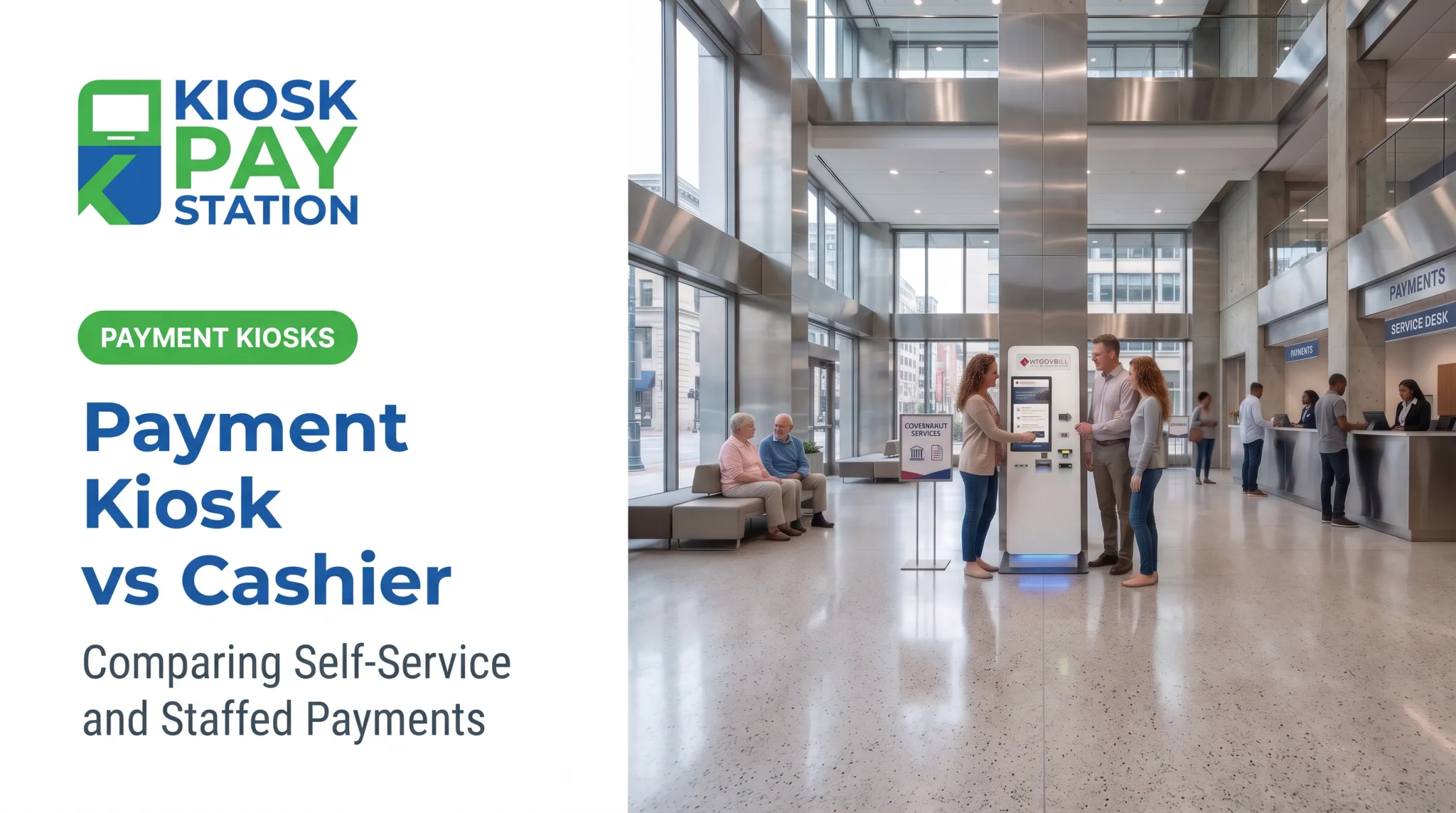
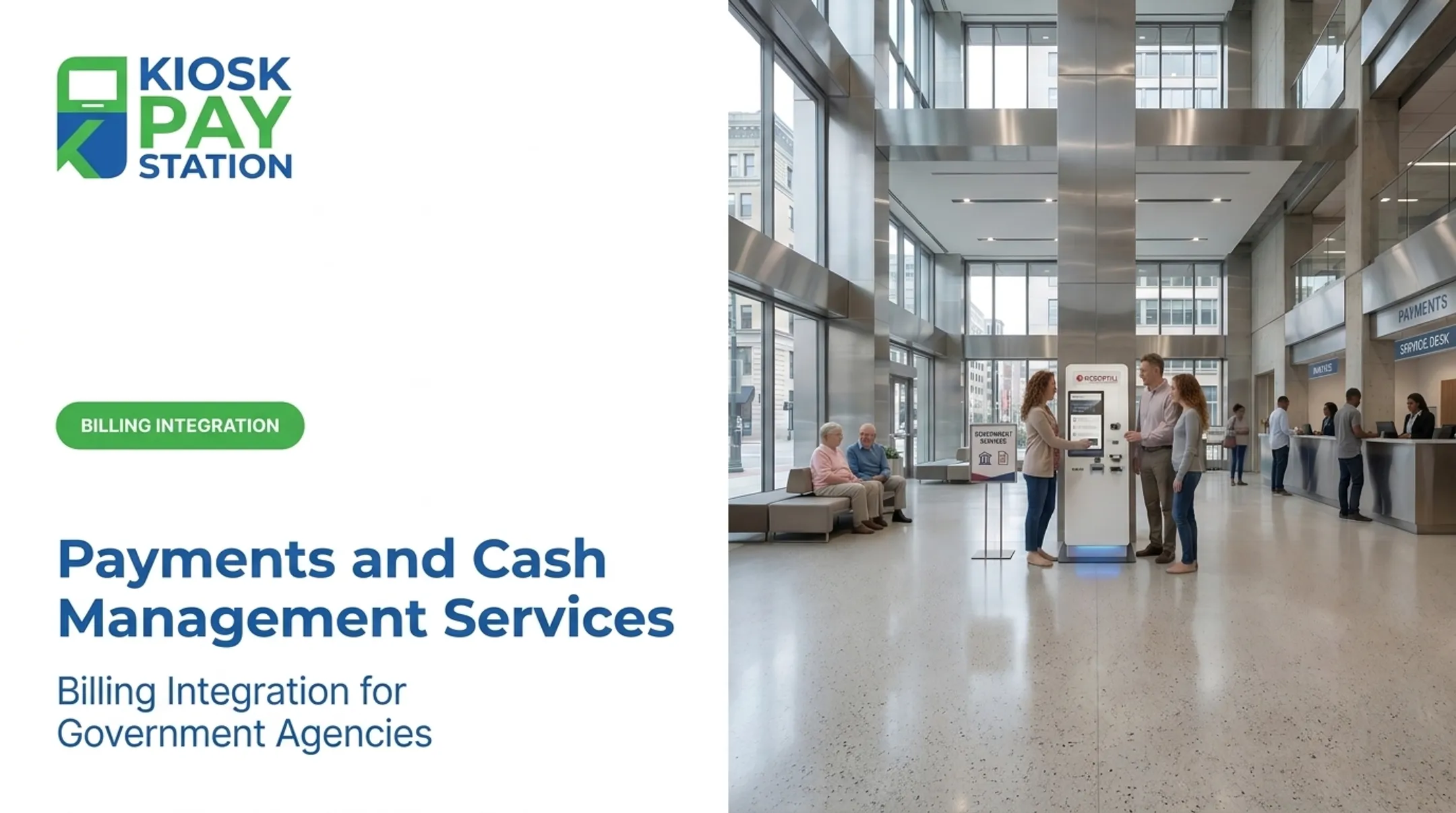
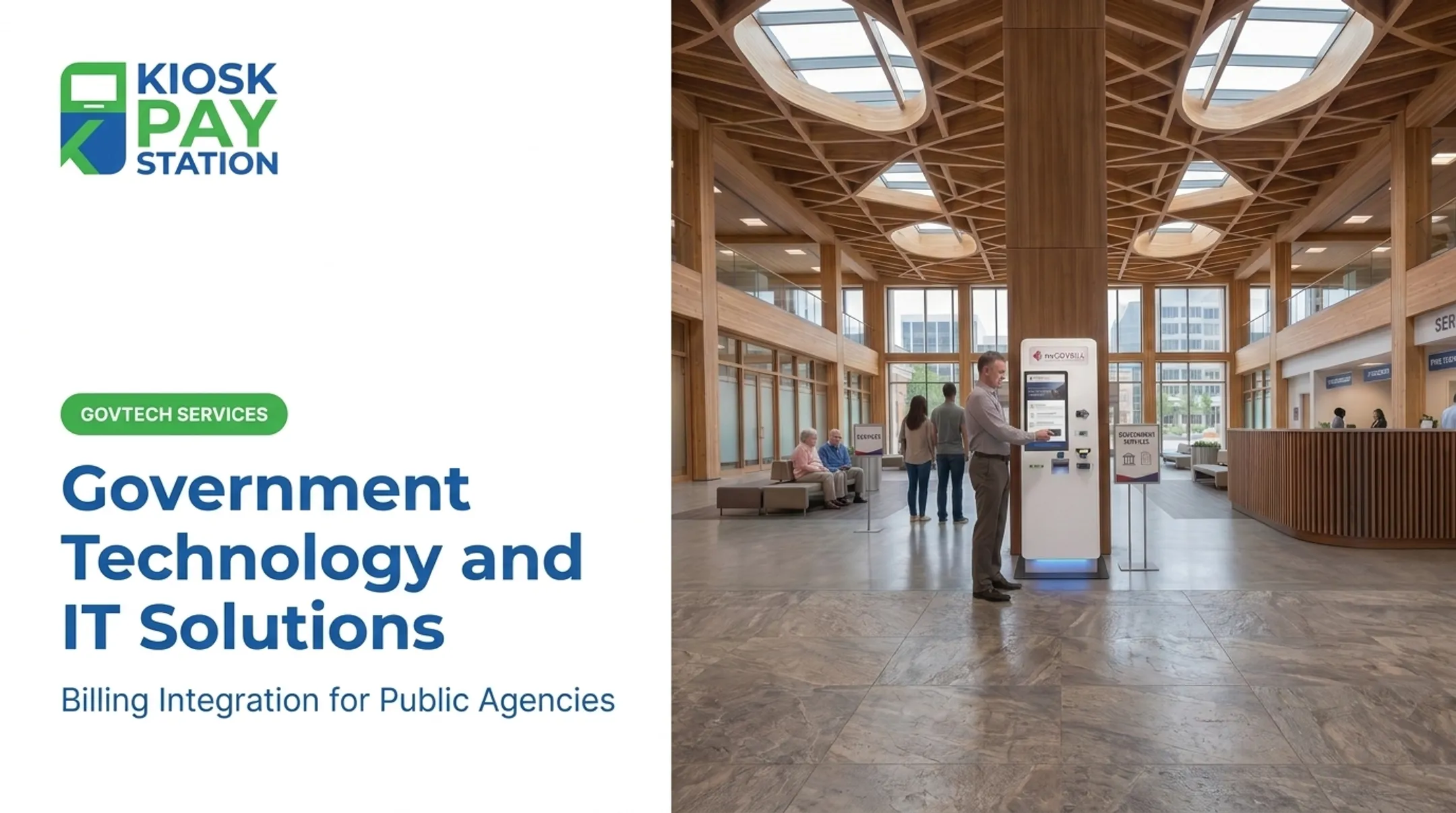
KIOSK PAY STATION, a subsidiary of MyGovBill, supports public agencies modernizing bill collection and reconciliation. Self-service payment workflows that accept cash, check, credit/debit card, and e-wallet cover how residents actually pay, not only those with a card handy.
A Real-World Result: Riverside County
Riverside County deployed two self-service payment kiosks. Over a seven-day period, those two kiosks collected $3,001,000 in payments, more than 50% of all payments collected during that window. By comparison, eight staffed cashier stations processed $2.4 million over the same seven days.

Two machines outperformed eight people. That gap shows a structural shift in how payment volume can be handled.
Compliance and Accessibility Features
Government payment kiosks carry higher compliance stakes than a retail checkout. They handle public funds and must serve every resident, including people with disabilities. Relevant features include:
- PCI-DSS compliant payment processing with encrypted transactions
- EMV card reader supporting tap, dip, and swipe
- ADA-oriented design with large touchscreens plus light and voice guidance
- Multilingual interfaces for diverse constituent populations
- Automated reconciliation so payment data syncs with existing billing systems in real-time, file-based, or non-validated formats

This model isn't limited to counties. Tax offices, courts, utility providers, and parking authorities all face the same core problem: limited staffed hours colliding with constituents who need to pay on their own schedule.
Chicago's EZ Pay Station network, for example, expanded to 74 kiosks by 2021, handling utility bills, parking tickets, and city taxes around the clock.
Overcoming Self-Service Challenges
Self-service isn't automatically better. Gartner's 2024 survey found that 73% of customers used self-service at some point in their journey, but only 14% of issues were fully resolved there. Even among "very simple" issues, resolution only reached 36%.
Why the gap? The same research points to specific, fixable problems:
- Poor understanding of intent — 45% of customers said the system didn't understand what they were trying to do
- Findability failures — 43% couldn't locate relevant information or the right option
- Too many steps — complex workflows frustrate users who expected a quick transaction

Better design closes that gap: fewer steps, clearer options, and accurate first-contact resolution.
A payment kiosk that lets someone locate their account by invoice number, QR code, barcode, or account number (instead of forcing a single lookup method) removes friction before it starts.
Self-service should complement staffed support, not replace it. Complex disputes, payment plan negotiations, and account corrections still need a human. The goal is routing routine transactions away from staff so they have time for the cases that actually require judgment.
Frequently Asked Questions
What is self-service technology?
Self-service technology is any interface (digital or physical) that lets someone complete a transaction or resolve an issue without a live representative. Examples include ATMs, kiosks, apps, and chatbots.
What is the purpose of self-service technology?
The purpose is to give people faster, round-the-clock access to services while reducing operational costs and staff workload. It shifts routine transactions away from counters and phone lines.
What are examples of self-service technology?
Common examples include ATMs, retail self-checkout, restaurant ordering kiosks, hotel check-in terminals, chatbots, and government bill-payment kiosks like those used by tax offices and utility providers.
How does self-service technology benefit government agencies specifically?
It reduces counter workload, extends payment access beyond standard office hours, and improves reconciliation accuracy through automated data syncing. Riverside County's kiosks outcollected eight staffed cashier stations with just two machines.
Does self-service technology replace human customer service staff?
No. It complements staff by handling routine, repetitive transactions, freeing employees to focus on complex or exception-based cases that require judgment.
Is self-service payment technology secure?
Yes, when built to standard. Look for PCI-DSS compliant processing and EMV-certified card readers, which are baseline requirements for handling payment card data securely.