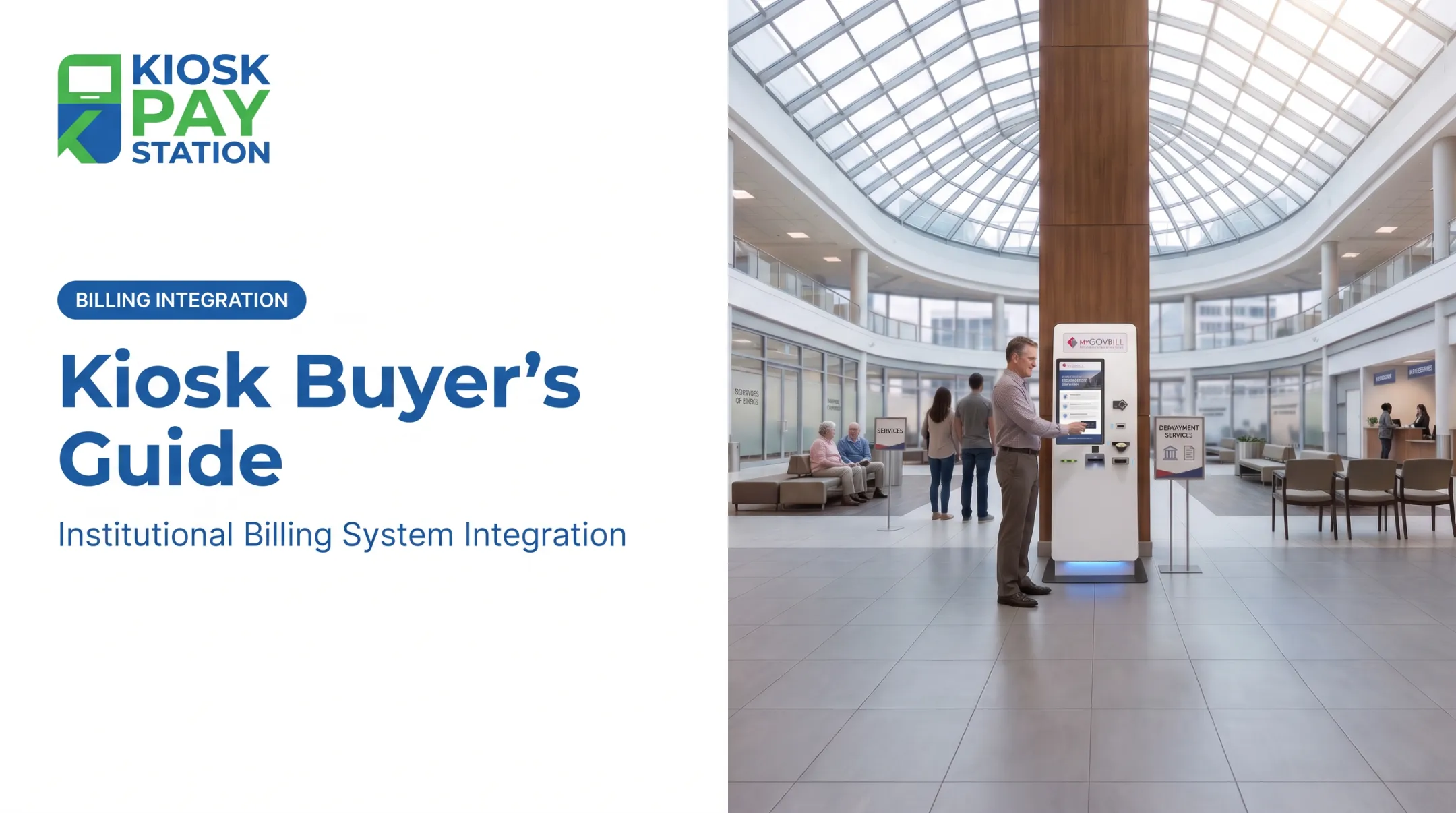
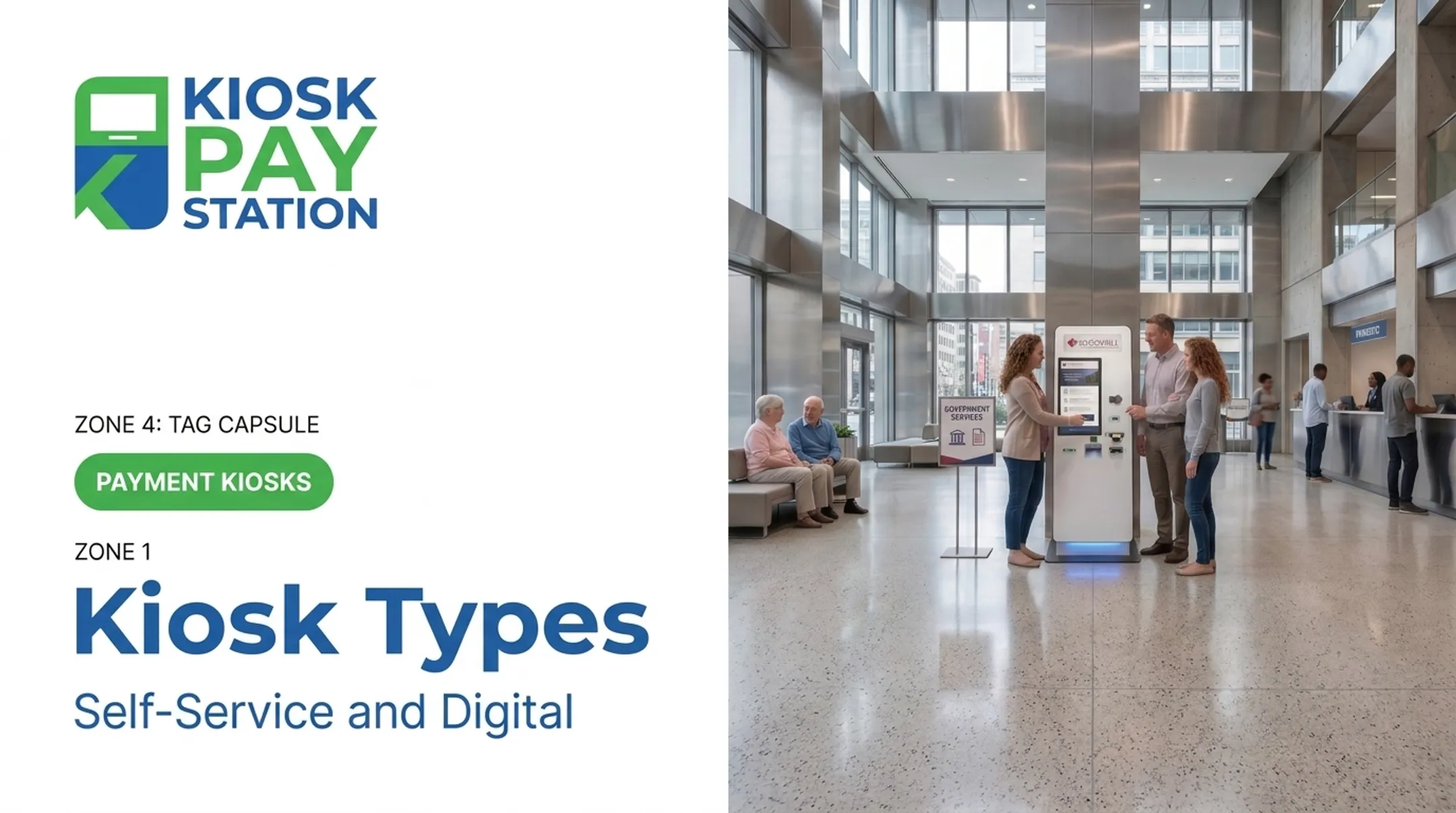
Loan payments, fee payments, and bill payments still pull customers to the counter, and they still eat up staff time better spent elsewhere. This article breaks down what bank payment kiosks actually do, how they differ from ATMs and agent-led kiosk banking, and what to evaluate before you buy.
Key Takeaways
- A bank payment kiosk automates specific transactions like loan or fee payments, not every branch service.
- The right solution pairs suitable hardware with software integration, security controls, and accessible design.
- Evaluate total cost using transaction volume, payment mix, and integration complexity.
- Kiosks handle routine payments so staff can focus on advice and exceptions.
What Are Bank Kiosk Solutions?
A bank kiosk solution is a self-service hardware-and-software system that lets a customer or member complete a defined payment or banking task without a teller walking them through every step. That's the working definition, not an industry-wide standard, since "kiosk" gets applied to a lot of different machines.
That's exactly why the category gets confusing. ATMs, personal teller machines (also called interactive teller machines or ITMs), agent-led kiosk banking, and dedicated payment kiosks all get lumped under "self-service," but they're built for different jobs.
How the Categories Actually Differ
| Category | Human involvement | What it typically handles |
|---|---|---|
| Payment kiosk | Fully self-service | A defined payment: loan, bill, fee, account balance due |
| ATM | Self-service, card/PIN authentication | Cash withdrawal, deposit, transfer |
| Personal teller machine (ITM) | Live remote teller assists | Withdrawals, deposits, check orders, account inquiries |
| Agent-led kiosk banking | Human agent operates or guides | Varies by institution |
An ATM is a named machine type under federal accessibility standards, and a documented ITM deployment uses a live remote teller for broader banking transactions. Neither of those tells you whether a payment kiosk accepts cash, connects to your core, or requires a card swipe. Those are product-specific questions you need to ask your vendor directly.
Common financial-institution use cases include:
- Loan or credit-card payments
- Account-related fees
- Bill payments and cashier transactions
- Balance or account lookup
- Document or receipt printing
Not every kiosk needs deposit, withdrawal, account-opening, or advisory capabilities. Design the transaction scope around your customer journey and risk model, then confirm with your provider exactly which functions their device supports.
Benefits and Use Cases
The core appeal of a payment kiosk is straightforward: it moves predictable, repeatable transactions off the counter and onto a guided interface.
No published, post-2018 study isolates a queue-reduction or staff-time figure specifically for bank or credit union payment kiosks. Treat any percentage a vendor quotes as their own internal data, not an industry benchmark, and verify it against your own pilot numbers.
What kiosks tend to deliver:
- Reduced counter workload. Predictable transactions like loan or bill payments move to a guided screen, freeing tellers for more complex requests.
- Extended access. Payment availability can run beyond staffed hours, depending on the institution's location and policies, and is not a universal 24/7 guarantee.
- Multiple payment methods. Cash, check, card, and e-wallet acceptance in one device reduces the "sorry, we don't take that here" moment.
- Structured data capture. Automated receipts and electronic records cut down on manual rekeying, which is where a lot of reconciliation errors originate.
Where Staff Time Goes Instead
When routine payment intake moves to a kiosk, staff attention can shift toward financial guidance, fraud concerns, account exceptions, and relationship-based service: the interactions that actually require a person. How much time moves to that higher-value work depends on how your branch defines it.

Deployment Environments Matter
A kiosk in a high-traffic branch lobby needs different supervision and privacy considerations than one in a loan-servicing office. Placement should account for:
- Customer traffic volume and peak times
- Physical supervision and staff proximity
- Privacy for payment entry
- Approved locations beyond the branch itself, if applicable
Capabilities, Security, and Accessibility
This is where the real evaluation work happens, because "self-service payment kiosk" covers a wide range of actual hardware and compliance postures.
Payment Methods and What They Require
Each payment method changes your hardware and back-office needs:
- Cash requires bill/coin acceptance and, often, exact-change dispensing.
- Checks need a check acceptor and imaging capability.
- Credit and debit cards require EMV-capable readers and settlement through your processor.
- E-wallets need contactless acceptance and additional fraud controls.
Ask any vendor how each method affects fees, settlement timing, and reconciliation before you commit to a configuration.
Integration Requirements
Confirm compatibility with your core, loan-servicing, or bill-pay system before purchase. Look for:
- Real-time, file-based, or non-validated data sync options
- Account or invoice lookup by barcode, QR code, or custom identifier
- Custom transaction fields for department or account codes
- Receipt printing and exportable reporting
Security and Compliance
Card-accepting terminals fall inside your cardholder data environment. PCI SSC's 2026 guidance is direct on this: terminals capturing card data are in PCI DSS scope. Applicable controls vary by device, so check the current version's device-management requirements with your assessor.
A few distinctions worth knowing before a vendor call:
- Device approval is not the same as compliance. A PCI-approved terminal doesn't automatically make your environment compliant.
- EMV testing has layers. Level 1 and Level 2 approve the device itself; Level 3 checks integration with your payment network. Ask for evidence of both.
- Card brand rules vary. Some brands require specific device approvals. Confirm with your acquirer, not just the vendor's marketing page.
Accessibility Isn't Automatic
Federal accessibility standards specifically name ATMs, but that doesn't automatically extend to every non-ATM transaction kiosk. Separately, the Department of Justice's effective communication guidance requires public-facing businesses to provide auxiliary aids and services when needed, regardless of machine type.
Practical features to evaluate include:
- Readable touchscreen layouts
- Audio or voice guidance
- Multilingual interfaces
- Reachable controls
Treat vendor feature lists as a starting point, not a legal determination. That call belongs to your compliance team.
KIOSK PAY STATION is one example of a provider that cites PCI-DSS Level 1 and EMV certifications, encrypted processing, and flexible integration for payment workflows. Confirm current specifications and your institution's compliance requirements directly with any provider before deployment.
How to Choose and Implement a Bank Payment Kiosk
Buying a kiosk without a requirements assessment is how institutions end up with hardware that doesn't match their actual transaction mix. Start here instead.
- Assess requirements. Identify which transactions to automate —deposits, loan payments, card payments), expected volume, payment methods, staffing model, and accessibility needs.
- Compare hardware and site fit. Standalone, countertop, and in-wall formats each have different footprint, power, cash capacity, and environmental needs.
- Evaluate software and integration. Document APIs, core-banking or account validation, settlement timing, exception handling, and escalation paths to a staff member.
- Build a security and operations plan. Cover device monitoring, cash/check collection procedures, software updates, and incident response.
- Roll out in phases. Run user and accessibility testing, train staff, and measure a pilot before full deployment.

What to Track During a Pilot
There's no published industry benchmark for kiosk uptime, error thresholds, or payback period. You'll need to set your own baselines. Track:
- Adoption and completion rates
- Payment-method mix
- Failed transactions and exception volume
- Uptime and reconciliation time
- Customer feedback
Define locally what counts as a "completed, correctly posted payment" before you measure anything else.
How KIOSK PAY STATION May Fit Financial-Institution Payment Programs
KIOSK PAY STATION is a U.S.-focused provider with more than 25 years of experience in bill-payment technology. It is built for high-volume payment collection, not as a bank or deposit-taking institution.
Its background includes standalone Pay Station Pro units, countertop and in-wall formats, bill and coin acceptance with exact-change dispensing on select models, and account lookup by invoice number, barcode, or custom identifier.
Capabilities historically supported include:
- Unlimited custom transaction fields (department codes, account numbers, property IDs)
- Real-time, file-based, or non-validated integration approaches
- Customizable screens, signage, and reporting
Its current supported offering centers on billing-system integration, monitoring, and support services for existing institutional clients, so any financial institution exploring a new deployment should confirm present-day hardware availability and specifications directly with the provider.
One public-sector reference point: Riverside County deployed two kiosks that collected $3.01 million in a seven-day period, outpacing the $2.4 million processed across eight staffed cashier stations in the same window.

That's a government tax-collection example, not a bank case study, but it shows what high-volume self-service payment throughput can look like. Financial institutions evaluating a similar approach should request a tailored assessment of transaction scope, integration, security, and total cost before assuming the same numbers apply to their branch environment.
Frequently Asked Questions
How much do self-service kiosks cost?
Pricing varies with hardware configuration, cash and check handling, payment peripherals, software, integrations, installation, and ongoing support. Request a requirements-based quote and compare total cost of ownership rather than a single unit price.
How do I apply for kiosk banking?
"Kiosk banking" can mean an agent-led banking service or a self-service kiosk deployment, so clarify which you need first. Contact a qualified provider to define your use case and complete security, compliance, and site assessments.
What is a banking kiosk?
A banking kiosk is a self-service station for selected banking or payment tasks. Capabilities vary by product, and it isn't automatically equivalent to an ATM, interactive teller setup, or full-service branch.
What are some examples of self-service kiosks?
Examples include dedicated payment kiosks, interactive teller machines (ITMs), loan-payment stations, bill-payment kiosks, and agent-assisted kiosk banking. Each differs in how much of the transaction is fully self-service versus staff-assisted.