Two of those channels carry the heaviest operational weight: payment kiosks and bank lockboxes.
A payment kiosk lets a payer walk up to a physical terminal, identify their account, and complete a transaction without a cashier. A lockbox routes mailed checks and remittance documents to a bank or processor for opening, scanning, and depositing.
Many public-service organizations face the same question: which channel deserves investment when staff time and budgets are limited? The U.S. Treasury built its own self-service kiosk program precisely because agencies needed an in-person alternative to staffed counters.
This guide compares kiosks and lockboxes on cost, access, security, and total operating burden, so you can match the channel to your actual payment mix.
Key Takeaways
- Kiosks handle in-person, self-service payments; lockboxes process mailed remittances through a bank.
- Configured units accept cash, checks, cards, and e-wallets at the point of payment.
- Lockboxes cut mail-opening and check-handling labor, though exceptions still need staff review.
- Total cost comparisons must include labor, cash handling, and integration, not just quoted fees.
- Many agencies cover more payers and reduce back-office load by running both channels together.
Quick Comparison: Payment Kiosk vs. Lockbox
Here's how payment kiosks and bank lockboxes compare on the factors that matter most to public-sector finance teams.
| Dimension | Payment Kiosk | Bank Lockbox |
|---|---|---|
| Cost | Hardware, software, installation, processing fees, maintenance, connectivity, site prep | Bank setup, per-item charges, deposit fees, remittance handling, exception work |
| Customer access | Self-service, with hours the agency sets, potentially 24/7 | Payer must prepare and mail payment; no immediate confirmation |
| Processing & reconciliation | Captures account data at the point of sale; can sync in real time | Bank opens, images, and deposits mail, then sends files for posting |
| Security & controls | PCI-DSS, EMV, encryption, tamper protection, audit trails | Bank custody, imaging, separation of duties; exceptions still need internal review |
| Scalability & fit | Best for high walk-in volume, cash payers, accessibility needs | Best for high mail volume, distributed payers, established check culture |
Neither dimension tells the whole story on its own. Pricing for both channels depends heavily on transaction volume and configuration, so treat any published rate card as a starting point, not a quote.
What Is a Payment Kiosk?
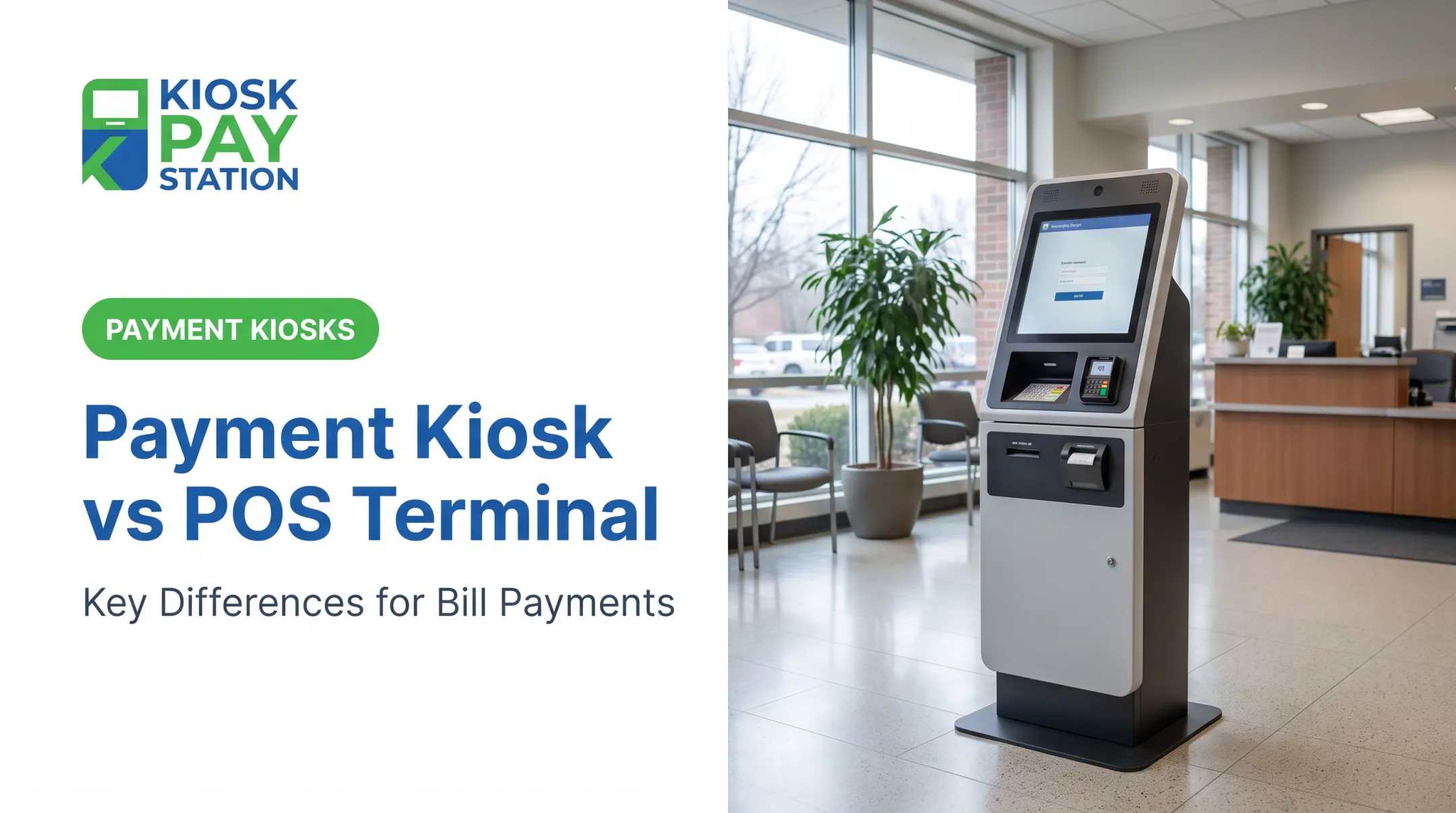
A payment kiosk is a physical, self-service terminal that lets a resident or customer identify an account, review what's owed, choose a payment method, and complete the transaction without staff at a counter.
That last part matters operationally. Fewer front-counter transactions mean shorter lines, more consistent data capture, and less manual entry for staff. It also frees employees to focus on exceptions and higher-value service work instead of ringing up routine payments all day.
Kiosk workflows typically capture:
- Account numbers, invoice numbers, or property IDs
- Department codes and other custom identifiers
- Barcodes or QR codes for fast lookup
- Names, when a customer doesn't have their account number handy
Kiosk Pay Station's terminal, Pay Station Pro, for example, supports lookup by QR code, barcode, or manual name and account-number entry, so payers aren't stuck if they left a bill at home.
For public-facing deployments, accessibility matters as much as the payment tech. Large touchscreens (Pay Station Pro uses a 21.5-inch display), light and voice instructions, multilingual interfaces, and time-dated receipts all shape the experience. ADA-accessible design is a baseline requirement for government-facing terminals.
Payment method support varies by configuration. Depending on the model, a kiosk can accept:
- Cash and checks
- Credit and debit cards
- Contactless payments and e-wallets
Cashless models skip cash handling entirely. Cash-capable units, like Pay Station Pro's standalone configuration, can process transactions from $2 up to $23,000 and dispense exact change.
Kiosk Use Cases
Kiosks tend to earn their keep in departments with recurring bill, fee, fine, or service-payment volume:
- Tax collectors and county or city offices with seasonal payment surges
- Utility providers billing monthly or quarterly
- Courts processing fines and fee payments
- Parking authorities and other high-volume, low-complexity payment settings
They're especially useful where walk-in volume is high, counter staffing is limited, or customers want evening and weekend access.
Integration models range from real-time to file-based or non-validated connections. Most vendors pair the hardware with automated reporting, remote monitoring, and ongoing maintenance.
What Is a Payment Lockbox?
A payment lockbox is a bank or payment-processor service that receives mailed payments at a controlled address. The provider opens and scans remittance materials, captures payment data, deposits the funds, and returns transaction details to the client for posting.
A lockbox is not a standard PO box. A PO box is only an address. A lockbox adds bank-managed processing on top: opening, imaging, depositing, and reporting.
It also differs from ACH. ACH is an electronic rail that moves money bank-to-bank. A lockbox is a collection and processing channel for paper checks and remittance documents, not a transfer method.
Operational benefits include:
- Centralized mail handling instead of internal opening and sorting
- Potentially earlier deposit access than fully manual internal processing
- Standardized image and remittance capture
- Reduced check-handling burden on staff
Those benefits come with real limitations, though. Lockbox processing still depends on postal delivery, so a check mailed on the due date may post late. Incomplete remittance information, returned or fraudulent checks, and bank processing cutoffs all create exceptions that client staff still have to resolve.
Checks aren't disappearing, but volume is shifting. The Federal Reserve's payments study estimates 9.2 billion check payments in 2024, down from 11.0 billion in 2021. Agencies projecting lockbox volume should plan for continued decline, not a steady state.

Lockbox Use Cases
According to the Government Finance Officers Association, retail lockbox processing fits high-volume, lower-dollar payments with standardized remittance documents—such as utility bills, tax payments, licenses, and fees. Healthcare organizations and lenders also use lockboxes for recurring, document-heavy remittances.
A lockbox is a strong fit when mail volume is substantial, payers are geographically spread out, and the organization wants to outsource opening, depositing, and data capture. It is a weaker fit when customers need immediate confirmation, pay largely in cash, or mailed volume is already declining.
Even after the bank processes the payment, lockbox data must still flow into billing, treasury, or ERP systems. Posting and reconciliation remain separate control steps on the client side.
Payment Kiosk vs. Lockbox: What Is Better?
Neither channel wins outright, because they solve different parts of the payment journey. Kiosks improve the payer's point-of-service experience. Lockboxes centralize the receipt and processing of mail that's already been sent.
Compare the full journey, not just the fee:
- Payment initiation and account identification
- Authorization or bank receipt
- Deposit or receipt confirmation
- Posting to billing or ERP systems
- Reconciliation and exception handling
- Customer support for disputes or errors
Total cost of ownership matters more than the quoted service fee:
- Kiosks carry hardware and maintenance costs
- Lockboxes carry bank and per-item fees
- Both still need staff time for exceptions, integration, and reconciliation
Don't compare a lockbox per-item rate with a kiosk sticker price in isolation.

Choose based on payment mix:
- Pick a kiosk when walk-in traffic, cash payments, self-service demand, or extended-hours access matter most.
- Pick a lockbox when mailed check volume and centralized remittance processing dominate your workload.
Security requirements diverge in the same decision:
- Kiosks need PCI-DSS and EMV compliance for card acceptance, plus physical tamper protection
- Lockboxes rely on bank custody, imaging, and separation of duties
- Banks may not catch every missing signature or date, so client-side exception review still matters
A hybrid model often makes the most sense. Use a kiosk for in-person and self-service payers, and a lockbox for mailed remittances. Keep both channels aligned on account identifiers, reporting formats, and posting rules.
Before deciding, run through this checklist:
- Transaction volume by channel (walk-in vs. mail)
- Payment methods customers actually use
- Operating hours and accessibility needs
- Existing system integration requirements
- Reconciliation frequency and staffing capacity
- Available budget for hardware vs. per-item bank fees
If you need a self-service channel, evaluate purpose-built bill-payment kiosks rather than generic retail hardware. KIOSK PAY STATION supports configurable account lookup, multiple payment methods, and billing-system integration for government and utility collections.
Real-World Example: Matching the Channel to the Payment Workflow
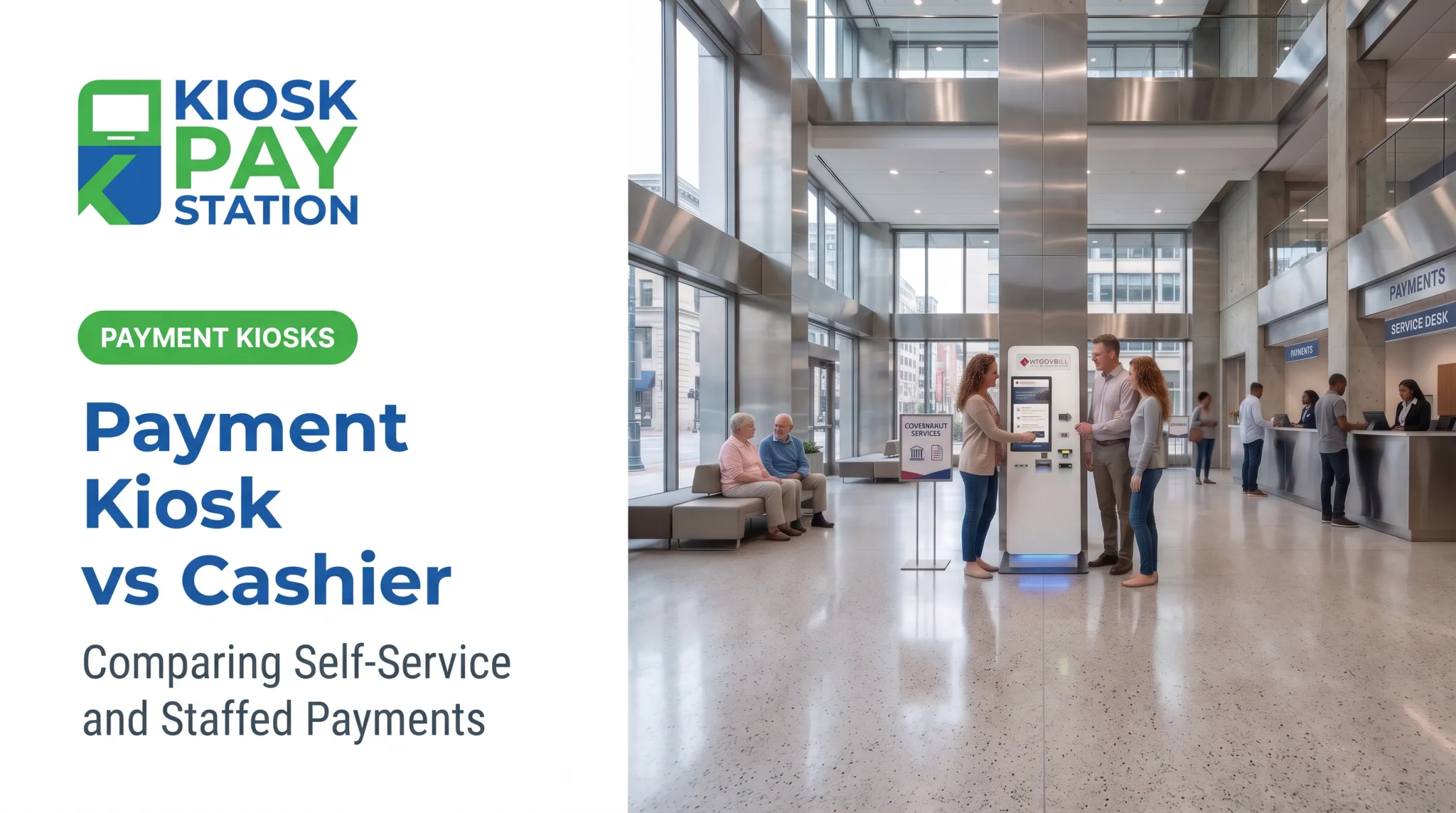
Two KIOSK PAY STATION units deployed for Riverside County collected $3.01 million over a seven-day period, processing more than half of all payments in that window. Eight staffed cashier stations processed $2.4 million over the same period.
That example illustrates a specific operational challenge: concentrated payment demand during a tax deadline, limited counter capacity, and long customer wait times. It shows that a well-placed self-service channel can absorb walk-in volume that staffed counters struggle to clear quickly.
It does not demonstrate that a kiosk outperforms a lockbox for mailed remittances. Those are different problems entirely.
A lockbox case study would look different. A 2017 California municipal finance memo, for instance, documented staff manually sorting and opening mailed utility payments from a PO box before depositing them the next business day.
The city projected outsourcing that work to a bank lockbox for roughly $29,600 annually against about 6,700 monthly payments, aiming to cut internal handling time and speed up deposit timing.

The practical takeaway: match the channel to where your biggest bottleneck actually sits.
- Crowded lobby at tax season → pilot a kiosk
- Backlog of mailed checks and manual data entry → model a lockbox against current handling costs
Before you commit, measure the expected effect on customer access, staff workload, deposit timing, and reconciliation.
If you're a government agency, utility, or court weighing a self-service kiosk alongside existing channels, KIOSK PAY STATION offers a payment-workflow assessment to show where a kiosk fits your current mix.
Conclusion
A payment kiosk is the stronger fit for in-person, self-service, cash-capable, or extended-hours access. A lockbox fits better when you need centralized processing of mailed remittances.
Neither channel automatically replaces the other. The right choice depends on:
- Payment mix and customer behavior
- Staffing levels and integration needs
- Total cost to run each channel, not just sticker price
Run a channel-level assessment before you commit. In many cases, a coordinated kiosk-plus-lockbox model improves payment access on both ends without weakening posting, reconciliation, or audit controls.
Frequently Asked Questions
How much does a bank lockbox cost?
Pricing varies by bank, transaction volume, remittance complexity, and imaging requirements. It typically includes a setup fee, monthly maintenance, and per-item charges, so request a volume-based quote from your bank.
What is a payment lockbox?
A payment lockbox is a bank or processor-managed service that receives mailed payments, captures remittance information, deposits the funds, and sends transaction data to the organization for posting.
Is a lockbox the same as a PO box?
No. A PO box is just an address for receiving mail. A lockbox adds controlled payment handling, deposit processing, remittance capture, and data delivery on top of that address.
Is a lockbox the same as an ACH payment?
No. A lockbox is a collection service for mailed checks and remittance documents. ACH is an electronic bank-to-bank transfer method. They're different parts of the payment process.
Is a payment kiosk better than a lockbox?
It depends on your workflow. Kiosks suit in-person and self-service payments, while lockboxes suit mailed remittances. Many organizations benefit from running both channels together.
Can an organization use a payment kiosk and lockbox together?
Yes. A coordinated model can serve walk-in and mailed-payment customers at once, as long as both channels share consistent account identifiers, reporting, and exception-management procedures.