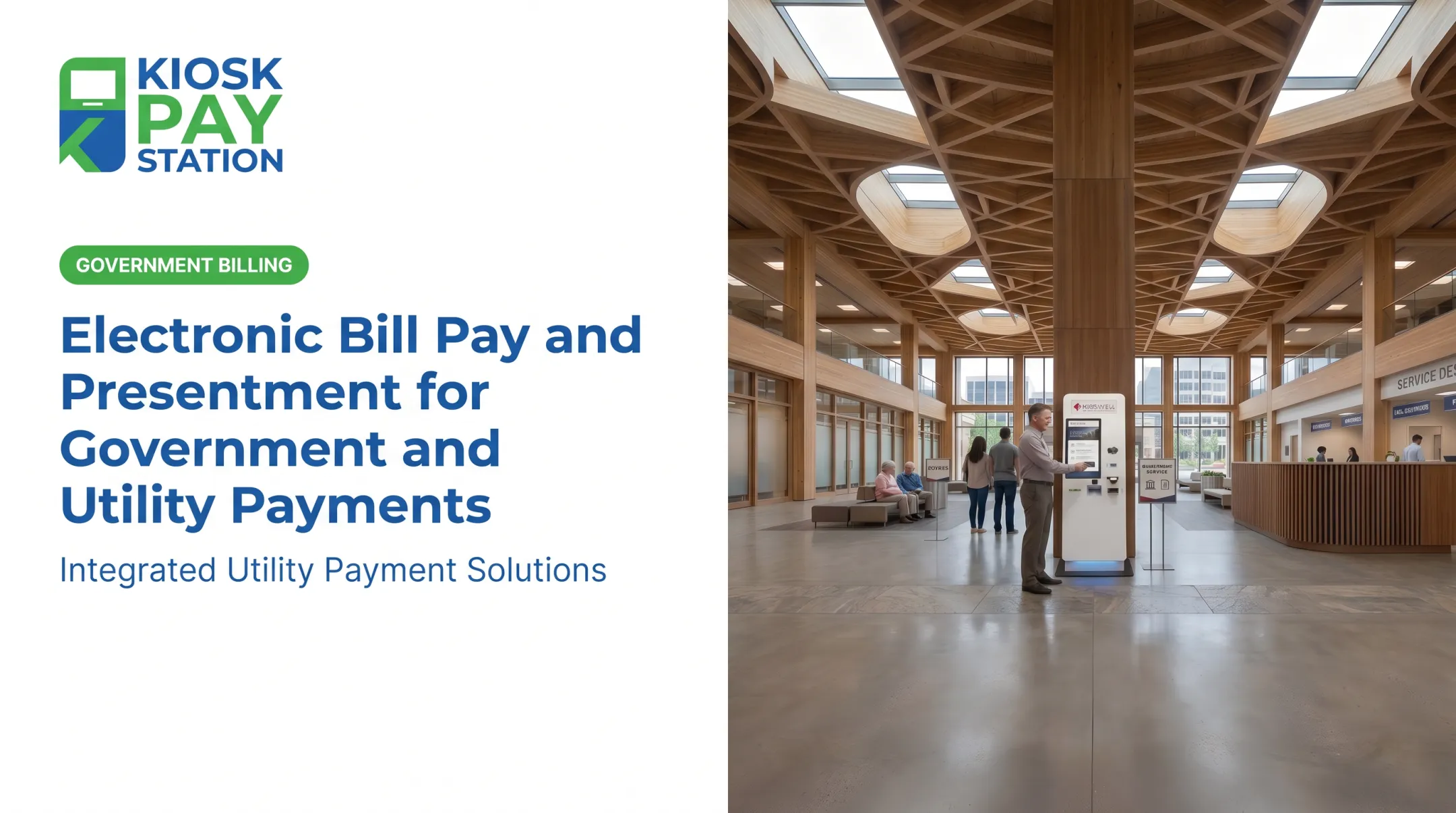
Many agencies still run on payment processes built for a different era. Constituents expect the same convenience they get at their bank or grocery store — but government payment counters often can't deliver it. That gap creates real friction: missed payments, frustrated citizens, and overworked staff.
A bill payment management system changes that equation. It automates invoicing, collection, and reconciliation across every payment channel your agency uses. This guide covers what these systems do, the features that matter most, and how to choose one — including where self-service kiosks fit in.
Key Takeaways
- Centralized bill payment systems cut manual work by unifying invoicing, collection, and reconciliation for tax, utility, and court payments
- Self-service channels extend payment access past business hours and cut front-counter workload
- PCI-DSS and EMV compliance are baseline requirements, not optional extras
- Select systems on integration flexibility, payment method support, and total cost of ownership
What Is a Bill Payment Management System for Government & Utilities?
A bill payment management system (PMS) is a centralized platform that automates invoicing, payment collection, and reconciliation. Instead of staff keying in payments and reconciling them by hand at the end of the day, the system captures data, processes the transaction, and posts it directly to the agency's accounts.
Government and utility PMS platforms differ from standard business billing tools because they center on public-sector payment types:
- Property tax bills
- Utility payments (water, electric, sewer)
- Court fees and fines
- Permits and licensing fees
Per the Government Finance Officers Association, a payment consolidation service acts as the agency's agent: it processes payments, deposits them daily, and returns electronically processable data so posting to accounts receivable and ERP systems moves faster (GFOA, 2007).
Core components of a modern PMS include:
- Multiple payment channels (counter, kiosk, online, mail)
- Automated data capture at the point of payment
- Reconciliation tools that match payments to accounts
- Reporting dashboards for finance teams
Common Payment Channels in the Public Sector
Most agencies still juggle several channels at once:
- Staffed counters
- Online portals
- Phone/IVR payment lines
- Mail-in checks
- Self-service kiosks
Running that many channels at once is hard to staff around the clock, and citizens increasingly expect 24/7 self-service access like they get from a bank or utility app. City Utilities, for example, lists payment kiosks as available around the clock alongside its lobby counter and drop box options (City Utilities).

Challenges Agencies Face With Manual or Legacy Payment Processes
Manual cashiering creates predictable friction. Long lines form during peak hours. Data entry errors slip in when staff key in account numbers by hand. And once the counter closes, constituents have no payment access until the next business day.
Reconciliation is where the real hidden cost shows up. According to GFOA (2007), when payments can't be processed electronically, governments spend significant extra staff time on manual handling. Lockbox exceptions can also delay when funds actually get deposited.
Common pain points with legacy processes:
- Staff spend hours matching payments to accounts before month-end close
- Manual exceptions slow down deposits and cash availability
- Limited business hours frustrate working constituents
- Paper trails make audits slower and less reliable
Mecklenburg County's tax office found this out firsthand. Its award-winning queueing and payment kiosk project eliminated long waits and constituent confusion at its tax center, a direct response to the bottlenecks manual counters create (NACo, 2023).

Core Features of an Effective Government Bill Payment Kiosk System
Not every payment kiosk is built for government work. The ones that hold up handle a specific mix of requirements agencies can't compromise on.
Payment Flexibility and Security
A kiosk built for public-sector use should accept:
- Cash
- Check
- Credit/debit card
- E-wallet
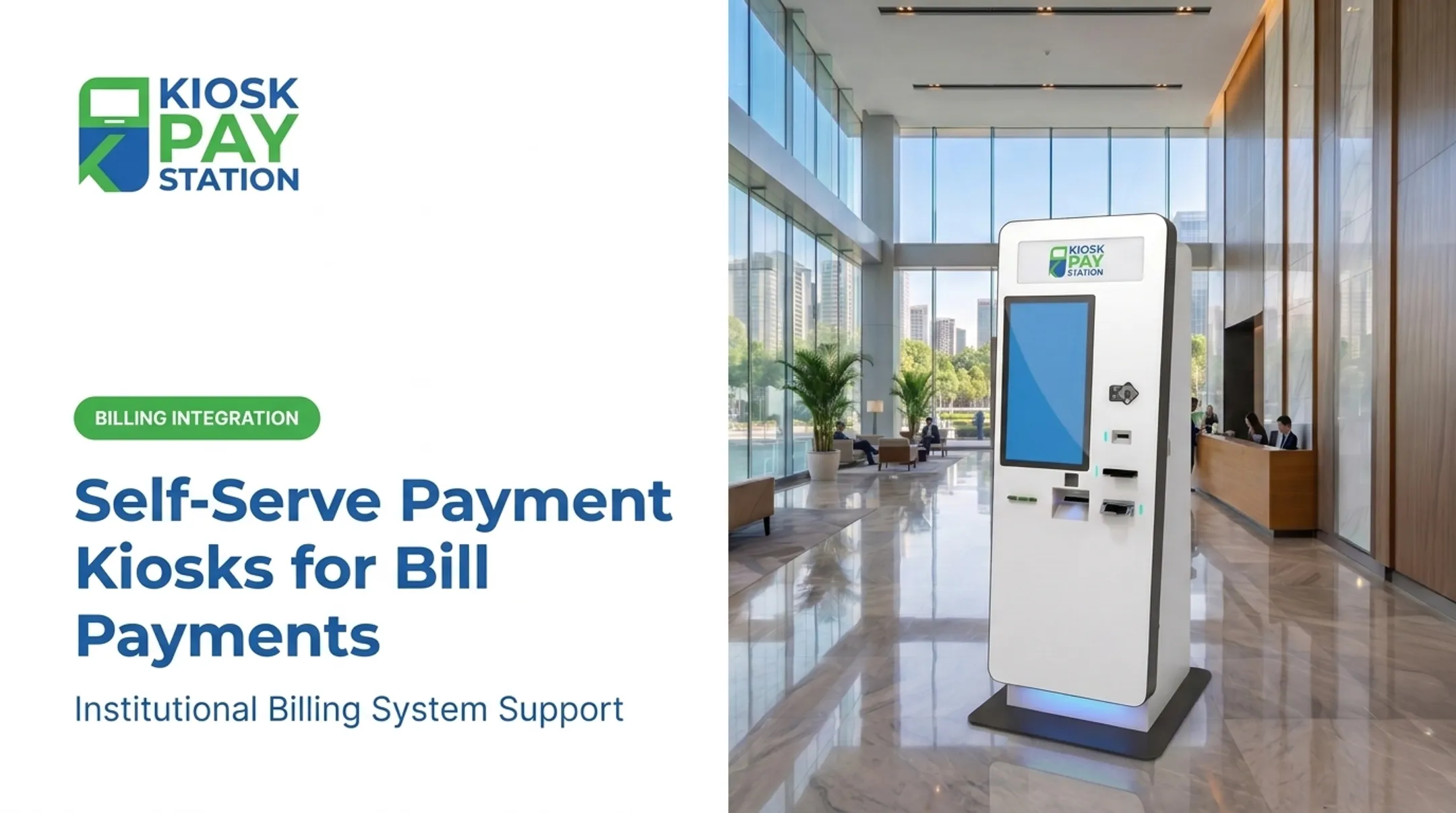
Security isn't optional here. Every device processing constituent payment data needs PCI-DSS compliance and EMV certification for card acceptance, plus encrypted processing end to end. KIOSK PAY STATION's payment integrations, for instance, center on PCI-DSS Level 1 and EMV-certified card handling — the baseline any agency should demand from a vendor.
Account Lookup and Data Capture
Citizens shouldn't have to dig through paperwork to pay a bill. Effective systems support lookup by:
- Invoice number
- QR code or barcode
- Account number
- Custom identifiers set by the agency
On the backend, each transaction can carry unlimited custom data fields — department codes, property IDs, account references — so payments stay traceable for reporting and reconciliation.
Automation and Accessibility
Automated reconciliation cuts the manual bookkeeping burden dramatically, giving finance teams cleaner, more traceable books without end-of-day manual matching.
Accessibility matters just as much. Look for:
- ADA-compliant design
- Large touchscreens with voice and light instructions
- Multilingual interfaces
Fit also depends on how the system connects to existing billing tools. KIOSK PAY STATION supports agencies with billing-system integration, monitoring, and reconciliation support—so teams can layer self-service payment onto current infrastructure or modernize end-to-end workflows without a forced rip-and-replace.

Benefits for Government Agencies, Courts, and Utility Providers
The payoff from moving to self-service isn't theoretical. It shows up in staff time, payment accuracy, and citizen satisfaction.
Key benefits agencies report:
- Reduced front-desk workload, freeing staff for higher-value work
- Payment access up to 24/7, cutting missed and late payments
- Cleaner, fully traceable books through automated reconciliation
- Billing-system integration with automated monitoring and less counter demand
New York City's Department of Finance saw this play out directly. After installing four kiosks at its Bronx and Queens business centers, average transaction time dropped to under one minute, with the explicit goal of cutting foot traffic and wait times (NYC DOF, 2022).
Riverside County offers one of the clearest comparisons available. In a seven-day case study, two self-service kiosks collected more than 50% of total payments ($3.01 million), outperforming eight staffed cashier stations that processed $2.4 million. That throughput gap is why many agencies are shrinking counter-heavy models.

How to Choose the Right Bill Payment Management System
Picking a system comes down to four practical questions.
- Integration options — Does the vendor support real-time, file-based, or non-validated integration with your existing billing databases? Real-time syncing eliminates manual entry entirely, while file-based transfers may suit agencies with legacy accounting software.
- Compliance credentials — Confirm PCI-DSS Level 1 certification and EMV certification as baseline requirements. Don't accept a vendor that can't document both.
- Vendor support terms — Ask about monitoring coverage, maintenance windows, and response guarantees. Vendors such as KIOSK PAY STATION provide ongoing integration monitoring and support for government and utility billing environments.
- Customization needs — Department-specific reporting, custom data fields (account numbers, property IDs, department codes), and workflow fit all matter for adoption and day-to-day operations.
Most implementations move faster than agencies expect. A typical rollout includes a needs consultation, configuration around your payment data, and integration setup — often completed in weeks rather than months.
Frequently Asked Questions
What is a payment management system (PMS)?
A PMS is a centralized platform that automates invoicing, payment collection, and reconciliation. For government agencies, it specifically handles tax, utility, and court bill collection across multiple payment channels.
How do agencies get access to a PMS?
Most agencies start with a vendor consultation to map payment volumes, channels, and compliance needs. The vendor then integrates the PMS with existing billing systems and configures staff user permissions.
How are refunds handled in a PMS?
Refunds run through the reconciliation module with an approval step and a full audit trail so reversed transactions stay traceable. Exact workflows depend on the vendor platform and agency policy.
What payment methods do government kiosks typically accept?
Most modern kiosks accept cash, check, credit/debit card, and e-wallet payments in a single device, so constituents are not limited to one payment type or station.
Are self-service payment kiosks secure for handling government payments?
Yes, when built to standard. Look for PCI-DSS compliance, EMV certification, and encrypted payment processing: that trio is the baseline for handling public payment data.
Can a bill payment kiosk integrate with existing agency software?
Yes. Most platforms support real-time, file-based, or non-validated integration methods, letting agencies connect kiosks to their current billing and treasury systems without a full software overhaul.