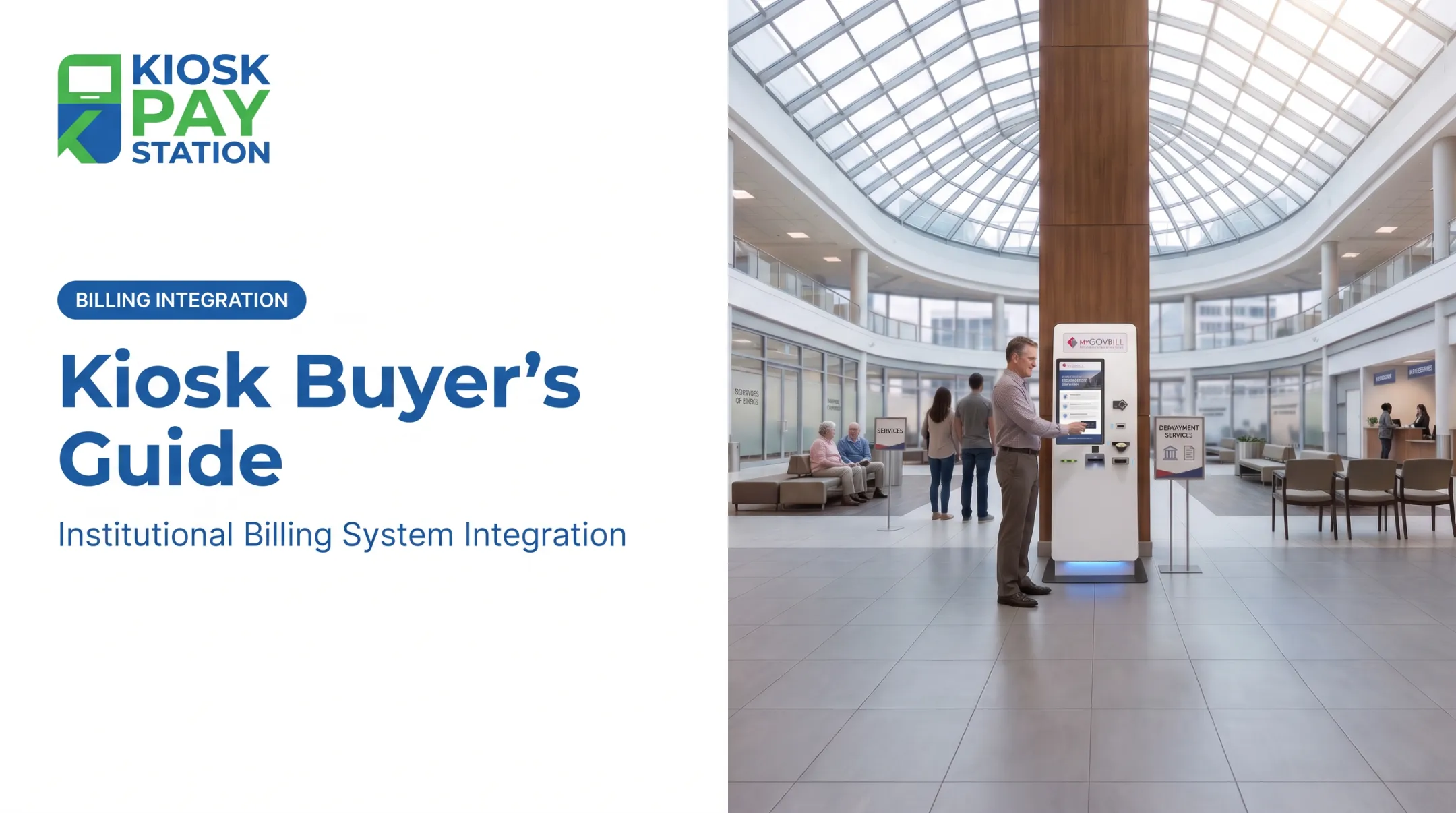
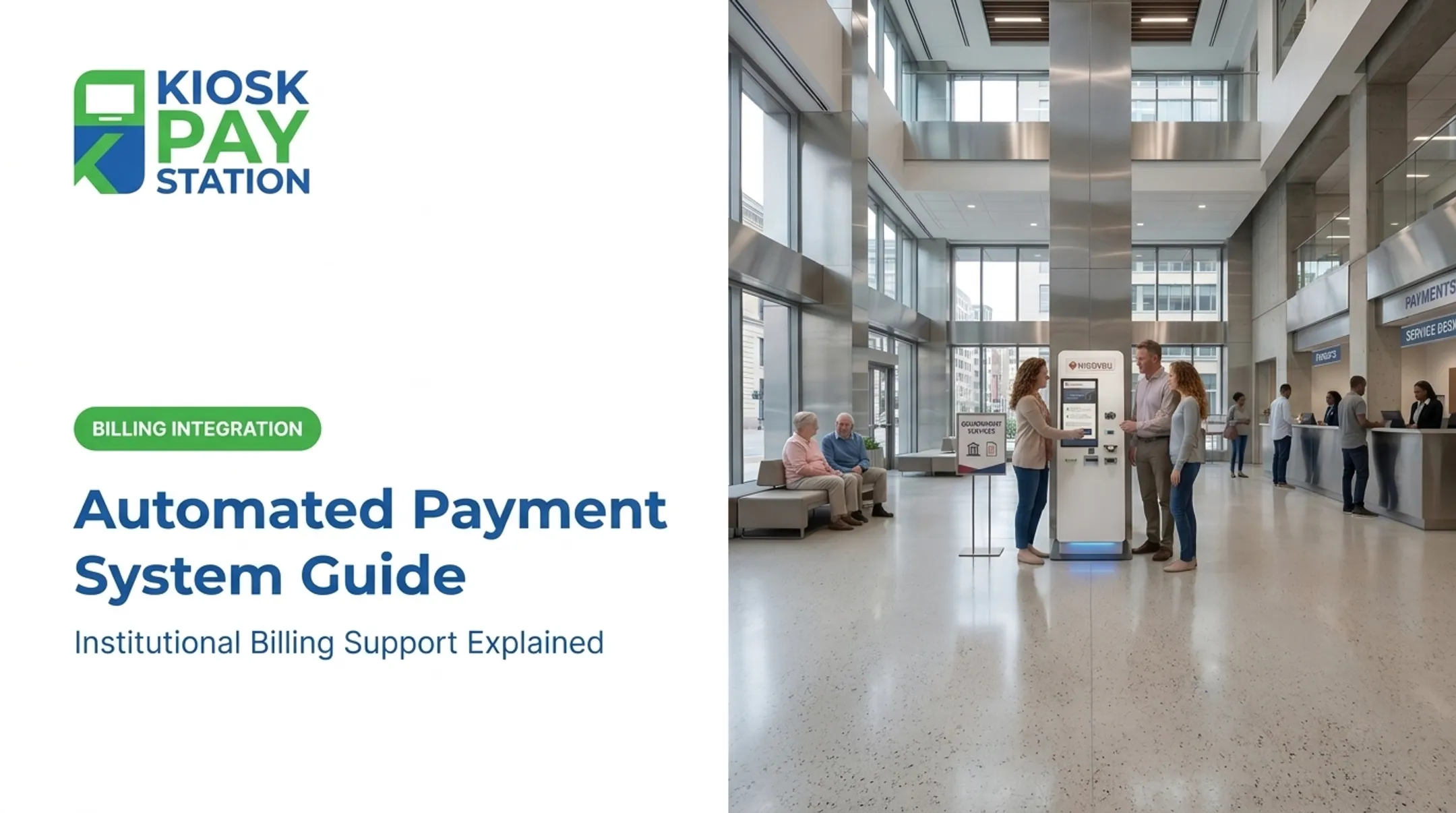
That gap in experience isn't hypothetical anymore. Contactless payment has become the expected standard, not a novelty, and public-sector agencies are catching up fast. City halls, courts, and utility providers are installing self-service kiosks that let people pay bills the same way they'd pay for coffee.
This article covers how tap-to-pay kiosks work, why agencies are adopting them, where they're showing up, and what to look for if you're evaluating one for your organization.
Key Takeaways
- Tap-to-pay kiosks use NFC so customers pay with a tap of a card, phone, or wearable
- Agencies cut counter workload, speed up transactions, and offer payment access beyond office hours
- Encryption, tokenization, and PCI-DSS/EMV compliance protect every tap-to-pay transaction
- Courts, tax collectors, and utilities use self-service kiosks to modernize bill collection
What Is a Tap-to-Pay Payment Kiosk?
A tap-to-pay kiosk is a self-service terminal that pairs a touchscreen interface with an NFC-enabled card reader. Customers hold a contactless card, smartphone, or wearable near the reader instead of inserting a chip card or handing cash to a cashier.
These kiosks typically support multiple payment types in one machine, including:
- Contactless cards and mobile wallets (Apple Pay, Google Pay)
- Traditional chip insert or swipe
- Cash and check, on cash-capable models
- Stored-value and prepaid e-wallets
That flexibility matters because agencies serve everyone, not just smartphone users. A kiosk built for public bill payment needs to work for the resident who still pays cash and the one who taps their watch.
Tap-to-Pay vs. Standard Card-Reader Kiosks
Standard kiosks that require a chip insert or swipe are slower and involve more contact with shared surfaces. Tap-to-pay finishes the moment the card or phone leaves the reader—often in a couple of seconds. In high-traffic spots like tax offices during deadline week, that gap adds up across hundreds of transactions a day.
How Do Tap-to-Pay Kiosks Work?
The process is simple by design, since these machines serve the general public with no training required.
- Locate the account. Customers search by account number, invoice number, QR code, barcode, or a custom identifier like a property ID or department code. KIOSK PAY STATION's platform supports these lookup methods and, in some configurations, name-based search.
- Tap to pay. The customer holds a contactless card, phone, or wearable within a couple of inches of the NFC reader.
- Data transmits wirelessly. The reader exchanges encrypted payment information over a short-range signal, the same technology used at retail contactless terminals.
- Authorization happens in seconds. The transaction routes through the payment processor and network for approval.
- Receipt and reconciliation. The kiosk prints or emails a receipt and logs the transaction automatically for back-office reconciliation.

Security Layers Behind the Tap
Contactless speed still depends on layered security working in the background:
- EMV certification: Contactless chips generate a one-time cryptographic code per transaction instead of reusing static card data
- PCI-DSS compliance: The payment environment protects account information across systems and workflows
- Tokenization: Sensitive card numbers are replaced with substitute values during transmission
Agencies can trust a five-second tap with a resident's financial data because these controls operate on every transaction.
Benefits of Tap-to-Pay Kiosks for Agencies and Customers
Self-service kiosks cut staff time, lower error rates, and raise payment volume—not just convenience. Key gains for agencies and residents:
- Reduced front-counter workload — Staff stop handling routine cash and card payments and focus on disputes, complex cases, and account questions
- 24/7 payment access — Residents who work daytime hours can pay a water bill or fine at 9 p.m. without missing a deadline or risking a late fee
- Faster transactions — A tap finishes in seconds instead of counting cash or keying a card number while a line builds
- Automated reconciliation — Every transaction logs itself, cutting manual entry errors and giving auditors a fully traceable record
Riverside County deployed just two kiosks that collected $3.01 million in a single seven-day period, outperforming eight staffed cashier stations, which processed $2.4 million over the same week. Two machines out-collected eight people because self-service removes the counter bottleneck—staff effort stays high; throughput no longer depends on it. Accessibility is part of the same design brief. ADA Section 707 sets requirements for machines like ATMs and fare kiosks, including tactile controls, speech output, and clear floor space. Well-designed payment kiosks build on that standard with large touchscreens, voice and light instructions, and multilingual interfaces so older residents, non-native English speakers, and people with visual impairments can complete payments independently.

Where Are Tap-to-Pay Kiosks Used?
Agencies deploy tap-to-pay kiosks where high volumes of routine payments create counter bottlenecks and after-hours demand.
Common public-sector settings include:
- City halls and tax collectors — municipal bills, fines, and fees
- Courts and correctional agencies — court costs, restitution, and related payments
- Parking authorities — citations and permit fees
- Utility providers — water, electric, and gas bill payment
Real deployments show the pattern. North Carolina's Judicial Branch began rolling out eCourts kiosks to courthouses in 2024, combining payment services with case searches and e-filing. The City of Yuma, Arizona, installed a water-bill kiosk outside City Hall with 24/7 access to cut customer wait times.

Residents already know the experience from grocery self-checkout and quick-service restaurants. Public agencies are catching up to that expectation, not inventing a new one.
Choosing the Right Tap-to-Pay Kiosk
Not every kiosk is built for government bill payment, and the differences matter once you're processing tax payments or court fees. Security certifications. Look for PCI-DSS Level 1 compliance, EMV certification, and encrypted payment processing. These aren't optional extras for public-sector payment collection; they're baseline requirements for handling constituent financial data responsibly. Configuration options. Depending on your lobby size and foot traffic, you might need a standalone unit, a countertop model, or an in-wall installation. Integration flexibility. Back-office systems vary widely across agencies. Options generally include:
- Real-time integration, syncing payments instantly with treasury or accounting systems
- File-based integration, transferring transaction data on a set schedule
- Non-validated integration, for simpler standalone setups Customization. Look for support for custom data fields, such as department codes, property IDs, or account numbers, along with branded signage and reporting dashboards that match your agency's needs. KIOSK PAY STATION focuses on government and public-service bill payment through billing-system integration, monitoring, and support. That work is grounded in PCI-DSS Level 1 and EMV-aligned payment practices for institutional environments. When agencies compare vendors, put purpose-built bill-payment workflows—not retail checkout hardware adapted after the fact—on the checklist, along with clear reconciliation, custom data fields, and ongoing support.

Frequently Asked Questions
How does a Tap to Pay machine work?
It uses NFC to wirelessly transmit encrypted payment data between a card or device and the terminal. The exchange happens within a couple of inches, and authorization completes in seconds.
How do cash-to-card kiosks work?
Some kiosks accept cash and convert it into a card or account credit, or dispense change directly. Many public-sector kiosks support multiple payment types, including both cash and tap, in a single unit.
Can I use my phone as a Tap to Pay machine?
Mobile devices can act as payment terminals for merchants through software-based point-of-sale apps. That's different from a dedicated, public-facing kiosk built for agency bill collection.
How can I make a contactless payment?
Hold an NFC-enabled card, a phone with a digital wallet, or a wearable near the kiosk's reader until you see a confirmation on screen. No PIN or signature is typically required for standard amounts.
Where can I use NFC payments?
Government, utility, and city hall payment kiosks increasingly support NFC, alongside retail stores, transit systems, and restaurants.
How much does a tap-to-pay bill-payment kiosk setup cost?
Pricing depends on integration scope, payment methods, compliance needs, and transaction volume. For government or utility bill-payment programs, request a tailored assessment based on your agency's systems and support requirements.