Introduction
Every public agency eventually faces the same question: keep relying on staffed payment counters, or add self-service kiosks for in-person bill collection?
The decision goes beyond wait times. It affects staffing allocation, access hours, reconciliation workload, and security compliance. It also shapes how accessible your services feel to constituents who need help.
Traditional payment counters typically run on a 9-to-5 schedule, leaving anyone who works those same hours with limited options. That friction is one reason many bill payers prefer some form of self-service.
Kiosks handle routine payments well and extend access beyond business hours. Cashiers remain essential for complex transactions, disputes, and people who need direct assistance. Most public-service organizations end up running both, not choosing one over the other.
Key Takeaways
- Kiosks handle routine bill pay; cashiers cover exceptions and guided service
- Integrated kiosks extend hours, accept more payment methods, and automate reconciliation
- Cashiers stay valuable for account disputes, payment plans, and accessibility support
- The right mix depends on transaction volume, payment types, and available staff time
- A hybrid model balances self-service speed with inclusion and payment control
Payment Kiosk vs Cashier: Quick Comparison
Before deciding, put the two models side by side. The comparison is about how you organize payment access, staff time, and customer support.
| Criteria | Self-Service Kiosk | Staffed Cashier |
|---|---|---|
| Primary operator | The customer | An employee |
| Best-fit transactions | Routine, straightforward payments | Complex, disputed, or exception-based |
| Payment methods | Depends on configuration: cash, check, card, e-wallet | Depends on department policy and equipment |
| Availability | Can extend beyond counter hours, up to 24/7 | Tied to staffing schedules |
| Staffing impact | One employee can oversee several kiosks | One employee per active station |
| Reconciliation | Can automate transaction records and daily reporting | Often manual, more staff time |
| Customer experience | Independent, private, self-paced | Direct human interaction, personalized help |
| Accessibility | Needs ADA-conscious design plus a staffed backup | Naturally accommodating, but limited by hours |
A well-run kiosk program doesn't replace human judgment. It routes the payments that don't need it somewhere else, freeing staff for the transactions that do.
What Is a Payment Kiosk and What Is a Staffed Cashier?
The Self-Service Kiosk
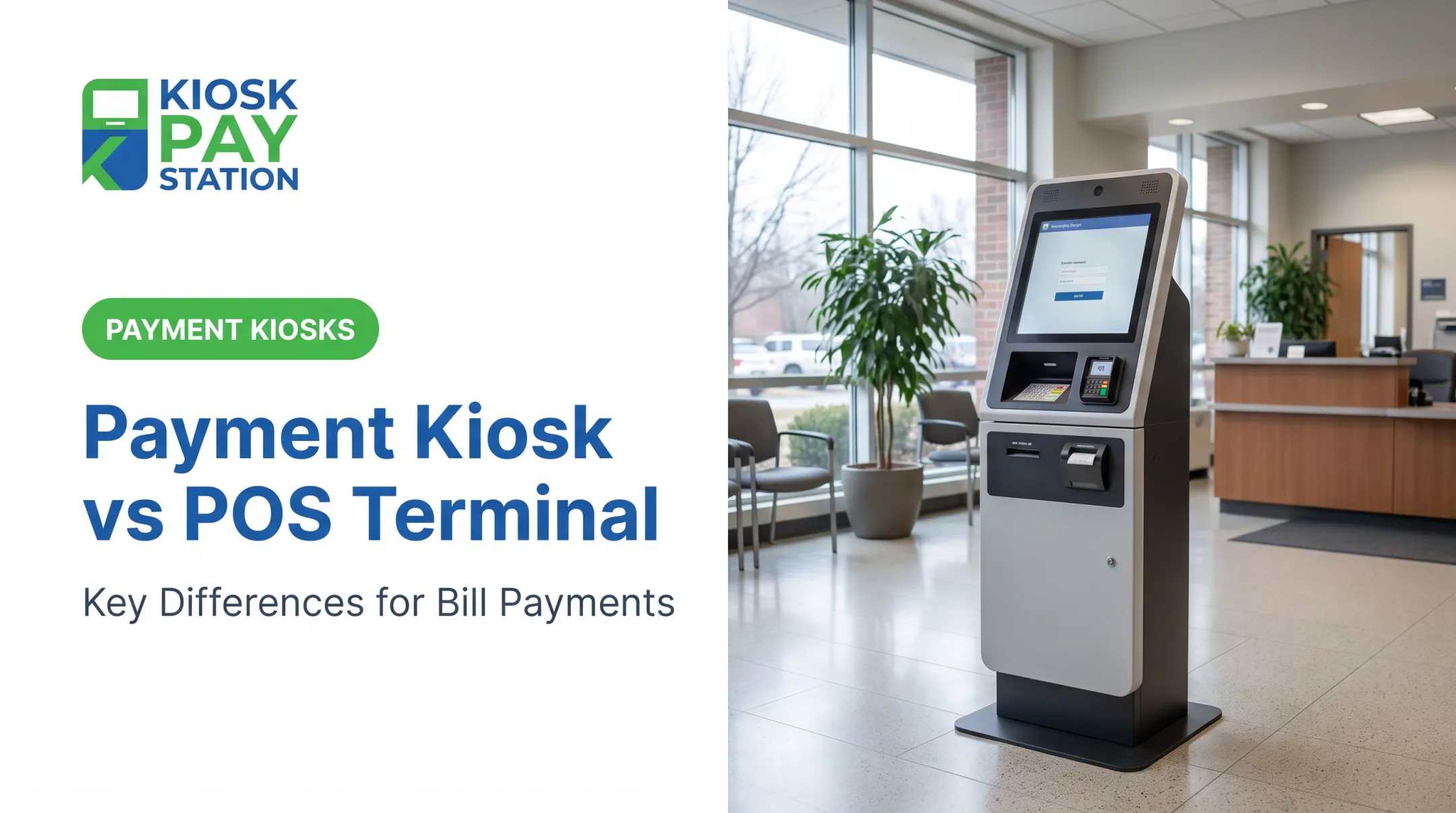
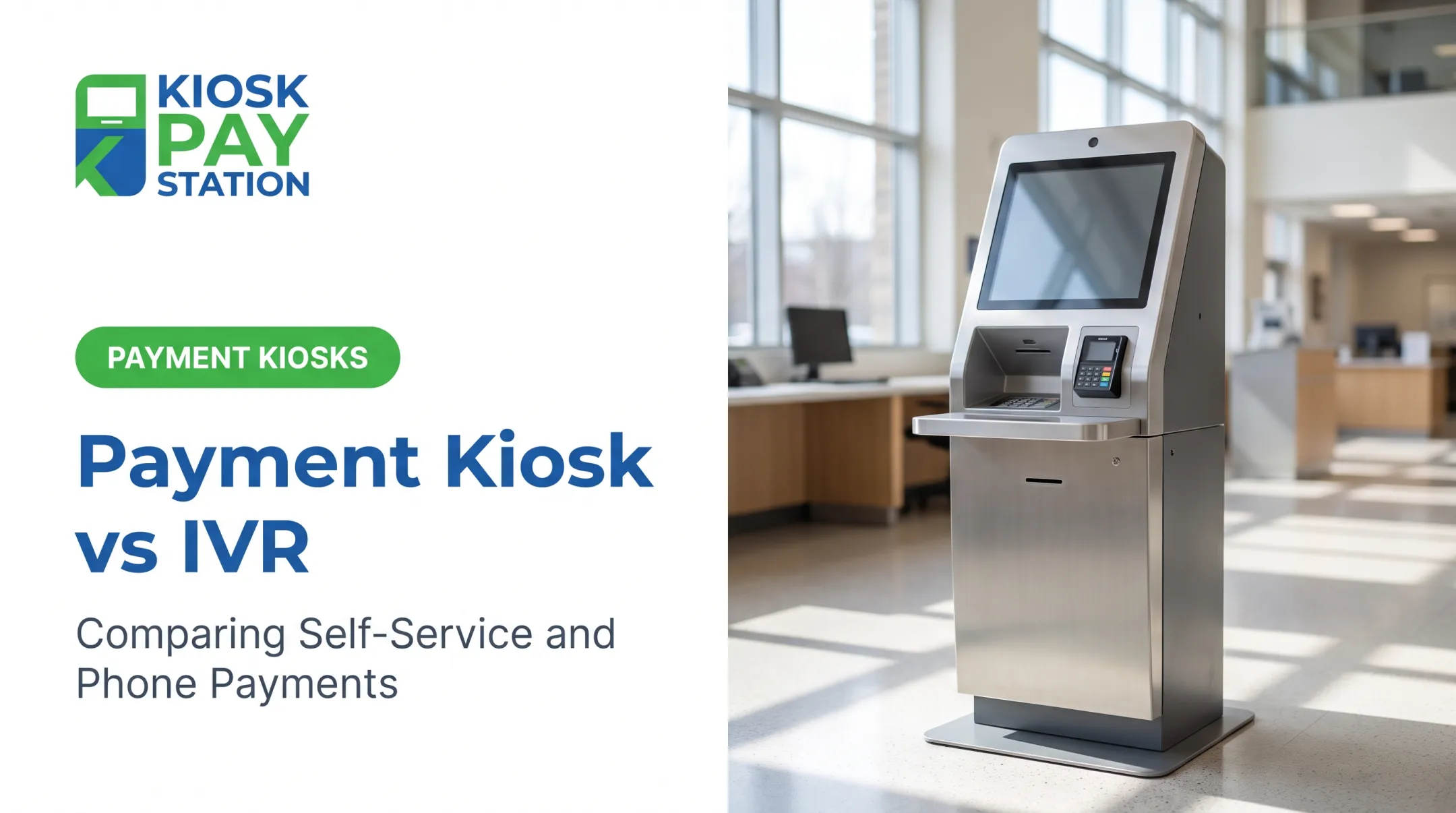
A payment kiosk is a customer-operated station. Customers locate their account, review the amount due, pick a payment method, complete the transaction, and get a receipt—with no cashier involved in any step.
For government use, that's a bigger job than a touchscreen and a card reader. A functional kiosk needs to handle:
- Account lookup by invoice number, QR code, barcode, name, or account number
- Custom data fields like property IDs or department codes
- Receipt generation and transaction reporting
- Integration with existing billing and treasury systems
New York City's Department of Finance found that parking-ticket transactions at its Bronx and Queens kiosks averaged under one minute each. That's specific to one agency's setup, not a universal benchmark, but it shows what's possible when account lookup is fast and the payment type is simple.
Kiosks are strong at:
- Handling routine payments quickly and consistently
- Reducing front-desk workload during peak dates
- Cutting manual data entry
- Extending access beyond office hours
The Staffed Cashier Station
A staffed cashier station relies on an employee to locate the account, answer questions, accept payment, and handle whatever doesn't fit the standard process.
In government and utility lobbies, that person also absorbs exceptions: disputed balances, partial payments, missing invoices, and constituents who need step-by-step help.
Cashiers are strong at:
- Exercising judgment on unusual situations
- Resolving disputes with empathy
- Walking someone through an unfamiliar process
- Solving problems in real time, on the spot
Use Cases of Payment Kiosks and Cashiers
Not every payment belongs at a kiosk, and not every payment needs a cashier. The split usually comes down to whether the payer already knows what they owe.
Kiosk-suitable payments are standardized:
- Utility bills with a known account number
- Property taxes
- Court fees
- Parking payments
- Permit fees
- Other flat-rate government service charges
Cashier-suitable payments usually involve something that needs a human decision:
- Payment disputes or account corrections
- Payment-plan setup or renegotiation
- Refunds
- Unusual documentation
- Multi-account issues requiring departmental review
A blended workflow routes the first group to a kiosk and reserves staff time for the second. Matching each transaction to the right tool lets counter staff spend their time where human judgment actually adds value.
Payment Kiosk vs Cashier: Which Is Better for Your Organization?
Neither option wins by default. The right call depends on your transaction mix, service goals, and technology environment.
Prioritize kiosks when you're dealing with:
- Recurring lines at the counter
- High volumes of routine, predictable payments
- Limited counter space or staff time
- Demand for payment access outside business hours
Retain or expand cashier service when:
- Payments frequently need explanation or account research
- Disputes and payment-plan conversations are common
- Document review is part of the transaction
- Constituents need personalized assistance
Look at Total Cost, Not Sticker Price
Purchase price is a small piece of the picture. Compare bids on the same basis, including:
- Equipment, installation, and integration
- Payment processing and networking fees
- Ongoing maintenance and support
- Staff training and consumables
- Security compliance work
Before selecting hardware, confirm compatibility with your billing, tax, court, utility, or treasury systems, plus your reporting and reconciliation process. Skipping this step is how agencies end up with a kiosk that can't talk to the software that actually runs their books.

Security and Accessibility Aren't Optional
Card-accepting terminals stay inside your PCI DSS assessment scope even when the device itself carries separate approval, according to the PCI Security Standards Council. That means your full integration needs review, not just the card reader.
On accessibility, look for:
- ADA-conscious placement and interface design
- Clear, readable instructions and multilingual support
- A staffed alternative for anyone who needs help
- A visible escalation path when self-service isn't working
Kiosk Pay Station is built around these requirements. Its kiosks include:
- PCI-DSS compliant, EMV-certified hardware with encrypted processing
- ADA-accessible screens, multilingual interfaces, and voice or light guidance
- Support for cash, check, credit, debit, and e-wallet payments
- Account lookup by invoice number, QR code, barcode, or custom identifier
- Configurable data capture for fields like department codes or property IDs
A Practical Framework
- Kiosk-first or kiosk-enhanced — most payments are predictable, and you want better throughput and access
- Cashier-first — transactions are complex or your constituents need frequent assistance
- Hybrid — you serve a diverse population and want convenience without losing human support
Match the model to your transaction mix and service goals, then validate total cost, system fit, security, and accessibility before you buy.
Real-World Example: Kiosks and Cashiers in a Public-Sector Payment Environment
Riverside County Government shows what happens when self-service demand meets a busy payment season. During a documented seven-day period, its eight cashier stations handled high volumes of property tax and other government payments under the same seasonal crunch most tax offices know well.
According to Kiosk Pay Station's case results from that deployment, two self-service kiosks collected $3.01 million and handled more than 50% of all payments during that window, while the eight staffed cashier stations processed $2.4 million over the same period.

That's a meaningful result. Here's what it does—and doesn't—prove:
- It shows kiosks can absorb substantial payment volume when demand, integration, and placement line up
- It does not prove that cashiers become unnecessary
- It does not guarantee the same outcome without comparable payer adoption and system integration
Before expanding a kiosk program, pilot it and measure:
- Kiosk adoption rate
- Queue times at both kiosks and cashier stations
- Transaction success rate
- Payment mix (cash versus card versus check)
- Assistance requests
- Reconciliation effort
- Staff utilization
If you run a government agency, utility, court, or tax office, match these results against your own payment workflow and integration requirements before you expand self-service.
Conclusion
A payment kiosk isn't an automatic replacement for a cashier. It's an additional payment channel, one that handles routine transactions well and extends access when the counter is closed.
Kiosks cut counter workload, keep transactions consistent, support multiple payment methods, and simplify reconciliation. Cashiers keep human judgment and flexibility available for the payments that need it.
The right answer comes from your own data. Weigh these factors before you commit to either model exclusively:
- Transaction volume
- Payment mix
- Accessibility needs
- Security requirements
- System integration
- Total operating cost
Frequently Asked Questions
Are payment kiosks replacing cashiers?
Not typically. Kiosks shift cashier responsibilities rather than eliminate them, with staff continuing to handle assistance, exceptions, security, and complex transactions.
What are the different types of payment kiosks?
Kiosks come as standalone, countertop, or in-wall configurations. Some accept cash and coins, while others focus on card, check, or e-wallet payments only, depending on the model.
Are payment kiosks better than cashiers?
Kiosks work better for routine, high-volume payments. Cashiers work better for complex transactions and personalized help. Most agencies get the best results running both.
Can payment kiosks accept cash and checks?
It depends on the configuration. Some models, like Kiosk Pay Station's Pay Station Pro, accept bills and dispense exact change, plus checks, cards, and e-wallets.
Are payment kiosks secure?
Properly configured kiosks are PCI-DSS compliant and EMV certified, with encrypted processing, controlled cash access, and full audit trails for every transaction.
How do payment kiosks integrate with government payment systems?
Integration usually happens through real-time, file-based, or non-validated methods, depending on your agency's billing, account lookup, and reconciliation requirements.