Introduction
Paying a traffic ticket shouldn't require a half-day off work. Yet for many drivers, that's exactly what happens: driving to the courthouse, finding parking, and standing in line behind a dozen other people just to hand a clerk a check.
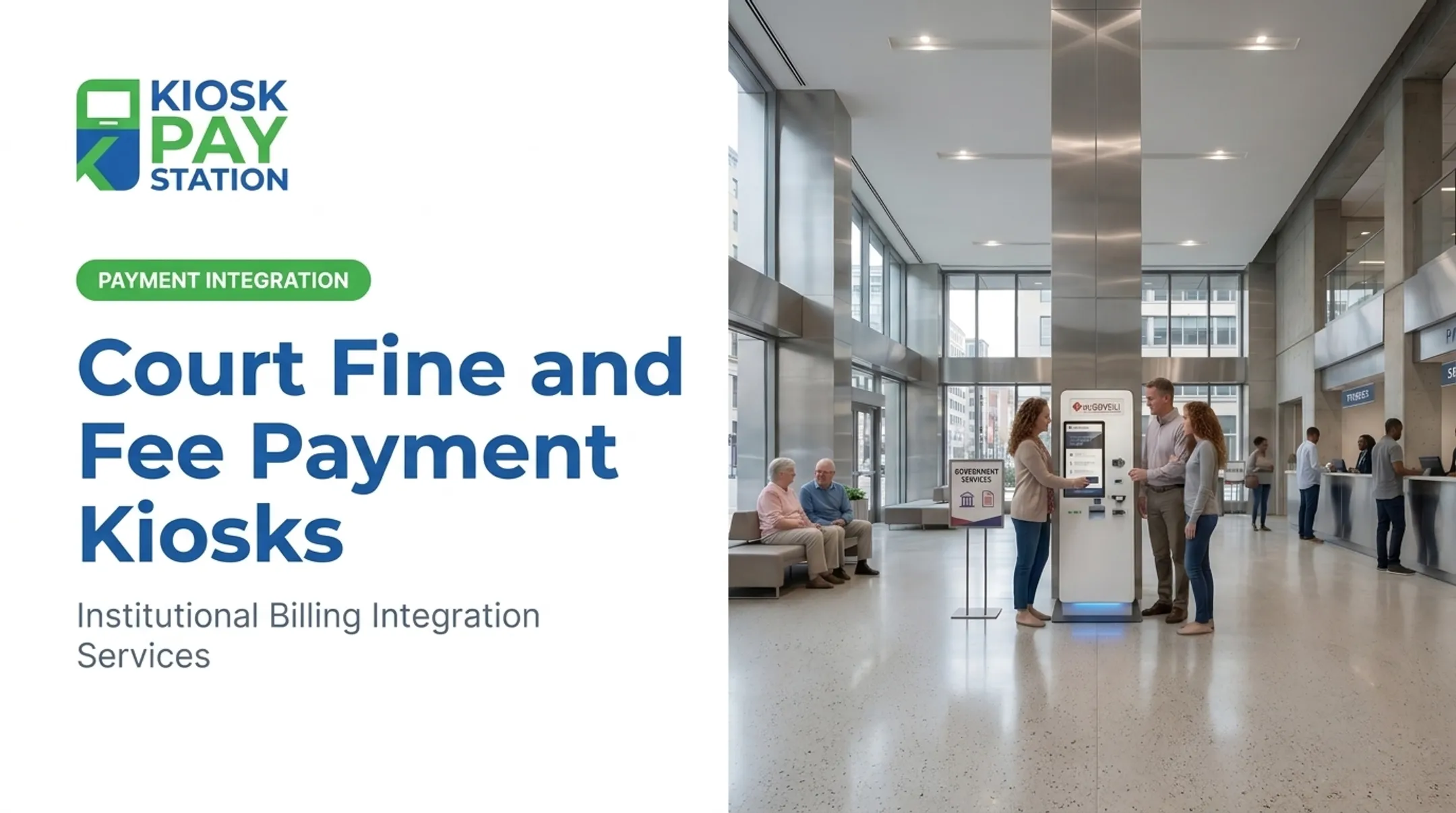
Traffic court kiosks solve that payment bottleneck. Eligible users can look up a citation, pay it, and walk out with a receipt—no staffed counter required.
Courts benefit too. Routine payment transactions stop consuming clerk time that could go toward more complex casework.
This guide covers how these kiosks work, their benefits, security requirements, accessibility standards, and what to look for when evaluating a provider.
Court rules, eligible violations, and accepted payment methods vary by state, county, and agency. What works in Maryland may look different in Delaware or Florida.
Key Takeaways
- Eligible users can look up citations, pay fines and fees, and get instant confirmation without a staffed counter
- Courts should vet security, accessibility, payment integration, and support before deploying a solution
- Treat kiosks as one channel among several, not a replacement for online, mail, or phone options
- Issuing courts, not the kiosk vendor, set eligible violations, fees, and deadlines
What Are Traffic Court Kiosks?
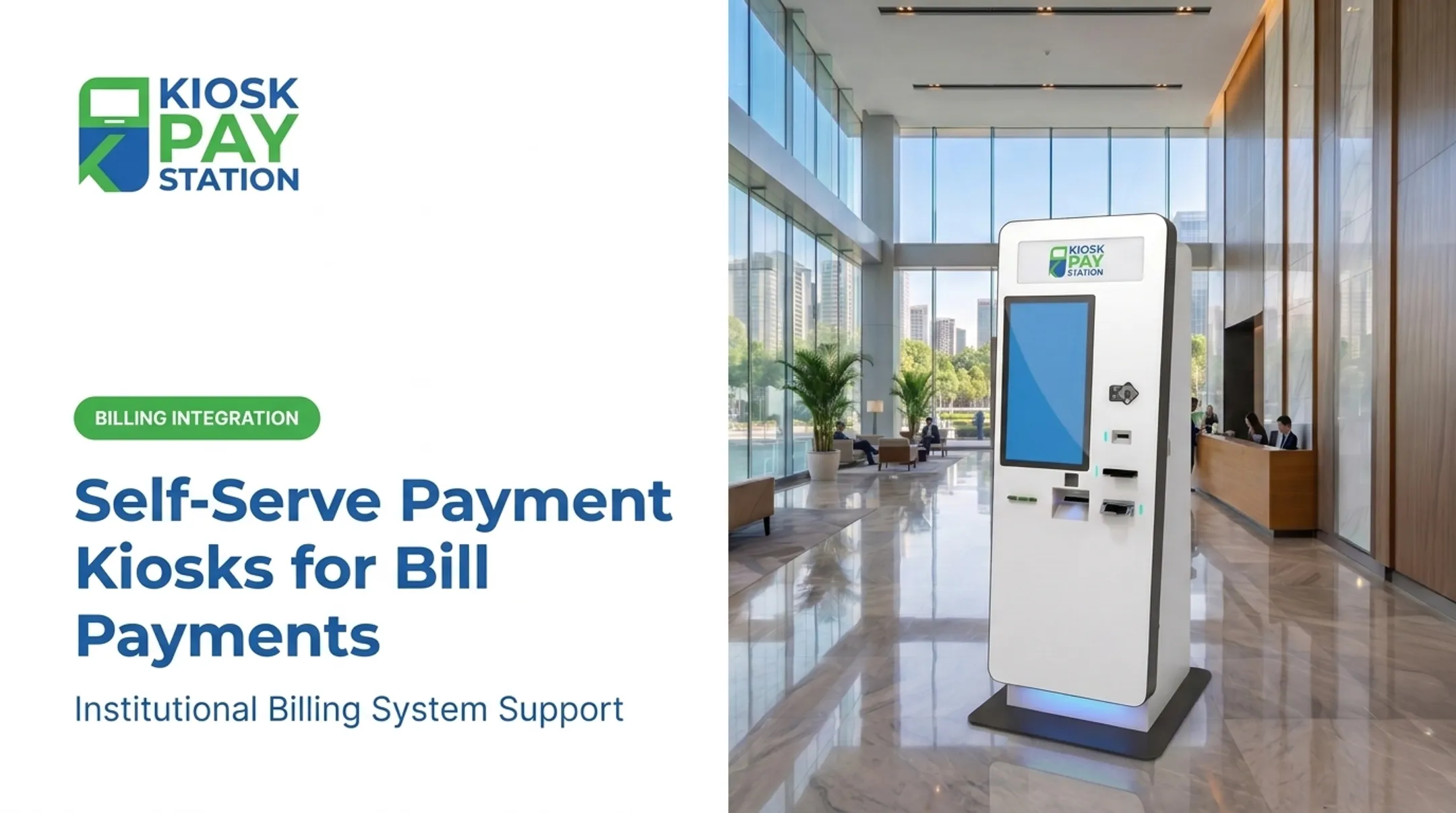
A traffic court kiosk is a self-service terminal, typically a touchscreen, that connects someone directly with a court's citation and payment system. Instead of speaking with a clerk, users interact with the machine to find their case and settle what they owe.
Not every court kiosk does the same thing. Two common categories are:
- Payment-focused kiosks — built specifically to accept fines, fees, and citation payments
- Broader court-access kiosks — may also support case searches, court-date lookups, e-filing, document scanning, and printing
These terminals typically serve two groups: the public paying tickets, parking violations, or court fees, and the clerks and administrators who manage the payment operation on the back end.
A kiosk doesn't decide anything. It can't determine whether a citation is eligible for payment, reduce a fine, extend a deadline, or excuse a required court appearance. Those decisions stay with the court. The machine simply processes what the court's system already says is payable.
How Traffic Court Kiosks Work
The User Journey
Most kiosk transactions follow a similar sequence, though specifics vary by court:
- Select a language and service — the user chooses their preferred language and the payment option from a menu
- Locate the citation or account — using an invoice number, case number, barcode, QR code, name, or account number
- Review the amount due — including deadlines, eligibility, any convenience fee, and accepted payment methods
- Choose a payment method — cash, check, credit or debit card, or e-wallet, depending on what the court enables
- Confirm and complete the transaction — the kiosk authorizes the payment and prints a receipt
Maryland's court system offers a useful real-world example. At MVA locations statewide, kiosks accept credit card payments for citations that haven't already gone to court, charge a vendor convenience fee, and issue an instant receipt.
Maryland's MVA kiosk program explicitly cannot process installment payment plans. Even a well-established program limits kiosk use to straightforward, fully payable cases.
What Happens Behind the Screen
Once a payment is confirmed, the kiosk typically:
- Generates a time-dated receipt for the user
- Transmits transaction data to the court's payment platform, often in real time
- Feeds transaction data into automated reconciliation and reporting
- Flags exceptions (declined cards, mismatched records) for staff review
Example: A driver with an eligible $185 citation walks up to a kiosk and scans the barcode on their ticket. They see the amount due plus a small convenience fee, tap their debit card, and leave with a printed receipt in under two minutes. No line, no clerk interaction required.

Benefits of Traffic Court Kiosks for Courts and the Public
For Court Staff
Every routine payment handled by a kiosk is one less transaction a clerk has to process manually. That shift lets staff spend more time on:
- Complex payment exceptions and disputed citations
- Courtroom support and records management
- Users who genuinely need one-on-one assistance
Cleaner transaction records and automated reconciliation also cut down on manual entry errors, which matters when you're closing out daily deposits.
For the Public
Beyond shorter lines, kiosks extend access past standard counter hours. Someone who can't make it during a 9-to-5 window can pay before work, after work, or on a weekend if the court keeps the kiosk open longer.
That setup also gives people without reliable home internet an in-person place to complete an online-style payment.
Accessibility and Inclusion
ADA compliance isn't optional for public-facing payment terminals. The Department of Justice's 2010 ADA Standards for Accessible Design require:
- Accessible reach ranges
- Tactile and speech-enabled controls
- Adequate character size and contrast on displays
- Equal input/output privacy for all users
A well-designed traffic court kiosk should meet these standards in physical layout, screen readability, and multilingual support.
Riverside County Results
Kiosk Pay Station has shared a Riverside County case study as part of its client results: two self-service kiosks reportedly collected $3.01 million over seven days, more than the $2.4 million processed by eight staffed cashier stations in the same period.

That figure comes from Kiosk Pay Station's client materials, not an independently published county report. Courts evaluating similar programs should ask any vendor for verifiable, documented outcomes before treating results like these as a benchmark.
Essential Features to Evaluate
Security and Payment Processing
Any kiosk handling card payments needs to meet current industry standards. That means:
- PCI-DSS compliant payment technology (PCI DSS v4.0.1, the standard in force since v4.0 retired at the end of 2024)
- EMV-certified card acceptance supporting tap, dip, and swipe
- Encrypted data handling and documented access controls
- A clear process for applying software and security updates
Integration, Cash Handling, and Accessibility
Ask providers how the kiosk connects to your systems, which tenders it accepts, and whether it meets accessibility requirements:
- Real-time, file-based, or non-validated integration with your case-management system
- Flexible fields for citation numbers, case IDs, department codes, or agency-specific data
- Support for cash, checks, cards, and e-wallets, plus refunds and voids where needed
- ADA-compliant screen height, voice guidance, and multilingual menus
Physical Format and Ongoing Support
Standalone, countertop, and in-wall configurations each suit different courthouse layouts. Beyond the hardware footprint, confirm:
- Reconciliation tools and configurable reporting
- Transaction monitoring and remote diagnostics
- Maintenance response times and component replacement terms
- Defined ownership for repairs and response-time commitments
Planning and Implementing a Traffic Court Kiosk Program
Before selecting hardware, courts need to answer a few internal questions first.
Start with a workflow assessment. Which citation types can be paid without staff review? What are your peak traffic periods? Where do counter bottlenecks actually happen?
Nail down policy before technology. Decide which citations are eligible, whether partial payments are allowed, how convenience fees get disclosed, and what happens with disputed citations or mandatory appearances. These decisions shape kiosk configuration, not the other way around.
Map the integration. Document your case-management or payment platform, required data fields, confirmation timing, and what happens when a transaction fails or a system goes offline.
Choose locations deliberately based on visibility, privacy, accessibility, network access, and whether you want courthouse-only deployment or broader community placement.
Most court rollouts follow three steps regardless of vendor: integration, installation, and optimization.
- Connect the kiosk to existing billing or case systems
- Install and test hardware in the selected location
- Monitor early transactions and adjust configuration as needed
Kiosk Pay Station supports the integration and monitoring side of that work—connecting payment workflows to case or billing platforms and providing ongoing monitoring with multi-year maintenance coverage for institutional clients. That support is worth weighing alongside other options during procurement.
How to Choose a Traffic Court Kiosk Provider
A procurement checklist should cover more than hardware specs. Look for:
- Demonstrated government payment experience, not just retail kiosk background
- EMV and PCI-DSS compliance documentation
- Court-system integration capability (real-time, file-based, or non-validated)
- Accessibility and multilingual functionality
- Cash and check handling if your court needs it
- Reporting, reconciliation, and maintenance terms
Ask for a live demo built around a realistic payment scenario. It should cover account lookup, fee display, payment authorization, receipt generation, a rejected payment, and back-office reconciliation. If a vendor can't walk through all of that smoothly, treat it as a red flag.

Compare total cost of ownership, not sticker price. Installation, integration, processing fees, connectivity, consumables, and software updates compound over a five-year contract.
Finally, request references from comparable public-sector clients. Independently verify every claim—security certifications, uptime figures, and case studies—against your own legal, technical, and accessibility requirements before you sign.
Frequently Asked Questions
How do I get a 50% discount on fines?
Fine reductions, defensive-driving discounts, and payment plans depend on the issuing court and violation type. Contact the court listed on your citation directly; a kiosk cannot apply a discount on its own.
How much is a traffic ticket in Arizona?
Costs vary by violation, court, and county, and Arizona law adds statutory surcharges on top of the base fine. Check your citation or contact the issuing court for the exact current balance; kiosks only collect the amount the court has due.
How do I pay a speed camera ticket in Delaware?
Payment options depend on which Delaware agency issued the notice. Use the instructions printed on the citation to confirm whether online, mail, in-person, or kiosk payment is available.
How do I check if I have a traffic fine in Florida?
Contact the county clerk's office where the citation was issued, or use Florida's official citation portal. Have your citation number and identifying details ready to search, then confirm whether any balance can be paid at a court kiosk.
What can I pay at a traffic court kiosk?
Participating courts may accept eligible traffic citations, parking violations, or related fees. Always confirm with the specific kiosk or court whether your matter is payable there or requires a court appearance.
Are traffic court kiosks secure and accessible?
Look for PCI-DSS compliant processing, EMV-certified card acceptance, and encrypted payment data handling. Confirm ADA accessibility features with the court or provider before relying on a specific kiosk.