The gap shows up in staffing numbers. The Social Security Administration has faced long-standing staffing shortages that have caused longer wait times at field offices, with some locations seeing customers wait over an hour without an appointment. VA facilities reported 2,959 severe occupational staffing shortages in FY2024 alone. Add in after-hours access gaps and manual data entry errors, and you get a service model under real strain.
This article covers what government automation and AI actually look like right now, where agencies are deploying them successfully, and how to start without wasting budget or breaking public trust.
Key Takeaways
- RPA, workflow tools, and AI decision support can automate permitting, payments, benefits, and records work
- Start with high-volume, rule-based processes before attempting complex cross-agency workflows
- Self-service kiosks remain one of the fastest, lowest-risk ways to automate constituent payments
- Governance and change management determine long-term success more than the technology stack
What Is Government Automation and AI, Exactly?
Government automation means applying technology—RPA, workflow tools, and AI/ML—to streamline public-sector processes while staying inside procurement rules, budget cycles, and public accountability standards.
Two approaches sit under that umbrella:
- Rule-based automation (RPA): Software bots that follow fixed steps, like copying data from a paper form into a database
- AI-driven automation: Systems that interpret unstructured information, such as intelligent document processing, chatbots, or eligibility decision support
Government automation isn't the same as private-sector automation. Agencies face procurement cycles that can take years, legacy systems built decades ago, and public accountability requirements that private companies simply don't answer to. You can't just swap in a new vendor because they're faster.
Even with those constraints, adoption is accelerating. In Deloitte's 2024 survey of senior government leaders, 78% said their organizations were adopting generative AI somewhat fast or very fast, an 18-point jump from earlier that same year.
The catch: government respondents reported the least GenAI expertise of any industry surveyed, and most said fewer than two in five workers had access to the tools.
Common Technologies Powering Government Automation Today
Five categories dominate current deployments:
- Robotic process automation (RPA) for repetitive data entry and form processing
- AI chatbots and voice agents for citizen inquiries
- Digital forms that replace paper intake and manual routing
- E-payment and self-service channels for bills, taxes, and fees
- Document and records management systems that digitize files and speed retrieval
The GSA's Federal Automation Community of Practice now has more than 1,700 members across over 100 federal departments and agencies, a clear signal of how widely these tools are already in use across federal agencies.

Where Automation and AI Are Already Being Used
Automation isn't theoretical anymore. It's running in production across several government functions.
Permitting and licensing. Digital applications, automated routing to reviewers, and status notifications have replaced much of the old "call the office to check" workflow.
Benefits and application processing. The IRS expanded its Digital Intake program to Modernized e-File in 2024. By season's end, the system had processed roughly 82,000 paper Forms 1040 and 800,000 paper Forms 940 and 941 without manual data transcription.
AI-assisted scientific review. An FDA pilot reported reviewers finishing tasks in minutes that previously took three days. The result is pilot-level, but still notable.
Citizen service automation. 311 systems, appointment scheduling, and automated complaint routing now handle volume that once required dedicated phone staff.
Self-service bill and fee payment. Kiosks and portals let residents pay taxes, utilities, court fines, and permit fees without a staffed counter, a use case covered in the next section.
Document and records digitization. Scanned, searchable records let departments share information without physically routing paper files between offices.

Self-Service Payment Kiosks: A High-Impact, Low-Risk Starting Point
Payment collection is where a lot of local governments start their automation journey, and for good reason. It's high-volume, rule-based, and doesn't require reengineering an entire department's workflow.
Why payments first? Tax collectors, courts, and utility departments process thousands of transactions that follow the same basic pattern: identify the account, calculate the amount, accept payment, record it. That's exactly the kind of process automation handles well.
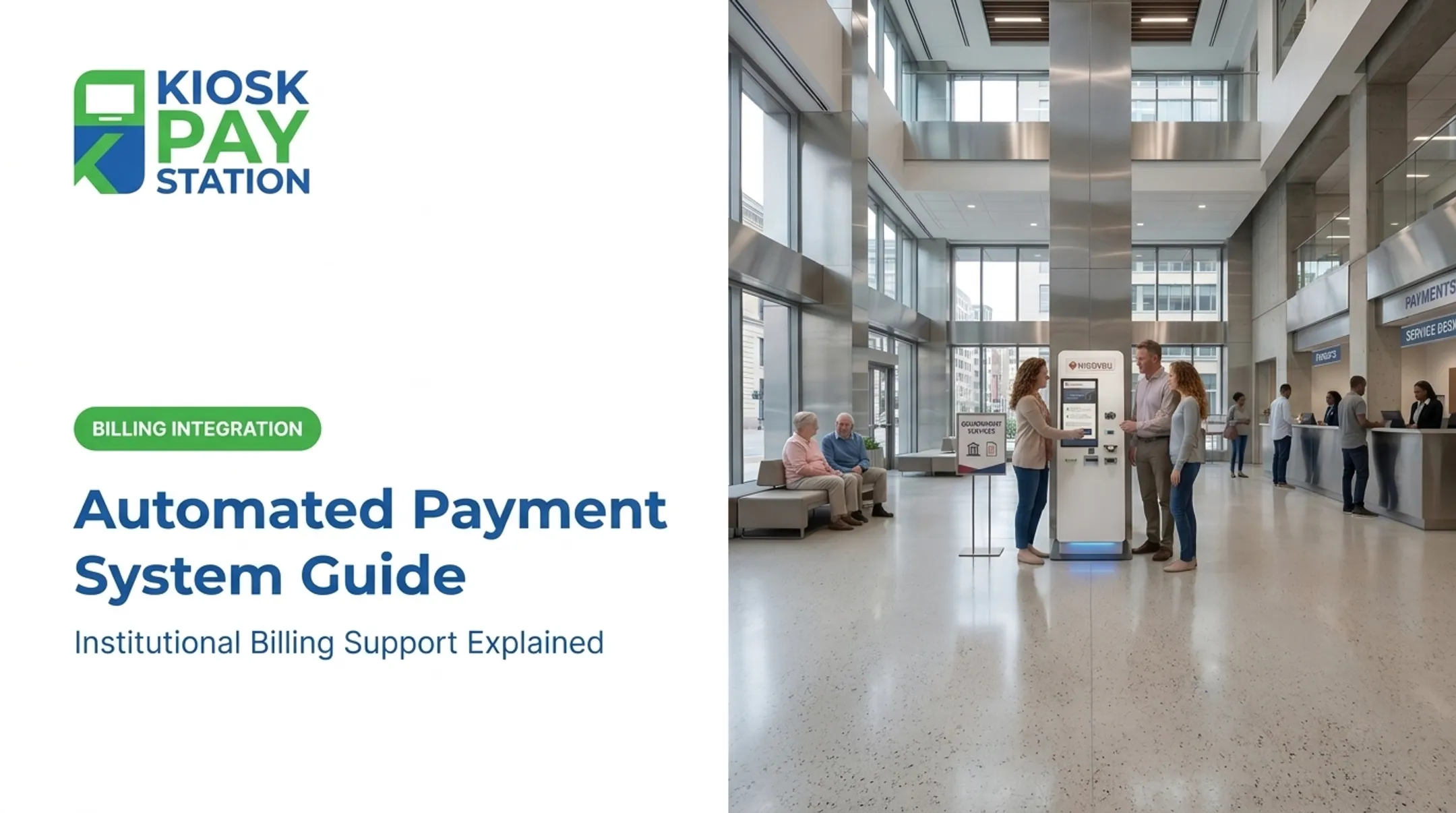
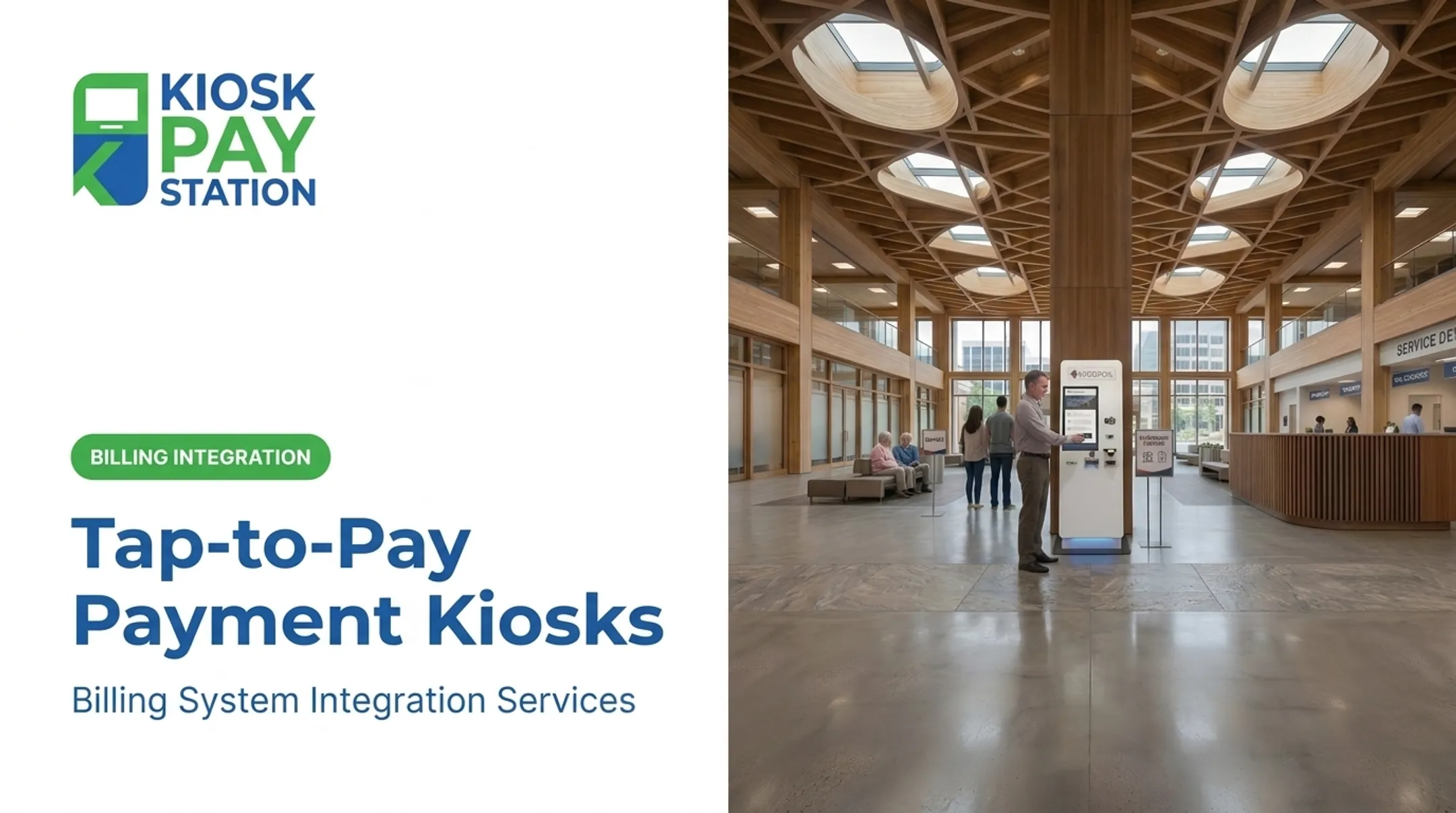
Self-service payment kiosks let agencies accept cash, check, card, and e-wallet payments 24/7 without adding staff. That cuts counter workload and improves reconciliation accuracy when payments sync into billing systems through real-time, file-based, or non-validated integration—the connection work KIOSK PAY STATION supports for government and utility clients.
The Riverside County Numbers
In Riverside County, two self-service kiosks collected $3,001,000 in payments over a seven-day period. Eight staffed cashier stations, operating that same week, processed $2,400,000.
- Two kiosks outperformed eight staffed counters by $601,000
- Kiosks collected more than 50% of total payments during the period
- No additional staff hours were required to hit that volume

Compliance and Accessibility Matter Here
Public-sector deployments carry a higher bar than a retail checkout kiosk. Look for:
- PCI-DSS compliance and EMV certification for card transactions
- ADA-compliant screens with voice and light guidance
- Multilingual interfaces for diverse constituent populations
- Encrypted processing for every transaction type

Agencies can run payment automation as a full stack or layer it onto systems they already use. With solid billing integration and monitoring, it remains a practical first automation project—ROI often shows up within weeks, not years.
Benefits of Government Automation and AI
Agencies that automate high-volume processes see gains in four areas: speed, accuracy, staffing capacity, and access.
- FDA's pilot cut review tasks from three days to minutes for staff using the new tool
- Eliminating manual re-keying removes a major source of data entry errors
- A 2026 Treasury RPA pilot across seven processes projected almost 9,000 person-hours in annual savings, freeing staff for judgment-based work
- 24/7 kiosk availability, multilingual interfaces, and accessible design reach residents who can't get to a counter during business hours
Not every processing-time gain traces purely to automation. IRS paper returns still averaged 20 days against a 13-day goal during the 2024 filing season, and GAO did not pin the gap on any single cause. Automation closes many bottlenecks; staffing, legacy systems, and intake volume still set the ceiling on others.
Common Pitfalls and What to Avoid
Agencies that stumble with automation usually make one of these mistakes.
- Picking the platform before the process. Tool-first buys often sit unused or force awkward workarounds. Choose a high-volume, rule-based workflow first, then find the tool that fits it.
- Automating a broken process. Speeding up a bad workflow just gets you errors faster. Fix the process, then automate it.
- Treating security as an afterthought. A 2024 GSA OIG audit found the agency's own RPA program didn't comply with its IT-security requirements, including no process for removing access from decommissioned bots. Build access controls, audit logs, and bot decommissioning rules into the design from day one.
- Underestimating change management. Staff worried about job security will resist automation quietly and effectively. Address it directly, early, and often.

Frequently Asked Questions
What technologies are used by the government?
Agencies use RPA, AI chatbots, digital forms, self-service kiosks, and document management systems across federal, state, and local levels. The mix depends on the agency's workflow and budget.
What AI is the US government using?
Federal agencies use AI for application processing, fraud detection, and citizen service chatbots. The FDA's AI-assisted scientific review pilot and the IRS's digital intake expansion are two documented examples.
What are the top 10 automation tools?
There's no single ranked list, since tool choice depends on agency needs. The main categories are RPA platforms, AI chat/voice agents, workflow software, and kiosk/payment systems.
What is an example of automation?
A self-service kiosk that lets a resident pay a utility bill or court fine at any hour, without a staffed counter, is a clear example. Automated permit status notifications work the same way.
How much does government automation typically cost compared to private-sector projects?
Government projects generally cost more due to compliance requirements, procurement processes, and legacy system integration. GAO has also noted that agencies often struggle to estimate those costs accurately and to secure AI technical expertise.
Which government functions benefit most from automation?
High-volume, rule-based processes benefit most: permitting, bill payments, and benefits eligibility verification are the clearest examples. These functions have predictable steps that automation handles reliably.