Introduction
Anyone who has stood in line at a county tax office knows the drill: limited hours, one or two cashiers, and a line that doesn't move. Paying a property tax bill, court fee, permit charge, or water bill often means fitting a trip into a 9-to-5 window that overlaps with everyone else's workday.
Cashless kiosks remove that bottleneck. They let residents pay by card, contactless tap, or e-wallet whenever the building is open, sometimes around the clock, without waiting for a staffed window.
In Riverside County, two kiosks collected $3.01 million in seven days and handled more than half of all payments, outpacing eight staffed cashier stations that processed $2.4 million in the same period. Many deployments still accept cash and checks, because "cashless" doesn't have to mean "cash excluded."
This article covers how these kiosks function, why public-sector organizations deploy them, and what to evaluate before signing a contract, including security, accessibility, integration, and vendor selection.
Key Takeaways
- Self-service kiosks shorten lines, extend payment hours, and cut manual processing errors.
- Integration with existing billing, tax, or utility systems matters more than the hardware itself.
- PCI-DSS, EMV certification, ADA accessibility, and multilingual support should be non-negotiable evaluation criteria.
- Treat cashless mode as a configuration option and match payment methods to constituent needs.
Why Government and Utility Organizations Use Payment Kiosks
Front counters at government offices and utility providers weren't built for the volume they now handle. The result is a familiar set of problems:
- Long queues during peak tax or billing seasons
- Repetitive, manual cashier transactions for routine payments
- Limited service hours that exclude working residents
- Payment-entry errors that create reconciliation headaches
- Staff time consumed by simple collections instead of complex casework
For constituents, a kiosk means a faster transaction, a clear payment prompt, an instant receipt, and access outside the traditional 9-to-5 window when the agency enables extended hours.
For the organization, the benefits show up on the back end: cleaner transaction records, automated reporting, fewer keying mistakes, and staff freed up for higher-value work instead of counting cash drawers.
Where These Kiosks Show Up
Public-sector kiosk placements generally fall into three categories:
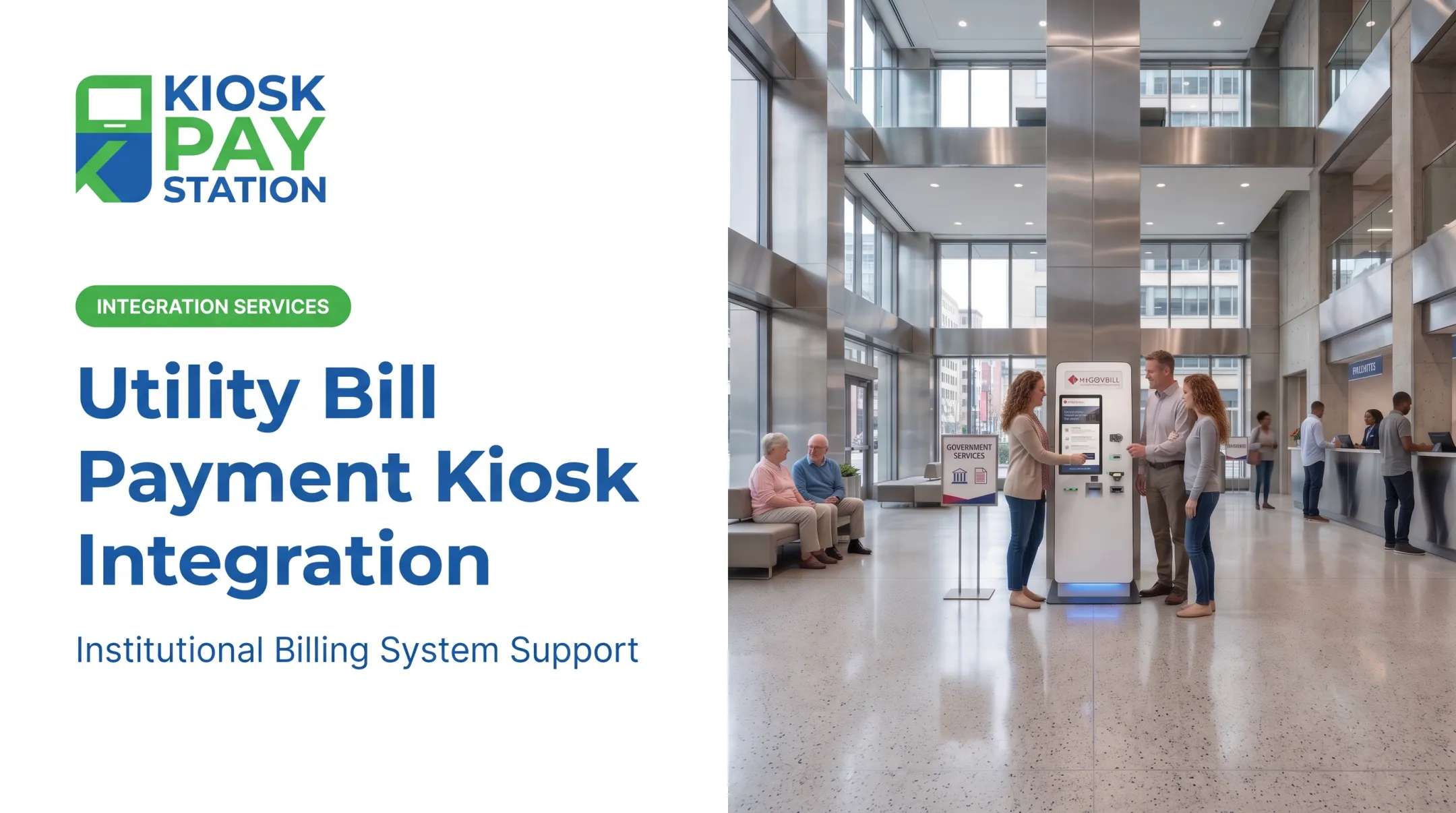
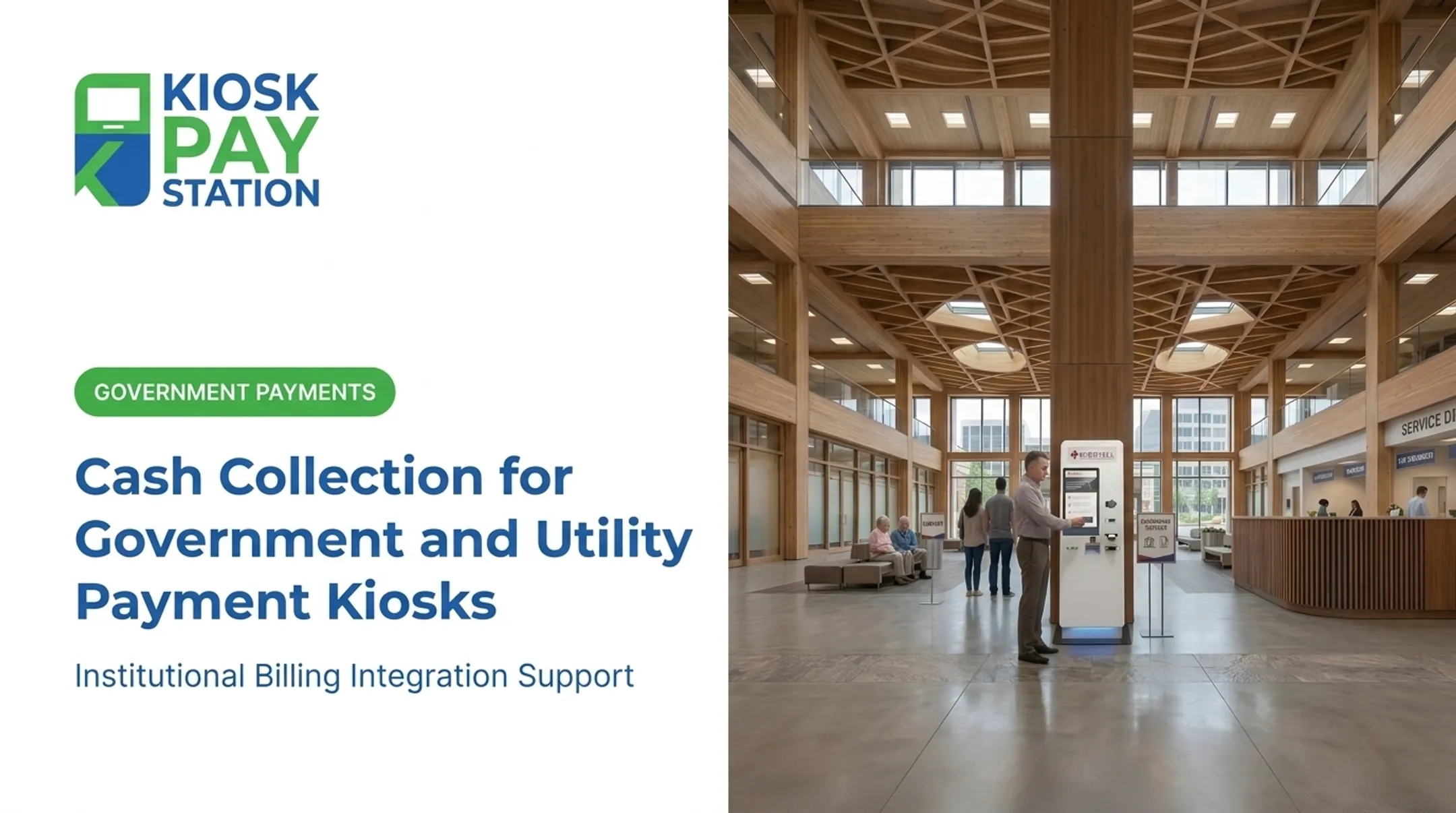
- Government buildings — property taxes, permits, licenses, and departmental fees
- Utility offices and public locations — water, electric, and sanitation bills
- Courts, parking authorities, and correctional agencies — fines, fees, deposits, and account payments
A 2023 Government Technology survey of nearly 1,000 people found that 63% pay local-government and utility bills online, compared to 34% by mail and 26% in person. That same survey found people want easier navigation, better account history access, and more payment options: exactly what a well-designed kiosk provides in a physical setting.
A real-world example: Kiosk Pay Station reports that in Riverside County, two self-service kiosks collected $3.01 million over a seven-day period, more than 50% of payments processed in that window. Eight staffed cashier stations collected $2.4 million over the same seven days.
These figures come from a company-provided case study, not a universal benchmark, but they show how concentrated kiosk volume can get in a high-traffic tax office.

How Government and Utility Bill-Payment Kiosks Work
A typical kiosk transaction follows a predictable path:
- Welcome screen greets the customer and offers language options
- Account lookup confirms who's paying and what's owed
- Balance confirmation displays the amount due, sometimes with partial-payment options
- Payment-method selection: card, contactless, e-wallet, or cash/check if enabled
- Authorization processes the transaction
- Receipt delivery prints or displays proof of payment
- Backend posting applies the payment to the account and feeds reconciliation reports
Account Lookup Matters More Than It Seems
The lookup step is where errors happen if it's poorly designed. Kiosks built for government and utility environments typically support:
- Invoice number or barcode scan
- QR code scan
- Name or account number entry
- Property ID or custom department identifier
Kiosk Pay Station's platform, for instance, was built to support lookup by invoice number, QR code, or a custom identifier the agency defines — reducing the chance a customer selects or pays the wrong account.
Comparing Payment Capabilities
| Capability | Purpose |
|---|---|
| Card, EMV, contactless, mobile wallet | Core cashless acceptance |
| Optional cash acceptance, bill validation, change dispensing | Serves cash-paying constituents |
| Optional check acceptance | Meets policy or customer expectations |
| Receipt printing | Required for audit trails and customer proof |
A bill-payment kiosk is not the same as a cash-to-card (reverse ATM) kiosk. A bill-payment kiosk applies funds directly to an account or obligation: a tax bill, a water bill, or a fine.
A cash-to-card kiosk converts inserted cash into a prepaid or stored-value card. It does not post a payment to a government or utility account unless a separate integration is built for that purpose.
Payment confirmation alone is not enough for finance and treasury teams. Look for backend capabilities that match how your office already closes the day:
- Real-time, file-based, or non-validated integration options
- Department or account coding on every transaction
- Automated reconciliation
- Exportable reporting aligned to existing close-out workflows
Planning, Integrating, and Managing a Deployment
Before a kiosk goes live, a proper site assessment answers questions most agencies underestimate:
- When do payment volumes peak, and how does foot traffic flow through the lobby?
- Is the location indoor or outdoor, and how does that affect hardware choice?
- Is there adequate lighting, privacy at the payment screen, and camera coverage?
- Does the site meet accessibility clearance requirements for reach and approach?
- Is power and network connectivity already run, or does it need installation?
- Can staff reach the unit easily for servicing?
Choosing a Configuration
Deployment format follows space and traffic patterns:
- Standalone units fit high-traffic lobbies and public spaces
- Countertop units suit smaller footprints handling card, check, and e-wallet payments
- In-wall installations work for permanent placements, including exterior service walls for after-hours access
Before implementation, agencies should nail down:
- Which billing, tax, court, permitting, or utility systems must exchange data with the kiosk
- Whether payments post in real time, through scheduled files, or another approved workflow
- Which fields, department codes, receipts, reports, and exception procedures the system must support

Once live, someone owns ongoing operations: receipt paper and consumables, hardware inspection, software updates, network monitoring, and handling reversals or refunds. Remote monitoring is not optional. A kiosk that goes dark on a Friday afternoon with no alert generates the same complaints it was meant to prevent.
Kiosk Pay Station, for example, supports deployments with customizable alerts for conditions like low receipt paper, configurable screens and account-search methods, and monitoring tied to billing-system integration. Confirm current commercial terms directly with any vendor before signing.
That same operational discipline shows up in real-world results. New York City's Department of Finance offers a useful reference point: kiosks installed at its Bronx and Queens Business Centers in 2022 processed parking-ticket payments by cash, check, or card in under one minute per transaction, with instructions available in English and Spanish. It's one agency's result, not a guaranteed outcome, but it shows what's achievable with the right setup.
Security, Accessibility, and Payment Compliance
A public-facing payment device handles sensitive financial data, which means security can't be an afterthought. Evaluate:
- PCI-DSS compliance for handling cardholder data
- EMV-certified hardware for chip and contactless acceptance
- Encryption on payment data in transit and at rest
- Tamper-resistant enclosures and secure network design
- Role-based access and full transaction logging
Accessibility and Inclusive Design
Public installations also have to work for every constituent who walks up to them. Design for:
- Reachable components and large touch targets
- Clear on-screen instructions
- Audio or voice guidance for users with visual impairments
The FDIC's 2023 national survey found 4.2% of U.S. households—roughly 5.6 million—were unbanked, and 14.2% (about 19 million) were underbanked. Among unbanked households, nearly two-thirds relied primarily on cash. Test kiosk designs with users who have different access needs and payment methods, not only cardholders.

General ADA-oriented design is not the same as formal legal compliance. Applicable rules depend on federal procurement status, the building, and state or local requirements. Confirm specifics with accessibility counsel rather than treating any single checklist as universal.
Multilingual interfaces and plain-language prompts reduce payment errors for non-English speakers and reduce the number of customers who need staff assistance to complete a routine transaction.
Before signing a contract, ask vendors:
- How often are security updates and penetration tests performed?
- What's the PCI scope for this specific deployment?
- What's the incident-response process if a breach is suspected?
- What documentation is provided during procurement for audit purposes?
How to Evaluate a Kiosk Partner
A checklist helps separate vendors who understand public-sector payments from those adapting a generic kiosk. Look for:
- Demonstrated government or utility payment experience
- Integration capability with your specific billing or tax system
- Support for the payment methods your constituents actually use
- ADA accessibility and security certifications (PCI-DSS, EMV)
- Transparent reporting, uptime commitments, and service coverage
- References you can actually call
Look Past the Sticker Price
Hardware cost is a small piece of total cost of ownership. Budget for:
- Installation and site preparation
- Software or processing fees
- Integration work with existing systems
- Network service and ongoing maintenance
- Consumables and, if applicable, cash logistics
- Future upgrades and replacement cycles Request a full workflow demonstration using a realistic scenario: account lookup, partial payment, a declined transaction, receipt issuance, a cancellation, and end-of-day reconciliation. If a vendor can't walk through all of that smoothly, note that before you sign anything. Kiosk Pay Station brings more than 25 years of experience in government bill-payment technology, with PCI-DSS compliance, EMV certification, and flexible integration around custom transaction fields and multiple payment workflows. Today the focus is billing-system integration, monitoring, and ongoing support for institutional clients — not standalone hardware sales. Confirm exactly what's included for your deployment. No vendor, including this one, fits every agency's requirements automatically. If your counters still run on manual reconciliation and business-hour-only collections, map your current payment workflow against what a purpose-built kiosk platform can handle. Talk through integration, accessibility, and support requirements before you decide.
Frequently Asked Questions
How does a cash-to-card kiosk work?
It validates inserted cash, totals the amount, and loads that value onto a prepaid or stored-value card. This differs from a bill-payment kiosk, which posts the payment directly to a government or utility account.
How much does a cash-to-card kiosk cost?
Cost depends on hardware, cash-handling components, card issuance, software, integration, installation, security, and transaction volume. Request a total-cost-of-ownership estimate rather than relying on a single device price.
Where can I find Pay&Go kiosks?
Availability depends entirely on the specific Pay&Go provider or deployment in question. These branded locations are separate from purpose-built government or utility bill-payment kiosks, so confirm details directly with that provider.
What's the main difference between an ATM and a kiosk?
An ATM primarily handles banking functions like cash withdrawal and account access. A payment kiosk is configured for one specific self-service task, such as paying a tax bill, court fee, or utility charge.