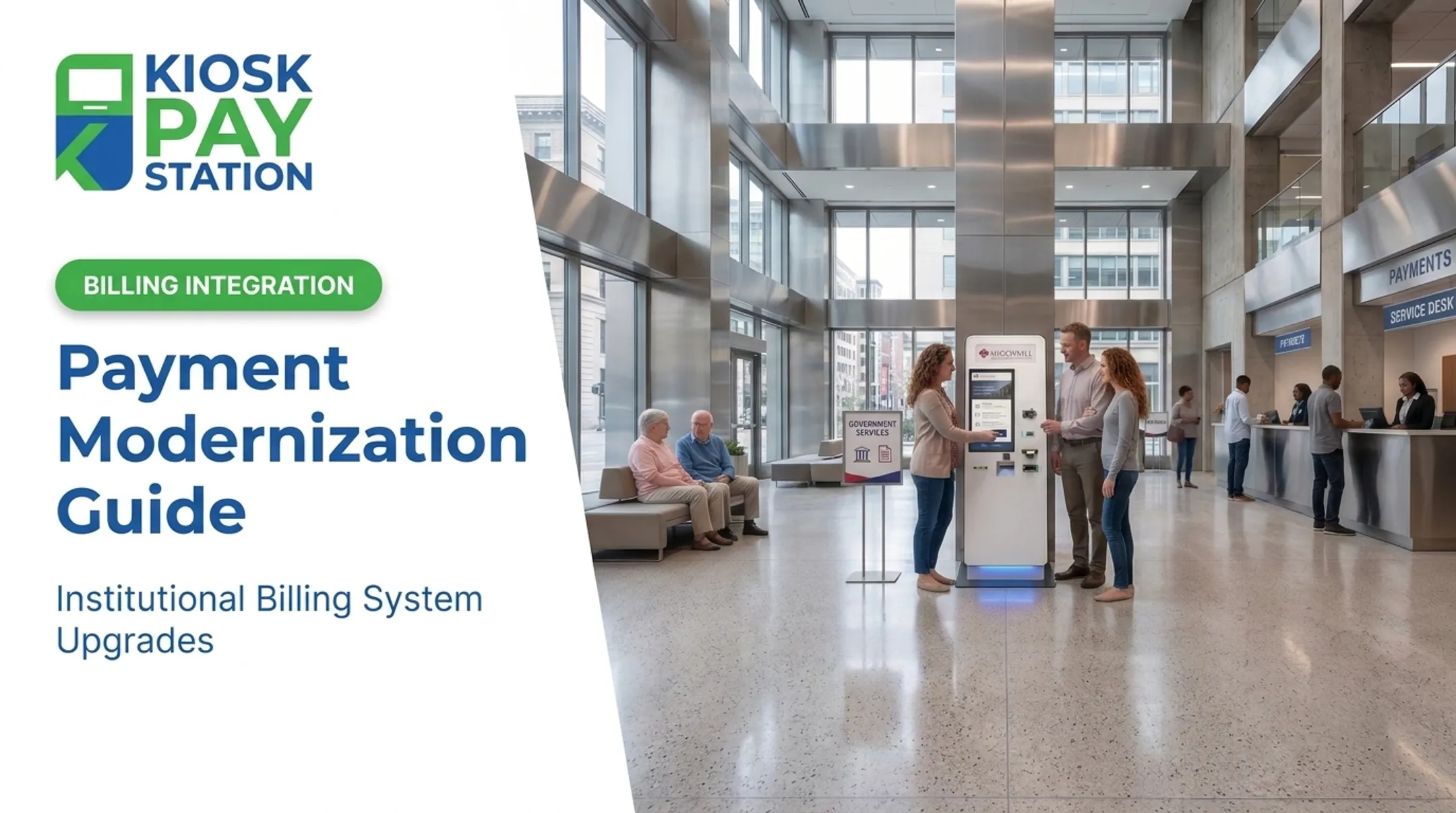
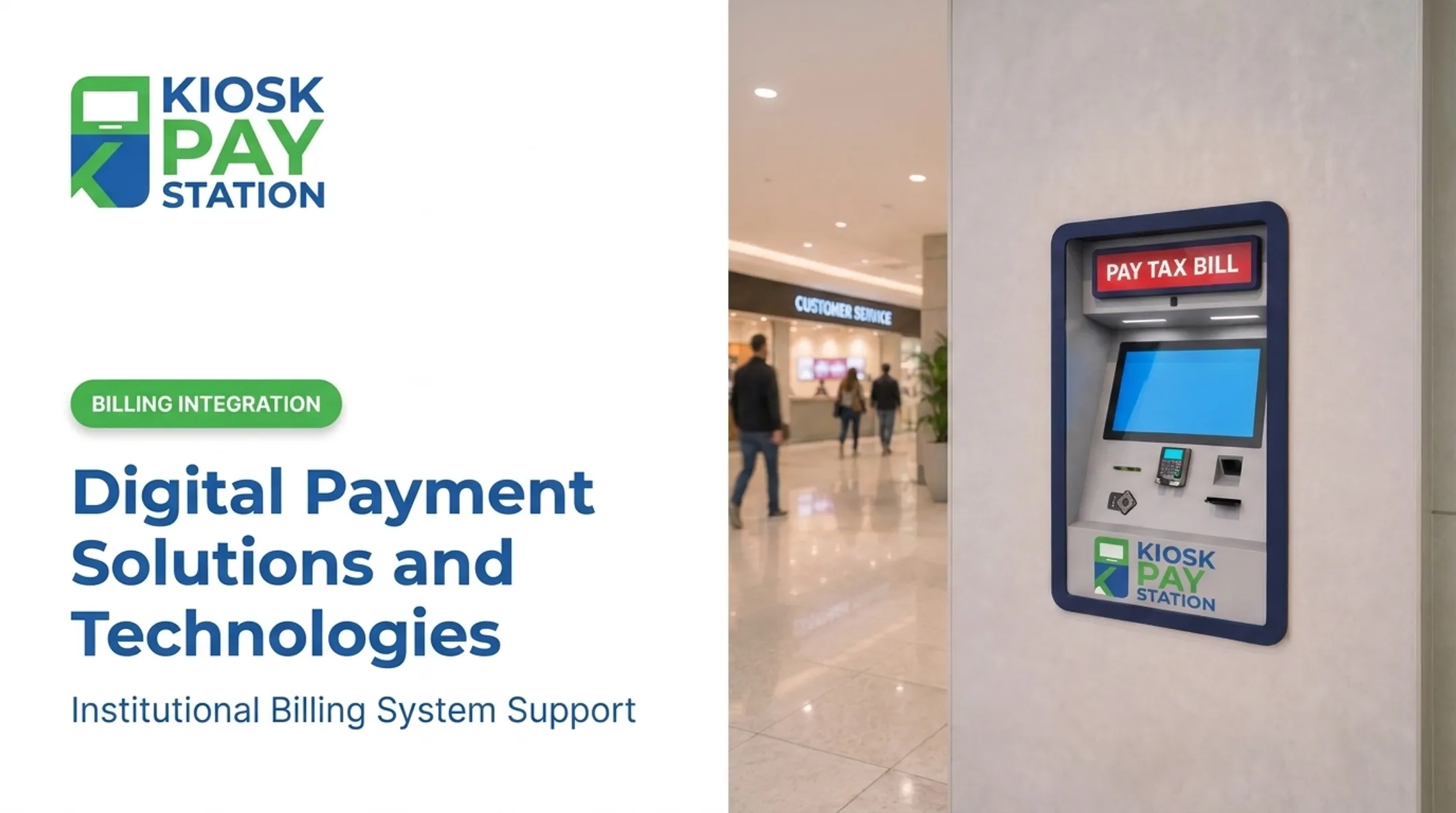
Citizens who deposit checks by phone don't understand why they can't pay a parking ticket at 9 p.m. on a Sunday. This article covers research-backed trends in payments modernization and what they mean for public sector bill collection specifically.
Key Takeaways
- Consumer expectations, real-time technology, and compliance pressure are forcing banks and government agencies to modernize payment collection
- Counter-based payment processes create staffing strain, bottlenecks, and limited after-hours access
- Self-service kiosks modernize collection without a full systems overhaul
- Real-world deployments show self-service channels outperforming staffed counters on transaction volume
What Is Payments Modernization?
Payments modernization means upgrading legacy, manual, or batch-based payment infrastructure into faster, more digital, and more secure systems. The specifics differ by sector.
For financial institutions, that means instant payments and ISO 20022 messaging standards. PwC frames this shift as a response to the age of instant money transfers, from API development to fintech partnerships.
For public agencies, modernization looks different: replacing manual cashiering with automated, self-service, digital-first collection points. In the public sector, that usually spans instant payments, stronger use of payment data, simpler infrastructure, and regulatory compliance—not a technology refresh alone.
Modernization Scales Down, Too
Modernization does not require a massive budget or a multi-year rollout. Smaller counties and municipal offices can modernize incrementally, the same way smaller banks do:
- Add one self-service kiosk at a busy office before expanding
- Layer new payment channels onto existing billing software
- Start with card and check acceptance, then add e-wallet support
Key Research-Backed Trends Shaping Payments Modernization
Rising Demand for 24/7, Self-Service Access
Constituents increasingly expect round-the-clock payment options. In NACo/Visa research on county residents, 83% of property-tax payers preferred paying online over in person, and 75% said they were likely to use digital payments for future county transactions.
Instant and Real-Time Transaction Expectations
The private sector's push toward instant payments reflects broader immediacy expectations. The Federal Reserve notes that FedNow enables payments within seconds, any time of day, any day of the year. FedNow surpassed 1,400 participating institutions by mid-2025.
That same "instant confirmation" expectation now applies to bill payment receipts. Constituents want proof their payment went through immediately, not a mailed confirmation three days later.
Automation and Reduced Manual Processing
Manual reconciliation is expensive and error-prone. GFOA identifies electronic payments as a way to eliminate paper-check handling and reduce reconciliation time. One county's real numbers illustrate the stakes:
- Processing more than 84,000 property-tax checks cost the county over $300,000 in staff time
- An in-person check cost roughly $1.23 to process; a mailed check cost $3.12
- Shifting to online options helped one county's court clerk collect 90% of revenue that previously came through checks

Multi-Channel and Multi-Payment-Method Flexibility
Agencies now need to accept cash, check, card, and digital wallets under one roof. GFOA lists ACH, purchasing cards, and electronic accounts payable among the accepted methods, while Treasury's Pay.gov platform supports ACH debit, card, and digital wallet payments for federal agencies. Constituents simply expect choice.
Security and Compliance as Non-Negotiables
PCI DSS and EMV compliance are baseline requirements. The PCI Security Standards Council published PCI DSS v4.0.1 in 2024, with the updated requirements taking effect March 2025. Any agency handling card data needs infrastructure built around these standards from day one.
Why Public Agencies Are Prioritizing Payment Modernization Now
Staff time is the hidden cost of manual payment processing. Every check that gets hand-keyed into a billing system is time a clerk isn't spending on higher-value work.
Three forces are converging:
- Counter workload — Repetitive, manual payment processing eats staff hours that could go toward complex casework
- Constituent expectations — City hall and utility office visitors expect the same self-service ease they get from their bank app or retail checkout
- Budget constraints — Agencies need solutions that reduce staffing demands while improving accuracy and reporting
Real deployments back this up:
- Mecklenburg County, North Carolina — Won a 2023 NACo Achievement Award for tax queuing and payment kiosks that cut long waits and counter confusion
- Sandoval County — Added digital card-payment options and avoided hiring extra staff during peak tax season
There's also a workforce reality driving urgency. GFOA and Lightcast report that demand for state and local public-finance officers is outstripping supply, with retirements expected to widen the gap. With fewer staff available, automation is required to keep payment operations running.

How Self-Service Kiosks Deliver on Modernization Goals
Self-service kiosks hit several modernization trends at once: 24/7 access, automation, multi-channel flexibility, and compliance, all in a single deployment.
In environments KIOSK PAY STATION supports, PCI-DSS compliant and EMV certified payment flows accept cash, check, card, and e-wallet methods. That checks the multi-channel flexibility box research consistently flags as a modernization priority.
Additional features that align with modern service expectations:
- ADA accessible design with large touchscreens, voice, and light instructions
- Multilingual interface so residents can navigate in their preferred language
- Unlimited custom data capture per transaction, including department codes, account numbers, and property IDs
- Account lookup by invoice number, QR code, barcode, name, or custom identifier

Riverside County: A Real-World Proof Point
In a 7-day period, two Riverside County kiosks collected $3,001,000 in payments. During that same window, eight staffed cashier stations processed $2,400,000. The two kiosks accounted for more than half of total tax collections that week, outperforming four times as many staffed stations.

That throughput gap comes from a live deployment, not a projected model.
Public agencies can also add self-service payment capacity onto existing billing infrastructure instead of a rip-and-replace overhaul—the same incremental path many municipal and utility teams use when modernizing collections.
Considerations Before Modernizing Your Agency's Payment Systems
Before signing off on any modernization project, agencies should work through a short checklist.
Start by evaluating current pain points:
- Long lines during peak collection periods (tax season, utility due dates)
- Limited hours that don't match constituent schedules
- Staff workload spent on repetitive, manual data entry
- Reconciliation errors from paper-based processes
Then assess integration needs. KIOSK PAY STATION supports three integration options for connecting with existing treasury, court, or utility billing systems:
- Real-time integration: Payment data syncs instantly with existing systems
- File-based integration: Data exchanges through scheduled file transfers
- Non-validated integration: Works when immediate system validation isn't required
Finally, plan for ongoing support after go-live. Payment modernization holds only if integration stays reliable day to day. KIOSK PAY STATION provides monitoring, optimization support, and multi-year maintenance for agencies that need durable billing-system integration—not a one-time handoff.
Frequently Asked Questions
What are the latest trends in payments?
Instant and real-time processing, self-service access, multi-payment flexibility, and stronger security standards dominate both banking and public sector payments. Agencies that address all four tend to see the biggest operational gains.
What is the next big payment method?
Digital wallets and contactless payments are gaining ground fast. Agencies are increasingly adding e-wallet options alongside traditional cash and card acceptance to meet constituent preferences.
What are the four types of payments?
Most agencies need to accept four practical categories: cash, check, card (credit/debit), and digital/e-wallet payments. Together, these cover the full range of how constituents prefer to pay.
How can government agencies modernize payments without a full system overhaul?
Self-service kiosks can layer onto existing billing infrastructure using real-time, file-based, or non-validated integration. This delivers modernization benefits without replacing legacy systems entirely.
Why is 24/7 payment access important for public agencies?
Many constituents can't visit during standard business hours due to work schedules. Round-the-clock kiosk access reduces missed payments, late fees, and counter congestion during peak periods.