They sound similar. They aren't. A kiosk sits in a lobby and takes cash. IVR lives on a phone line and never sees a dollar bill. Choosing between them affects how accessible your payment options are, how much your staff has to do manually, and how clean your reconciliation looks at month's end.
Many public-service organizations struggle with counter congestion, after-hours access gaps, and payment channels that don't talk to each other. This comparison breaks down customer access, payment methods, security, and operational impact for each channel, so you can decide whether one, or both, fits your agency.
Key Takeaways
- Payment kiosks excel at in-person, cash-and-check-capable self-service that cuts front-counter lines.
- IVR works best for remote phone payments from customers who won't or can't visit an office.
- The right pick depends on payment types, customer demographics, hours needed, and reconciliation requirements.
- Many agencies get the best coverage by combining kiosks, IVR, online payments, and staffed help, not by picking just one.
Payment Kiosk vs IVR: Quick Comparison
Here’s how payment kiosks and IVR stack up on the factors procurement teams and finance directors weigh most.
| Factor | Payment Kiosk | IVR |
|---|---|---|
| Customer access | Walk-up station inside a government building, utility office, or courthouse | Remote, via phone call to a designated number |
| Payment methods | Cash, checks, credit/debit cards, e-wallets (configuration-dependent) | Primarily card or bank-account payments |
| Availability | Building hours, or extended/24/7 where safely located | Anywhere with phone access, subject to system uptime |
| Staff impact | Reduces manual entry via automated lookup, receipts, and posting | Reduces routine call handling, but exceptions still need review |
| Accessibility | Touchscreens, voice/visual prompts, multilingual, ADA-oriented design | Audio navigation, keypad input, language options |
| Security focus | EMV, PCI-DSS, tamper protection, physical oversight | Caller authentication, data masking, call-recording policy |
Where the Numbers Actually Come From
Solid public data comparing kiosk and IVR adoption side by side is thin. Anaheim Public Utilities’ contact center handles roughly 1,100 IVR calls a day, including about 430 payment transactions, according to a 2024 city report.
Access there extends into evenings and weekends. That’s a real utility’s call volume, not a national benchmark.
On the preference side, a resident survey cited by the National Association of Counties found 43% of respondents preferred cash or check for property tax payments, versus 34% preferring digital methods (NACo, 2020). That's an argument for keeping a cash-capable channel like a kiosk in the mix, even as digital options expand.

What Are Payment Kiosks and IVR?
Payment Kiosks
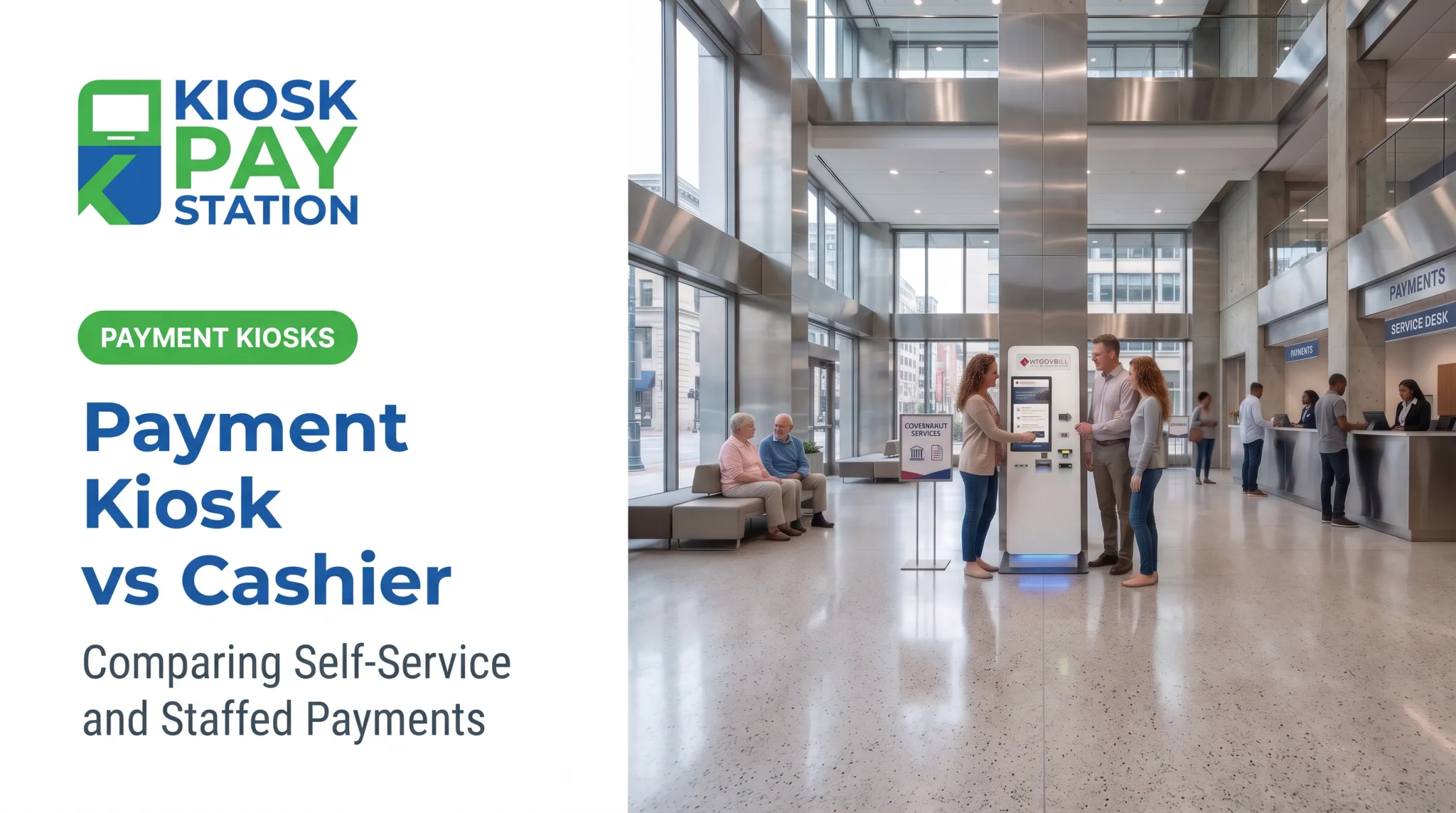
A payment kiosk is a dedicated, walk-up station where a customer locates their account, selects what they owe, submits payment, and gets a receipt, without a cashier touching the transaction. For government and utility offices, that matters because kiosks:
- Extend payment access beyond a single staffed window
- Reduce lobby lines during peak tax or billing seasons
- Support customers who need to pay with cash or checks
- Shift routine transactions away from staffed counters, freeing employees for complex cases
When evaluating a kiosk vendor, look past the touchscreen. Ask about account lookup methods (invoice number, barcode, QR code, name, or custom identifier), integration type (real-time versus file-based), receipt handling, and reporting.
KIOSK PAY STATION's Pay Station Pro, for example, supports account lookup by QR code, barcode, name, account number, or a custom identifier, plus real-time, file-based, or non-validated integration options.
Configuration matters too. Kiosks come as standalone floor units for high-traffic lobbies, countertop models for tighter spaces, and in-wall units for permanent or exterior placements. Each has different maintenance, connectivity, and accessibility considerations.
KIOSK PAY STATION units are PCI-DSS compliant and EMV certified, with a 21.5-inch touchscreen offering light and voice instructions, multilingual support, and ADA-oriented design. Every deployment still needs a site-specific compliance review.
Use Cases of Payment Kiosks
Kiosks fit naturally where in-person or cash payment access matters:
- Property tax payments during peak collection windows
- Utility bill payments at walk-in service centers
- Court fees and fines
- Parking violations and permits
- Correctional facility deposits
- Municipal fees requiring cash or check acceptance
A kiosk doesn't need to replace cashiers entirely. It handles the routine, high-volume transactions so staff can focus on account research, exceptions, and constituents who genuinely need a person.
Interactive Voice Response (IVR)
IVR in payments is an automated phone system. A caller dials in, identifies their account, selects a balance, enters payment details, and receives a confirmation or reference number, all without speaking to a human agent.
IVR earns its place with customers who:
- Prefer phone interactions over web portals or in-person visits
- Lack reliable internet access
- Can't easily travel to a physical office
- Need to pay outside normal counter hours
Adoption depends on clear IVR design: concise prompts, multilingual support, account authentication that doesn't frustrate legitimate callers, and a clean transfer path to a live agent when something goes wrong.
Behind the scenes, IVR depends on telephony uptime, payment processor integration, fraud controls, and someone monitoring failed or reversed transactions.
Use Cases of IVR
IVR fits best where transactions are simple and repeatable:
- Recurring utility bill payments
- Straightforward tax or fee payments
- Balance inquiries that lead directly into payment
- Any scenario where a physical visit creates unnecessary friction
Anaheim Public Utilities offers a documented example. Its existing IVR system processes roughly 430 payment transactions daily within about 1,100 total calls, with access available evenings and weekends (City of Anaheim, 2024).

That's one utility's operating volume, not proof that every agency will see the same numbers. Newark's Water & Sewer utility launched a similar phone payment system in late 2024, though it hasn't published matching call or payment metrics yet.
Payment Kiosk vs IVR: What Is Better?
Neither channel wins outright. The right answer depends on your customer base, payment mix, and operational goals.
Choose a payment kiosk when:
- Customers already visit your facility and need a faster alternative to a cashier
- Cash or check acceptance is a real requirement, not a nice-to-have
- Lobby congestion is a recurring problem, especially during tax deadlines
- You want a visible, physical self-service option customers can trust
Choose IVR when:
- Your customer base is geographically spread out
- Common transactions are simple and don't require account research
- Phone use is already the norm for your constituents
- You want automation without deploying physical hardware
Choose both when:
- Your agency serves a mix of walk-in and remote customers
- Kiosks should cover cash-capable, in-person payments
- IVR should cover remote callers who won't visit a counter
- Both channels post to the same account and reporting environment
Comparing Total Cost of Ownership
Fit decides the channel; cost decides the scale. Purchase price is only part of the equation. A fair comparison weighs:
- Hardware and installation — kiosk units vs. telephony setup
- Connectivity and integration — real-time posting to your billing system
- Payment processing fees — per-transaction costs for card, ACH, and cash
- Maintenance and support — monitoring, parts replacement, call-flow updates
- Accessibility and compliance — ADA design, PCI-DSS scope, multilingual support
- Staff training — time to learn exception handling on each channel
A Practical Evaluation Checklist
Before you commit, run the same checklist against either option:
- Expected volume and the payment types you must accept
- Customer demographics, language needs, and phone vs. lobby habits
- Number and location of offices that could host a kiosk
- Hours of access you need beyond the counter window
- Compatibility with your existing account and billing system
- Receipt, audit, and compliance requirements
- Outage handling and exception procedures for staff
Start with a phased rollout. Compare adoption, completion rates, exceptions, reconciliation time, and support tickets before you scale agency-wide.
Real-World Examples and Case Studies
Kiosks Under Pressure: A County Tax Office
KIOSK PAY STATION reports that two kiosks deployed for Riverside County collected $3,001,000 over a seven-day period. In the same window, eight staffed cashier stations processed $2,400,000, and the kiosks accounted for more than half of payments.

This is company-published data for that deployment and timeframe, not an industry-wide guarantee. It still shows the problem kiosks are built to solve: high payment demand, counter congestion, and accurate transactions without adding cashier headcount.
IVR Adoption: A Utility's Daily Volume
On the phone side, Anaheim Public Utilities' contact center report shows an established IVR handling close to 1,100 calls daily, with 430 completing as payments. Access extends into evenings and weekends (City of Anaheim, 2024).
That sustained volume from one utility is a directional data point, not a universal benchmark.
The situational takeaway:
- High-volume offices with walk-in traffic usually benefit most from kiosks
- Geographically dispersed customers lean toward IVR
- Organizations serving both groups need an omnichannel setup where kiosks, IVR, and online payments feed the same reconciliation system
If your agency is comparing a cash-capable kiosk deployment with phone payment options, evaluate whether a configuration like KIOSK PAY STATION's Pay Station Pro matches your integration needs and access goals.
Conclusion
Kiosks and IVR aren't competing for the same job. A kiosk gives customers a physical, cash-capable, self-service option inside your building. IVR lets them pay without showing up at all.
Most agencies with a varied customer base need both, tied to the same account and reporting system—not one channel treated as a full replacement for the other.
Before you choose, weigh:
- Payment types and transaction complexity
- Security obligations and accessibility needs
- Integration requirements and total operating cost
Pick the mix that fits your customers today and can scale as your payment mix changes.
Frequently Asked Questions
What is IVR in payments?
IVR, or interactive voice response, is an automated phone system that guides callers through account verification, payment entry, and confirmation, sometimes with an option to transfer to a live staff member.
Is IVR still relevant for payments?
Yes. IVR still helps customers who prefer phone payments, lack reliable internet, or need after-hours access. Clear call flows, strong security, and billing-system integration determine how well it performs.
Is a payment kiosk better than IVR?
Neither is universally better. Kiosks suit walk-up, cash-capable, in-person self-service, while IVR suits remote phone access. Compare your customer needs and operational requirements before choosing.
Can payment kiosks accept cash and checks?
Many kiosk configurations, including select KIOSK PAY STATION models, accept cash and checks. Confirm supported tender types, change dispensing, and reconciliation for your jurisdiction.
Are payment kiosks and IVR secure?
Both need PCI-DSS compliance, encryption, EMV card certification, user or caller authentication, and fraud monitoring. Ongoing maintenance and monitoring matter for either channel.
Should a government agency offer both a payment kiosk and IVR?
A blended approach often serves in-person, cash-paying, remote, and after-hours customers more effectively than a single channel, provided both integrate with the same account and reporting systems.