s](https://file-host.link/website/kioskpaystation-v3zp4j/assets/refined-images/1789987963911000_0798e518579645dfae03887c42441872/2x_360.webp)
Clerks spend hours on repetitive counter transactions. Payment windows close at 5 p.m., leaving anyone with a day job scrambling to pay a fine before a deadline. Manual cash handling introduces errors that take even more staff time to untangle.
Self-service payment kiosks are how courts across the country are fixing this. These terminals let citizens pay fines and fees on their own schedule, without waiting for a clerk to be free.
This guide covers how court payment kiosks work, why courts are adopting them, what features actually matter, and what to check before choosing a vendor.
Key Takeaways
- Accept cash, card, check, and e-wallet payments with no clerk involvement
- Strong programs can outpace staffed cashier windows in payment volume
- Require PCI-DSS, EMV certification, and ADA accessibility in every vendor review
- Plug into existing case management systems or run fully standalone
What Is a Court Fine and Fee Payment Kiosk?
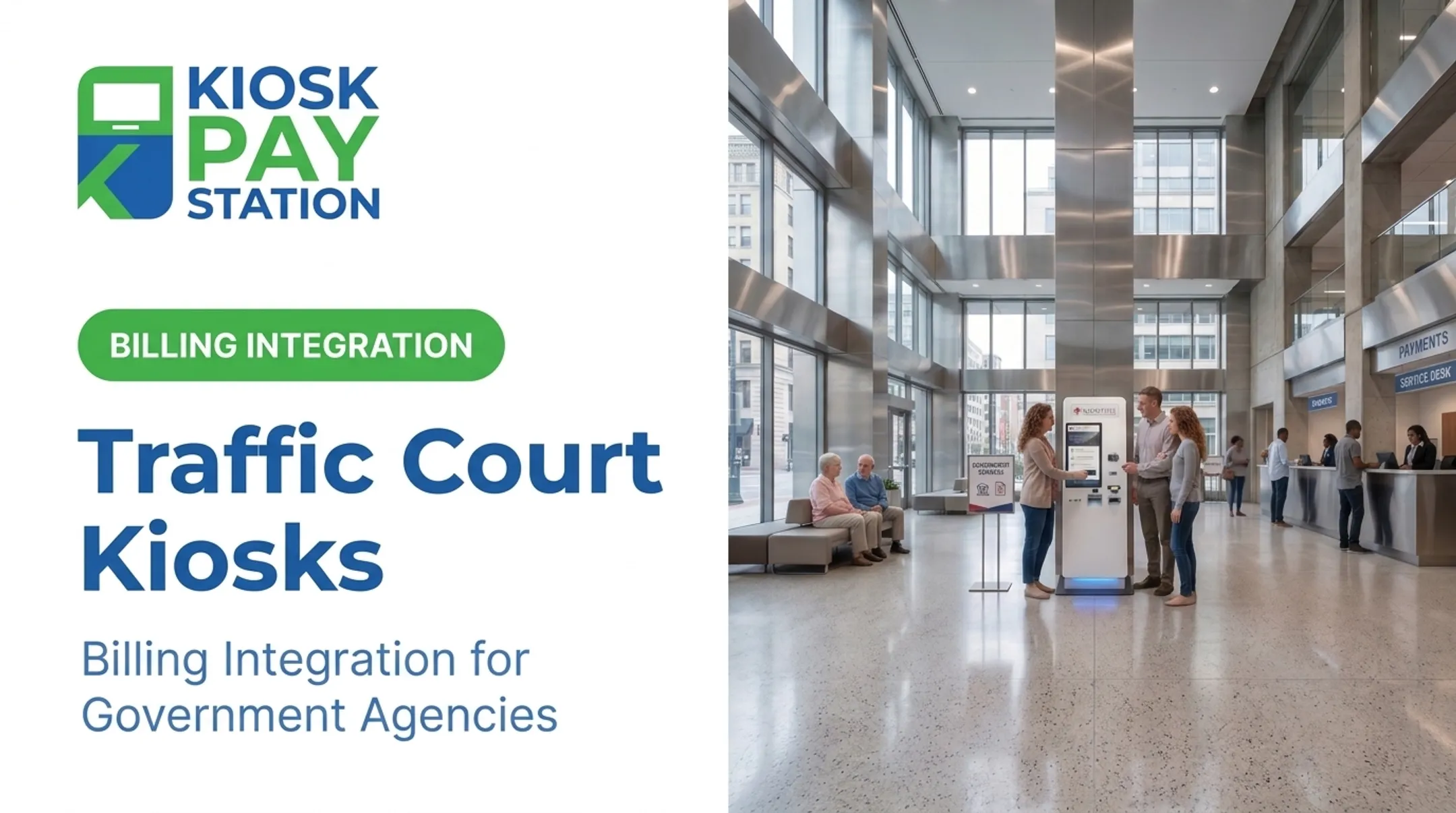
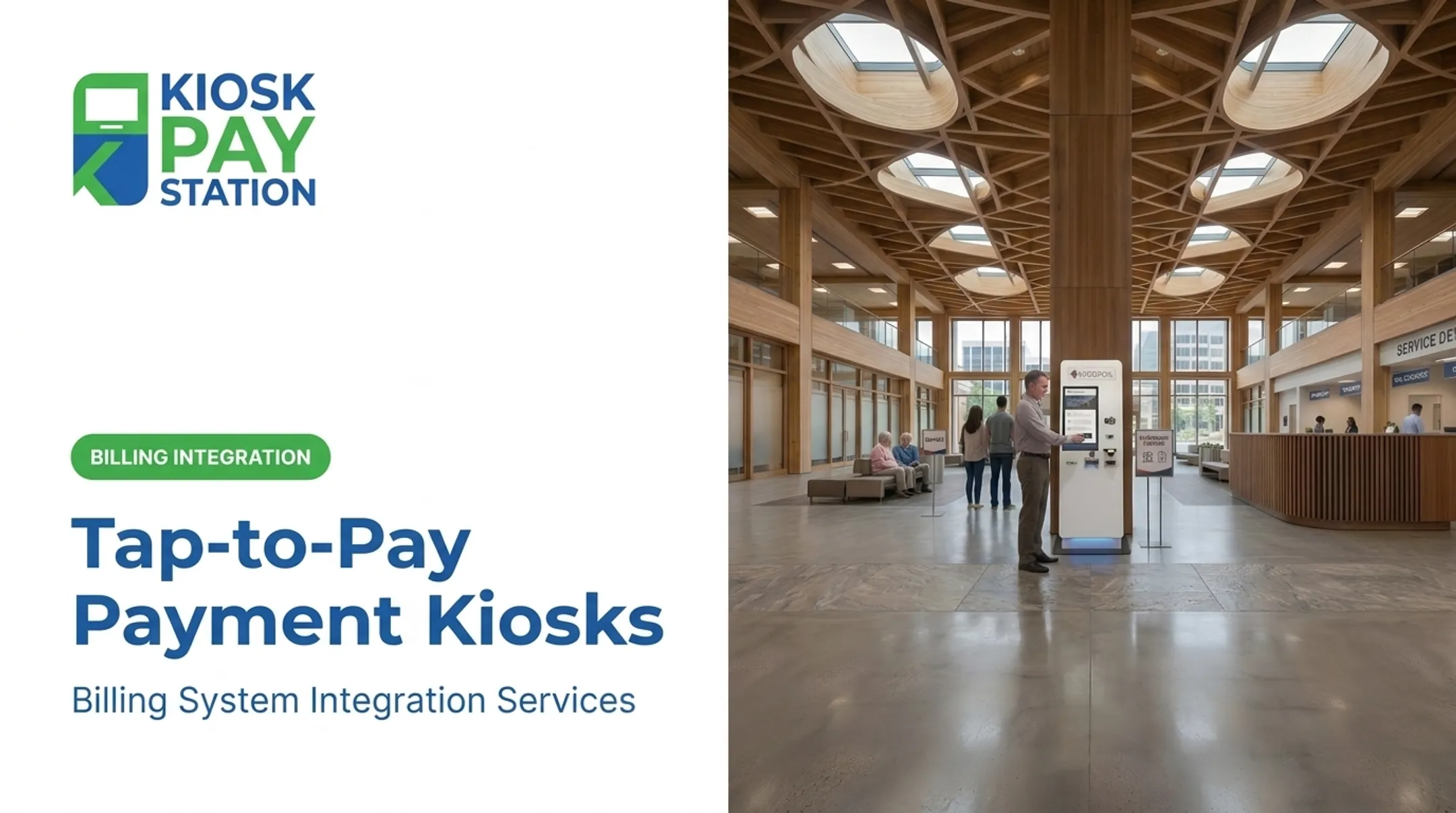
A court fine and fee payment kiosk is a self-service terminal that lets citizens search for, view, and pay fines, fees, and other court-related charges without staff assistance.
Typical hardware includes:
- A large touchscreen (often around 21.5 inches) for guided, self-paced navigation
- An EMV card reader supporting tap, dip, and swipe
- A cash or coin acceptor, with some models dispensing exact change in bills and coins
- A receipt printer for transaction records
- A barcode or QR scanner for fast account lookup

Some standalone models handle cash-only or cashless configurations depending on courthouse security policies and space constraints.
Common Search Methods for Locating an Account
One of the biggest sources of confusion at any kiosk is finding the right account. Modern court kiosks solve this by supporting multiple lookup methods:
- Invoice number for straightforward, direct payment
- Name or account number for manual entry
- QR code or barcode scan, often printed on a citation or mailed notice
- Custom identifiers, such as department codes or property IDs, configured by the court
This flexibility matters because not every citizen arrives with the same paperwork. A traffic citation looks nothing like a civil filing notice, and a good kiosk system accommodates both without forcing a single format.
Why Courts Are Adopting Self-Service Payment Kiosks
Courts nationwide are shifting away from manual, staffed counters toward automated collection. The shift responds to real operational strain: understaffed clerk offices, growing case volumes, and citizens who can't make it to a courthouse during business hours.
Extending Access Beyond the 9-to-5 Window
Traditional payment counters run on staff schedules, typically 9 a.m. to 5 p.m. That's a problem for anyone working a job with the same hours. Kiosks flip this by offering payment access up to 24/7, configured according to each court's building-access policies.
Kiosks Can Outperform Staffed Counters
Over a seven-day period, Riverside County's two self-service kiosks collected $3.01 million in payments, while eight staffed cashier stations processed $2.4 million. Two kiosks out-collected eight full cashier stations—and handled more than half of total payment volume in that window.

For courts weighing where to route routine fine and fee traffic, that gap is hard to ignore.
Reducing Administrative Burden
Kiosks also cut the daily workload on court staff:
- Automated reconciliation reduces the manual counting and reporting that eats up clerk hours
- Payments sync with existing treasury or case management systems, cutting manual data entry
- Cash-handling errors, a chronic risk at any staffed window, drop significantly
- Clerks shift from repetitive transactions to complex cases and questions that need human judgment
Improving the Visitor Experience
Guided touchscreen interfaces with multilingual support and voice or light-based guidance help first-time court visitors navigate payment without confusion. For courts serving diverse populations, multilingual and assisted interfaces are often required for genuine accessibility.
Key Features to Look for in a Court Payment Kiosk
Not every kiosk on the market is built for court environments. These criteria separate a purpose-built court solution from a repurposed retail terminal.
Payment Flexibility and Compliance
- Multiple payment methods: cash, check, credit/debit, and e-wallet, with exact-change dispensing in bills and coins when needed
- PCI-DSS compliance: protects cardholder data across the full transaction chain
- EMV certification: secure chip, tap, and swipe processing
- Encrypted payment processing: end-to-end protection for every transaction
The PCI Security Standards Council sets the baseline requirements for any entity storing, processing, or transmitting cardholder data. EMVCo separately evaluates devices for security and functional performance under its approval and evaluation program. One is not a substitute for the other. Ask your vendor for evidence of both.
Accessibility and Deployment Options
- ADA-accessible design: large touchscreens, voice guidance, and reachable controls
- Multilingual interfaces: support for diverse court populations
- Flexible form factors: standalone floor units for busy lobbies, countertop models, or in-wall units for permanent placements
The 2010 ADA Standards apply specific operable-parts rules to ATMs and fare machines under Section 707. General interactive kiosks are not automatically classified the same way, so confirm which accessibility provisions apply to your device before purchase.
Data Capture and Integration
- Custom transaction fields: department codes, account numbers, property IDs, and similar identifiers
- Export-ready data: fits existing reconciliation workflows without rework
- Integration flexibility: real-time, file-based, or non-validated methods based on how tightly you sync with case management

How Payment Kiosks Improve the Citizen Experience
Standing in a public line to pay a court fine isn't just inconvenient. For many people, it's uncomfortable. A kiosk offers privacy a staffed counter can't match.
Self-paced interfaces also reduce anxiety. First-time court visitors often don't know exactly what they owe or how to describe it to a clerk. A guided touchscreen walks them through the process step by step, without the pressure of a line forming behind them.
Faster throughput helps too. When two kiosks process more volume than eight staffed windows—as Riverside County saw—the practical effect is fewer people waiting their turn.
Citizen experience gains typically include:
- Private payment away from a public counter
- Guided, self-paced steps that lower first-visit stress
- Shorter waits when kiosks absorb peak volume
E-filing fees come up often as a related convenience question. Those fees can usually be paid online through a court's e-filing portal, and where supported, some courthouse kiosks handle e-filing payments alongside fine and fee transactions. Confirm with your local court which option applies.
Implementation Considerations for Courts and Agencies
Standing up a kiosk program is only the start. Long-term reliability depends on how you plan maintenance, workflow fit, and system integration.
- Plan for ongoing maintenance. Prioritize multi-year support and clear service terms—not a one-time install with no follow-through.
- Customize for your workflow. Match branding and screen flows to your court, and require reporting that fits department-level needs.
- Decide on deployment scope. Run kiosks as a full payment path or layer them onto systems your court already operates.

KIOSK PAY STATION works with courts, tax collectors, and correctional agencies on payment modernization through billing-system integration, monitoring, and ongoing support built around each agency's existing setup.
Frequently Asked Questions
Where is my court kiosk?
Kiosk locations vary by court. Check your court's website, courthouse lobby signage, or the area near the clerk's office. If you can't find one listed, call your local clerk's office directly.
What is a public kiosk?
A public kiosk is a self-service terminal installed in a public space, like a courthouse lobby, that lets people access information or complete transactions without staff help.
How do I pay for an e-filing?
Most e-filing fees can be paid online through your court's e-filing portal. Some courthouses also support e-filing payments directly at a self-service kiosk.
What payment methods do court kiosks accept?
Most modern kiosks accept cash, checks, credit and debit cards, and e-wallets.
Are court payment kiosks secure?
Reputable kiosks are PCI-DSS compliant and EMV certified, using encrypted processing to protect your payment data throughout the transaction.
Can court kiosks be used outside business hours?
Many courts configure kiosks for 24/7 access, though actual availability depends on the courthouse's building access policies.