That gap creates real friction. Staff get tied up on repetitive transactions. Lines form during peak hours. Reconciliation happens by hand at the end of the day.
Payment modernization isn't just a banking industry trend. It's an operational shift government revenue collection can't avoid. This guide covers what modernization actually means, why it matters for public agencies, the technologies involved, and how self-service kiosks fit into a practical rollout.
Key Takeaways
- Payment modernization replaces manual counter processes with automated, secure, real-time systems
- Agencies must modernize under staffing shortages, compliance rules, and rising citizen expectations
- Self-service kiosks speed modernization without a full back-office overhaul
- Riverside County’s two kiosks collected $3.01 million in seven days, beating eight staffed stations’ $2.4 million
What Is Payment Modernization?
Payment modernization means overhauling payment infrastructure so transactions process faster, more securely, and with less manual intervention. For private banks, that often centers on real-time payment rails like FedNow and RTP, plus messaging standards like ISO 20022. For public agencies, it usually looks different: replacing manual cashiering with automated self-service and digital collection points. Digitizing and modernizing aren't the same thing:
- Digitizing means adding an online portal on top of existing processes
- Modernizing means building an integrated, reconciled, always-available payment ecosystem that connects channels, posting, and reporting Consumer behavior backs up the shift. Remote and peer-to-peer payments made up 23% of consumer payments in 2024, and monthly mobile-phone payments have nearly tripled since 2018, according to the Federal Reserve's 2025 Diary of Consumer Payment Choice. Cash still accounted for 14% of payments, which matters for agencies serving cash-preferred populations. Any modernized system handling card data needs foundational compliance: PCI-DSS and EMV certification aren't optional add-ons. They're the baseline.

Why Payment Modernization Matters for Public Agencies
Counter-based payment models strain agency operations in ways that compound over time.
The operational problems:
- Long lines during peak hours (tax deadlines, utility due dates)
- Limited hours that miss constituent schedules
- Staffing costs tied to repetitive, low-value transactions
- Manual reconciliation errors at end of day
Compliance adds another layer. Agencies must meet PCI-DSS and EMV standards while also satisfying ADA accessibility requirements and serving multilingual constituent bases. The Access Board’s supplemental guidelines for self-service transaction machines show that kiosk accessibility expectations keep rising.
Citizen expectations have shifted too. People who use mobile banking apps and retail self-checkout every week bring those same expectations to paying a parking ticket or utility bill. When the payment experience feels dated compared to everything else in their financial life, frustration builds.
The Cost of Staying With Legacy Payment Collection
The GAO found that electronic collection methods saved the Treasury an average of 78 cents per transaction, and electronic check processing cut processing time by one day on average compared to manual handling (GAO-10-11). Non-IRS agencies also moved from under 2% partly-electronic cash/check processing in 2005 to over 46% by 2009.
That federal benchmark doesn’t map one-to-one onto every municipal counter, but the pattern is consistent:
- Higher cost per manual transaction
- Longer time to post payments
- Greater error risk than automated alternatives
Every hour staff spend on routine counter work is an hour not spent on casework that needs human judgment.

Core Technologies Driving Modern Payment Collection
Modernization isn't one technology. It's a stack of requirements working together. Baseline security and compliance:
- PCI-DSS compliant processing: the security standard for any system storing, processing, or transmitting cardholder data
- EMV-certified card acceptance: protects against chip-card fraud at the point of collection, verified through formal laboratory testing and network certification Payment method coverage: Agencies can't design around a single payment type. The FDIC's 2023 survey found 4.2% of U.S. households remain unbanked, and nearly two-thirds of those households use neither online payment services nor prepaid cards (FDIC National Survey). A modern system needs to support:
- Cash
- Check
- Credit and debit cards
- E-wallets Cutting cash out to "go digital" excludes a real segment of constituents. Cutting digital out ignores where payment behavior is heading. Reconciliation and integration: Automated reconciliation tools eliminate manual end-of-day cash-outs and cut bookkeeping errors. Staff no longer match receipts to deposits by hand. Flexible integration options let agencies connect new collection points to existing billing systems without replacing core infrastructure:
- Real-time sync: payments update treasury, court, or utility accounting systems instantly
- File-based exchange: scheduled batch updates where live connections aren't practical
- Non-validated synchronization: lighter-touch links when full validation isn't required Choose the mode that fits current systems so records stay accurate without manual re-entry.
Self-Service Kiosks: A Practical Modernization Strategy for Government
Kiosks solve a specific problem: how do you extend payment access without adding headcount or rebuilding your entire back office?
What kiosks deliver:
- Operate up to 24/7 so constituents can pay outside the 9-to-5 window without additional staff
- Capture custom fields per transaction (department codes, account numbers, property IDs, invoice numbers, QR codes, or barcodes) so payments route correctly across multi-department billing systems
- Serve accessibility needs with large touch screens (often 21.5 inches), voice and light instructions, and multilingual interfaces
Cash handling still matters where volume remains high. Self-service only works for those payers if stations can accept bills and return exact change in bills and coins, without sending every transaction back to a staffed counter.

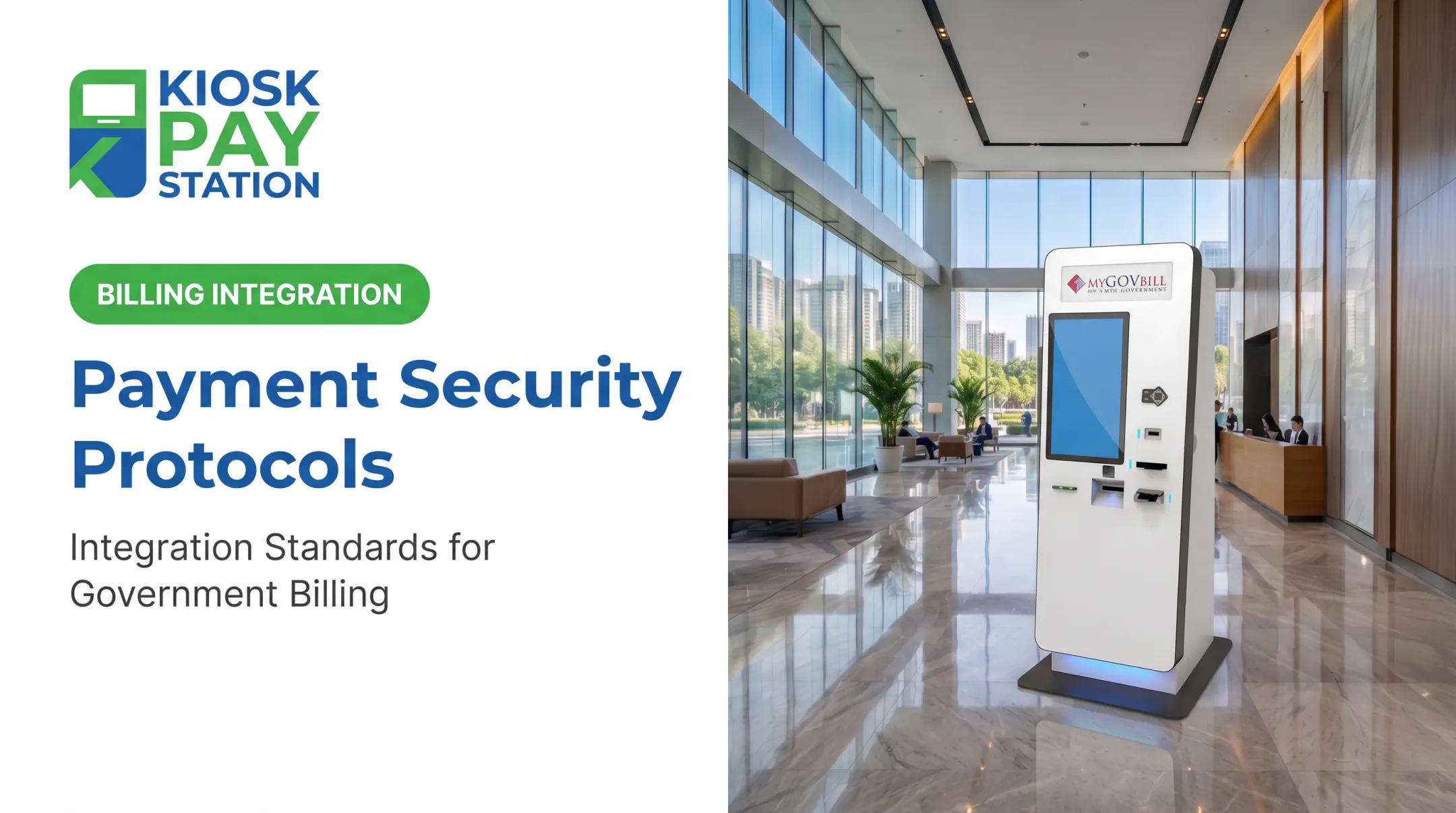
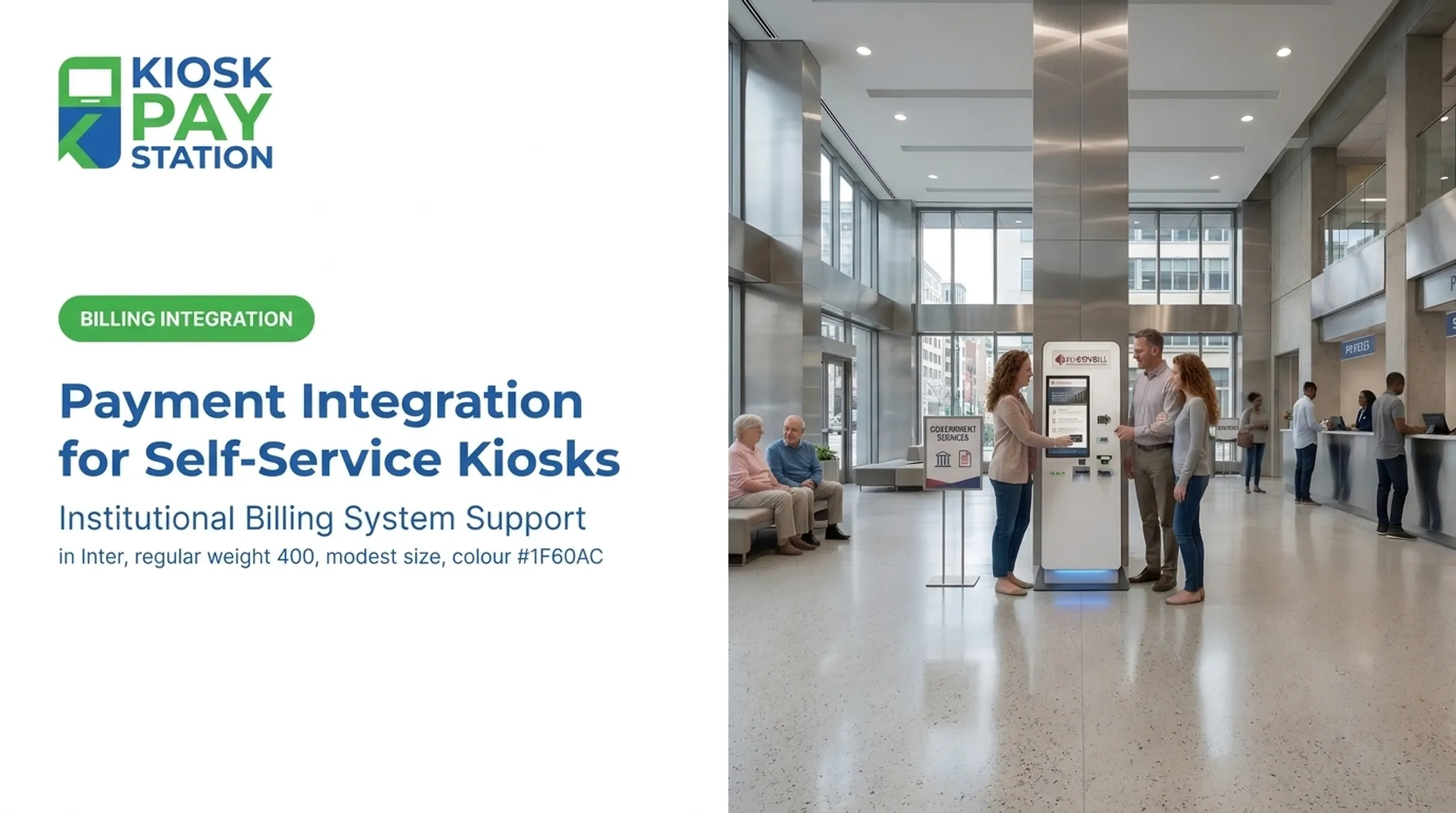
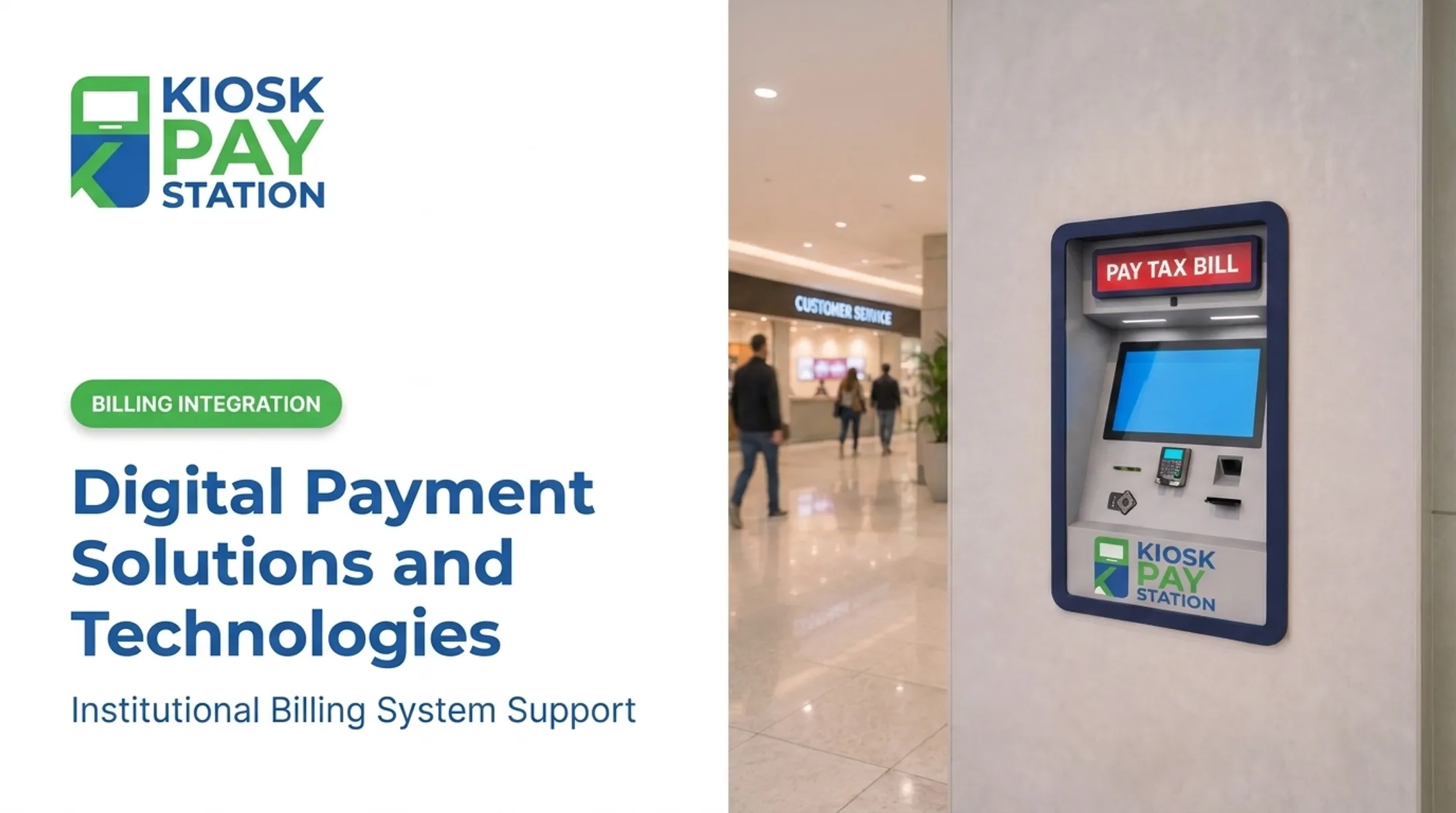
Kiosks also reduce implementation risk because they don't require an all-or-nothing rebuild. Agencies can deploy an end-to-end collection path or layer self-service onto existing infrastructure, keeping legacy systems running in parallel during transition. KIOSK PAY STATION supports that phased model through billing-system integration, monitoring, and ongoing support for government and utility clients.
Case Study: Riverside County
Riverside County deployed two self-service kiosks that collected $3,001,000 in tax payments over a seven-day period. That total exceeded the $2,400,000 processed by eight staffed cashier stations during the same window.
Two kiosks outperformed eight counters and accounted for more than 50% of total payments collected in that period. Collection volume moved off the counter in a structural way.

How to Build Your Payment Modernization Roadmap
Modernization works best as a phased process, not a single cutover.
- Audit current payment volume and congestion. Identify peak times, most common transaction types, and where lines actually form. This tells you where self-service will have the fastest impact.
- Prioritize compliance before vendor selection. Lock down PCI-DSS, EMV, and ADA requirements first. Choosing a vendor before defining compliance needs invites rework later.
- Pilot before scaling. Pilot self-service at one high-traffic location, measure results against your baseline, then expand agency-wide based on actual data, not assumptions.
- Choose vendors offering long-term support. Look for multi-year service commitments, integration support, and ongoing monitoring after deployment. A five-year support window is a reasonable benchmark.
A structured sequence modeled on the federal modernization framework of assessment, readiness, selection, and migration keeps the rollout controlled and lowers transition risk (GSA M3 Playbook).
Frequently Asked Questions
What is payments modernization?
Payment modernization is the strategic upgrade of payment infrastructure and processes for faster, more secure, and more accessible transactions. For public agencies, that usually means self-service collection technology plus digital payment channels.
What is the new payment system?
There isn't one single "new payment system." Modern collection relies on a mix of real-time payment rails, digital wallets, and self-service technologies like kiosks working together.
How much is a PSP license?
PSP (payment service provider) licensing costs vary widely by state and transaction volume. State regulators coordinated through the NMLS license and supervise money transmitters. Agencies should ask their payment processor or state regulator for exact figures.
What is an example of a PSP?
Stripe, Fiserv, and ACI Worldwide are commonly cited PSPs. Agencies typically access those services through their payment technology vendor rather than contracting a PSP directly.
How long does it take to deploy a self-service payment kiosk?
Timelines depend on integration complexity. Purpose-built kiosks with real-time or file-based integration can often go live faster than a full core-system overhaul.
Are self-service payment kiosks secure?
Yes, when they're PCI-DSS compliant and EMV certified with encrypted transaction processing. Those match the security standards required of any modern system handling card data.