Most people picture payment gateways in the context of online checkout carts. Fewer understand how the same underlying process works inside a physical kiosk, where cash, checks, and card readers add layers that e-commerce never has to deal with.
This article covers the full transaction flow, integration options, security requirements, common use cases, and situations where a full gateway integration isn't the right fit.
Key Takeaways
- A payment gateway routes transaction data between the kiosk interface, payment processor, card network, and the agency's billing system.
- Kiosk integration covers more than card authorization: account lookup, cash handling, receipts, and reconciliation.
- Agencies should weigh PCI-DSS scope, EMV certification, payment-method support, and total cost before selecting a gateway.
- Purpose-built kiosks can connect to existing agency infrastructure instead of forcing a full system replacement.
What Is Payment Gateway Integration for Bill Payment Kiosks—and Why Is It Used?
Payment gateway integration is the code and configuration that lets a kiosk securely transmit payment data for authorization and then receive a result back, in real time, so the transaction can be completed and recorded.
The Components Involved
Several distinct systems work together:
- Kiosk hardware and payment peripherals — collect the payment method (card, cash, check) and display instructions to the customer.
- The bill-payment application — identifies the account, amount owed, department, and any other required transaction data.
- The payment gateway — encrypts and routes the payment data to the processor or card network, then returns an approval, decline, or timeout.
- The billing, cashiering, or treasury system — records the payment and feeds settlement and reconciliation reports.
- The merchant account or acquiring bank — receives settled funds once authorization and processing are complete.
A gateway is not the same thing as a processor, a merchant account, or the kiosk itself. The gateway is the software layer that securely transfers information; the merchant account is a bank account that holds the proceeds, and some providers combine both roles under one contract, but they remain functionally distinct services.
Why Public Agencies Use This Integration
Agencies adopt gateway integration to reduce counter workload, cut manual entry errors, and give residents a faster way to pay. When configured to do so, it also extends payment access beyond staffed office hours.
Kiosk Pay Station client data shows counter traffic dropping by up to 40% after agencies connect self-service payment to their existing billing system, driven largely by that tighter integration.

Payment Methods a Kiosk May Need to Support
Which methods a kiosk supports depends on the hardware, processor, agency policy, and integration design. Common options include:
- Credit and debit cards, including EMV chip and contactless (tap)
- Digital wallets
- Cash, often with change dispensing
- Checks, with scanning and endorsement
Kiosk Pay Station's billing-system integration work is built for these environments: PCI-DSS and EMV requirements, support for cash, check, credit/debit, and e-wallet methods, and unlimited custom data elements per transaction (account numbers, department codes, property IDs, or other identifiers an agency already uses).
How Payment Gateway Integration Works in a Kiosk
The flow runs from account lookup through authorization, confirmation, receipt generation, and reconciliation.
Step 1: The Customer Identifies the Bill or Account
The kiosk locates an account using an invoice number, account number, property ID, barcode, QR code, name, or another agency-defined identifier. Before payment begins, the kiosk confirms the account and the amount due so the customer isn't guessing.
Step 2: The Kiosk Collects and Protects Payment Information
The customer inserts, taps, swipes, or scans a payment method. Card data should be encrypted or tokenized before it ever leaves the kiosk, reducing the risk if that data were intercepted.
Cash and check acceptance bring extra hardware requirements that a card-only checkout never has to consider:
- Bill and coin validation
- Exact-change dispensing
- Check scanning and endorsement
- Exception handling for jammed bills or rejected checks
Step 3: The Gateway Routes the Authorization Request
The kiosk application sends the amount, account data, terminal information, and encrypted payment details to the gateway. The gateway then communicates with the processor, card network, or relevant financial institution.
The issuing bank decides whether to approve, decline, or flag the transaction for additional handling. According to Stripe's breakdown of the authorization and settlement process, this authorization step happens in real time, and the result returns to the point of sale (the kiosk) within seconds.
Step 4: The Kiosk Completes the Customer Interaction
The kiosk displays an approval, decline, timeout, cancellation, or duplicate-payment warning. A receipt prints or is delivered digitally. The system must never let a customer walk away believing a payment succeeded when authorization was actually incomplete.
Step 5: Connected Systems Record and Reconcile the Transaction
Approved payments post to the billing or cashiering system and appear in settlement files. Staff later match those files against processor deposits and kiosk activity logs. Integration methods vary:
- Real-time: The kiosk and billing system exchange data instantly, ideal for immediate account updates.
- File-based: Batches of transactions transfer on a schedule, common with legacy billing platforms.
- Non-validated: Data passes through without live confirmation against the billing system, appropriate for simpler setups.
A simple example: A resident scans a QR code on a printed tax notice. The kiosk pulls the account and confirms the amount owed. The customer taps a debit card; the gateway sends the request, gets an approval in under three seconds, and the kiosk prints a time-stamped receipt.
That evening, the transaction lands in the tax collector's end-of-day settlement file and is matched against the processor's deposit the next morning.

Where Kiosk Gateway Integration Is Applied and What Affects It
Integrated bill payment kiosks show up across a range of public-service settings:
- City halls and county offices
- Tax collector locations
- Utility providers
- Courts and parking authorities
- Correctional agencies
What Triggers Adoption
Agencies typically move toward integrated kiosks when they hit specific friction points:
- Long lines during peak billing cycles
- Limited cashier hours that don't match resident schedules
- High seasonal volume, such as tax deadlines
- Demand for cash-capable self-service outside a staffed counter
- Multiple departments running separate, disconnected payment workflows
The Lifecycle of an Integration
Gateway integration runs continuously across the full payment lifecycle:
- Initial deployment and testing
- Daily transaction processing
- Settlement and reconciliation
- Refunds, voids, and exception handling
- Software updates and monitoring
- Ongoing reporting
What Affects Results
Several operating conditions shape how well an integration performs day to day:
- Account identifiers, fee rules, and department codes must stay accurate and current
- Network uptime, processor availability, kiosk power, and receipt supplies all affect reliability
- Peak periods and payment-method mix determine how many concurrent transactions a kiosk can handle
- Policies on convenience fees, partial payments, refunds, and posting delays shape kiosk logic Security requirements also factor in. PCI-DSS scope, EMV certification, encrypted transmission, and audit logs need review by qualified compliance professionals, since requirements shift and vary by agency. On the customer-facing side, ADA accessibility, large touch targets, multilingual interfaces, and clear fee disclosures affect whether residents use the kiosk instead of waiting for a staffed counter.
A Public-Sector Example
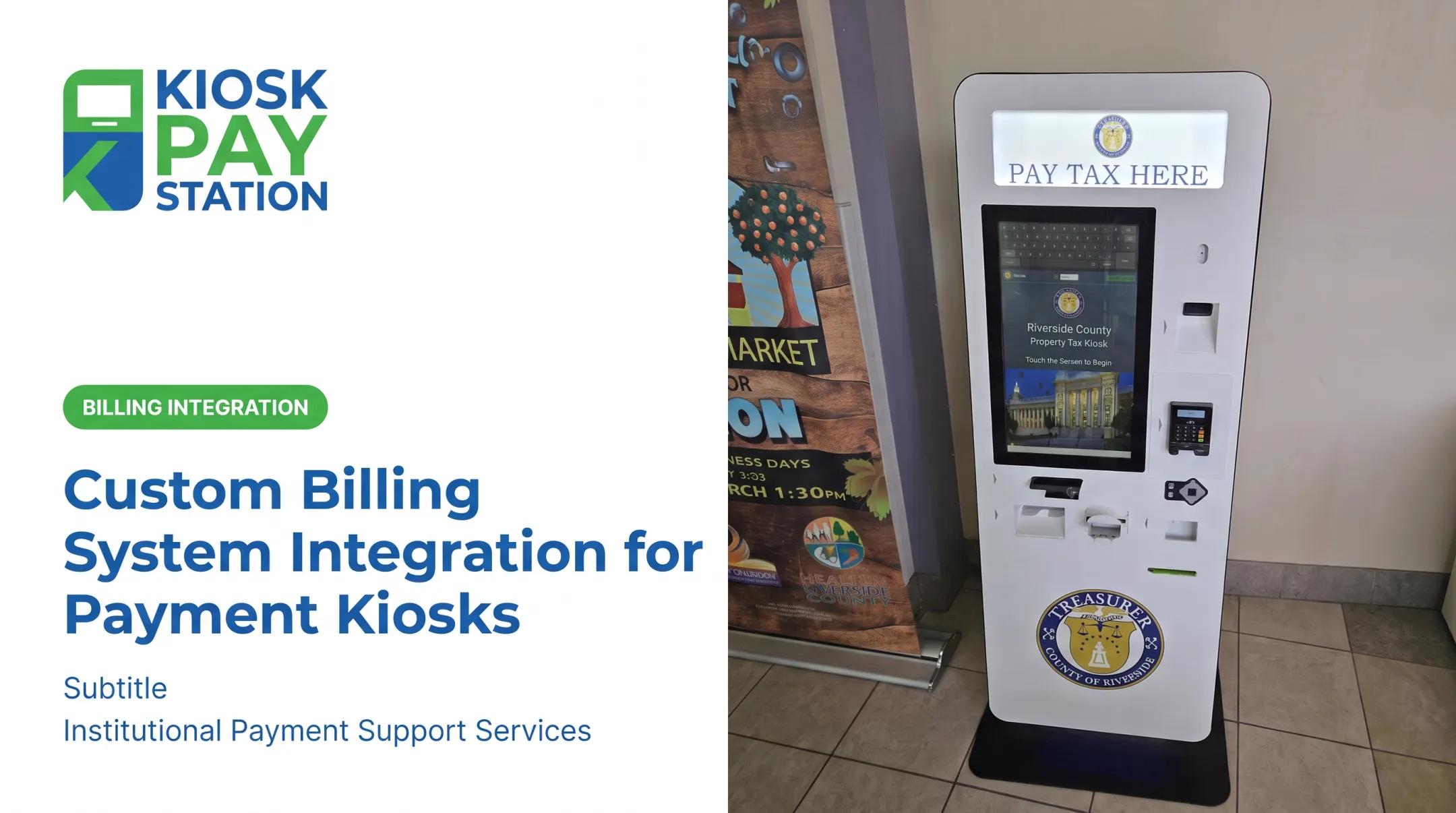
Those same operating conditions show up clearly in real deployments. Riverside County placed self-service payment kiosks alongside its staffed cashier stations. According to figures reported by Kiosk Pay Station and attributed to the county's Finance Director, two kiosks processed $3.01 million in payments over seven days, compared with $2.4 million across eight staffed cashier stations in the same window. The kiosks accounted for more than half of total payments collected, and the Finance Director noted they reduced lines and improved the customer experience.

Common Issues, Misconceptions, and When Integration May Not Be Appropriate
The Gateway Is Not the Whole System
A common misconception treats "the payment gateway" as synonymous with "the entire payment system." Successful kiosk payments also depend on hardware reliability, accurate billing data, processor connectivity, merchant-account arrangements, and clear operational procedures. The gateway is only one piece.
Where Things Break
The most common failure points include:
- Account lookup errors from outdated billing data
- Declined or invalid payment methods
- Network timeouts and duplicate submissions
- Cash-inventory shortages or printer failures
- Mismatches between gateway reports and agency records
Authorization is not the same as settlement. An approved transaction at the kiosk still needs to clear, settle, and post correctly to the agency's account. Pending, reversed, refunded, and disputed transactions each need their own handling procedures. Treating an authorization as "done" is a common and costly assumption.
When Full Integration May Not Be the Right Fit
Full gateway integration isn't automatically the best answer for every agency. It may not make sense when:
- Transaction volume is very low
- No suitable billing-system connection exists
- The facility can't support secure kiosk placement
- Payments require extensive manual staff review
- A staffed terminal or hosted payment page already meets the need efficiently
Signals an Agency Should Reassess
Watch for these warning signs. More integration does not automatically fix the problem:
- Unexplained reconciliation differences
- Excessive manual overrides
- Recurring downtime
- Unsupported payment methods or inaccessible interfaces
- Unclear ownership of PCI-DSS responsibilities
- Total costs that outweigh the operational benefit
Decision Checklist
Before choosing an integration approach, agencies should evaluate:
- Expected transaction volume and peak-period demand
- Required payment methods (cash, check, card, wallet)
- Compatibility with existing billing or cashiering systems
- Security and PCI-DSS requirements
- Accessibility needs, including ADA compliance
- Support, maintenance, and monitoring model
- Reporting and reconciliation requirements
- Long-term scalability across departments or locations
Conclusion
Payment gateway integration is what allows a bill payment kiosk to securely accept a payment, get it authorized, communicate the result, and pass accurate data into an agency's existing systems. The gateway itself is only one part of that equation.
Real value comes from the complete operating model: reliable account lookup, secure payment capture, accessible design, accurate posting, reconciliation, and ongoing support.
Kiosk Pay Station focuses its integration work on that model. Agencies get real-time, file-based, or non-validated data sync based on systems they already run, PCI-DSS compliant and EMV-certified payment processing, and monitoring and maintenance support so they aren't left managing issues alone.
Choosing an integration approach means starting with your own payment workflows, compliance obligations, and infrastructure—not forcing a generic setup and hoping it fits.
Frequently Asked Questions
How does payment gateway integration work?
The kiosk captures bill and payment information, then sends an encrypted authorization request through the gateway and processor. The result (approved or declined) returns in real time, and the completed transaction is recorded in connected agency systems.
What are the most popular payment gateways in the USA?
Popularity varies by industry, supported payment methods, processing relationships, and security needs. Your agency should evaluate providers based on its billing systems and compliance requirements rather than general market popularity.
How much does it cost to integrate a payment gateway?
Costs typically include hardware, software configuration, gateway and processor fees, merchant-account charges, compliance work, connectivity, and ongoing maintenance. An accurate estimate requires a provider quote and a workflow assessment specific to your agency.
What is the difference between a payment gateway and a payment processor for a kiosk?
The gateway securely captures and routes transaction data, while the processor handles communication with the card network and moves funds between accounts. Some providers bundle both functions into one service.
Is payment gateway integration required for a bill payment kiosk?
Any kiosk accepting electronic payments generally needs a gateway or comparable secure processing connection. The exact architecture depends on accepted payment methods, the billing platform in use, and whether the kiosk connects to existing infrastructure.
How can agencies keep integrated payment kiosks secure and compliant?
Your agency should confirm PCI-DSS responsibilities, use EMV-capable hardware, apply encryption or tokenization, and maintain access controls, patching, and audit trails. Confirm compliance scope directly with qualified security professionals.