The numbers back this up. Roughly 75% of the more than 25 billion invoices exchanged annually still require manual processing, according to the Federal Reserve's Payments Improvement initiative. That's a staggering amount of manual work sitting in a world where automation has been available for years.
This guide breaks down what billing system software actually does, the features worth paying for, realistic costs, and how to choose a provider. We'll also cover something most billing guides skip: in-person and self-service payment options, which matter enormously for government agencies, utilities, and other public-facing organizations whose customers don't all bank online.
Key Takeaways
- Billing software automates invoicing, payment collection, and reconciliation, cutting errors and speeding up cash flow
- Pricing spans from free tools to $340+/month for enterprise-grade platforms
- The best systems combine online billing with flexible payment channels, including in-person and self-service options where needed
- PCI-DSS and EMV certifications are baseline requirements for handling payment data
What Is Billing System Software?
Billing system software generates invoices, applies pricing and tax rules, collects payments, and reconciles revenue automatically. It's the infrastructure that turns "work performed" into "cash in the bank" without someone manually tracking it in a spreadsheet.
Billing vs. Invoicing: What's the Difference?
People use these terms interchangeably, but they're not the same thing. Stripe describes billing as the full charge-to-cash cycle — sending charges, recording payments, and eventually collecting cash. Invoicing is just one step inside that process: generating and sending the payment request itself.
In short:
- Invoicing is the document that requests payment
- Billing is the full process, from charge through collected cash
Why Automation Actually Matters
A separate PYMNTS Intelligence analysis found that 35% of mid-sized firms rely entirely on manual accounts receivable processes, according to its 2025 AR automation tracker. More than a third of that segment still handles AR by hand.
Modern billing systems integrate with CRM platforms, accounting/ERP software, and payment gateways so customer and revenue data stay in sync automatically. No more double entry. No more mismatched records between departments.
Those integrations matter more when billing rules differ by sector:
- Government/utilities — public bill collection across departments, accounts, and payment channels
- Healthcare — insurance claims and patient billing
- SaaS — recurring subscriptions, usage tiers, upgrades/downgrades
- Retail — one-time point-of-sale transactions
Common Types of Billing Systems (With Examples)
Not every business bills the same way. Here's how the main models break down:
Flat-rate/one-time billing. Simple invoice-and-pay setups. Stripe Billing supports creating and sending one-time invoices, and PayPal offers similar functionality for businesses that just need to bill and get paid.
Recurring subscription billing. Small businesses often lean on Zoho Books or QuickBooks. Both automate recurring invoices and payment tracking without manual follow-up each cycle.
Usage-based/metered billing. Common in SaaS and utilities, where charges scale with consumption. Chargebee and Zuora build platforms around this model, billing customers on actual usage rather than a flat fee.

Hybrid models for government and utilities. Public agencies often need online billing and in-person collection. A meaningful share of constituents don't bank online, don't have credit cards, or prefer paying with cash at a counter or kiosk.
Key Features Every Business Billing System Needs
The right billing system earns its keep by cutting manual work and keeping payments moving. At minimum, look for:
- Automated recurring invoicing and dunning workflows: payment reminders that trigger automatically, reducing late payments without manual follow-up
- Security and compliance essentials: PCI-DSS compliance, EMV certification, encryption, and full audit trails on every transaction
- Multiple payment method support: cards, ACH, e-wallets, cash, and checks, since not every customer pays the same way
- Real-time reporting dashboards: visibility into revenue, outstanding balances, and payment trends without waiting for month-end close
- Scalability and integrations: compatibility with your existing CRM, ERP, or accounting stack
- Custom data fields: account numbers, department codes, and invoice IDs—especially critical for government and multi-department billing
That last point matters more than people expect. A city government processing utility bills, court fines, and parking tickets through one system needs the flexibility to tag transactions with department codes and custom identifiers. Generic small-business tools often cannot handle that well.
Beyond Online Invoicing: Why In-Person Self-Service Payment Matters
Here's a gap most billing software guides ignore entirely: not everyone pays online.
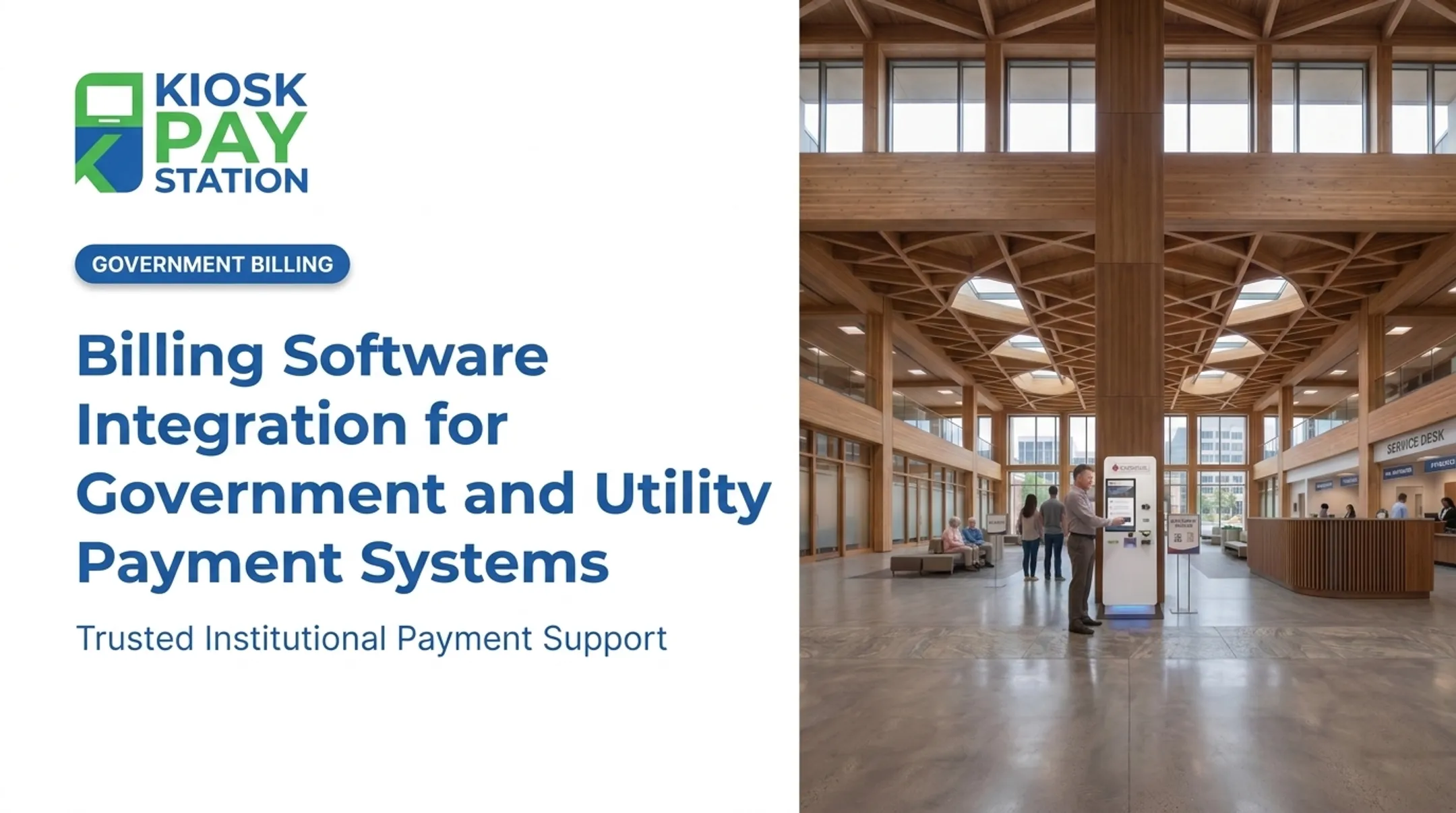
Government bills, utility payments, court fines, and parking tickets are frequently paid by people who don't have online banking, don't trust it, or simply prefer handling money in person. For these constituents, a purely digital billing system is a barrier, not a convenience.
Self-Service Kiosks Extend Billing System Reach
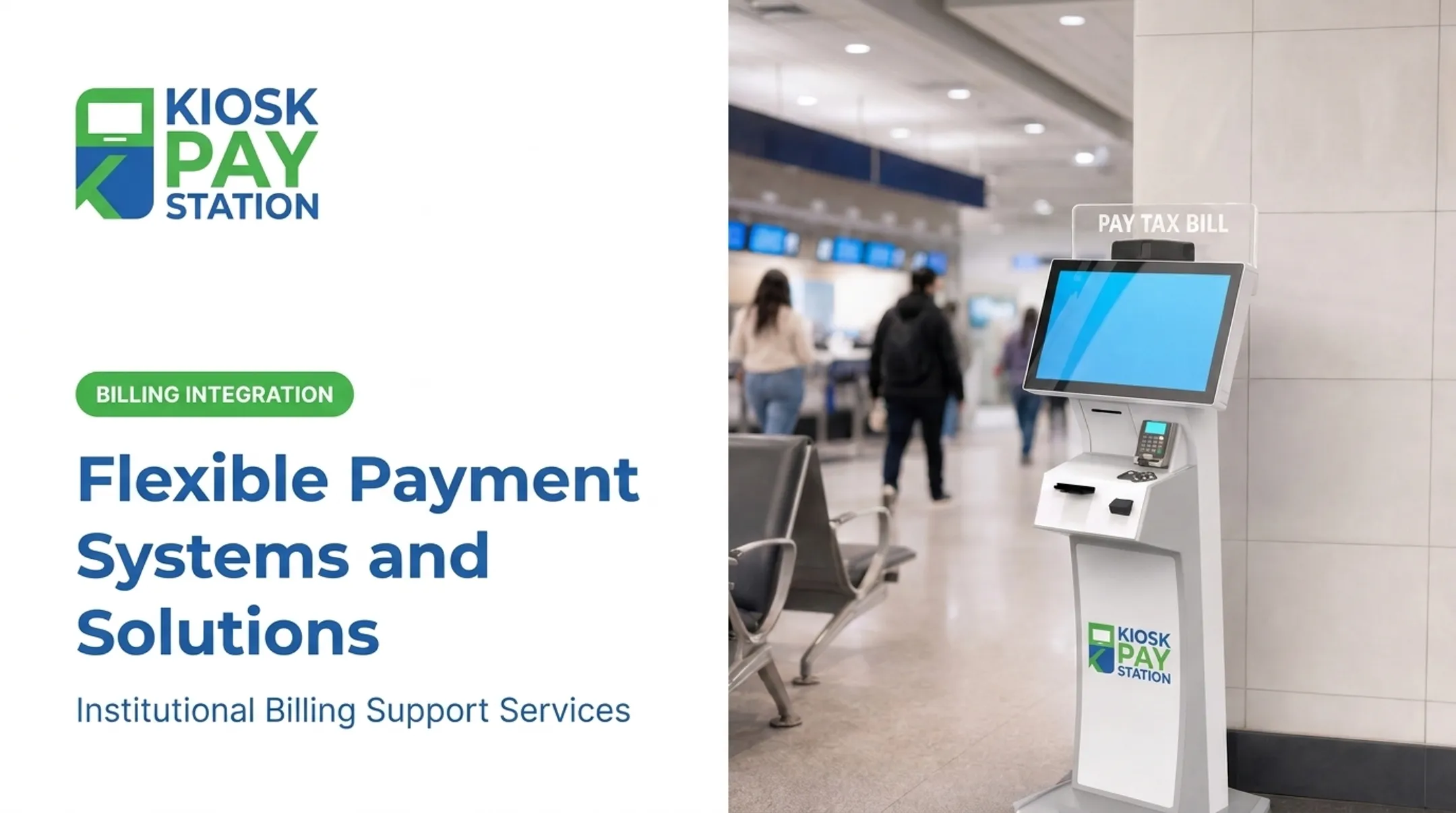
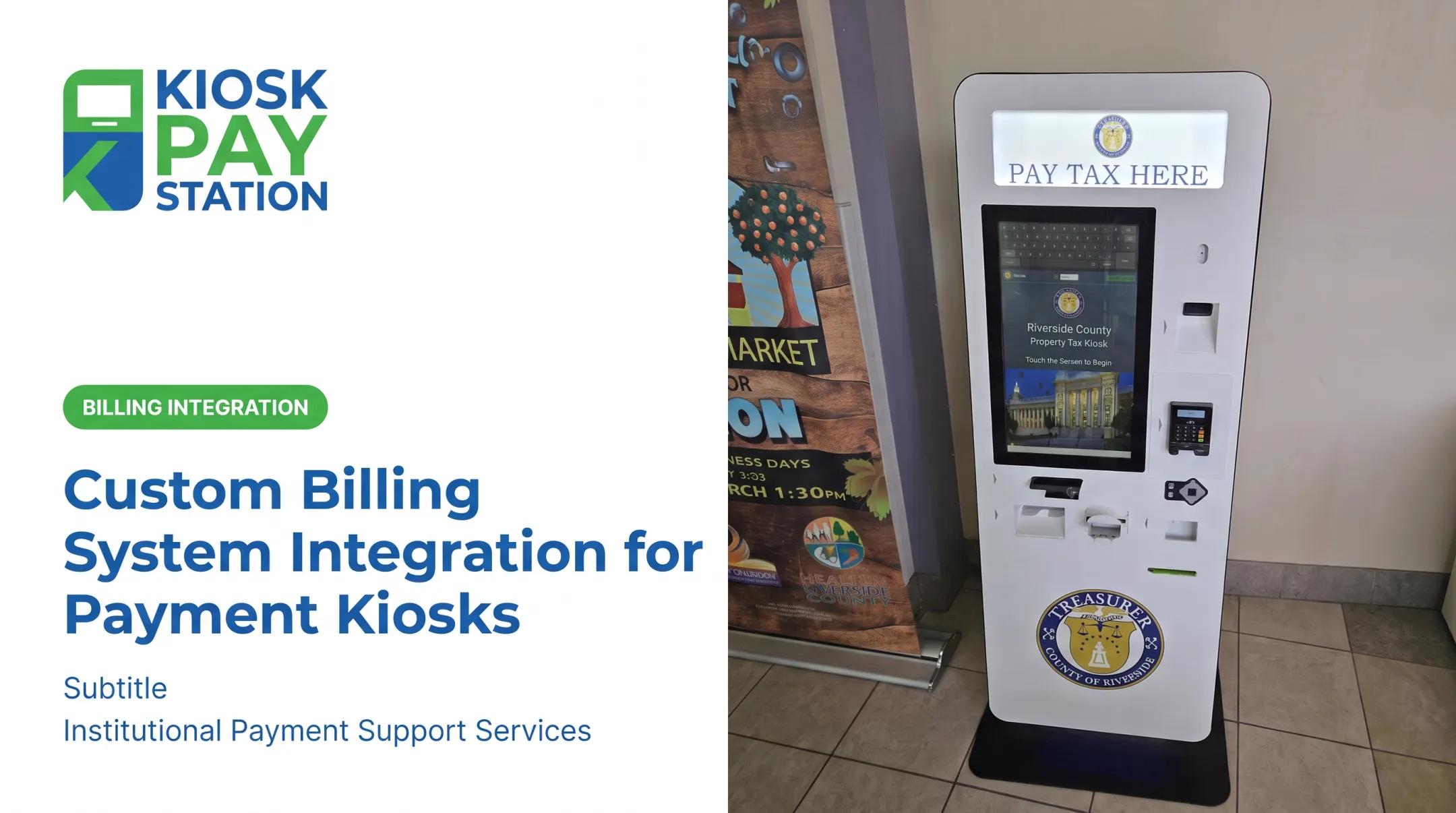
This is where self-service payment kiosks come in. They extend a billing system's reach by accepting cash, check, card, and e-wallet payments around the clock, without requiring a staffed counter.
KIOSK PAY STATION, a MyGovBill subsidiary, works in this exact space. Rather than selling standalone kiosk hardware, the company now focuses on billing-system integration, monitoring, and support services for government agencies and utility providers running existing kiosk deployments.
Its platform connects with an organization's billing and reconciliation infrastructure through three integration paths:
- Real-time integration: payment data syncs instantly for immediate visibility
- File-based integration: data exchanges through files that fit existing reconciliation workflows
- Non-validated integration: flexible synchronization for agencies with different operating models
The Riverside County Numbers
One of the clearest illustrations of self-service payment throughput comes from Riverside County. During a seven-day period, two self-service kiosks collected $3.01 million (more than 50% of total payments) while eight staffed cashier stations processed $2.4 million in the same window. Two machines outperformed eight human-staffed counters.

That's historical case-study data specific to that deployment, not a guarantee of results for every agency. But it shows what's possible when self-service channels are designed well.
Accessibility Still Matters
Kiosk platforms in this space typically emphasize:
- ADA accessibility: large touchscreens paired with voice and light instructions
- Multilingual support: so non-English speakers can complete transactions independently
- Existing deployment support: monitoring and integration for standalone, countertop, or in-wall units already in the field
Those access features only help if payments post cleanly afterward. For departments handling account numbers, property IDs, or department codes, unlimited custom data elements per transaction keep reconciliation clean across multiple billing categories.
How Much Does a Billing System Cost?
Pricing varies enormously based on business size, transaction volume, and compliance requirements. Here's what current published pricing looks like:
| Platform | Entry Tier | Mid Tier | Top Tier |
|---|---|---|---|
| Zoho Books | Free | $20–$50/org/month | Up to $275/org/month |
| QuickBooks Online | Free | $38–$140/month | $340/month (Advanced) |
| Chargebee | Free (first 50 quotes) | Custom/percentage-based | Custom enterprise pricing |
What usually pushes you up the range:
- Higher invoice and payment volume
- Extra user seats (Zoho adds roughly $3/user/month)
- ERP or CRM integrations that require higher-tier plans
- Government, utility, or healthcare compliance controls
For agencies and utilities, published SaaS menus are only part of the picture. Integration, monitoring, reconciliation, and ongoing support often matter more than the base subscription tier—especially when payments must stay PCI-DSS compliant and fully traceable.
Any payment terminals or legacy self-service hardware are typically a separate capital cost from the software or integration subscription. That spend is not a recurring SaaS fee, but automation can still cut long-term staffing costs by taking volume off a staffed counter.

How to Choose the Right Billing System Provider
Picking a provider comes down to five practical checks:
- Does it support your billing model? Subscription, usage-based, one-time, or a hybrid: confirm the platform actually fits how you charge customers, not just what it claims to support generally.
- Are security certifications verified? PCI-DSS and SOC 2 aren't marketing badges. Confirm the actual scope of compliance and ask what encryption standards protect stored payment data.
- Does it integrate with what you already use? Your CRM, accounting software, and payment gateway need to talk to the billing system without custom development work every time something changes.
- Can non-technical staff make changes? If updating a price or fixing an invoice error requires a developer ticket, that's a red flag for day-to-day operations.
- For public-facing organizations: does it support self-service payment channels? Confirm it connects to kiosk or in-person payment options through real-time, file-based, or non-validated data sync. That reduces counter traffic and extends payment access beyond business hours.

That last point is easy to overlook if your billing needs are purely digital. But for any agency serving a broad public (courts, tax collectors, utility departments), it's often the difference between long lines and a system that actually works for everyone paying into it.
Frequently Asked Questions
How much is a billing system?
Costs range from free basic tools for freelancers to $340+/month for enterprise platforms like QuickBooks Advanced. Pricing depends on transaction volume, number of users, and integration needs.
What is an online billing system?
An online billing system is cloud-based software that automates invoice generation, payment collection, and reconciliation over the internet. It typically integrates with accounting and CRM tools to keep records synced automatically.
What are some examples of billing systems?
Examples include Stripe and PayPal for simple invoicing, Zoho Books and QuickBooks for small business accounting, Chargebee and Zuora for usage-based billing, and self-service kiosks for in-person government or utility payment collection.
How do I get someone to pay my invoice?
Set clear due dates and payment terms upfront, then automate reminder emails as deadlines approach. Offering multiple payment methods (card, ACH, e-wallet) also removes friction that delays payment.
What is the safest way to pay an invoice?
PCI-DSS compliant, encrypted payment channels are the safest option, whether that's an online payment gateway or a certified in-person kiosk. Look for EMV certification on any card-accepting hardware as an added safeguard.
What is the best payment service provider?
There's no single best option; it depends on your business type. Online-first businesses generally do well with Stripe or QuickBooks, while government agencies and utilities need providers offering integrated self-service and in-person payment channels alongside standard billing software.