Automated payment systems fix this by moving transactions from paper and cash drawers to electronic rails that run around the clock. This guide breaks down what these systems are, the main types in use today, how the technology actually works, and how public agencies are deploying self-service kiosks to modernize bill collection.
Key Takeaways
- Automated payment systems process transactions electronically, cutting manual work and reconciliation errors
- Agencies can deploy EFT, ACH, digital wallets, card processing, or self-service kiosks
- Results typically include lower collection costs, 24/7 access, fewer errors, and cleaner compliance trails
- Government agencies and utilities increasingly use dedicated kiosks to replace staffed payment counters
What Is an Automated Payment System?
An automated payment system is technology that executes payment instructions electronically, without someone manually keying in numbers or walking a check to the bank. It applies everywhere money changes hands: customer purchases, utility bill pay, payroll, vendor invoices, and government fee collection.
Global payments generated $2.5 trillion in revenue in 2024, and McKinsey projects that market will grow 4% annually through 2029, reaching roughly $3 trillion. That growth is driven largely by the shift away from manual, paper-based collection.
Payment Automation vs. Payment Service Provider
These terms get confused constantly. A payment service provider (PSP) is the entity that enables the actual transfer of value: issuing, acquiring, authorizing transactions, authenticating users. A payment automation system is the workflow layer sitting on top: the software or kiosk that initiates, routes, approves, and reconciles those payments.
In plain terms: the PSP moves the money. The automation system decides when, how, and under what conditions that money moves, then records it.
Types of Automated Payment Systems
Businesses and agencies rarely rely on just one method. Most combine several:
- Electronic Funds Transfer (EFT): Covers wire transfers, direct debit, and e-checks. Regulation E, overseen by the CFPB, also covers ATM transfers, direct deposit, and point-of-sale transfers.
- Automated Clearing House (ACH): The workhorse for recurring bills. In 2025, the ACH Network processed 35.2 billion payments worth $93 trillion, including $12.04 trillion in consumer bill payments.
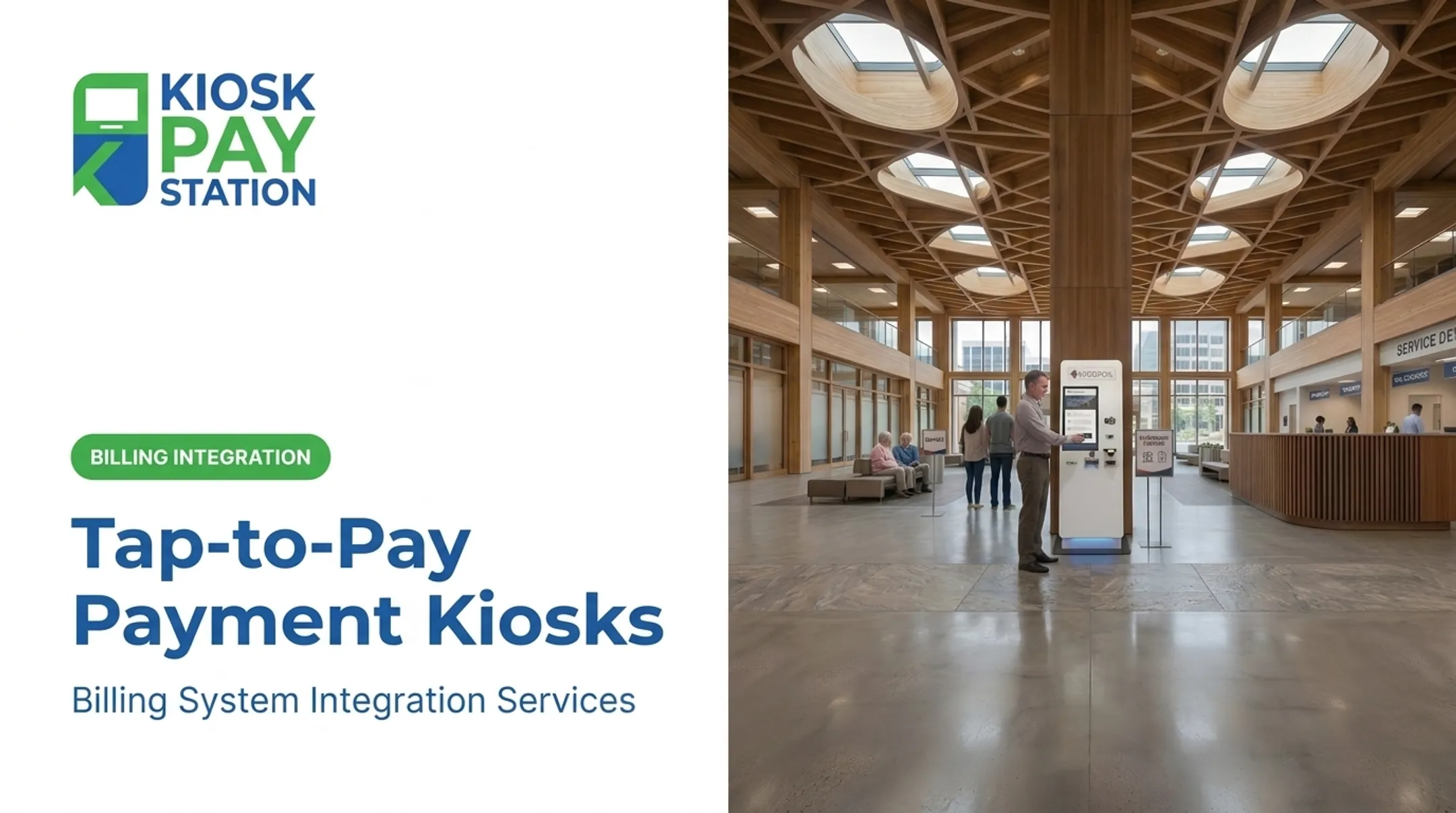
- Credit/debit card and contactless/EMV payments: Tap-to-pay cards and NFC-enabled phones generate a one-time security code per transaction, per EMVCo standards.
- Digital wallets and mobile apps: PayPal, Apple Pay, and similar apps store card or bank credentials for faster checkout. U.S. consumer adoption keeps rising.
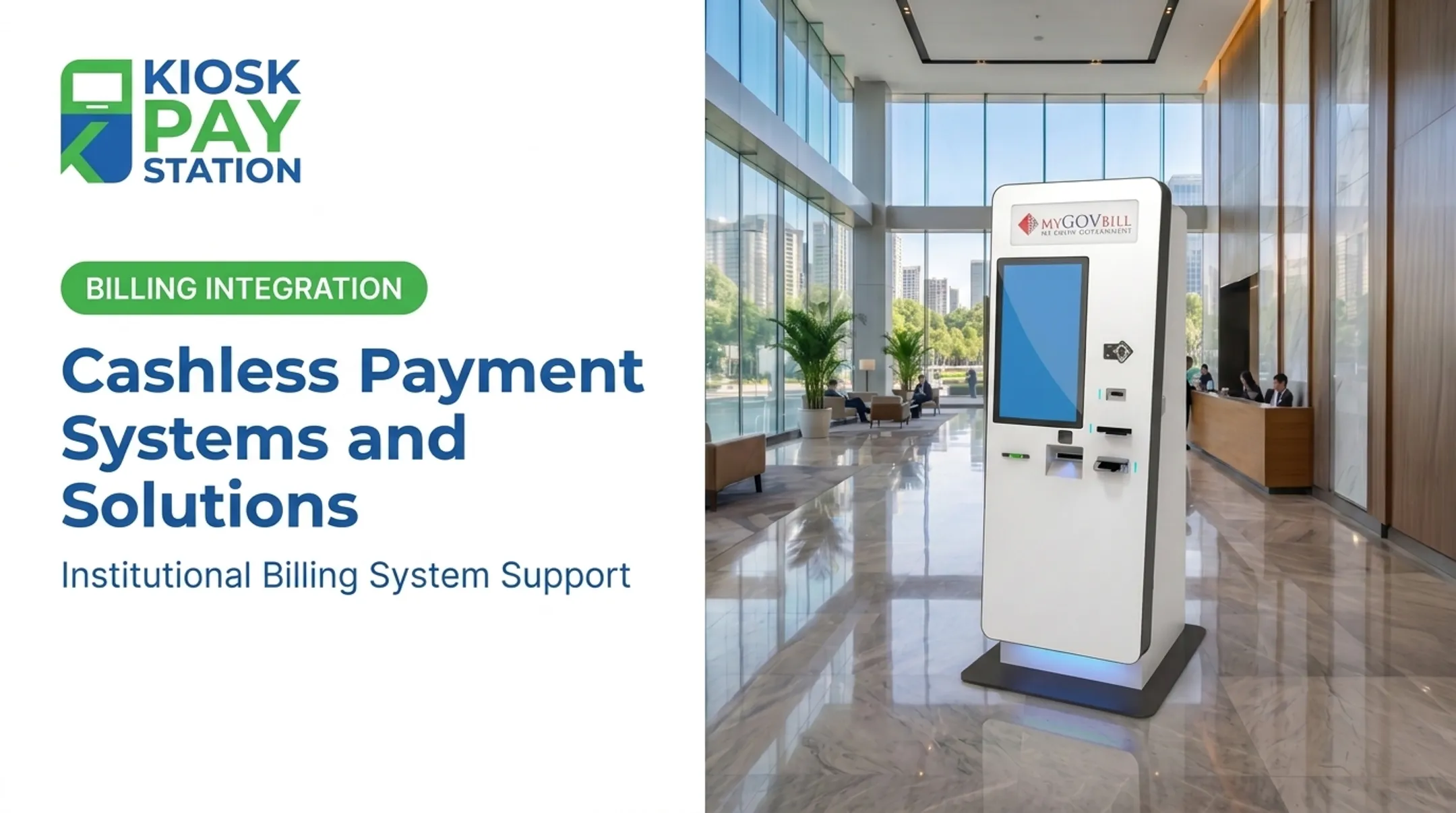
- Self-service payment kiosks: Standalone terminals accepting cash, check, card, and e-wallet for in-person, unattended bill payment—common at city halls and utility offices.
Businesses and agencies enable these methods through payment processors such as Fiserv, Adyen, and Worldpay, which handle the transaction backend. AP automation software manages invoicing, approvals, and reconciliation on the back office side.
How Automated Payment Systems Work
Every automated transaction follows a similar path, whether it's a kiosk payment or an online bill pay portal:
- Initiation: the payer selects a method and authorizes an amount
- Payment gateway: captures and encrypts the transaction data
- Processor verification: checks funds availability and validates the request
- Banking network settlement: funds move between financial institutions
- Reconciliation: the transaction gets matched against invoices or accounts

APIs are the connective tissue here. They link kiosks, point-of-sale systems, and websites directly to banks and processors, letting third-party providers handle authentication, consent, and processing without manual handoffs.
Where RPA Fits In
Robotic process automation (RPA) is software that emulates human interaction with an application's interface, per Gartner. It handles the repetitive reconciliation work that used to consume finance staff time. Instead of someone manually matching payment records to invoices, RPA scripts do it automatically, flagging exceptions for human review.
Security runs through every step. Encryption protects data in transit, tokenization replaces sensitive card numbers with meaningless substitutes, and PCI DSS compliance (currently version 4.0.1) sets the baseline standard every processor and kiosk vendor must meet.
Benefits and Challenges of Automated Payment Systems
Federal payment data shows the scale of the shift. In FY2023, more than 85 federal entities collected over $43 billion in card payments. GAO reported that accepting cards reduces the administrative burden of handling cash and checks compared with manual processes.
Core benefits:
- Cuts manual data entry and speeds reconciliation so staff can focus on higher-value work
- Lowers transaction and error-correction costs over time
- Reduces human error in high-volume payment environments
- Collects payments outside business hours, including 24/7 access where agencies allow it
- Adds encryption, tokenization, and built-in fraud detection

Those gains still take planning. Challenges to address early:
- Integration with legacy systems (GAO identified 11 federal legacy systems urgently needing modernization)
- Compliance rules that change over time, such as PCI DSS updates
- Upfront costs for software, integration, and related infrastructure
- Staff and customer training during the transition
Automated Payment Kiosks for Government and Public Agencies
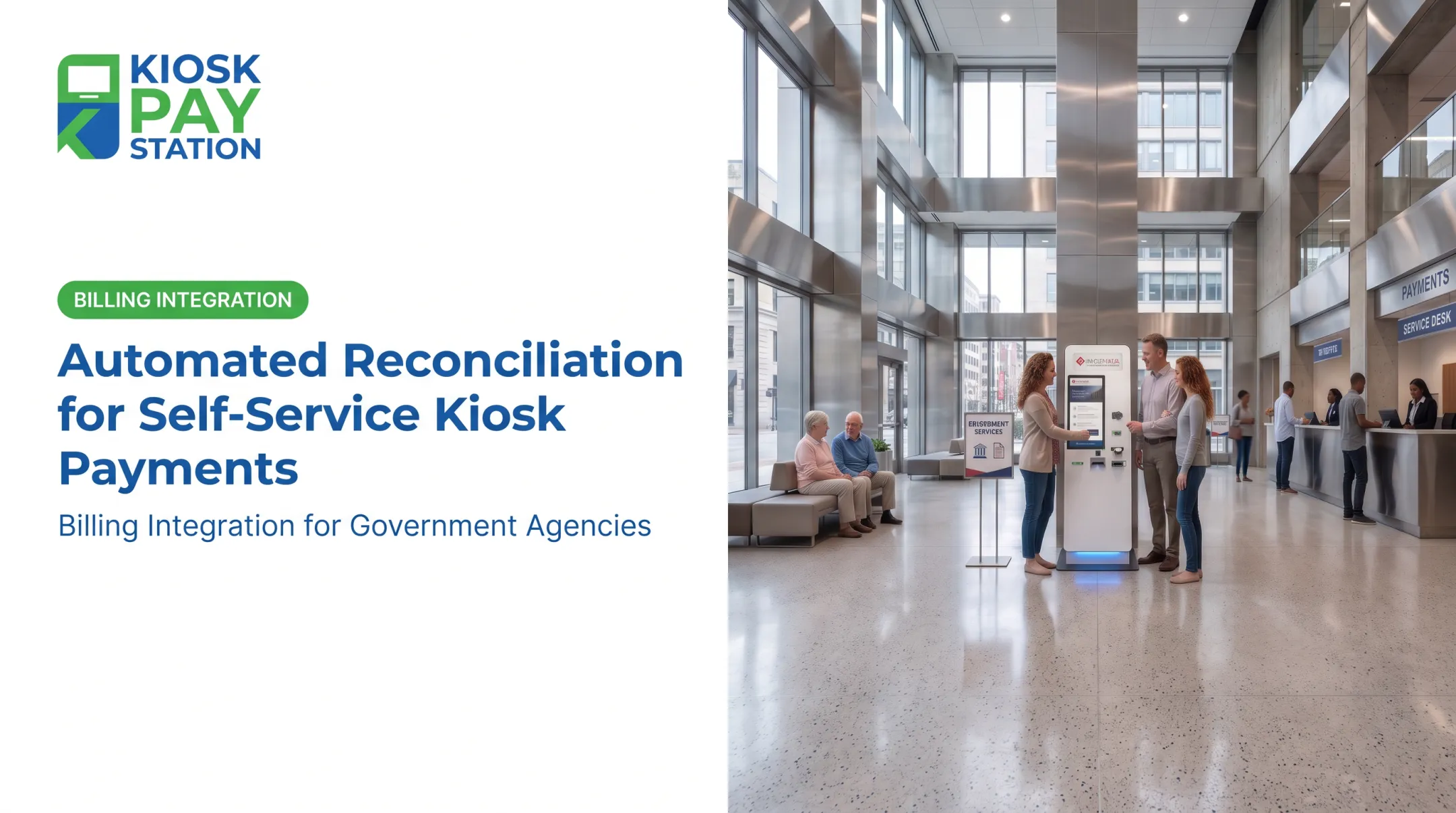
Courts, utilities, tax offices, and city halls are under pressure to serve residents faster without adding headcount. Self-service kiosks answer that pressure directly — they don't need lunch breaks, sick days, or overtime pay.
KIOSK PAY STATION supports this use case with billing-system integration, monitoring, and maintenance for government and utility clients. Payment workflows stay PCI-DSS compliant and EMV certified, accepting cash, check, card, and e-wallet methods with availability up to 24/7. Real-time, file-based, or non-validated integration connects collection directly to an agency's existing treasury, court, or utility billing systems.
The Riverside County Example
Numbers make the case better than adjectives. In a seven-day period, two kiosks deployed for Riverside County collected $3.01 million — more than 50% of all tax payments during that window. Eight staffed cashier stations, working the same period, processed $2.4 million. Two machines outperformed eight employees by roughly $601,000.

That gap points to a structural shift in how payment volume gets handled.
What Sets Public-Sector Deployments Apart
Government kiosks need flexibility that generic retail terminals don't:
- Unlimited custom data fields — department codes, account numbers, property IDs, whatever the agency's workflow requires
- Multiple account lookup methods — invoice number, QR code, barcode, name, or account number
- ADA-accessible design — large touchscreens, voice and light instructions, multilingual interfaces
These aren't nice-to-haves. Federal ADA Title II requirements mean public-facing government services have to be usable by everyone, and self-service kiosks are no exception.

Frequently Asked Questions
What is payment automation?
Payment automation uses technology to process payments electronically, removing manual steps like data entry, paper checks, and in-person cashier handling. It covers everything from invoicing to reconciliation.
What are examples of automated payment methods?
Common examples include ACH transfers, EFT (wire transfers, e-checks), digital wallets like Apple Pay, credit and debit card processing, and self-service kiosks. Most organizations combine several of these based on channel and customer preference.
What are the main types of electronic payment systems?
The four broad categories are card payments (credit/debit, contactless), bank transfers (ACH and EFT), mobile wallets, and kiosk-based self-service terminals. Each serves different transaction volumes and customer needs.
What is a payment service provider (PSP)?
A PSP is an entity that provides services enabling the transfer of value, such as issuing, acquiring, and transaction authorization. It's distinct from a payment processor or gateway, though the terms sometimes overlap in practice.
What are the top payment processors?
Well-known processors and acquirers include Fiserv, JPMorgan Payments, Global Payments & Worldpay, and Adyen. The right choice depends on transaction volume, industry focus, and integration needs.
What is RPA in finance?
Robotic process automation (RPA) uses software scripts that mimic human interaction with an application's interface to handle repetitive tasks. In finance, it's commonly used for reconciliation, invoice matching, and reducing manual data entry.