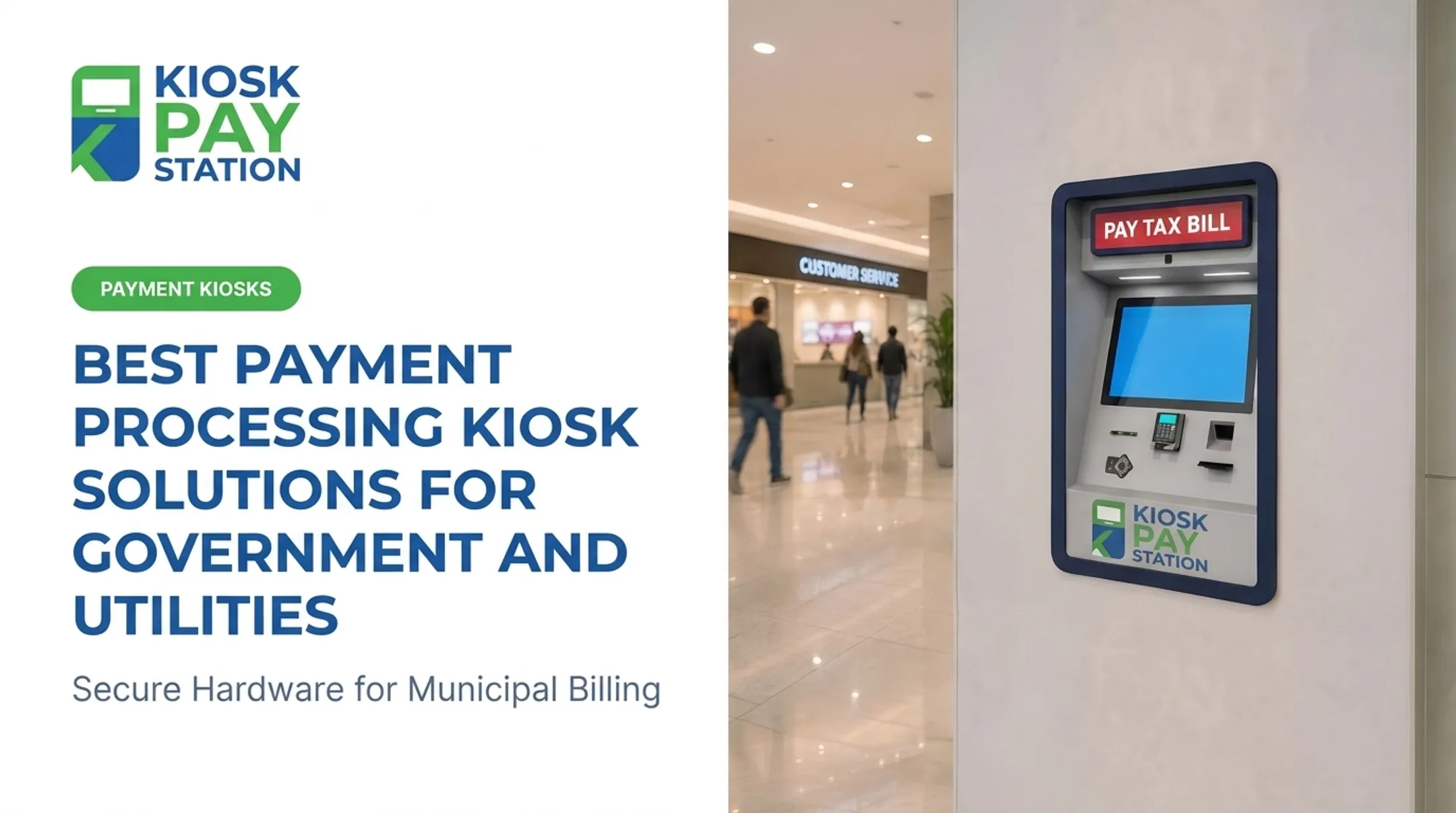
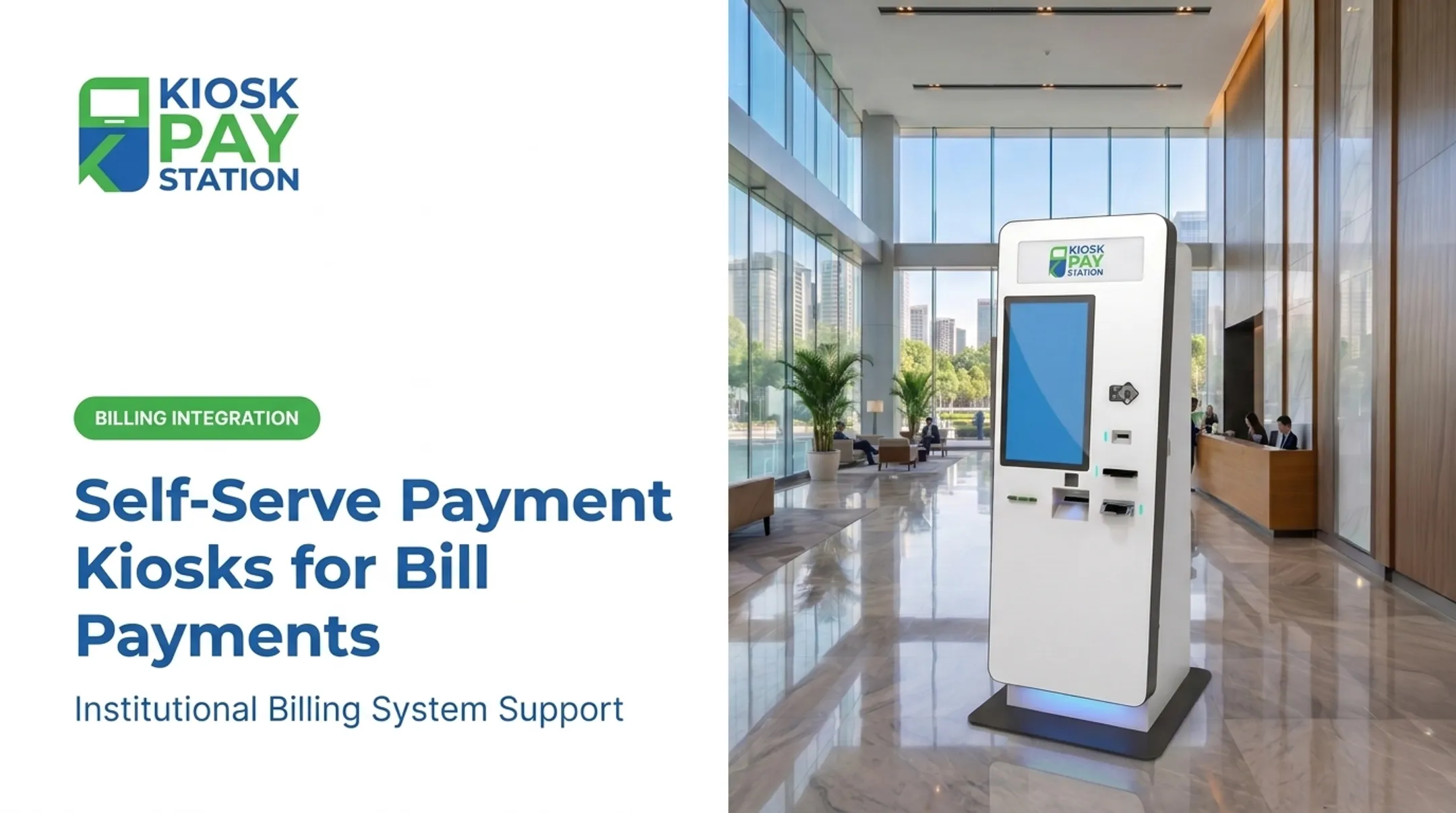
These self-service payment stations let residents, customers, and constituents pay government or utility bills without relying entirely on a staffed counter. The operational strain is real. Restricted counter hours, manual cashiering, keying errors, and staff time burned on routine transactions all add up. In Tulsa, cashiers at City Hall and Municipal Court processed 40,000 utility-billing payments worth $14.1 million in a single fiscal year, plus tens of thousands more for permits and citations, all through staffed windows, according to the City of Tulsa's kiosk procurement documents.
This article walks through how kiosk workflows actually function, what benefits agencies can expect, which security and accessibility requirements matter, and how to plan a deployment without guessing at costs.
Key Takeaways
- Payment kiosks extend bill pay past counter hours and ease load on cashier stations.
- Expect account lookup, custom IDs, receipts, posting, reporting, and exception handling—not payments alone.
- Vet security, ADA access, languages, and payment methods before you sign a contract.
- Set hours by site policy, connectivity, and the deployment model you choose.
How Do Self-Service Payment Kiosks Work?
The basic customer journey is simple by design:
- Approach the kiosk and select a language if offered
- Identify the bill or account
- Confirm the amount due
- Choose a payment method and complete the transaction
- Take a receipt and go
Finding the Right Account
Public-sector bills rarely use a single identifier. A well-built kiosk needs to handle several:
- Invoice or account numbers
- Property IDs or parcel numbers
- QR codes or barcodes printed on the bill itself
- Manual name lookup for walk-ins without paperwork
The City of Toledo's water-payment page, for example, instructs customers to enter an account number or scan a barcode, then confirm a billing ZIP code. That layered approach, barcode plus a secondary check, reduces the odds of posting a payment to the wrong account.
Getting Payment Data Where It Needs to Go
Once a transaction completes, the record has to reach the organization's billing, treasury, tax, court, parking, or utility system. There are three common models:
- Real-time integration: the kiosk connects via API directly to the billing platform, posting payments instantly.
- File-based (batch) integration: transactions accumulate and upload on a schedule in a formatted file.
- Non-validated processing: the kiosk accepts payment without confirming account status against a live system, which shifts more reconciliation work to staff afterward.

League City's utility-billing kiosk procurement is a useful illustration here. The city initially requested real-time API integration with its Tyler Enterprise ERP system, but its own addendum ultimately accepted a correctly formatted batch upload as an alternative, according to League City's RFP documentation.
The lesson: don't assume "integrated" means "instant." Ask your vendor which model applies and what it means for posting speed and reconciliation.
Handling Cash Without Creating a New Headache
Kiosks that accept bills and dispense exact change need their own operational rhythm:
- Cash balancing at close of day
- Scheduled replenishment of change
- Secure collection procedures
- Clear process for jammed bills or short transactions
A simple example: A utility customer scans the barcode on their paper bill. The kiosk pulls up the account, displays the balance, and offers payment by debit card or cash. She pays $84.50 in cash, receives a time-stamped receipt, and the payment appears in the utility's billing system that night through a batch upload. No staff member touched the transaction.
Benefits of Payment Kiosks for Government and Utility Operations
The case for kiosks rests on concrete operational outcomes agencies can measure.
Front-desk relief. Moving routine bill payments off staffed lines frees employees for account disputes, exemptions, and other work that needs a person. KIOSK PAY STATION cites counter-traffic reductions of up to 40% for organizations that shift routine payments to self-service.
Faster transactions for customers. New York City's Department of Finance reported that parking-ticket kiosk payments took under one minute on average, according to a DOF press release, with no added service fee for cash, check, or card. That figure is transaction time, not total wait time, but it shows how quick the payment step can be at the machine.
Fewer keying errors. When a kiosk captures account numbers, department codes, and payment amounts directly from a scan or digital entry, there's no manual re-typing to introduce mistakes.
Cleaner reconciliation. Automated daily reporting reduces the manual burden on finance and treasury staff and replaces receipt stacks with a traceable digital record.
Flexible placement. Kiosks can serve city halls, utility offices, courts, parking facilities, and other public-service locations, meeting residents where they already go.
KIOSK PAY STATION's Riverside County, California case study reports that two self-service kiosks collected $3,001,000 over seven days, compared with $2,400,000 across eight staffed cashier stations in the same window. The kiosks accounted for more than half of total collections.
This is the company's reported figure from its own client work, not an independently audited study. Treat it as a directional example, not a universal benchmark.

Features, Security, and Accessibility to Evaluate
Before signing anything, a public-sector buyer needs to look past the sales sheet and check specific controls.
Security Controls Worth Confirming
- PCI DSS compliance — the baseline standard protecting cardholder data for any entity that stores, processes, or transmits it, per the PCI Security Standards Council.
- EMV certification — note that EMV Level 1 and Level 2 testing cover different things (device communication versus transaction-processing software), so ask which level applies to your hardware.
- Encryption for data in transit and at rest.
- Role-based administration and audit trails for internal accountability.
- Clear processor responsibilities — who owns what when a dispute or chargeback happens.
Don't assume one certified component means the whole system is compliant. A PCI-approved terminal doesn't automatically make your merchant environment compliant; that's a separate assessment.
Payment Methods and Accessibility
Coverage should match how your residents actually pay:
| Method | Common Use Case |
|---|---|
| Cash | Residents without bank accounts or cards |
| Check | Property tax and larger utility payments |
| Credit/debit card | Fast, contactless transactions |
| E-wallet | Younger or mobile-first users |
On accessibility, look for large touchscreens, voice and visual prompts, multilingual interfaces, and placement that meets ADA guidance under Title II for government services.
Confirm those features are in the base quote—not optional add-ons—and that kiosk height and clear floor space work for both wheelchair users and standing patrons.
Configuration Options
Common formats fall into three categories:
- Standalone units, including cash-accepting models that dispense exact change in bills and coins
- Countertop units for staffed lobbies and service counters
- In-wall units for secure or space-constrained entries
Each format can support organization branding, custom data fields, and configurable receipt content. Ask which capabilities are included in your quote and which are optional add-ons.
Planning, Integrating, and Implementing a Kiosk Program
Before requesting quotes, work through a checklist:
- Transaction volume — how many payments per day or month, and at what peak times (tax deadlines, due dates)?
- Payment types — cash, check, card, e-wallet, or some combination?
- Account systems — what billing, treasury, or court platform needs to receive the data?
- Site and connectivity — indoor lobby, outdoor drive-up, or both? What's the internet reliability?
- Hours of access — 24/7, or tied to building hours?
- Cash management — who collects, counts, and replenishes cash?
- Accessibility and language needs — which populations does this site serve?
- Staff responsibilities — who owns troubleshooting and daily reconciliation?
Choosing an Integration Model
Pick the model that fits your risk tolerance and IT capacity, not just the lowest quote:
- Real-time — instant account validation and posting; usually the longest to implement
- Batch/file — simpler setup; reconciliation may lag by hours or a day
- Non-validated — accepts payment without a live account check; more manual exception handling later
The Implementation Lifecycle
A typical rollout moves through:
- Requirements discovery and workflow design with the departments that take payments
- Hardware selection and payment processor setup for the sites you will support
- Billing-system integration so transactions post to the right accounts
- Security review and user acceptance testing before public go-live
- Staff training on exceptions, cash handling, and daily reconciliation
- Launch and post-launch monitoring for uptime, posting errors, and support tickets
KIOSK PAY STATION focuses its delivery on billing-system integration, monitoring, and optimization support, with the goal of getting agencies live in weeks rather than months and staying engaged after launch.

Total Cost of Ownership
The sticker price on a kiosk unit is only part of the equation. Budget for:
- Hardware and site preparation (including weatherproofing for outdoor units)
- Software licensing and integration work
- Payment processing fees
- Installation and connectivity
- Ongoing maintenance, cash servicing, and component replacement
- Support and software updates
Ask any vendor directly about uptime commitments, service response times, onsite maintenance terms, and how payment disputes get handled.
If a provider references a multi-year maintenance package, confirm the current commercial terms in writing before you budget around it. KIOSK PAY STATION has referenced a five-year onsite maintenance and component-replacement offering in its materials; offerings and terms can change.
Frequently Asked Questions
How much does a kiosk usually cost?
Cost varies based on kiosk format, payment hardware, cash and check capability, software, integration complexity, and installation and maintenance terms. Request a deployment-specific quote rather than relying on a general price range.
How do payment kiosks work?
Users identify their account through a scan, barcode, or manual entry, select a payment method, and complete the transaction. The system then generates a receipt and posts the payment to the organization's billing system for reconciliation.
Can I get cash for my gift card at a kiosk?
No. Government and utility bill-payment kiosks do not cash out gift cards. That is a separate consumer service—check the gift-card issuer's own terms for any cash-out options.
What payment methods can government and utility kiosks accept?
Kiosks can support cash, checks, credit cards, debit cards, and e-wallets, depending on the hardware, payment processor, and the organization's own policies. Not every deployment includes every method.
Are payment kiosks secure and accessible for public use?
Government and utility kiosks typically use PCI DSS and EMV controls, encryption, and audit trails for security. ADA-oriented design and multilingual interfaces support public accessibility. Agencies should still verify vendor documentation and confirm compliance for their specific deployment before launch.