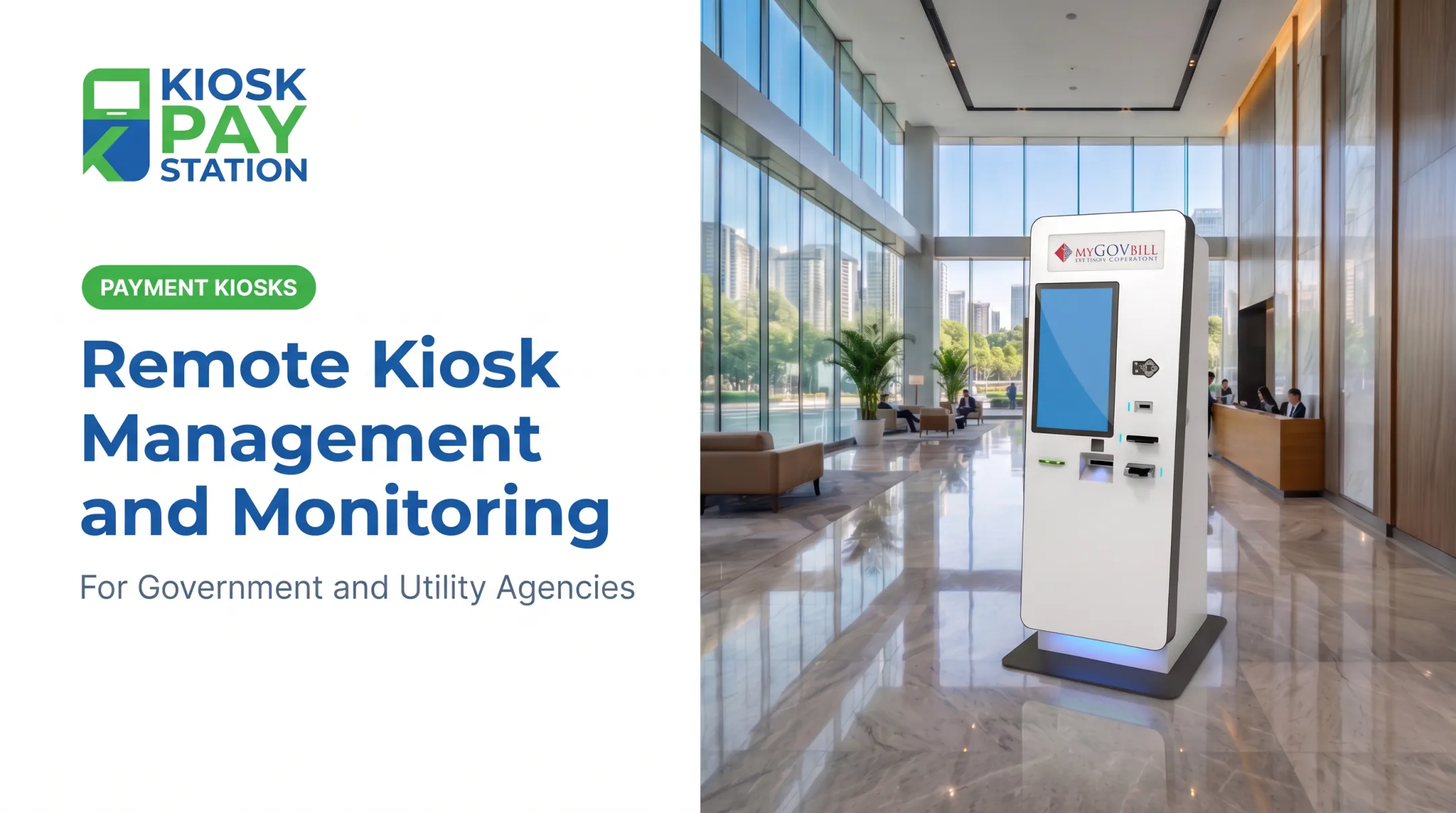
That independence creates a problem. A kiosk can be powered on, connected to the internet, and still fail a customer. The touchscreen might work while the receipt printer jams. The application might load while the card reader drops offline. Cash acceptors, check scanners, and backend connections can all fail independently of each other.
Remote kiosk monitoring closes that gap. It gives operations teams centralized visibility into whether a kiosk—and every payment-critical component inside it—is actually ready to serve the next customer. This guide breaks down what remote monitoring covers, how it supports day-to-day kiosk operations, and where agencies are already putting it to work.
Key Takeaways
- Centralized monitoring confirms kiosks are online, connected, and ready to take payments.
- Effective systems track peripherals, receipts, app health, and live transaction activity together.
- Configurable alerts catch issues before outages, instead of after customer complaints.
- Pair monitoring with security, maintenance, and integration to protect uptime and reconciliation.
What Is Remote Kiosk Monitoring?
Remote kiosk monitoring is the centralized collection and review of status, health, transaction, and fault data from payment kiosks spread across multiple facilities or service locations. Instead of a technician physically checking each machine, a dashboard reports what's happening in real time.
The gap this addresses is straightforward: staff can't inspect a dozen distributed kiosks throughout the day. A kiosk can look fine from the outside while a critical payment function has already failed inside.
Monitoring vs. Management
These two terms get used interchangeably, but they describe different layers of support.
- Monitoring is the visibility layer. It flags conditions like offline status, connectivity loss, paper depletion, or payment-device errors.
- Management is the action layer. It may allow authorized staff to remotely restart, update, reconfigure, or lock down a kiosk, depending on the platform.
A bill-acceptor alert that flags near-full capacity is a monitoring event. A remotely issued reboot command is a management action layered on top of it. The Kiosk Industry Group's account of a payment-kiosk monitoring platform documents this distinction.

What Payment-Focused Monitoring Tracks
A system built for payment kiosks generally covers three categories:
- Device and application status — last check-in, network connectivity, and operating-system health
- Payment peripherals — card readers, EMV terminals, bill acceptors, check scanners, receipt printers, barcode/QR scanners, touchscreens, and change dispensers where applicable
- Transaction patterns — successes, failures, abandonment, processing delays, and recurring error trends, limited to what the integrated systems can reliably report
Remote monitoring is not a substitute for payment processing, reconciliation, physical security, preventive maintenance, or PCI-DSS compliance. It's one operational layer among several.
KIOSK PAY STATION builds purpose-designed bill-payment kiosks for government and public-service agencies and includes ongoing monitoring in a broader deployment package, not as a standalone fix. Agencies should confirm specific monitoring capabilities against the current product configuration before relying on them.
How Does Remote Kiosk Monitoring Support Payment Kiosk Operations?
Monitoring works as a sequence: kiosks check in, the system evaluates their condition, staff respond to what matters, and the data feeds back into ongoing improvement.
Device Check-In and Health Collection
Each kiosk periodically reports its condition to a centralized dashboard or monitoring service. But not every check-in tells the same story.
A basic heartbeat confirms the device is powered on and connected. A deeper health check confirms whether the payment application and critical peripherals are actually ready for a customer to walk up and pay.
That distinction matters for prioritization. A useful monitoring record should capture:
- Last-known status and timestamp
- Kiosk identifier and location
- The specific component affected
Without that detail, staff can't tell whether a "kiosk down" alert means the whole unit is offline or just the receipt printer needs paper.
Payment and Peripheral Readiness
A powered-on indicator tells you almost nothing about payment readiness. Operations teams need component-level visibility because a kiosk can be partially functional: available for card payments while cash acceptance or receipt printing needs attention.
Peripherals to watch typically include:
- Card and EMV terminal connectivity
- Cash and check acceptance
- Receipt printing
- Barcode or QR scanning
- Touchscreen responsiveness
- Exact-change dispensing, where deployed
This matters because payment hardware doesn't fail evenly. Printers, card readers, and bill acceptors are typically the first components to fail under heavy use, often due to mishandling or damaged bills, according to Frank Mayer's industry discussion of kiosk maintenance.
That's not a formal failure-rate study, but it lines up with what most kiosk operators already observe: the moving parts wear out first.
Common alert categories include:
- Paper-low or paper-out
- Payment-terminal disconnected
- Cash-device fault
- Repeated transaction failure
- Application freeze
- Network interruption
Not every platform supports every alert type. KIOSK PAY STATION's Pay Station Pro, for example, supports customizable alerts for low paper and cash replenishment, with compatibility for third-party carrier notifications.
Alerting and Operational Response
Alerts only help if they reach the right team fast enough to matter. Configurable alerts should route to operations, IT, facilities, or field-service staff based on what's failing—a payment-terminal disconnect needs different handling than a low-paper warning.
A practical response flow looks like this:
- Validate the alert to rule out a false positive
- Determine customer impact—is a transaction actively blocked?
- Attempt an authorized remote fix, if the platform allows one
- Communicate an outage if the kiosk will be down for a stretch
- Dispatch on-site support when remote resolution isn't enough

Not every alert deserves the same urgency. A payment-terminal failure should jump the queue ahead of a low-paper notice. Agencies tracking their own operational data can measure this through metrics such as:
- Time to detect
- Time to acknowledge
- Time to restore
- Repeat-fault rate
- Transaction-impact rate
Transaction Protection, Reconciliation, and Reporting
Monitoring becomes far more useful when it's connected to transaction records, not just device status. That connection helps avoid duplicate charges, incomplete transactions, and confused customer-support calls.
Reviewing failed, abandoned, pending, and successful transactions alongside device alerts helps staff distinguish:
- A hardware problem (jammed printer, dead card reader)
- A network issue (dropped connection mid-transaction)
- A backend integration problem (account-validation failure, gateway timeout)
Centralized reporting can also surface recurring faults by kiosk, location, component, or time period. That level of detail supports cleaner reconciliation and a stronger audit trail. KIOSK PAY STATION builds this into its transaction data by allowing unlimited custom data elements per transaction, including department codes, account numbers, or property IDs.
Security, Compliance, and Maintenance Support
Monitoring can flag unusual conditions such as software drift, unauthorized changes, or repeated payment errors, but it doesn't guarantee security or compliance on its own. That's a common misconception worth correcting directly.
PCI SSC has made this point explicitly: approval of a payment terminal under PCI PTS does not, by itself, establish a merchant's PCI DSS compliance or automatically remove the cardholder-data environment from assessment scope, according to PCI Security Standards Council's terminal FAQ. Monitoring is one control among many, sitting alongside encryption, access controls, patching, and documented maintenance procedures.
Where monitoring earns its keep is trend data. Recurring fault patterns can inform:
- Preventive maintenance scheduling
- Component replacement planning
- Paper and consumables replenishment
- Decisions about when a technician visit is actually justified
A quick buyer checklist for evaluating a monitoring platform:
- Alert configuration flexibility
- Role-based access controls
- Audit log completeness
- Integration with payment and reporting systems
- Data retention policies
- Support escalation paths
- Documented offline behavior
Operational Benefits for Payment Organizations
Done well, monitoring reduces manual status checks, shortens the time between a fault occurring and someone noticing, and frees staff from babysitting equipment that's working fine.
Organizations should measure impact against their own baseline—kiosk availability, transaction completion rates, complaint volume, field visits, and reconciliation exceptions all tell a clearer story than industry averages.
Riverside County's experience with self-service kiosks offers a useful real-world data point. Two kiosks collected $3.01 million in a seven-day period, outperforming eight staffed cashier stations that processed $2.4 million over the same stretch. That's a payment-volume outcome, not a monitoring-specific metric, but it shows what's at stake when kiosks stay operational during high-traffic periods.
A similar pattern shows up in Concord, North Carolina's report that its utility bill-pay kiosk collected more than $500,000 in the first several months of 2021. Kiosk uptime translates directly into collected revenue.

Where Is Remote Kiosk Monitoring Used?
Government and Municipal Payment Locations
Tax collectors, city halls, county offices, and courts use payment kiosks to accept taxes, fees, fines, and permits. In these environments, monitoring supports more than uptime. It helps agencies maintain:
- Payment traceability for audits
- Reliable account lookup
- Consistent receipt availability
- Accessibility and multilingual support
- Clear escalation procedures when something goes wrong
KIOSK PAY STATION's kiosks support this environment with QR code, barcode, or manual account-lookup options, along with ADA-accessible design and multilingual interfaces.
Utility, Parking, and High-Volume Bill-Payment Operations
Utility providers and parking authorities often run kiosks well beyond a standard 9-to-5 window, sometimes 24/7. Monitoring in these settings helps identify payment interruptions before they compound across a long operating window.
Key considerations include:
- Cash-capable equipment for customers without cards
- Reliable receipt and change functions
- Connectivity redundancy at remote sites
- Transaction reconciliation across high payment volume
Pay Station Pro handles cash transactions from $2 to $23,000 and dispenses exact change on select models. That range fits the volume and variability utility and parking operations see daily.
Distributed Public-Service and Departmental Deployments
Centralized monitoring becomes more valuable as an organization scales. Running kiosks across multiple departments, facilities, or payment methods multiplies failure points across hardware, connectivity, and reconciliation.
KIOSK PAY STATION offers standalone, countertop, and in-wall configurations, giving agencies flexibility in how they deploy. Each form factor should pair with a monitoring, maintenance, and reporting plan matched to that deployment, since support models can vary by configuration.
Conclusion
Remote kiosk monitoring shifts payment kiosk support from reactive tickets to live visibility. Instead of waiting for a frustrated customer to report a broken machine, operations teams see device, application, payment, and connectivity issues as they emerge.
Monitoring is one piece of a larger strategy. It works best alongside:
- Secure payment processing
- Reliable system integrations
- Accessibility compliance
- Clean reconciliation
- Preventive maintenance
- Clear ownership when something needs fixing
Together, these practices keep payment kiosks available, accurate, and ready for the constituents who rely on them.
Frequently Asked Questions
What is a remote monitoring system?
A remote monitoring system is a centralized tool that collects status and health information from devices in other locations. It generates alerts and helps authorized teams spot problems without being physically present.
What are some examples of remote monitoring devices?
For payment kiosks, examples include card terminals, cash acceptors, receipt printers, the kiosk unit itself, and network equipment. What's actually observable depends on the monitoring platform and how deeply it's integrated.
What should a payment kiosk monitoring system track?
It should cover kiosk availability, application health, network status, payment-terminal readiness, cash or check devices, receipt printers, transaction errors, and fault history over time.
How does remote monitoring reduce payment kiosk downtime?
Monitoring flags issues earlier and routes alerts to the right team. It supports remote troubleshooting where available and helps schedule maintenance before a minor fault turns into a full outage.
Is remote kiosk monitoring the same as remote kiosk management?
No. Monitoring provides visibility and alerting. Management goes further, allowing authorized teams to take action like rebooting, updating, reconfiguring, or locking down a kiosk remotely.