Payment kiosks solve this by putting bill payment in the constituent's hands, any time of day. The City of Yuma, Arizona, launched a self-serve utility kiosk specifically to cut wait times and extend access beyond City Hall hours, available 24/7/365 for cash or card payments.
This article covers how payment kiosks work, the benefits they deliver, what features matter most, where they're deployed, and what they cost.
Key Takeaways
- Kiosks enable 24/7 self-service bill payment via cash, card, check, and e-wallet
- Agencies cut counter workload and clear peak billing lines faster with automated transactions
- PCI-DSS, EMV certification, and ADA accessibility are non-negotiable selection criteria
- Costs vary widely based on configuration, cash-handling features, and integration needs
- Riverside County's two kiosks collected $3.01M in seven days, more than eight staffed cashier stations
What Is a Payment Kiosk Machine?
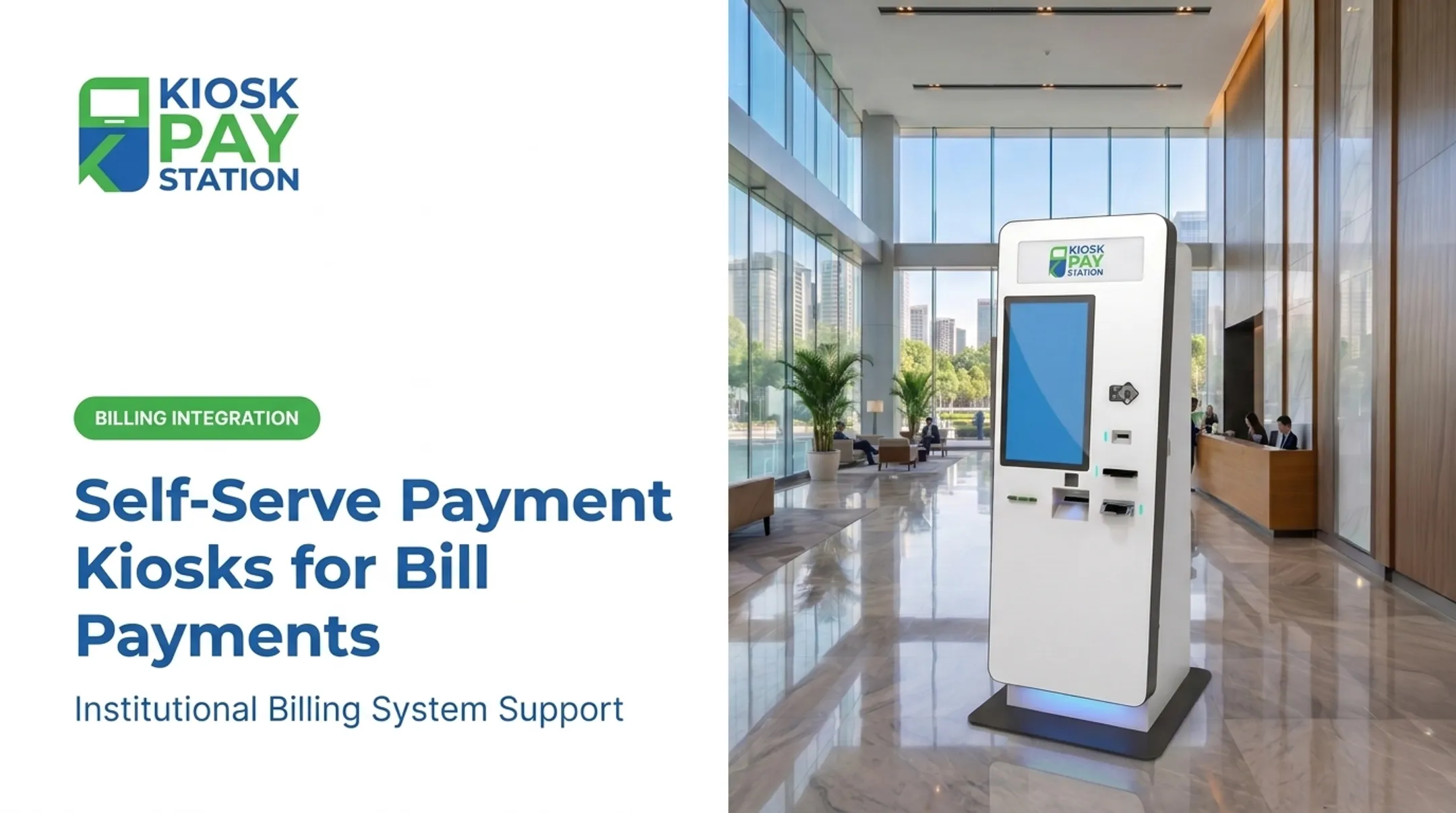
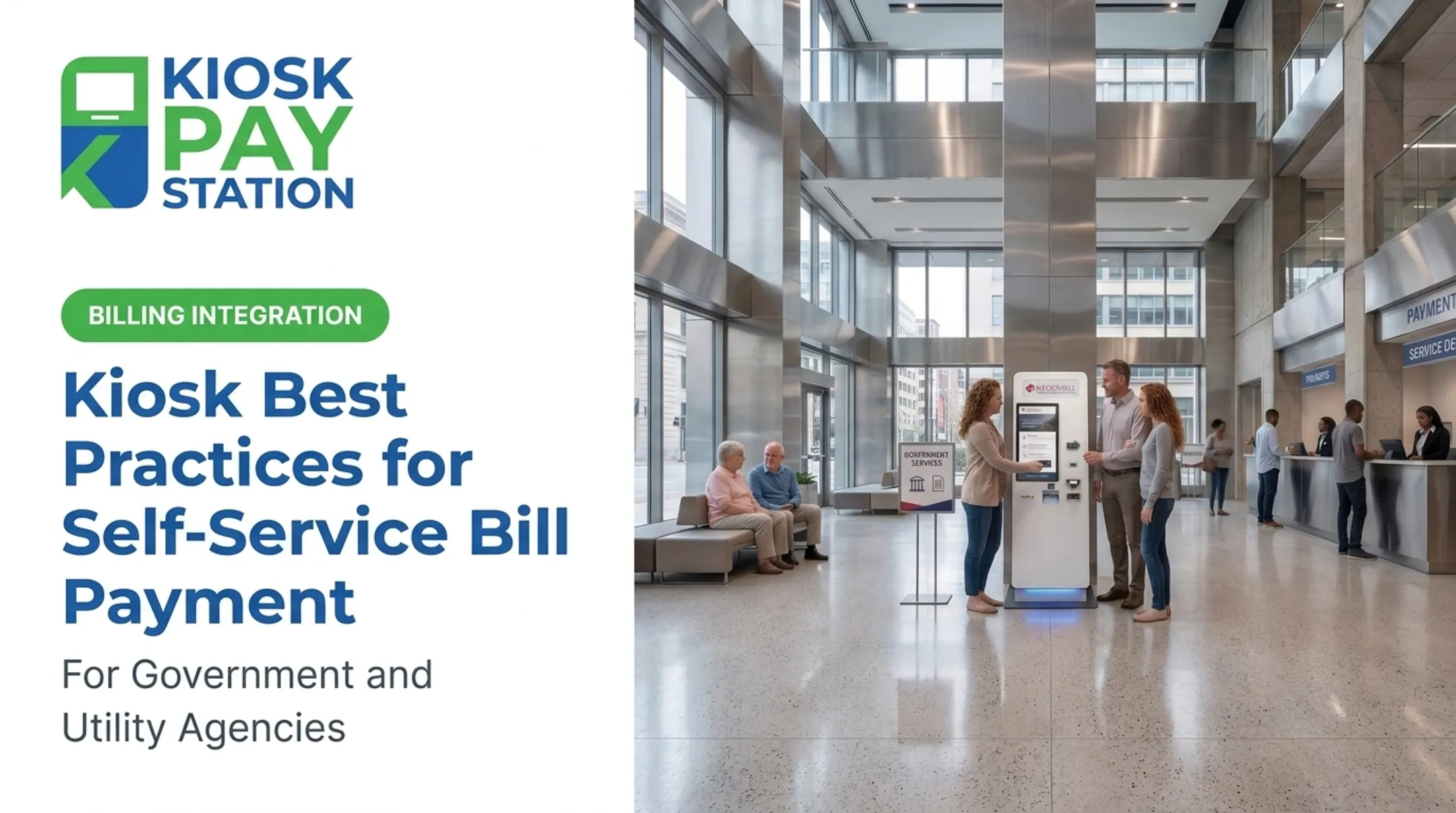
A payment kiosk is an unattended, self-service terminal that lets people pay government or utility bills without waiting for a clerk. Users pay fines, fees, taxes, or utility charges using cash, check, card, or e-wallet, then walk away with a receipt.
Common deployment environments include:
- City halls and county government offices
- Courts and correctional agencies
- Utility provider lobbies
- Tax collector offices
- Parking authorities
These machines aren't one-size-fits-all. Configurations range from compact countertop units suited to smaller lobbies to standalone and in-wall installations built for high-traffic public spaces. Agencies typically choose cashless or cash-accepting setups based on lobby layout, payment mix, and how the kiosk ties into existing billing systems.
How Do Payment Kiosk Machines Work?
The user journey starts with finding an account. Most platforms support multiple lookup methods: invoice number, QR code, barcode, account number, or a custom identifier set by the agency.
KIOSK PAY STATION's system supports all five, plus unlimited custom data elements like department codes or property IDs. That flexibility lets a water utility and a court use the same underlying platform without forcing a generic workflow onto very different billing structures.

Payment Methods and Cash Handling
Once the account loads, the constituent picks a payment method:
- Cash (bills and coins)
- Check
- Credit or debit card
- E-wallet
A cash-accepting kiosk validates each bill and coin as it's inserted, checking for counterfeits and correct denominations, before applying the total to the balance due. Documented cash transaction ranges on KIOSK PAY STATION's platform run from $2 to $23,000, covering everything from a small late fee to a large property tax bill.
Confirmation, Receipts, and Security
After payment, the kiosk confirms the transaction, posts it to the agency's billing system, and prints (or emails) a receipt. On the backend, automated reconciliation and reporting cut down on the manual bookkeeping that used to eat up staff hours.
All of this happens over encrypted payment processing, which ties directly into two compliance frameworks:
- PCI DSS — sets baseline requirements for any environment storing, processing, or transmitting payment account data
- EMV certification — governs how the card reader itself handles secure chip transactions, per EMVCo's technical specifications
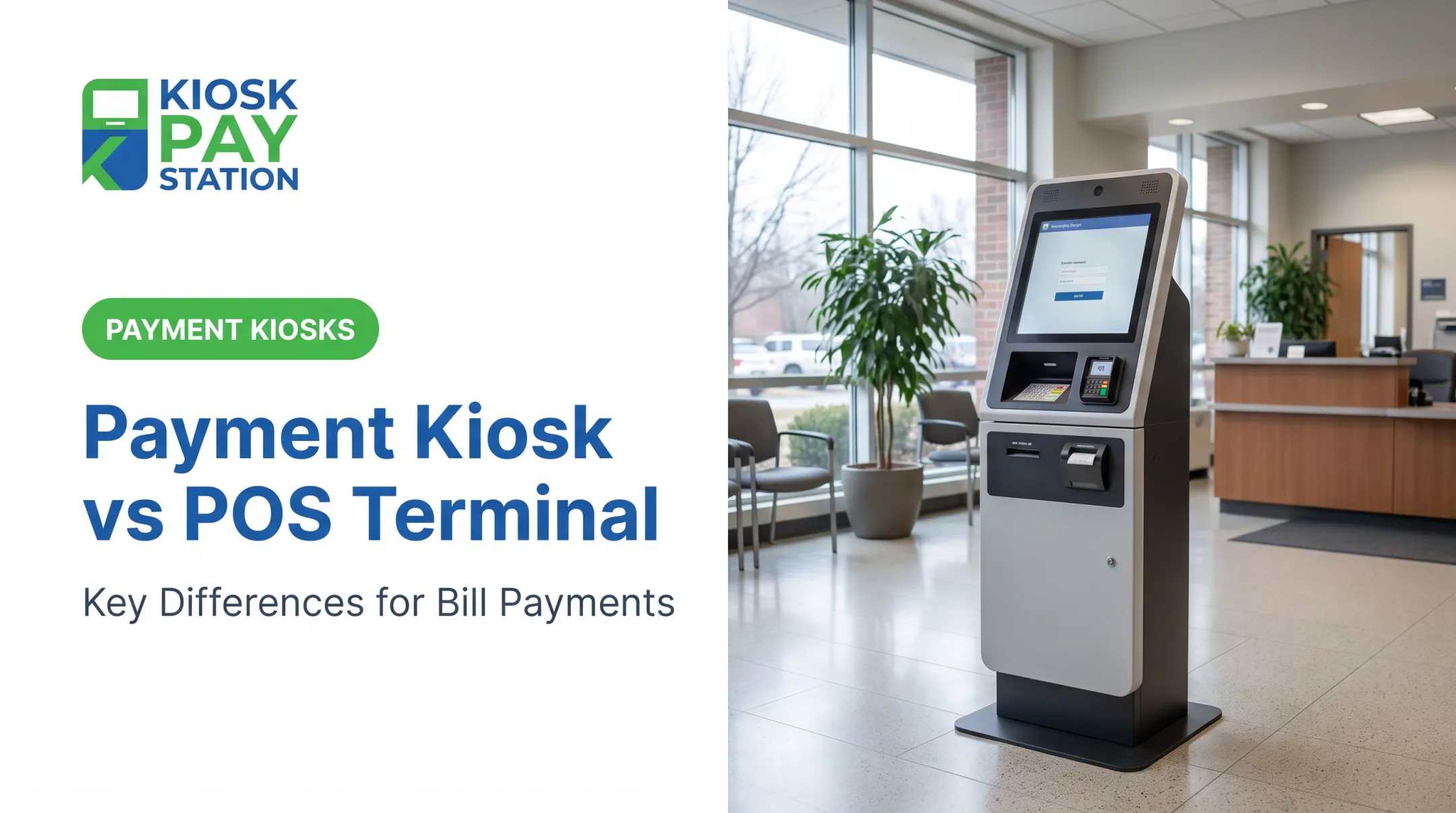
A kiosk is not the same thing as a point-of-sale (POS) system. A POS is a staff-operated checkout tool. A kiosk is unattended and customer-facing, built for someone with zero training to complete a transaction on their own.

Key Benefits of Self-Service Payment Kiosks for Government & Utilities
Kiosks change the math on payment collection in a few concrete ways.
Agencies typically see gains in four areas:
- Cuts front-desk workload so clerks can focus on disputes and complex questions
- Extends access beyond business hours for payments on the constituent’s schedule
- Reduces reconciliation errors by removing manual cashier data entry
- Absorbs peak volume at tax and utility deadlines without adding staff
Riverside County: A Real-World Benchmark
The clearest evidence of kiosk performance comes from Riverside County. Over a seven-day period, two self-service kiosks collected $3.01 million—more than 50% of all payments during that window. In the same period, eight staffed cashier stations processed $2.4 million. Two machines outcollected eight people.
That's not a universal guarantee for every agency, but it shows how much volume a well-placed kiosk can absorb during a crunch.
Multi-tender support helps drive that uptake. When kiosks accept cash, check, card, and e-wallet, constituents pay with whatever they already have on hand—no scramble for exact cash or a single card type.

Features to Look for When Choosing a Payment Kiosk
Not every kiosk on the market is built for government use. Check these items before you sign a contract.
- ADA-accessible design: large touchscreens, voice guidance, and light-based instructions for constituents with visual or hearing impairments
- Multilingual interface: serves diverse populations without an on-site translator
- Flexible integration: real-time, file-based, or non-validated sync with your existing billing system
- Security certifications: PCI-DSS compliance, EMV certification, and encrypted processing verified on the specific hardware model—not a generic vendor claim
- Maintenance terms: documented onsite maintenance and component replacement coverage for the full service life
- Cash handling: bill acceptance plus exact change in bills and coins when your volume is still cash-heavy
- Deployment fit: standalone, countertop, or in-wall options that match lobby, annex, or counter constraints
Interactive transaction machines other than ATMs aren't automatically covered under Section 707, so confirm which accessibility review applies to your kiosk type.
Favor purpose-built government bill-pay designs over retail units adapted after the fact. KIOSK PAY STATION supports agencies with billing-system integration, monitoring, and ongoing support so collections stay secure, traceable, and reconcilable after go-live.

Where Are Payment Kiosks Used? (Industries & Applications)
Government bill-payment kiosks are used wherever people need to pay a public entity:
- Municipal and county government offices for tax and fee collection
- Courts and correctional agencies for fines, fees, and bail payments
- Utility providers for water, electric, and gas bills
- Parking authorities and similar public service organizations needing self-service collection
Chicago shows how far a municipal network can scale. The city grew from 52 kiosks to 74 kiosks across more than 70 locations, handling utility bills, parking tickets, business taxes, and citations in one integrated system.
How Much Does a Payment Kiosk Cost?
There's no single sticker price. Total cost depends on the hardware configuration, how deep the billing integration goes, and what support model you need after go-live. Common cost drivers include:
- Kiosk type — standalone units with cash acceptors and printers cost more than basic countertop cashless models
- Hardware quality — larger touchscreens, EMV readers, secure enclosures, and cash/coin dispensing raise the build cost
- Software and integration — real-time billing-system connections take more setup than simpler file-based sync
- Customization — branding, signage, custom transaction fields, and reporting dashboards
- Ongoing support — monitoring, maintenance, reconciliation, and compliance upkeep often outweigh the one-time hardware line item over multi-year use Agencies should request quotes against actual transaction volume, payment methods, and integration scope—not a generic price sheet. Up front, decide whether you will layer self-service onto systems you already run or stand up a fuller stack with new hardware plus integration and support. That choice shapes both year-one spend and long-term operating cost. KIOSK PAY STATION supports billing-system integration, monitoring, and ongoing support for government and utility payment programs. Pricing follows a free consultation and needs assessment tied to your volume and workflow—not a one-size hardware sheet.
Frequently Asked Questions
What is a kiosk payment machine?
It's a self-service terminal that lets people complete bill payments—taxes, fines, utility bills—without staff assistance, using cash, check, card, or e-wallet.
How much does a kiosk payment machine cost?
Pricing depends on kiosk type (standalone, countertop, in-wall), included features like cash acceptors, and integration complexity. Ranges vary widely, so request a quote based on your transaction volume and payment needs.
How does a kiosk payment machine work?
Users look up their account by invoice number, QR code, barcode, or account number, then select a payment method (cash, check, card, or e-wallet). The kiosk processes payment, posts it to the billing system, and issues a receipt.
What is the difference between a POS system and a kiosk?
A POS system is operated by staff during checkout. A kiosk is unattended and customer-facing, letting the public complete transactions independently without a clerk present.
How do cash-to-card kiosks work?
Cash is inserted, validated for authenticity and denomination, then applied directly to the bill balance or converted into a card credit, depending on the kiosk's configuration.
How do cash transactions work at a kiosk?
Bills and coins are inserted and validated in real time. If the payment exceeds the amount due, the kiosk dispenses exact change in bills and coins.