Introduction
Point a smartphone camera at a small black-and-white square, and a payment screen opens. No typing an account number. No hunting for an invoice ID. That's the basic promise of a QR code payment.
For public agencies, this matters because payment counters carry real friction. Lines form before tax deadlines. Office hours run 9 to 5, but so do most residents' work schedules. Staff spend hours keying in account numbers that a scan could pull up in seconds.
This article breaks down how QR payments work and where they fit into tax, court, parking, and utility bill payment workflows. It also covers how to keep them secure and what agencies should check before rolling them out.
Key Takeaways
- QR codes speed bill pay by opening a payment page, launching a banking app, or pulling account details before checkout.
- Dynamic codes suit bill payments best because they carry transaction-specific amounts and account data.
- Pair QR payments with secure processing, clear confirmations, accessible design, and backup payment options.
- QR-enabled kiosks reduce counter workload and simplify daily reconciliation.
What Are QR Code Payments?
A QR code is a two-dimensional barcode that stores or links to digital information. A payment QR code specifically connects a customer's phone to a payment experience, whether that's a web page, a banking app, or a digital wallet screen.
Not every QR payment works the same way. There are generally three flows:
- Agency- or merchant-presented codes that open a payment page or banking app when scanned by the customer
- Transaction-specific codes that include or reference an invoice number, account ID, amount, or payment token
- Customer-presented codes generated inside a banking or wallet app, then scanned by a cashier, kiosk, or payment device
Static vs. Dynamic Codes
Static and dynamic codes serve different bill-payment jobs:
- Static codes always point to the same fixed information—for example, a lobby poster that opens one general payment portal
- Dynamic codes carry transaction-specific data such as an amount or account reference, so they fit individual bills better
EMVCo, the organization behind global QR payment interoperability standards, distinguishes merchant-presented from consumer-presented QR arrangements. In merchant-presented flows, the customer scans a code the business displays. In consumer-presented flows, the business scans a code on the customer's device. That distinction shapes who initiates the transaction and where authorization happens.
Scanning doesn't always mean paying. Customers still need to review the payee, amount, account, and payment method, then authenticate before the transaction goes through.
In bill payment, that confirmation step matters. A code that carries an account number or invoice reference cuts the manual typing that causes errors and slows every counter transaction.
How Do QR Code Payments Work?
The scan-to-pay journey follows a consistent pattern, whether it's a utility bill, a tax notice, or a kiosk screen:
- Agency or platform generates a code (static or dynamic) for the bill, notice, or session.
- The code appears on a bill, mailed notice, receipt, counter sign, website, or kiosk screen.
- The customer scans it with a phone camera, banking app, or wallet app.
- The scan opens the payment experience and passes the relevant account or invoice data.
- The customer reviews details, picks a payment method, and authenticates.
- The processor returns a status (approved, declined, or pending) and confirms to both parties.

QR codes can also support account lookup rather than direct payment. A code might reference a utility account number, a property ID, or a court case reference, letting the customer's phone retrieve bill details without anyone typing them in manually.
Who Scans and Who Authorizes
It matters which party displays the code:
- Agency-presented code: The customer scans it, starts the payment, and authorizes on their own device.
- Customer-presented wallet code: A cashier or kiosk reads the code, but the customer still authorizes on their phone with a PIN, passcode, or biometric check.
Agencies handling variable amounts, or crediting specific accounts, should lean toward dynamic or controlled QR links rather than one unchanging static code for every transaction. A static code can't validate that the amount matches the bill or that funds land in the right account.
A simple example: A water customer scans the code printed on their monthly bill. The code opens a payment page showing their account and the exact balance due. They confirm the details, select a debit card, authenticate with their phone's fingerprint sensor, and receive a digital receipt seconds later.
Behind the scenes, the payment still has to post to the correct account, generate a receipt, land in the transaction log, and show up for reconciliation.
Kiosk Pay Station's billing integrations can use the QR or barcode already printed on a bill to pull up the right account in seconds, then sync the posted payment for same-day reconciliation.
Benefits of QR Code Payments
For customers, the appeal is straightforward. Fewer keystrokes, a familiar smartphone-based flow, contactless interaction, and no need to dig out a physical card at the counter.
For agencies, the payoff shows up in daily operations:
- Reduces counter workload when routine payments no longer need staff help
- Cuts data-entry errors as account numbers and amounts transfer automatically
- Extends payment access outside staffed hours where the system and location allow it
- Leaves cleaner admin trails with digital receipts, traceable records, and automated reporting
QR payments work best as one option among several, not a replacement for everything else. Cash, checks, cards, and e-wallets still matter for residents who don't want to (or can't) use a smartphone. An agency that forces one channel on everyone tends to create new friction instead of removing it.
When QR sits inside a broader self-service setup, the operational gains show up in hard numbers. Kiosk Pay Station reports that its self-service kiosks have cut counter traffic by up to 40% at deploying agencies.
Riverside County is one example. Two self-service kiosks ran alongside eight staffed cashier stations; over seven days, the kiosks reportedly collected more than $3 million—over half of that week’s payments—versus $2.4 million across the eight staffed stations. That figure is Kiosk Pay Station’s own report, not an independent audit, but it shows the throughput self-service can add without expanding headcount.

How Safe Are QR Code Payments?
QR payments inherit the security of whatever's underneath them. Encrypted connections, tokenization where supported, PCI-DSS-compliant processing, EMV protections for card transactions, and customer authentication through a PIN or biometric check all still apply. A QR code itself doesn't add security: it's just a delivery mechanism for a link or data string.
That's exactly why it also carries its own risks. The FBI's Internet Crime Complaint Center has warned that criminals tamper with QR codes to redirect victims toward fraudulent payment pages designed to steal credentials and financial details. Common tactics include:
- Quishing: phishing attacks delivered through a QR code instead of an email link
- Sticker overlays: covers placed on legitimate agency signage
- Fake payment pages: lookalike sites built to capture credentials
- Unexpected codes: stickers on stations that never accepted QR payments
What Customers Should Check
- Scan only codes from trusted, official sources
- Check the destination domain or app before entering any payment details
- Confirm the agency or merchant name matches what's expected
- Verify the amount and account before approving
- Walk away if anything doesn't match, and type the known agency URL directly instead
What Agencies Should Do
- Generate codes only through approved payment systems
- Control who can create or replace signage
- Use tamper-resistant physical displays
- Monitor active links and payment destinations regularly
- Test codes on a schedule, not just at launch
- Publish a clear process for reporting suspicious codes or transactions
Contactless delivery does not make a QR code safe on its own. Treat every code as untrusted until the destination, payee, and amount all check out—and keep the real controls in the payment stack behind it.

How Government Agencies and Utilities Can Use QR Code Payments
Tax collectors, county and municipal offices, courts, correctional agencies, parking authorities, and utilities share a common challenge: high transaction volume, limited staff, and residents who expect faster service. QR codes fit naturally into several touchpoints:
- Printed materials — tax notices, utility bills, court correspondence, parking citations, receipts, and payment reminders
- Kiosk screens — letting customers retrieve an account or continue payment on their own device
- Public signage and websites — directing customers to an official payment page
Orange County's tax collector already uses this approach on secured property tax bills, where a QR code opens the parcel's online tax bill directly, alongside separately listed electronic-check and card payment options. The code handles lookup; payment still happens as a distinct, confirmed step.
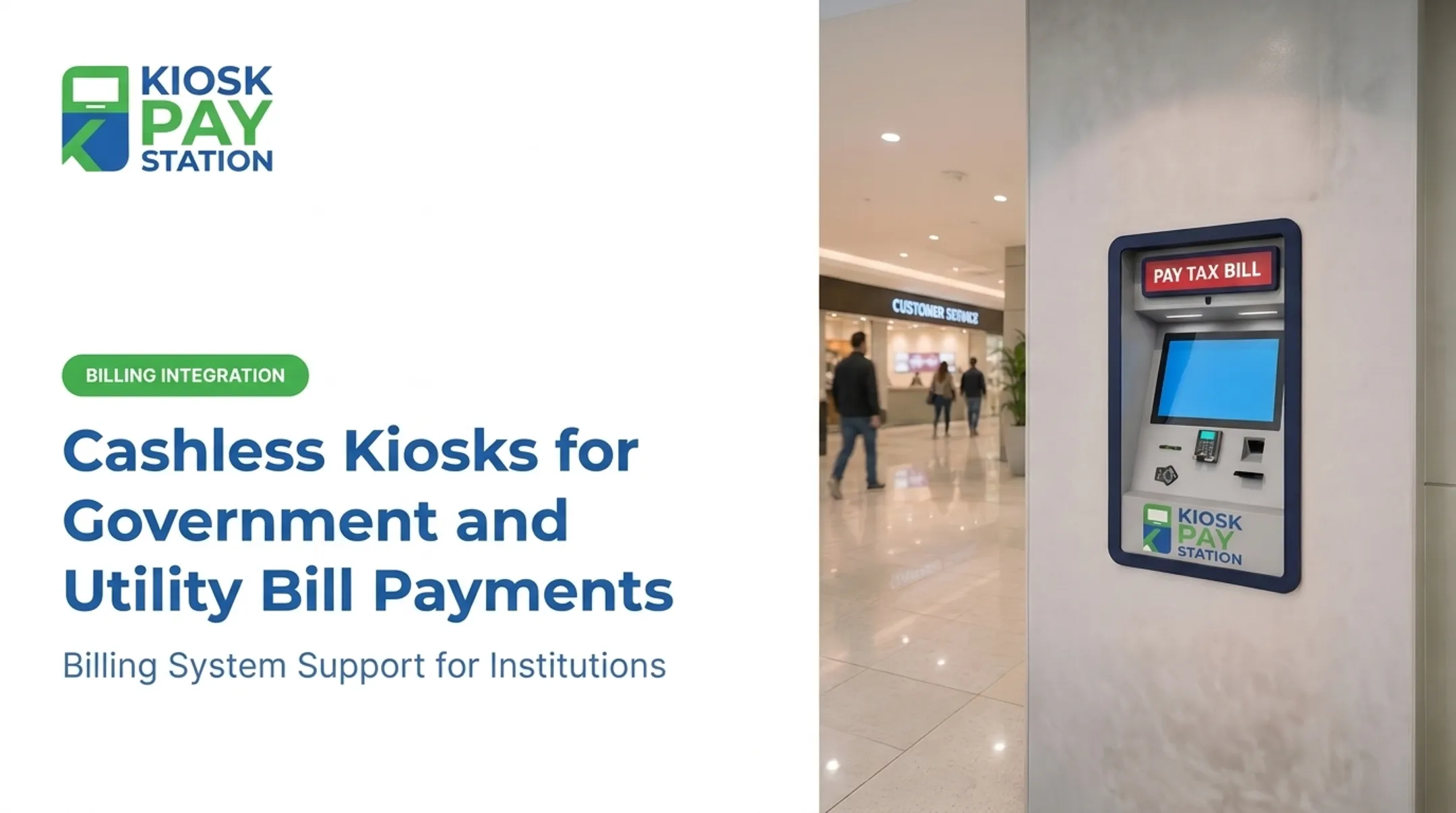
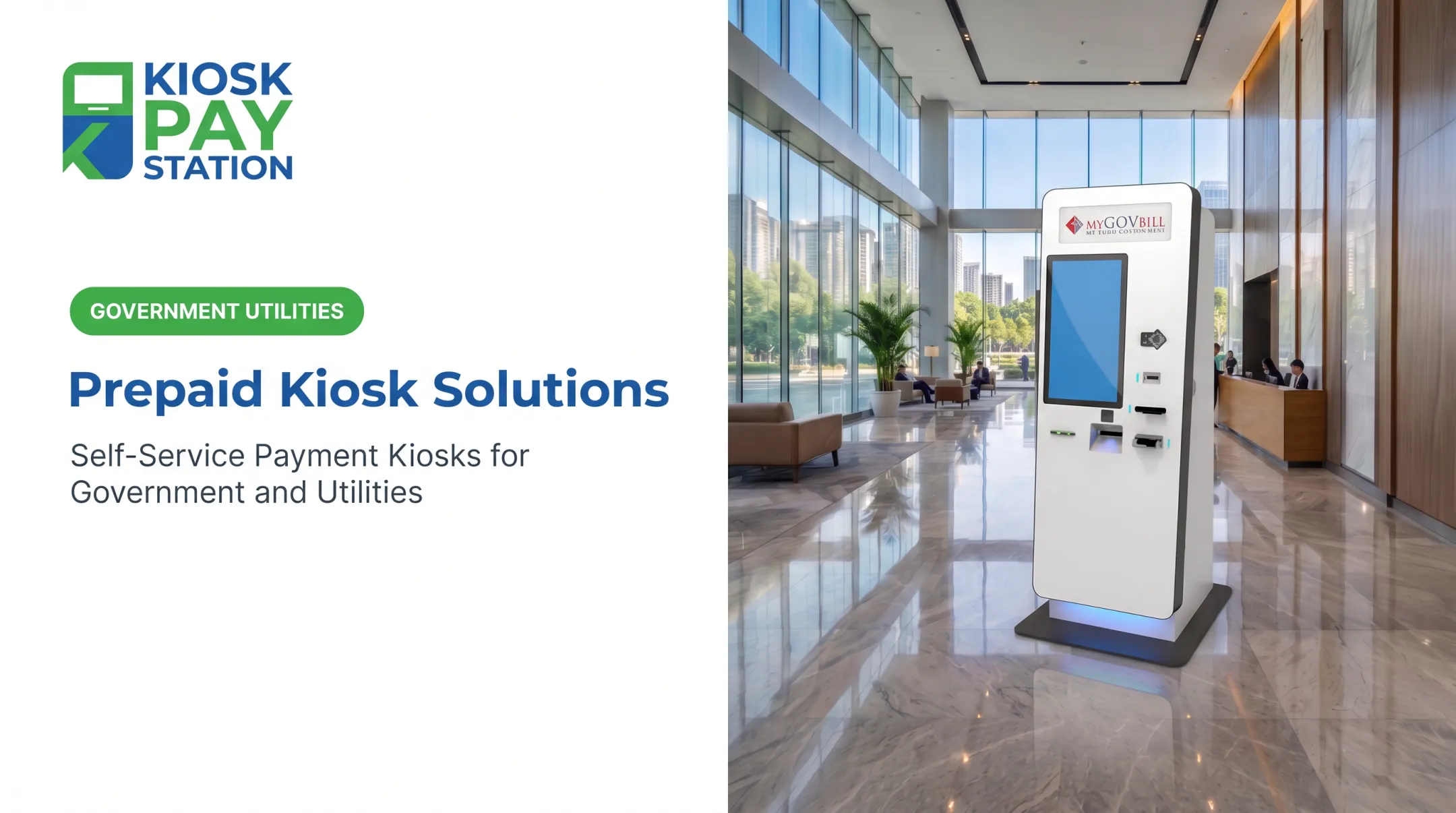
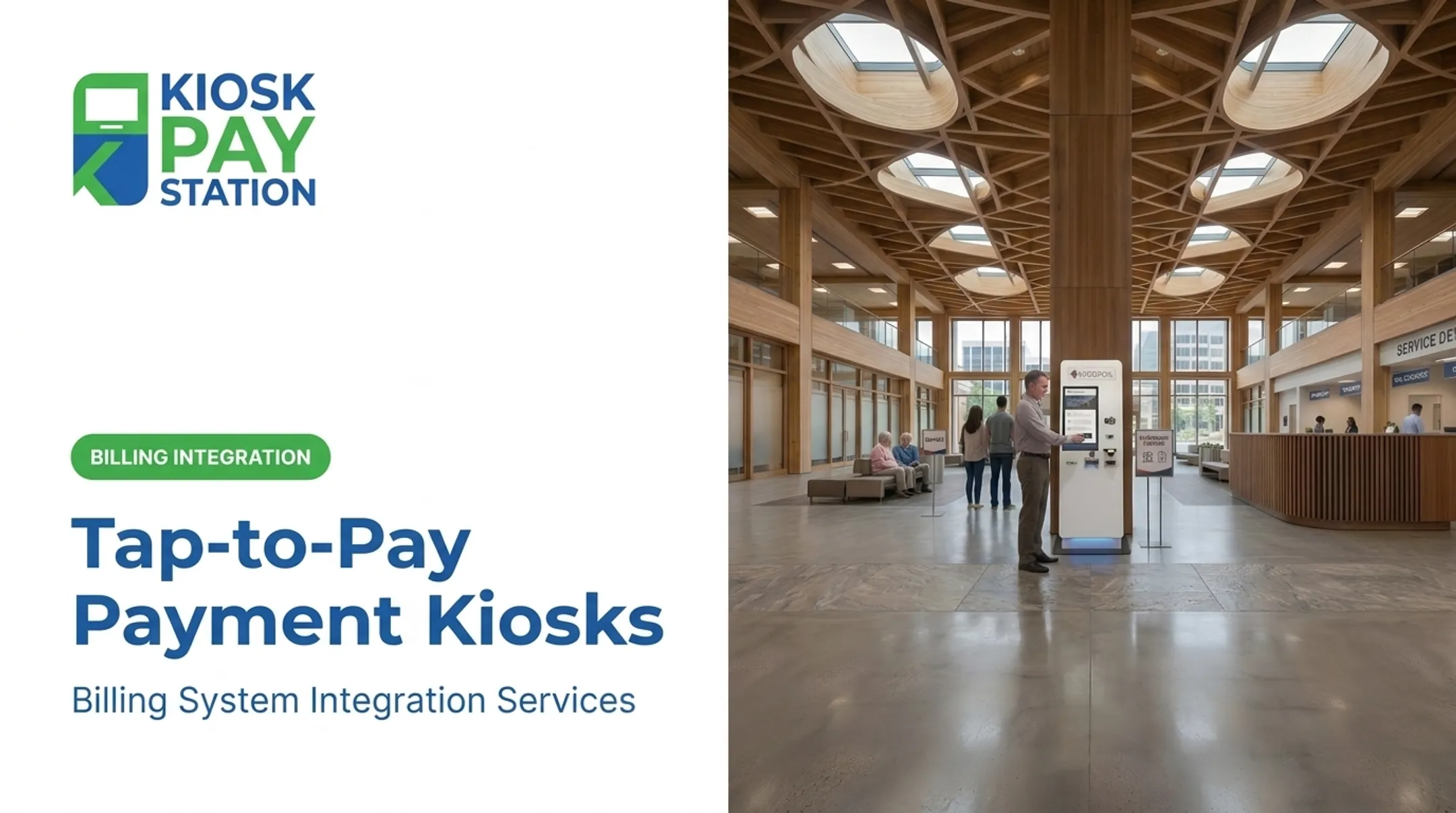
QR-enabled self-service works well alongside a purpose-built bill-payment kiosk. Customers identify their account with a quick scan, then still choose cash, check, card, debit, or e-wallet based on what they have on hand.
Government bill-payment self-service systems typically need the same compliance and operations stack:
- PCI-DSS-compliant processing and EMV-certified card acceptance
- ADA-accessible interfaces and multilingual support
- Unlimited custom data capture per transaction
- Automated daily reconciliation
Kiosk Pay Station focuses on integration, monitoring, and ongoing support for agencies already running this infrastructure, so compliance and reconciliation keep working as intended.
The Riverside County deployment mentioned earlier shows the practical upside: self-service can take a meaningful share of payment volume, ease pressure on staffed counters, and still produce the transaction records agencies need for daily reporting. That mix of throughput and auditability is what lets the model scale.
Implementation Checklist for QR Code Payments
Before rolling out QR code payments agency-wide, work through these steps:
- Identify the customer journey. Is this account lookup, a fixed-amount invoice payment, a variable-amount payment, payment-link checkout, or a customer-presented wallet code?
- Confirm technical requirements. Check processor compatibility, banking and wallet support, account-system integration, real-time or file-based processing, receipt delivery, and reconciliation reporting.
- Test the full journey. Cover devices and payment methods, including declined payments, duplicate scans, expired links, wrong-account scenarios, refunds, and dropped connections.
- Make it accessible. Provide clear instructions, readable contrast and sizing, multilingual guidance, accessible controls, and an alternative path for customers without a smartphone.
- Establish governance. Define ownership for code generation, signage replacement, link monitoring, fraud response, customer support, and privacy retention.
- Pilot first. Measure operational outcomes, refine instructions, and only then expand across additional locations or channels.
Skipping the pilot step is the most common mistake. A workflow that looks clean on paper often reveals gaps (a confusing confirmation screen, a mismatched account field) only once real customers start scanning.
Frequently Asked Questions
How do I scan a QR code to pay?
Open your phone's camera or an approved payment app, point it at the code, and confirm the destination and payment details that appear. Review the amount and account before authorizing the transaction.
How do I pay by scanning my phone?
Use your phone to scan a code the organization displays, then complete the payment in the linked page, banking app, or digital wallet. The organization doesn't scan your phone in this flow.
Are QR code payments safe?
They rely on encryption, authentication, and trusted payment providers behind the scan, similar to other digital payments. Always verify the destination, payee, account, and amount before approving anything.
What's the difference between a static and dynamic QR code?
A static code points to fixed, unchanging information every time it's scanned. A dynamic code can reference transaction-specific details, like a bill amount or account number, that change with each payment.
Can government agencies accept QR code payments at a kiosk?
Yes. A kiosk can display or scan QR codes for account lookup and payment initiation, while still supporting cash, check, card, debit, and e-wallet options. That keeps reconciliation centralized in one system.