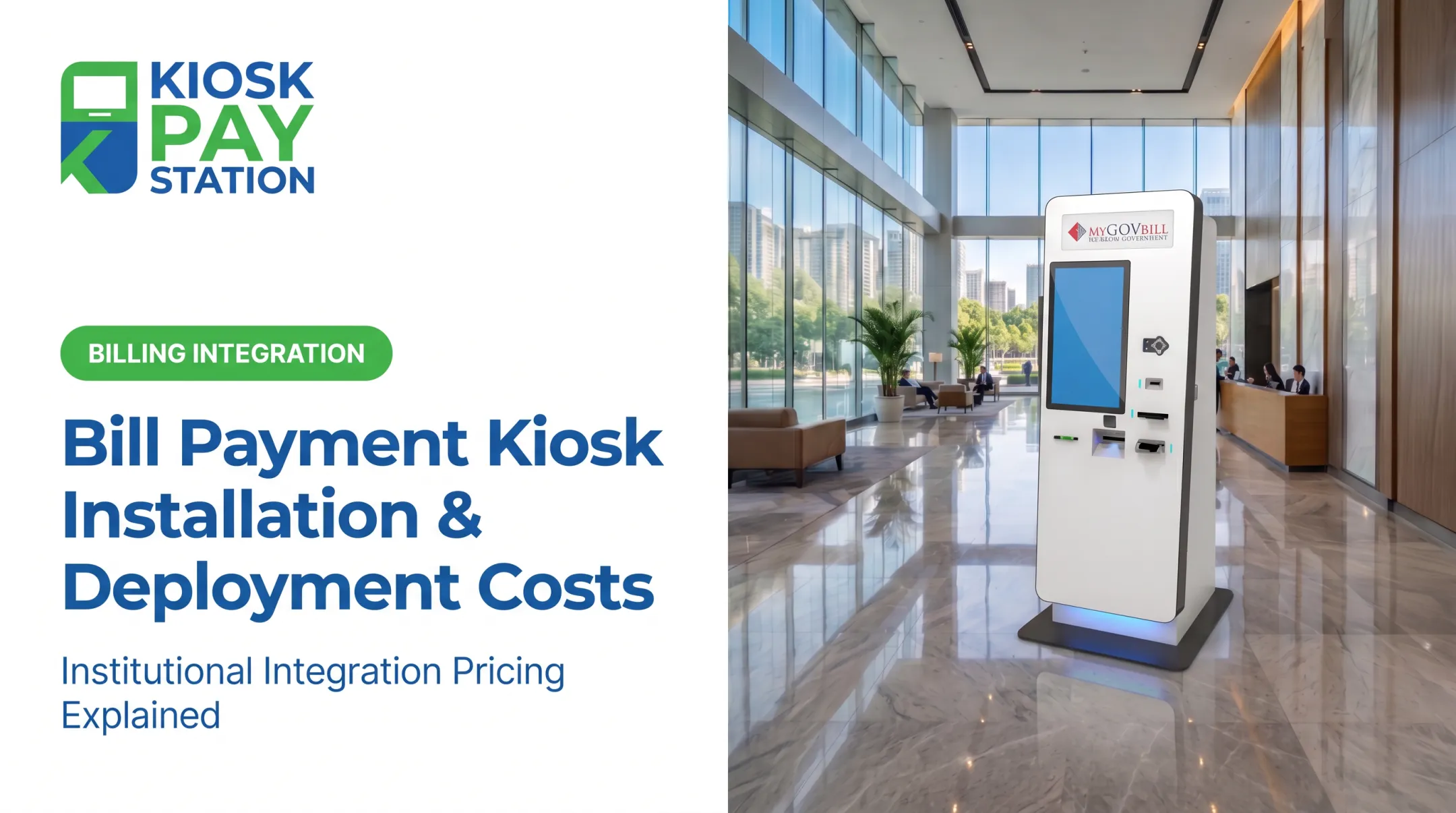
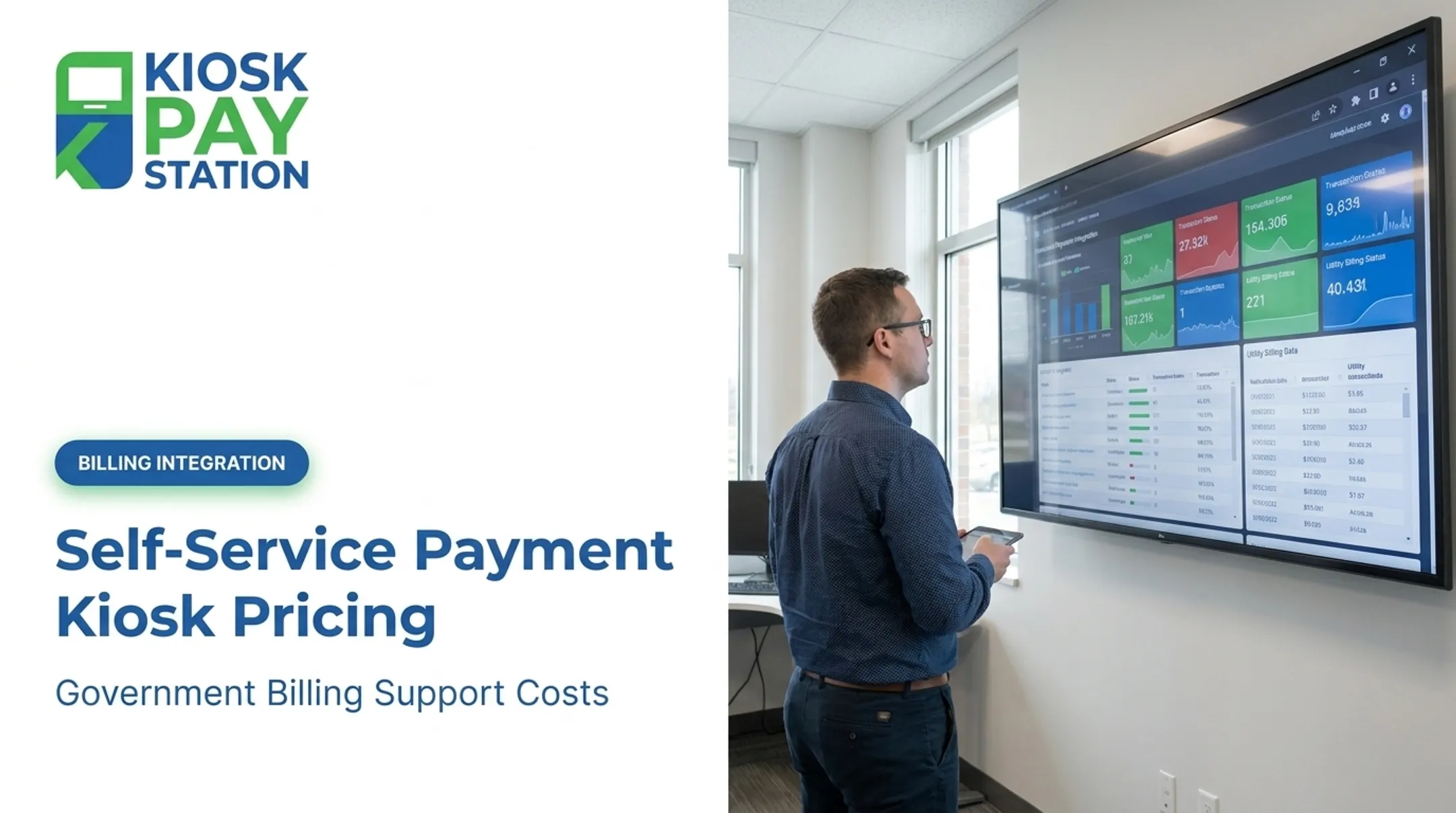
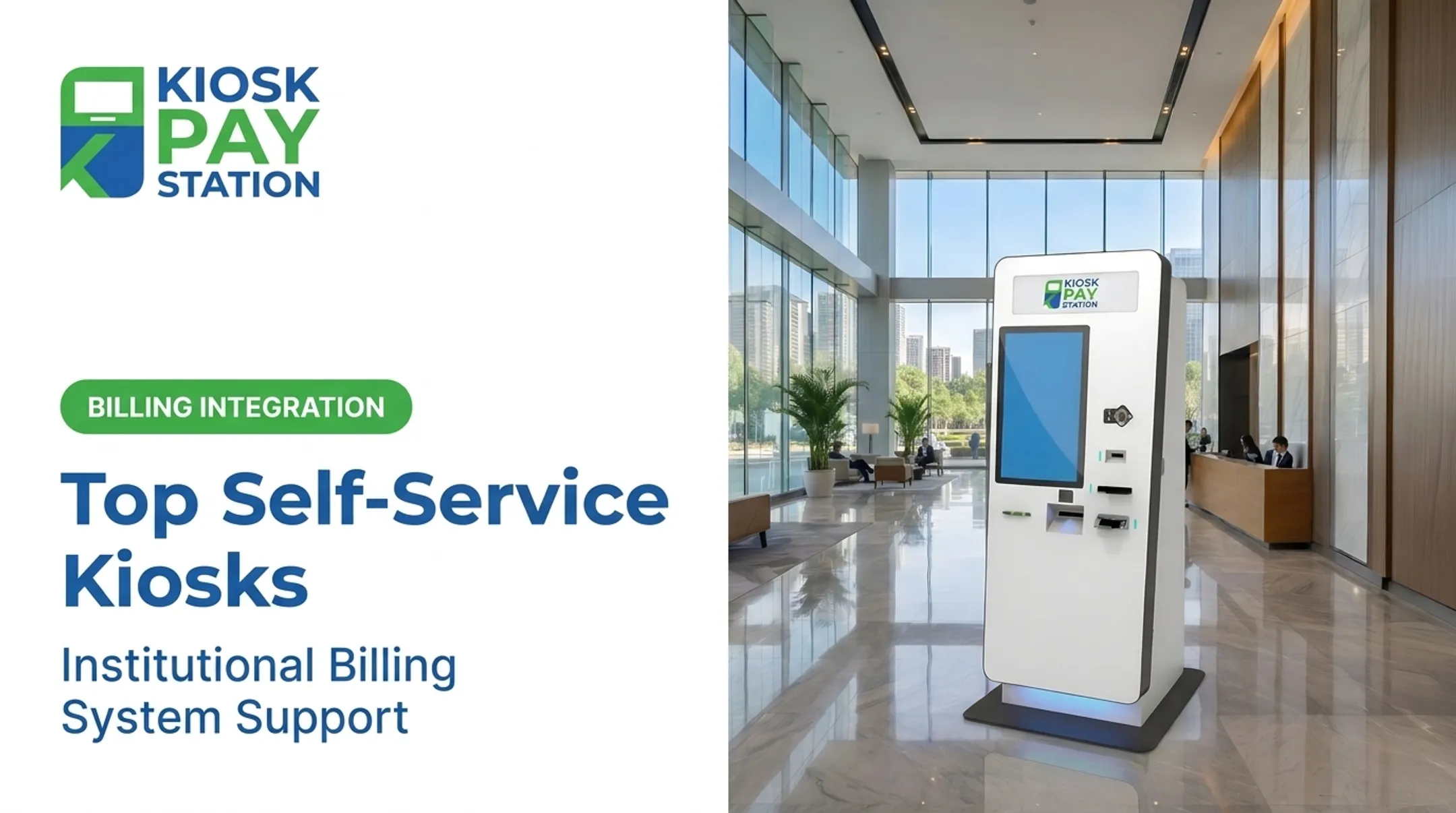
Here's the catch: there's no single "average price" for a payment kiosk. Costs swing based on form factor, payment methods, compliance needs, and how deep the integration goes with your existing billing system. A card-only unit for a small tax office looks nothing like a cash-accepting kiosk built for a county courthouse.
This guide breaks down realistic pricing ranges, the cost components behind them, what drives costs up or down, and how to budget a kiosk program correctly.
Key Takeaways
- Planning ranges: ~$8,000–$25,000 indoor and $15,000–$50,000 outdoor; treat as quote envelopes, not fixed prices (RedyRef)
- Top price drivers: cash handling, ADA compliance, custom data capture, and integration complexity
- Config fit: single-site tax offices often need card-only; multi-department counties usually need cash plus deeper billing integration
- Cash-and-change units fit best where constituents pay cash regularly, especially in underbanked communities
How Much Does a Self-Service Kiosk Cost? (Pricing Overview)
Kiosks don't have a sticker price. Final cost depends on the payment methods accepted, compliance requirements, form factor, and how much customization your billing workflow needs.
Common budgeting mistakes we see agencies make:
- Underestimating cash-handling hardware costs. A bill acceptor alone averages $970-$1,000, and a full cash recycler runs $4,500-$5,000 in module costs alone (Frank Mayer)
- Choosing card-only kiosks when a large share of constituents still pay in cash or check
- Ignoring five-year maintenance costs and only budgeting for the upfront hardware purchase
Typical Cost Range
- Entry-level / card-only kiosk: $8,000-$12,000 for a basic indoor unit
- Mid-range / multi-payment kiosk: $15,000-$25,000 depending on customization and ADA features
- High-end / cash-accepting kiosk: $25,000-$50,000+ with cash acceptance, exact-change dispensing, and custom integrations

Entry-Level Card-Only Kiosks ($8,000–$12,000)
What's typically included: Touchscreen interface, EMV card reader (tap/dip/swipe), basic receipt printer, standard steel enclosure.
Best for: Low-volume departments that mainly need bill lookup and card payment, such as small municipal offices with light foot traffic.
Mid-Range Multi-Payment Kiosks ($15,000–$25,000)
What's typically included: Multi-payment support (card, check, e-wallet), custom branding, ADA-accessible touchscreen with voice/light guidance, multilingual interface.
Best for: City halls and utility providers that need broader payment acceptance without full cash handling.
High-End Cash-Accepting Kiosks ($25,000–$50,000+)
What's typically included: Cash and check acceptance, exact-change dispensing in bills and coins, custom data fields, real-time billing-system integration.
Best for: County governments and courts processing high transaction volumes and diverse payment types. Historical standalone designs in this tier, such as Pay Station Pro, accepted bills, dispensed exact change, and handled transactions from $2 up to $23,000.
Key Factors That Affect the Cost of a Self-Service Kiosk
Price depends on six main variables: form factor, payment methods, compliance requirements, customization depth, system integration, and installation plus ongoing support.
Kiosk Configuration and Form Factor
- Standalone units cost more than countertop models but offer the largest cash-handling capacity
- Countertop kiosks work well where floor space is limited and cash isn't required
- In-wall (recessed) units add installation complexity but save floor footprint
- Outdoor-rated units need weatherproofing, temperature regulation, and vandal resistance
- Price range by environment: about $8,000–$25,000 indoor vs. $15,000–$50,000 outdoor
Payment Methods Supported
Card/EMV-only kiosks sit at the cheaper end. Adding cash, check, and e-wallet support raises costs significantly:
- Coin acceptor: $500-$600
- Bill acceptor: $970-$1,000
- Coin recycler: $3,500-$3,625
- Cash recycler (accepts and dispenses): $4,500-$5,000

These are module-level averages from Frank Mayer's cash kiosk breakdown. Expect additional engineering costs when integrating them into a complete system.
Compliance and Security Requirements
PCI-DSS compliance and EMV certification aren't optional for payment kiosks. The PCI Security Standards Council requires baseline data-security controls for any entity processing cardholder data, with independent labs evaluating point-of-interaction devices before approval.
ADA compliance adds cost too. Federal accessibility standards require at least one compliant unit of each machine type at a location, so voice instructions, light indicators, and large accessible touchscreens are required features, not extras.
Level of Customization and Data Capture
Custom fields for account numbers, department codes, or property IDs add software development time. Multiple account lookup options (QR code, barcode, invoice number, or name search) also increase upfront software costs but reduce transaction friction later.
Integration Complexity
- Real-time integration synchronizes payments instantly with your billing system, cutting manual entry but costing more upfront
- File-based integration transfers data on a schedule rather than instantly, typically cheaper but slower to reconcile
- Non-validated integration offers the lowest cost tier but the least automated verification

Legacy government software often drives integration costs higher than the hardware itself.
Installation, Maintenance, and Support
Budget both one-time setup and recurring support:
- One-time setup: site prep, electrical work, networking, and onsite installation (varies by location)
- Ongoing support: onsite servicing, component replacement, and monitoring as a recurring line item
Cost Breakdown of a Self-Service Kiosk Program
Total cost of ownership extends well beyond the sticker price on the kiosk itself.
| Cost Component | Type | What's Included |
|---|---|---|
| Initial hardware purchase | One-time | Enclosure, screen, card reader, cash/check devices |
| Software licensing & customization | One-time/Recurring | Interface design, multilingual support, reporting tools |
| Installation and setup | One-time | Site prep, wiring, network integration |
| Ongoing maintenance & monitoring | Recurring | Onsite servicing, part replacement, remote monitoring |
| Transaction & processing fees | Recurring | Per-transaction card/e-wallet processing costs |

According to Olea's TCO research, acquisition cost is often a small fraction of a full 3- to 5-year deployment once support contracts, parts, repair logistics, and downtime are factored in. Budget for the full lifecycle, not just the cabinet.
How to Estimate the Right Budget for Your Agency's Kiosk Program
Fit matters more than price for public-sector deployments. A cheap card-only unit that turns away cash-paying constituents costs more in lost revenue and continued counter congestion than a properly specified kiosk.
Factors to weigh:
- Match upfront spend to transaction volume and foot traffic
- Include cash acceptance for courts, parking authorities, and other cash-heavy departments; card-only offices can spend less
- Budget for PCI-DSS, EMV, and ADA compliance from day one
- Plan custom work when connecting to legacy billing systems
- Build five-year onsite maintenance and component replacement into the initial quote
What Agencies Often Miss When Budgeting for Kiosks
Public agencies routinely underbudget kiosk programs by focusing too narrowly on the purchase price.
- Ignoring processing and maintenance fees — hardware is often the smallest piece of a 5-year total cost
- Underestimating cash demand in underbanked communities, where card-only kiosks shut out many constituents
- Choosing the lowest bid without weighing vendor support quality or long-term reliability
- Skipping ADA and multilingual features, which raises legal exposure and accessibility risk later
Riverside County shows what solid budgeting unlocks. Two self-service kiosks collected $3.01 million over a 7-day period, outperforming eight staffed cashier stations that processed $2.4 million in the same window.
Over 50% of total payments came through the kiosks alone.
Frequently Asked Questions
How much does a kiosk system cost?
Indoor payment kiosks typically run $8,000-$25,000, while outdoor or cash-accepting units can reach $50,000+. Government kiosks with cash handling and compliance features typically land near the top of that spectrum.
What software do kiosks use?
Kiosk software generally handles payment processing, account lookup, and custom reporting. Public-sector kiosks also need multilingual interfaces and PCI-DSS compliant, customizable software to fit specific billing workflows.
Are self-service kiosks worth the investment for government agencies?
Riverside County's two kiosks collected $3.01 million in seven days, outperforming eight staffed cashier stations that processed $2.4 million in the same period. High-volume agencies with heavy counter traffic see the strongest case for deployment.
How long does it take to see ROI from a payment kiosk?
ROI depends on reduced staffing needs, faster reconciliation, and less counter congestion. No universal payback timeline exists. Agencies should model ROI against local transaction volume, average payment size, and staff hours displaced.
Can kiosks accept cash payments?
Yes. Standalone cash-capable units accept bills and dispense exact change in both bills and coins, handling transactions from $2 to $23,000.
What ongoing costs should agencies budget for after installation?
Budget for five-year onsite maintenance and component replacement, software updates, and per-transaction processing fees. These recurring costs often exceed the initial hardware purchase over time.