Introduction
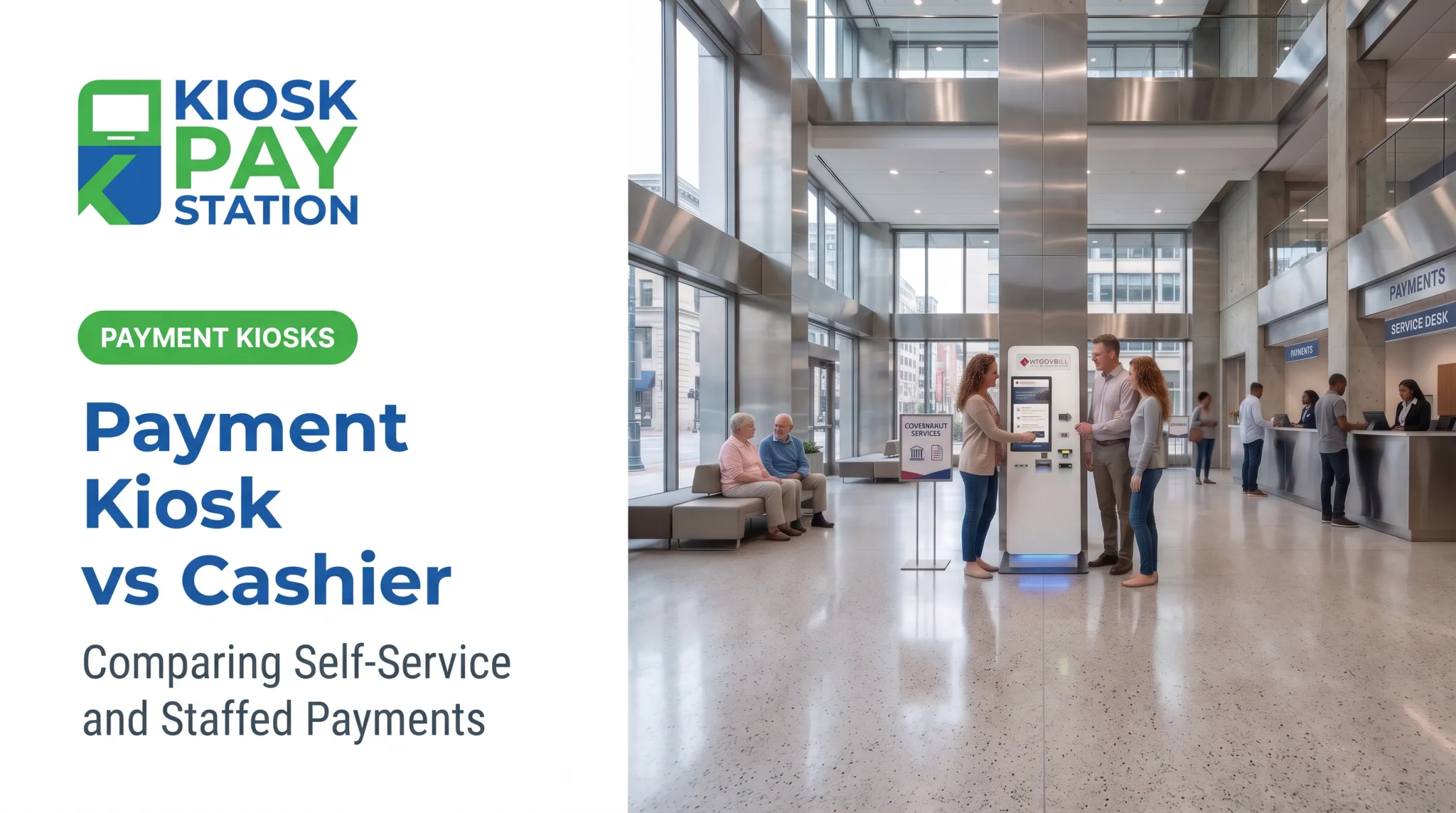
A resident walking into city hall to pay a water bill has two options: a self-service payment kiosk or a staffed POS terminal. Both accept payment and connect to the same billing system. They run on different models: one is self-service, the other staff-assisted.
That distinction shows up in daily operations. Government agencies, utilities, courts, and tax offices juggle staffing shortages, long counter lines, reconciliation headaches, and strict payment-security rules.
Choosing the wrong channel, or relying on just one, can mean longer waits, more manual data entry, and higher error rates. In one seven-day period, Riverside County's two payment kiosks collected $3.01 million, more than half of all payments, outperforming eight staffed cashier stations that processed $2.4 million.
This article compares payment kiosks and POS terminals on the factors that matter for bill payments: user interaction, payment methods, account lookup, integrations, security, accessibility, and cost. By the end, you'll know which model fits your operation, or whether you need both.
Key Takeaways
- Kiosks are self-service; POS terminals require an employee to operate them.
- High-volume routine payments and extended hours favor kiosks; POS handles exceptions and complex cases.
- Compare total operating impact (staffing, maintenance, reconciliation), not sticker price alone.
- A hybrid model lets constituents choose their preferred payment channel.
- Confirm PCI-DSS, EMV, accessibility, and integration fit before buying either system.
Payment Kiosk vs POS Terminal: Quick Comparison
The fastest way to understand the difference is to line them up side by side.
| Factor | Payment Kiosk | POS Terminal |
|---|---|---|
| Primary user | Constituent or customer, unassisted | Cashier, clerk, or authorized employee |
| Primary purpose | Public-facing self-service payment channel | Staffed transaction workflow, often tied to case management |
| Payment methods | Cards, cash, checks, e-wallets, QR/barcode scanning (varies by model) | Cards, cash, checks (capability depends on the provider) |
| Account lookup | Self-guided: QR code, barcode, invoice number, or account entry | Staff-entered, based on documentation provided |
| Access hours | Can extend beyond staffed hours, up to 24/7 | Limited to when an employee is present |
| Reconciliation | Often automated, with exportable reporting | Frequently dependent on manual end-of-day procedures |
The Point of Interaction standard from the PCI Security Standards Council explicitly defines a "payment or POS terminal" as the card-acceptance device itself, not the full self-service experience a kiosk provides.
That distinction matters when you evaluate vendors and compare feature sheets.
Cost comparisons deserve the same care. Kiosk and POS pricing both vary widely by configuration, vendor, and integration scope. There is no universal "kiosks cost X, POS costs Y" figure—treat any unsourced number as a rough estimate at best.
What Is a Payment Kiosk?
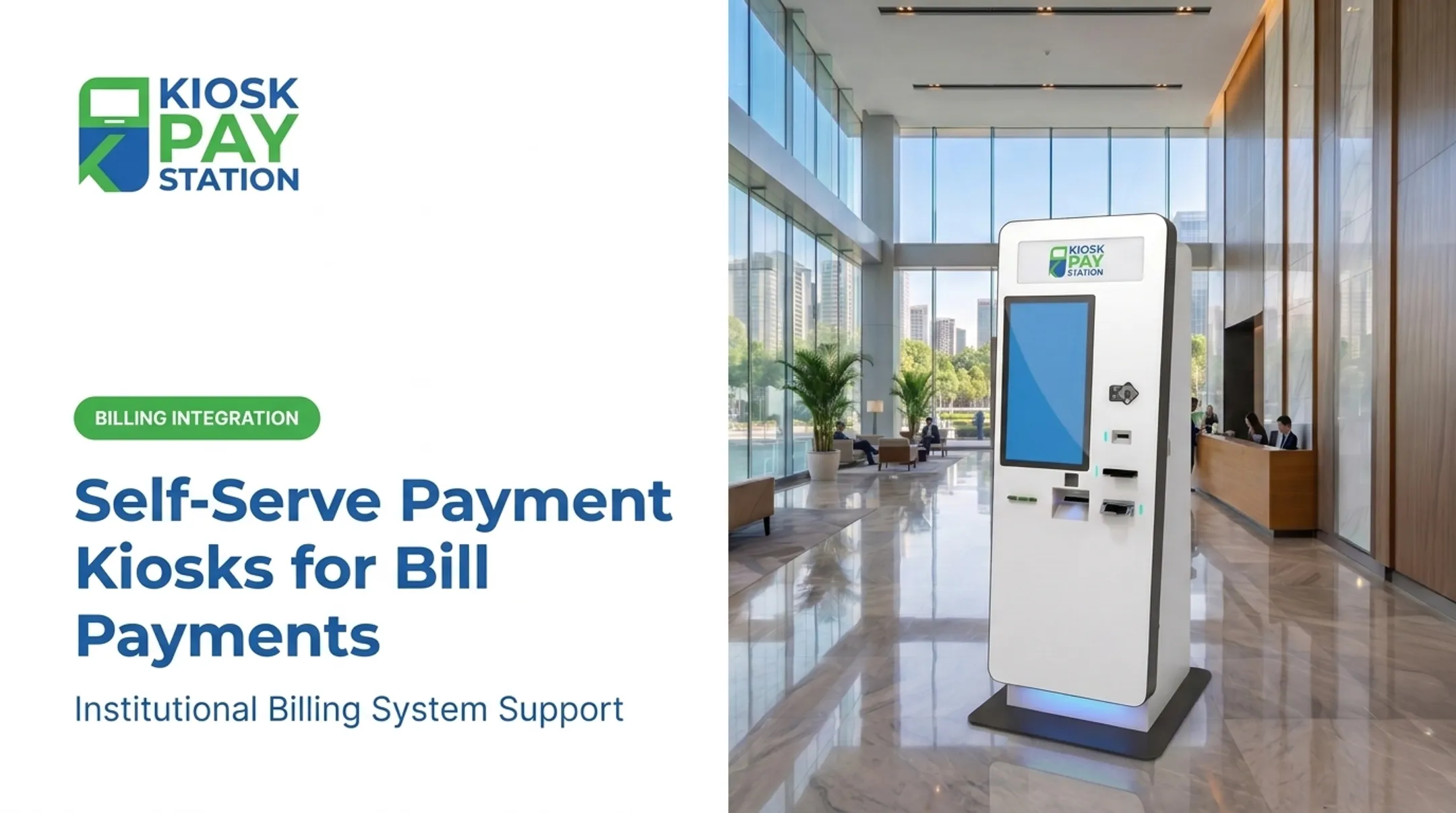
A payment kiosk is a customer-facing, self-service station. A person identifies their account, selects the bill or amount owed, chooses a payment method, completes the transaction, and walks away with a receipt or confirmation. No staff interaction is required.
Bill-payment kiosks aren't the same as the touchscreen you use to order a burger. Government and utility payments demand more:
- Custom data fields for department codes, property IDs, or case numbers
- Account validation against the organization's billing system
- Transaction traceability for audits and reconciliation
- Direct connection to government or utility billing platforms, not a generic retail backend
Hardware and Payment Options Worth Verifying
Not every kiosk supports every payment type. Before selecting a system, confirm:
- Cash acceptance and exact-change dispensing (bills and coins)
- Check processing capability
- EMV-certified card readers supporting tap, dip, and swipe
- E-wallet support
- Receipt printers and barcode/QR scanners for account lookup
KIOSK PAY STATION, for example, offers a standalone cash-accepting model that dispenses exact change in bills and coins, plus a cashless configuration for checks, cards, and e-wallets. Account lookup supports QR codes, barcodes, invoice numbers, or manual entry, with unlimited custom data elements on each transaction for reconciliation.

Security and Compliance
Kiosks handling public payments need layered protection:
- PCI-DSS controls covering how cardholder data is stored, processed, and transmitted
- EMV-certified card acceptance
- Encryption on all payment processing
- Tamper-resistant, steel enclosures for unattended equipment
- Audit trails tracking every transaction
Note that an approved payment device doesn't automatically make your entire kiosk workflow PCI-DSS compliant. That requires a separate, organization-level assessment. Ask any vendor to show documentation, not just a compliance badge.
Common Use Cases for Payment Kiosks
Kiosks work best where payments are repetitive and predictable. Typical applications include:
- Utility bill payments
- Property tax collection
- Court fees and fines
- Parking and permit payments
- Corrections-related account payments
- Healthcare balance payments
They fit best in high-volume environments with queues at public counters. Examples include Colton, California's utility kiosk at its Community Center and Tarrant County's downtown Fort Worth property-tax lobby kiosk, both installed to cut in-person waiting.
Before deployment, plan for:
- Network connectivity
- Lighting and physical accessibility
- Language support
- A clear cash-collection procedure
What Is a POS Terminal?
A POS terminal is a staff-operated device or workstation used to enter transaction details, accept payment, issue a receipt, and record the payment in the organization's financial system.
The term can mean two things: the narrow card-acceptance device itself, or the broader point-of-sale system surrounding it. This article uses it in the broader sense: the staffed workflow, not just the card reader.
Here's how staff-assisted bill payment typically works:
- The employee identifies the constituent's account
- Confirms the amount owed and payment details
- Processes the transaction
- Handles any exceptions (disputes, adjustments, refunds)
- Provides a receipt or documentation

Where POS Terminals Have the Edge
POS terminals shine when transactions need human judgment:
- Payment adjustments or disputed amounts
- Unusual account situations requiring investigation
- Refunds and split payments
- Identity verification
- Questions that benefit from an actual conversation
They also come with familiar controls: cash drawers, user permission levels, transaction reporting, and settlement processes tied into billing or enterprise systems. But those controls vary meaningfully by provider, so don't assume feature parity across vendors.
Common Use Cases for POS Terminals
POS terminals remain the right call for:
- Lower-volume offices where kiosk investment doesn't pencil out
- Transactions requiring review or documentation
- Constituents who prefer personal assistance
- Complex exception handling
Tax offices, city and county counters, court payment windows, and utility customer-service desks all rely on POS terminals where staff already provide account assistance. Buffalo, New York's payment-processing procurement, for instance, documented POS terminals operating alongside a separate in-house cashiering system for Treasury, parking, and tax collections. That setup shows POS remains the operational backbone even as agencies add other channels.
POS terminals still have real limits in high-volume bill-payment settings:
- Depend entirely on staffed hours
- Create counter queues during peak periods
- Require manual data entry
- Consume staff time on repetitive transactions that don't need a human
Which Is Better for Bill Payments?
There's no universal winner. The right choice depends on transaction complexity, peak demand, staffing constraints, required payment methods, and your accessibility obligations under ADA Title II.
Choose a payment kiosk when:
- You need self-service access for routine, repetitive payments
- Counter lines or staff workload are becoming unmanageable
- You handle substantial transaction volume
- Constituents need payment access outside normal staffed hours
Choose a POS terminal when:
- Transactions commonly require employee judgment
- Account corrections or identity verification are routine
- Constituents need detailed explanations or refunds processed on the spot
Choose a hybrid model when you need both. Routine payments flow through the kiosk; complex cases route to staff. The key is making sure account data, payment records, and reconciliation reports sync between both channels, not two disconnected systems creating two sets of books.
Decision Checklist
Before selecting either system, confirm:
- Cash and check acceptance, including exact change
- E-wallet support
- Account lookup methods (QR, barcode, manual entry)
- Receipt requirements
- Multilingual and ADA accessibility: DOJ guidance requires effective communication for people with vision, hearing, or speech disabilities
- Network resilience and uptime
- Maintenance terms and remote monitoring
- Data retention policies
A Real-World Example: Riverside County
Riverside County deployed two KIOSK PAY STATION units alongside eight staffed cashier stations during tax season. Over a seven-day collection period, the two kiosks collected $3.01 million (more than 50% of total payments) while the eight staffed stations processed $2.4 million combined.

A small self-service footprint can absorb a disproportionate share of routine volume and free staff for complex cases, without replacing cashiers entirely.
Tulsa's figures show similar pressure. The city reported handling roughly 40,000 utility-billing transactions and 48,000 citation-related payments through cashiers in a single fiscal year, volume that makes a self-service option worth evaluating.
Agencies managing similar volume should weigh whether a purpose-built kiosk can complement existing payment counters rather than replace them outright.
Conclusion
Payment kiosks expand self-service access and take pressure off routine counter traffic. POS terminals remain essential for employee-assisted, complex, and exception-based transactions. Neither one makes the other obsolete.
Compare the full workflow and total cost of ownership (staffing, reconciliation, integration, maintenance) rather than choosing based on hardware price alone. For most public-service organizations, a secure, accessible combination of both channels delivers the most flexibility for constituents and staff.
Before you decide, map out your payment types, volumes, staffing patterns, and integration requirements. That groundwork will tell you far more than any spec sheet. It's the first step toward evaluating a solution like KIOSK PAY STATION for your agency.
Frequently Asked Questions
What is the difference between a payment kiosk and a POS terminal?
A payment kiosk is customer-operated for self-service bill payment, while a POS terminal is staff-operated. Both can connect to the same payment and billing systems behind the scenes.
Is Venmo a POS system?
No. Venmo is primarily a peer-to-peer and digital payment app, not a complete point-of-sale system. Some businesses accept Venmo as a payment option through a broader POS or payment platform, but it doesn't function as a standalone terminal.
Are payment kiosks more expensive than POS terminals?
Kiosks usually cost more upfront for hardware and installation. POS terminals often look cheaper at purchase but add ongoing staffing, subscriptions, and processing fees over time.
Can a payment kiosk accept cash, checks, and cards?
Many bill-payment kiosks can. Confirm the unit includes a bill validator, check reader, EMV card acceptance, e-wallet support, exact-change dispensing, and a receipt printer before assuming full coverage.
Are payment kiosks secure for government and utility bill payments?
Reputable kiosks use PCI-DSS controls, encryption, EMV-certified card acceptance, tamper-resistant enclosures, and audit trails. Always review the provider's compliance documentation directly rather than relying on marketing claims alone.
Can a payment kiosk and POS terminal work together?
Yes. A hybrid setup uses kiosks for routine self-service payments and POS terminals for staffed assistance, provided both channels integrate with your billing, reporting, and reconciliation workflows.