For businesses, that shift means faster checkout lines, lower fraud exposure, and customers who simply expect it to work. This guide compares the best contactless payment solutions on the market, walks through how to choose one, and looks at what self-service kiosks bring to public-sector payment collection.
Key Takeaways
- Best solutions combine NFC readers, mobile wallet support (Apple Pay, Google Pay), PCI-DSS/EMV compliance, and clear pricing
- Small businesses typically fit Square or PayPal Zettle; high-volume enterprises usually need Adyen or Worldpay
- Government agencies and utilities need self-service kiosks that accept contactless, cash, and checks
- Match the solution to transaction volume, hardware needs, and compliance requirements rather than brand name
Overview of Contactless Payments in the US Market
Contactless payments let customers pay by tapping a card, phone, or wearable near a terminal using NFC (Near Field Communication) instead of swiping or inserting a chip. No PIN, no signature, usually under a second per transaction.
Adoption has moved fast. Mastercard reported contactless topping 75% of transactions across its global network in 2025. Visa logged 200% year-over-year growth in Tap to Phone volume across the US, UK, and Brazil combined, per Visa's March 2025 release.
For organizations that collect card payments, contactless is no longer optional. It is baseline infrastructure.
Below is a breakdown of the leading providers serving US retail, hospitality, service, and public-sector payment environments today.
Best Contactless Payment Solutions in the US
Selection here comes down to five things:
- Hardware compatibility
- Wallet support
- Compliance certification
- Fee structure
- Platform scalability

Square (Block)
Square built its reputation on simple, flat-rate pricing and NFC-enabled readers that just work out of the box. Beyond payments, it bundles inventory tracking, sales reporting, and e-commerce into one dashboard. That setup suits cafés and small retail shops without a dedicated finance team.
| Pricing | Best For | Wallet Support |
|---|---|---|
| $59 reader; 2.6% + 15¢ per in-person transaction | Small retail & cafés | Apple Pay, Google Pay |
Stripe Terminal
Stripe is built for developers first. Its APIs and SDKs let SaaS platforms and marketplaces build custom checkout flows rather than accept an off-the-shelf interface. It also unifies online, mobile, and in-person payments under one reporting layer, which helps omnichannel brands keep reporting consistent.
Stripe stands out on compliance transparency too: it explicitly states PCI Service Provider Level 1 status and EMVCo Level 1 and 2 certification. Fewer competitors disclose those credentials as clearly.
| Pricing | Best For | Wallet Support |
|---|---|---|
| 2.7% + 5¢ per transaction; Tap to Pay adds 10¢ per authorization | Developers & SaaS platforms | Apple Pay, Google Pay |
Adyen POS
Adyen targets large retailers and hospitality chains operating across multiple markets. Its unified commerce reporting pulls data from every channel into one view, and its machine-learning fraud detection adjusts risk scoring in real time across regions.
Pricing runs on an interchange-plus model rather than a flat rate, which makes sense for high-volume merchants but requires more careful quote review upfront.
| Pricing | Best For | Wallet Support |
|---|---|---|
| Interchange++ (enterprise/negotiated) | Global enterprise | Google Pay confirmed; Apple Pay availability varies by market |
PayPal Zettle
Zettle (now PayPal Point of Sale) is built for speed of setup. Small retailers and mobile sellers connect directly to an existing PayPal account, and Tap to Pay features mean some sellers can skip dedicated hardware entirely.
| Pricing | Best For | Wallet Support |
|---|---|---|
| $29 first reader, $79 each additional; flat transaction fee, no monthly fees | Small retailers & mobile sellers | Apple Pay, Google Pay, PayPal, Venmo |
Clover
Clover pairs countertop, handheld, and kiosk hardware with an app marketplace covering loyalty programs, inventory, and employee management. It's a strong fit for retail and hospitality businesses that want to build out a fuller operations stack over time.
Clover advertises rates as low as 2.3% + 10¢, though that figure is conditional on approval and often tied to a three-year contract, so read the fine print before committing.
| Pricing | Best For | Wallet Support |
|---|---|---|
| Varies by hardware/plan | Retail & hospitality | Apple Pay, Google Pay, Samsung Pay |

How to Choose the Best Contactless Payment Solution
The most common mistake agencies make? Chasing the lowest advertised fee and ignoring compliance or deployment fit. That shortcut often leads to expensive rip-and-replace work a year later.
Instead, evaluate on these factors:
- Deployment fit — Will acceptance live at a staffed counter, in a public lobby, or with field staff—and does the option support how constituents already pay?
- Pricing model — Compare flat-rate simplicity against interchange-plus or contracted government rates. Predictable cost matters at low volume; structured rates usually win as transaction counts rise.
- Compliance — Confirm PCI-DSS validation and EMV certification before you handle card data or public funds. Per the PCI Security Standards Council, security is a shared responsibility between vendor and agency—not a one-time checkbox.
- Integration and scale — Will it connect to your billing, reconciliation, and reporting systems as programs expand, or will you outgrow it in two years?

Contactless Payments Beyond Retail: Kiosks for Government & Public Agencies
Retail isn't the only place counter lines are a problem. Courts, utility offices, and municipal governments face the same pressure, plus the added complexity of accepting cash and checks alongside cards and e-wallets. Many constituents can't or won't pay online.
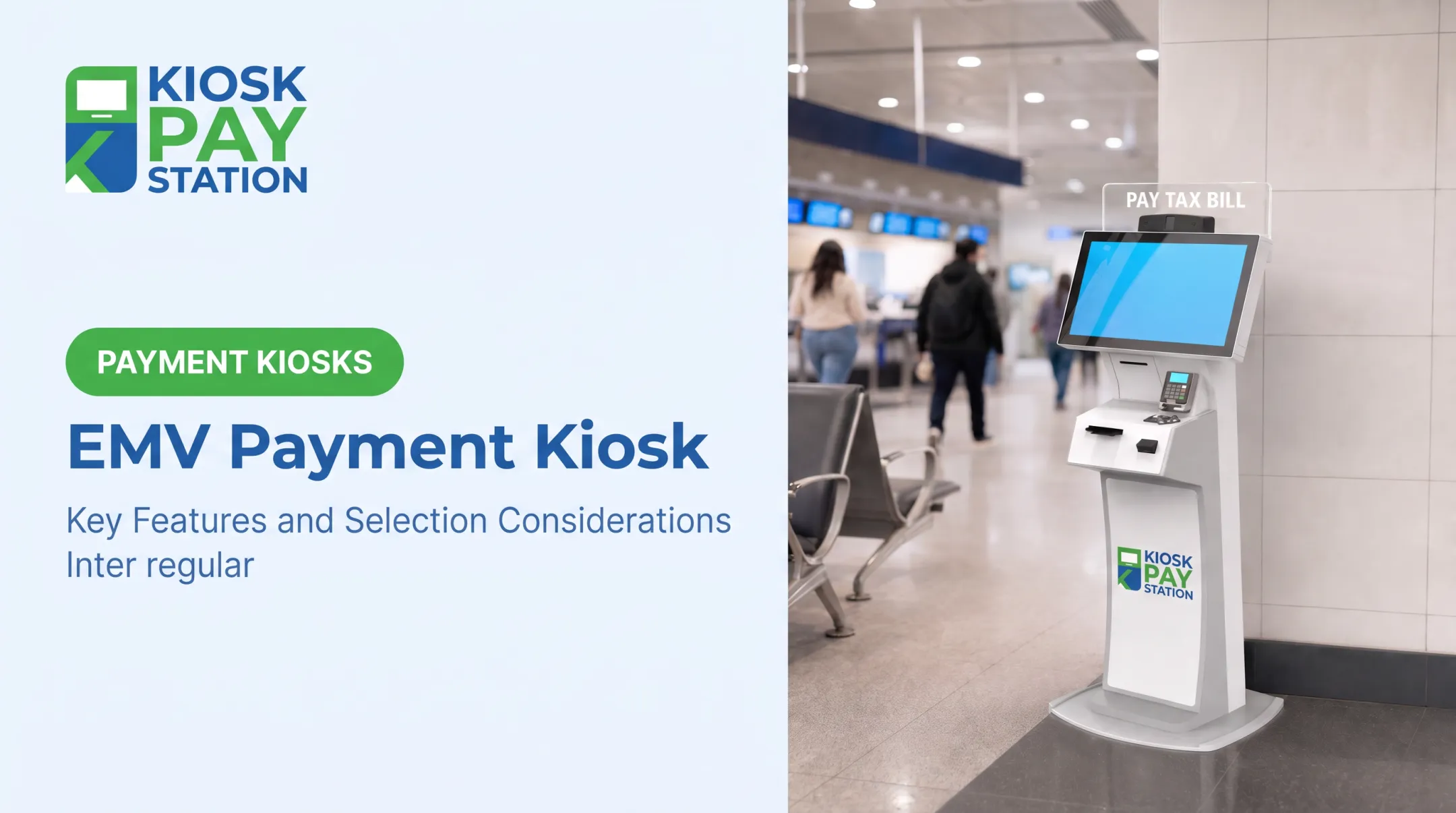
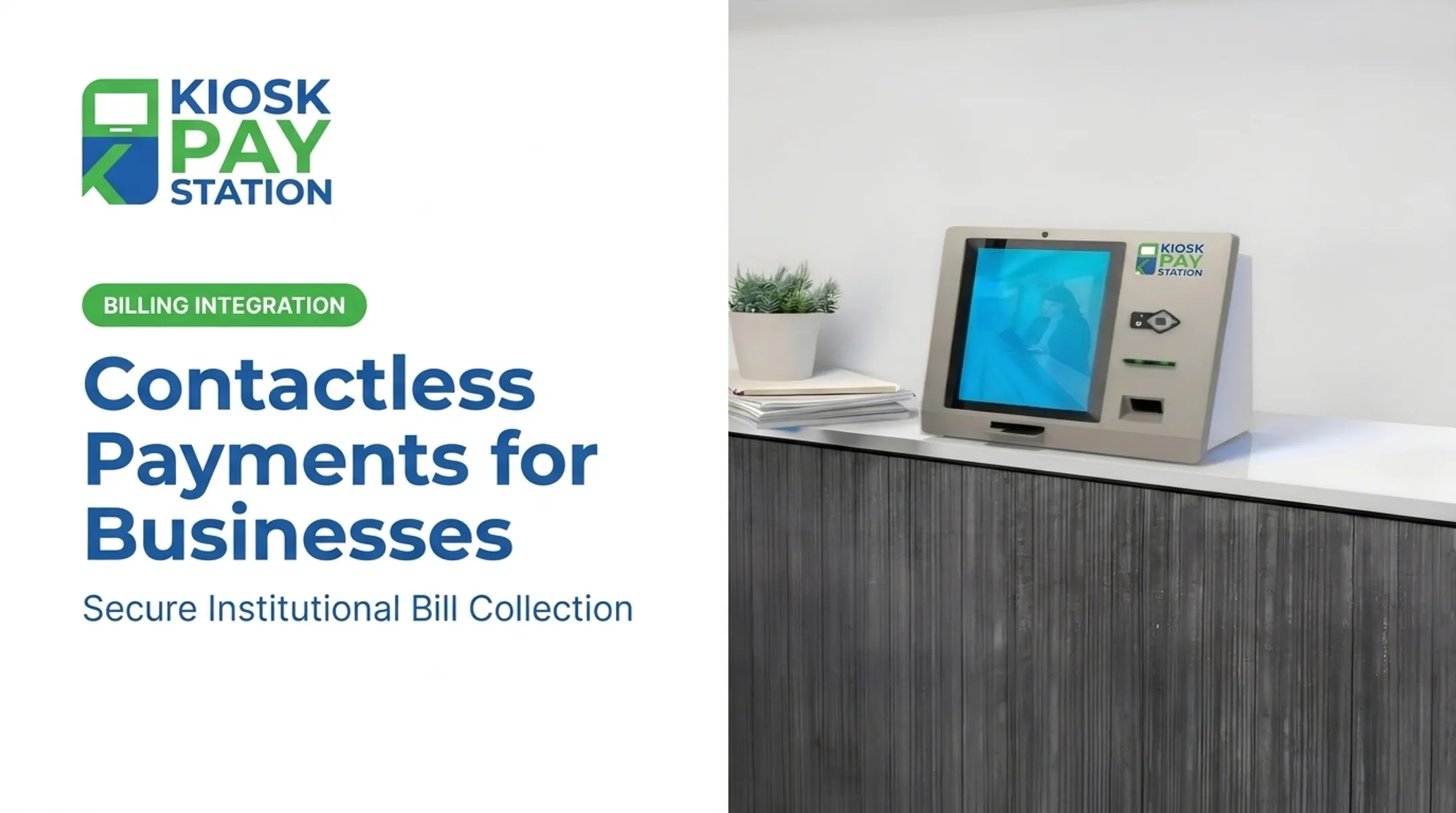
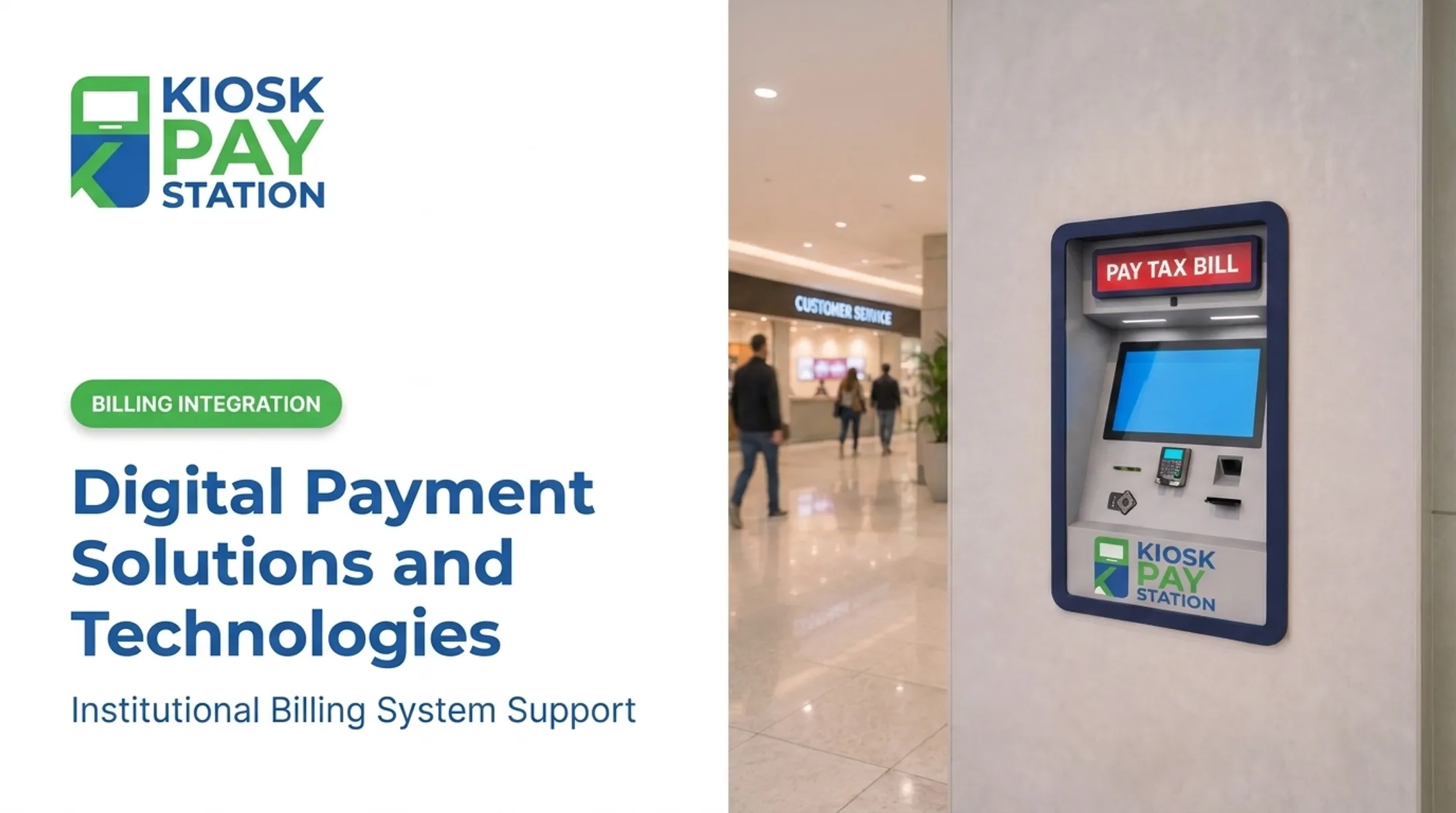
KIOSK PAY STATION, a MyGovBill company, focuses specifically on this niche. Rather than selling standalone hardware, the current offering centers on integrating self-service, PCI-DSS compliant, EMV certified payment technology with an agency's existing billing systems. Agencies can sync through real-time, file-based, or non-validated options. That means:
- ADA-accessible touchscreens with voice and light guidance
- Encrypted payment processing across cash, check, card, and e-wallet methods
- 24/7 payment access, set by the agency
- Custom data capture (department codes, account numbers, property IDs) for cleaner reconciliation
Riverside County shows what that looks like in practice. Over a seven-day period, two self-service kiosks collected $3.01 million, outperforming eight staffed cashier stations that processed $2.4 million in the same window. The county's Finance Director called the kiosks one of its most effective payment-modernization tools, citing sharply shorter lines.

Conclusion
Picking a contactless payment partner comes down to operational fit, not brand recognition. A five-person café doesn't need Adyen's enterprise architecture, and a county tax office doesn't need a retail POS app.
Before committing, map out your transaction volume, customer base, and growth plans over the next few years. That's what determines whether flat-rate simplicity or negotiated enterprise pricing serves you better.
For public agencies exploring self-service, contactless-capable bill payment options, KIOSK PAY STATION offers integration consultations to assess fit with existing billing infrastructure. That option is worth exploring if counter lines and after-hours payment access remain ongoing pain points.
Frequently Asked Questions
What does "contactless" mean?
Contactless refers to payments made by tapping an NFC-enabled card, phone, or wearable near a terminal, instead of swiping or inserting a chip. The transaction typically completes in under a second.
What are the best contactless payment systems?
Top systems include Square, Stripe Terminal, Adyen, PayPal Zettle, and Clover. The right choice depends on your organization's size, transaction volume, and whether you need developer flexibility or simple flat-rate pricing.
How do contactless payments work?
The card or device sends encrypted payment data via NFC to the terminal, which requests authorization from the card network. A tokenized version of the account number is used instead of the actual card number, and approval happens near-instantly.
Are contactless payments secure?
Yes. Contactless transactions use tokenization and encryption, so the actual card number is never transmitted. Mobile wallets add a layer of biometric authentication, like fingerprint or Face ID, before a payment can even be initiated.
What are the fees for contactless payment solutions?
Fees typically fall into three models: flat-rate (Square, PayPal), interchange-based (Stripe), or negotiated enterprise pricing (Adyen). Rates and add-on fees vary by provider and transaction volume.
Do I need special hardware to accept contactless payments?
NFC terminals are the most common setup, but SoftPOS and Tap to Phone apps let you accept contactless payments straight from a smartphone. Self-service kiosks are another option for public-facing, high-volume payment collection.