That manual work adds up. Checks alone cost agencies $1.23 to process in person and $3.12 by mail, according to a NACo analysis of Lancaster County, Nebraska's property tax collections, which documented more than 84,000 checks and over $300,000 in processing costs in a single fiscal year.
This article covers what billing software integration actually means for U.S. public-sector payment collection: account lookup, secure processing, reconciliation, accessibility, and how to implement it without ripping out your core system.
Key Takeaways
- Build a controlled flow of account, payment, settlement, and reporting data—not speed alone
- Match real-time, file-based, or non-validated connections to legacy systems and IT capacity
- Require department codes, partial payments, refunds, and cash/check reconciliation support
- Vet security, PCI-DSS responsibility, accessibility, and vendor support before you sign
What Is Billing Software Integration for Government and Utility Payment Systems?
Billing software integration connects four distinct pieces:
- The core billing/CIS system – manages account balances and charges
- The payment gateway or processor – authorizes and captures payments
- Customer-facing channels – online portals, kiosks, cashiering apps
- Accounting/ERP software – posts settled funds to the general ledger
None of these systems disappear. Integration is the layer that moves data accurately between them.
The Payment Transaction Lifecycle
A typical flow looks like this:
- A resident identifies their account (by number, QR code, or name)
- The system retrieves the current balance
- The processor authorizes the payment
- The system issues a receipt
- Payment status posts back to the billing system
- Settlement data matches against accounting records
Real-Time vs. File-Based vs. Non-Validated
A West Fargo, North Dakota ERP procurement document offers a useful public-sector benchmark: it prefers API connections but explicitly accepts daily batch file exchanges, as long as error logging, reconciliation, and automated alerts are in place.
| Approach | Best for | Trade-off |
|---|---|---|
| Real-time (API) | High transaction volume, immediate balance updates | Requires modern infrastructure |
| File-based (batch) | Legacy CIS platforms | Delayed posting, needs cutoff schedules |
| Non-validated | Simple, low-risk transactions | No account check before acceptance |
Speed alone doesn't prove reliability. The real differentiator is whether the connection validates data and produces a traceable reconciliation trail.

What Systems and Data Should an Integration Connect?
Systems That Create and Consume Billing Data
An integration typically touches:
- Utility billing or government revenue systems
- Payment processors and gateways
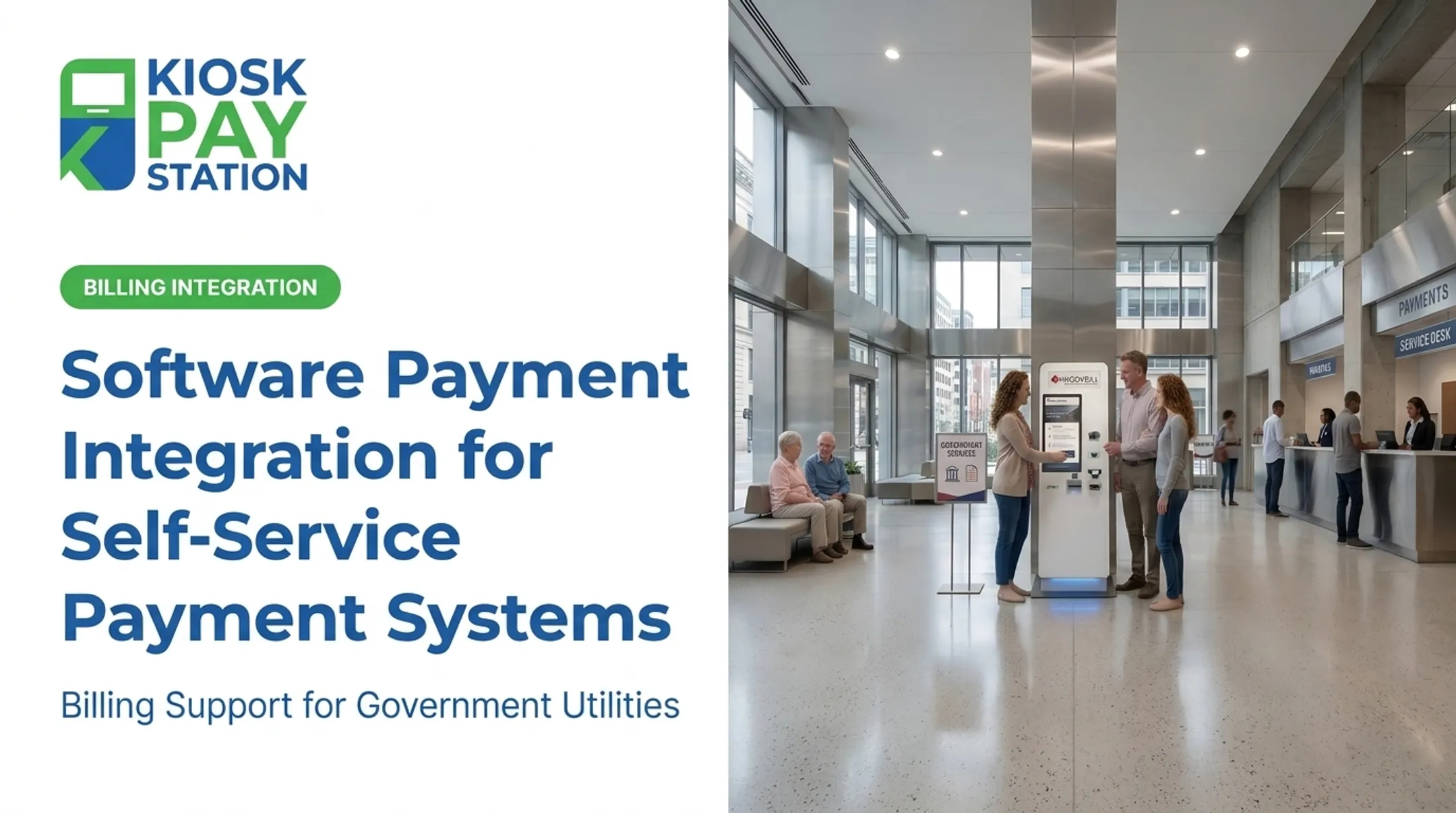
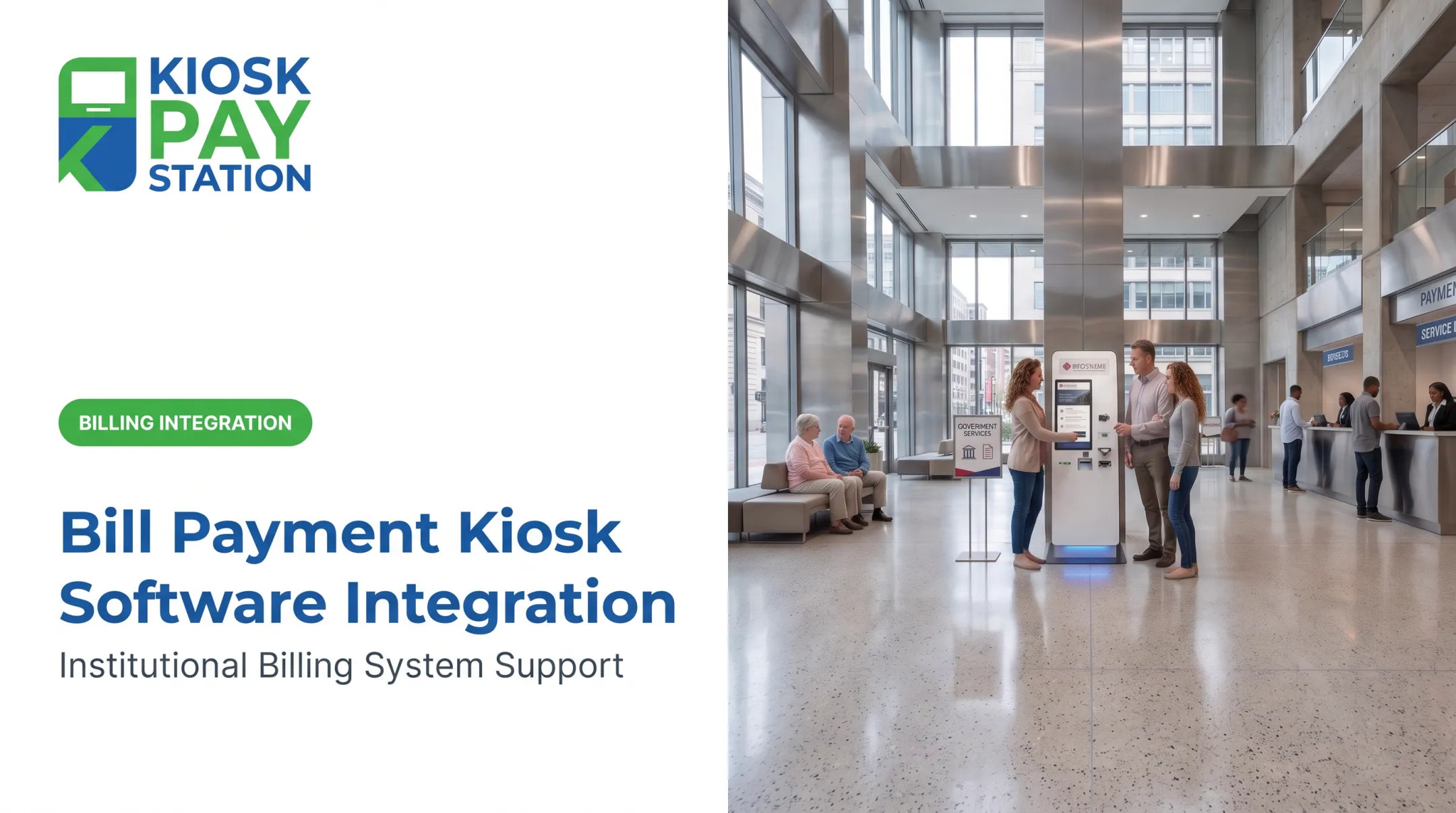
- Online portals and self-service kiosks
- Cashiering applications
- Accounting/ERP platforms
- Reporting and customer-service tools
Kiosk Pay Station's integration approach supports real-time, file-based, or non-validated syncing so agencies can connect self-service kiosks to whatever core billing platform they already run, without replacing it.
Mapping Account Identifiers
Transactions need to post to the correct account and department. That means mapping:
- Account numbers, invoice numbers, property IDs
- QR codes and barcodes
- Department and fund codes
- Service type and fee amounts
For example, Kiosk Pay Station attaches unlimited custom data elements (department codes, account numbers, property IDs) to every transaction, and lets residents locate accounts by invoice number, QR code, barcode, or name.

Payment Methods and Channels
Agency policy and processor capability determine the final mix, but most public-sector deployments need to support:
- Credit and debit cards
- Cash and checks
- E-wallets
- Online, in-person, counter, and self-service channels
Posting, Settlement, and Reconciliation
After authorization, the following data should move automatically:
- Payment status and transaction reference
- Settlement information
- Refunds, reversals, and exception codes
- Fees
Reports should let finance teams trace any transaction from collection through ledger posting, not just at day's end but on demand.
Security, Accessibility, and Reliability
Cover these non-negotiables:
- Encryption and tokenization
- Role-based access and audit logs
- Duplicate-payment prevention
- ADA accessibility and multilingual interfaces
Important distinction: Outsourcing payment processing reduces your cardholder data environment, but it doesn't eliminate merchant responsibility.
PCI Security Standards Council guidance is explicit that the merchant remains responsible for confirming provider compliance and maintaining a written agreement covering that responsibility. A vendor being "PCI-compliant" doesn't automatically make your agency compliant. That requires a signed responsibility matrix.
What Benefits Can Integrated Billing Deliver?
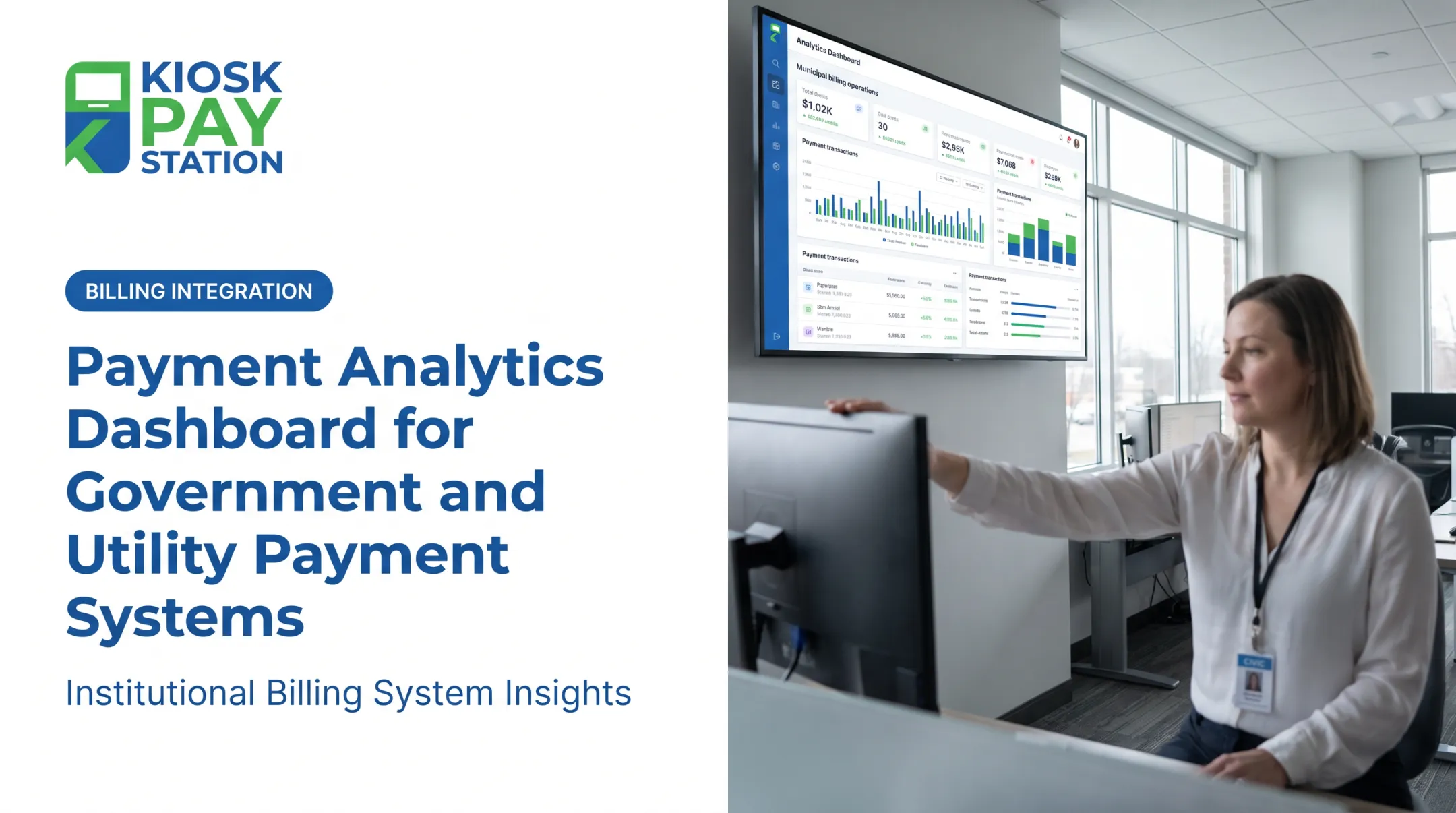
Integrated billing connects payment channels, account data, and finance workflows so agencies stop juggling disconnected systems. Typical gains include:
- Operational efficiency: Synchronized account and payment data cuts manual entry and reduces repeated reconciliation between billing, cashiering, and accounting teams
- Convenience: Multiple channels mean residents pay how and when they want, not just during counter hours
- Financial control: Automated reconciliation and department-level reporting give finance teams faster visibility into transaction status
Riverside County shows the scale multi-channel collection can reach. Internal case documentation reports that two self-service kiosks branded for its Treasurer-Tax Collector office collected $3.01 million over a seven-day period, more than half of all tax payments collected during that window, compared with $2.4 million processed across eight staffed cashier stations in the same timeframe.

How to Evaluate Billing Software Integration Vendors
Define Your Use Cases First
Document before you talk to vendors:
- Payment types and departments involved
- Existing billing systems and transaction volume
- Required account identifiers and reporting needs
- Planned future services
Assess Connectivity and Developer Support
Ask every vendor:
- Do they support real-time, file-based, and non-validated connections?
- Can they provide sandbox access and field-mapping examples?
- Who owns data transformation errors?
Review Security, Accessibility, and Governance
Require evidence of:
- PCI validation (AOC or equivalent) with a written responsibility matrix
- Access controls and incident-response procedures
- ADA-accessible interfaces The 2010 ADA Standards require that where self-service fare or bill collection machines are provided, at least one at each location must comply with accessibility provisions — clear floor space, reach range, and operable controls among them.
Assess Fit With Existing Infrastructure
You don't need to replace your core billing platform to modernize payment collection. Strong integration vendors layer onto current systems and match the connection modes your environment already uses. Confirm they can support your deployment without a rip-and-replace project:
- Existing account identifiers, department codes, and custom fields
- Real-time, file-based, or non-validated connections as your operations require
- Automated reconciliation aligned with your close-of-day process
- Clear ownership when transformation or posting errors occur
Compare Total Cost and Support
Look beyond the sticker price:
- Implementation and transaction fees
- Hardware, installation, and connectivity costs
- Training and ongoing support response times
- Cost of maintaining custom integrations over time
Validate With Realistic Testing
Before signing, test:
- Account lookup failures and duplicate submissions
- Partial payments and overpayments
- Declined payments and refunds
- End-of-day settlement and system outages Request public-sector references with outcomes you can independently verify — not just marketing claims.
How to Implement and Govern the Integration
A durable integration rests on clear ownership, a phased rollout, and same-day exception handling. Work the steps below in order so go-live does not outrun reconciliation.
Map the Current Payment Flow
Document the full path of each transaction:
- Where the transaction starts
- Which system owns the account balance
- When payment is authorized
- How funds reach the ledger
Establish Data Ownership
Build a shared data dictionary covering:
- Account identifiers and required fields
- Department and fund codes
- Status values and timestamps
- Reconciliation rules
Assign an accountable owner for each element.
Roll Out in Phases
- Start with one department or payment type to limit blast radius
- Test end-to-end in a sandbox before touching production balances
- Pilot with real but limited transactions under close watch
- Reconcile every test transaction across connected systems, including failed payments
- Expand only after exceptions clear cleanly

Monitor and Manage Exceptions
Define procedures for failed messages, delayed posting, and settlement mismatches. Pair them with dashboards, alerts, and escalation contacts so issues surface same-day, not at month-end.
Train Staff and Review Performance
Train finance, cashiering, IT, and customer service on normal workflows and exception handling. Review reconciliation time, payment adoption, and accessibility feedback on a fixed schedule.
Frequently Asked Questions
What are the most popular billing systems?
Popularity depends on whether you need a utility billing system, an ERP, an invoicing platform, or a payment-processing layer. Prioritize public-sector compatibility and integration capability over general market popularity.
What are the three types of billing?
Common models include one-time, recurring, and usage-based billing. Government agencies typically combine these: utility charges are usage-based, taxes are often one-time, and permits may recur annually.
What is billing software integration?
Billing software integration connects billing, payment, accounting, and customer-facing systems so account and payment data moves accurately with minimal manual re-entry.
How do government agencies integrate utility billing and payment systems?
Agencies map account data, connect payment processing, push status updates, and reconcile transactions. Depending on the legacy system, that work uses real-time, file-based, or non-validated methods.
What payment methods should integrated government billing systems support?
The right mix depends on agency policy and constituent needs, but commonly includes cards, cash, checks, e-wallets, and both online and self-service channels.
How can agencies keep integrated billing systems secure?
Use clear PCI DSS responsibility agreements, encryption, tokenization, least-privilege access controls, audit trails, and regular vendor due diligence and testing.