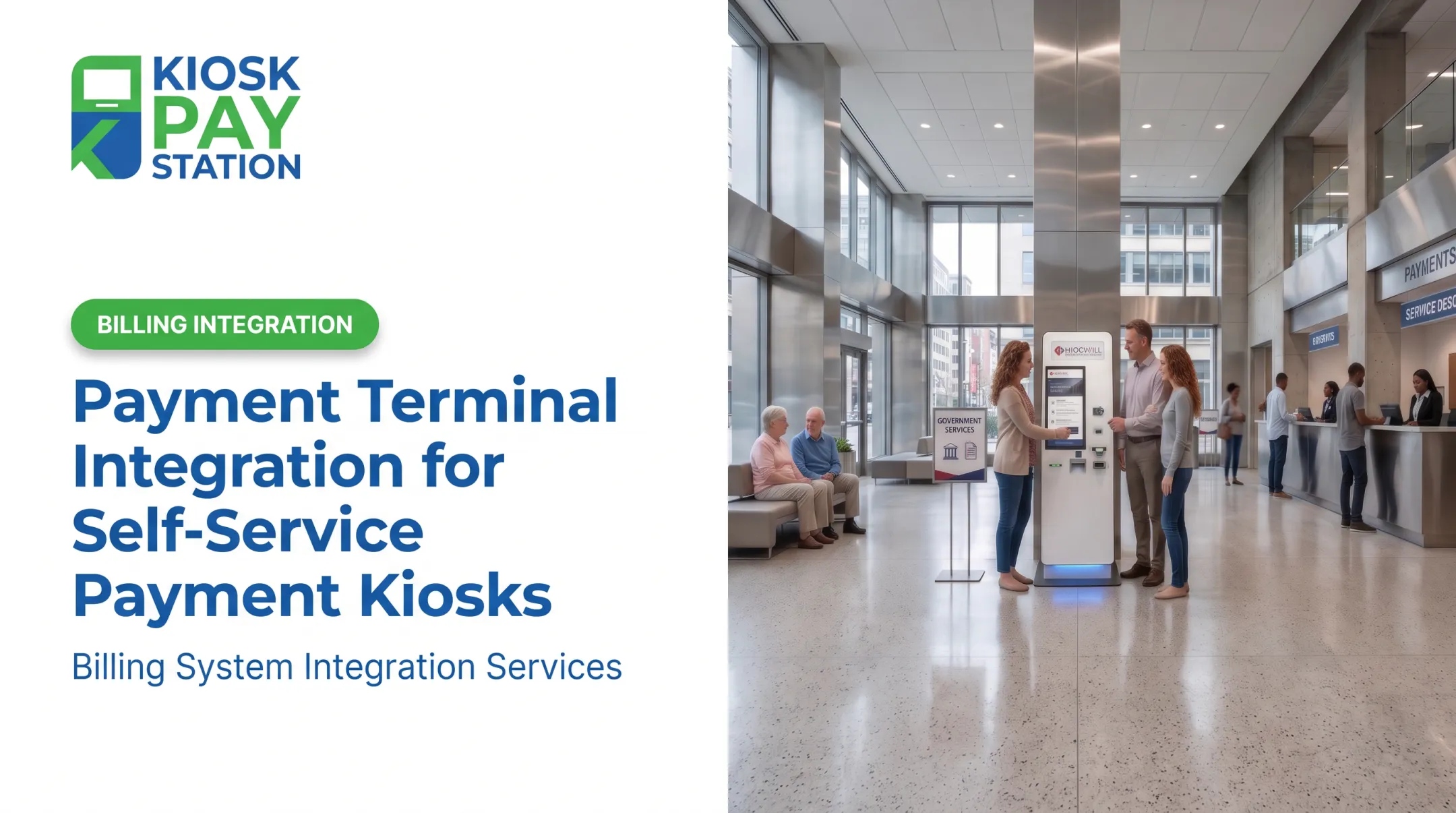
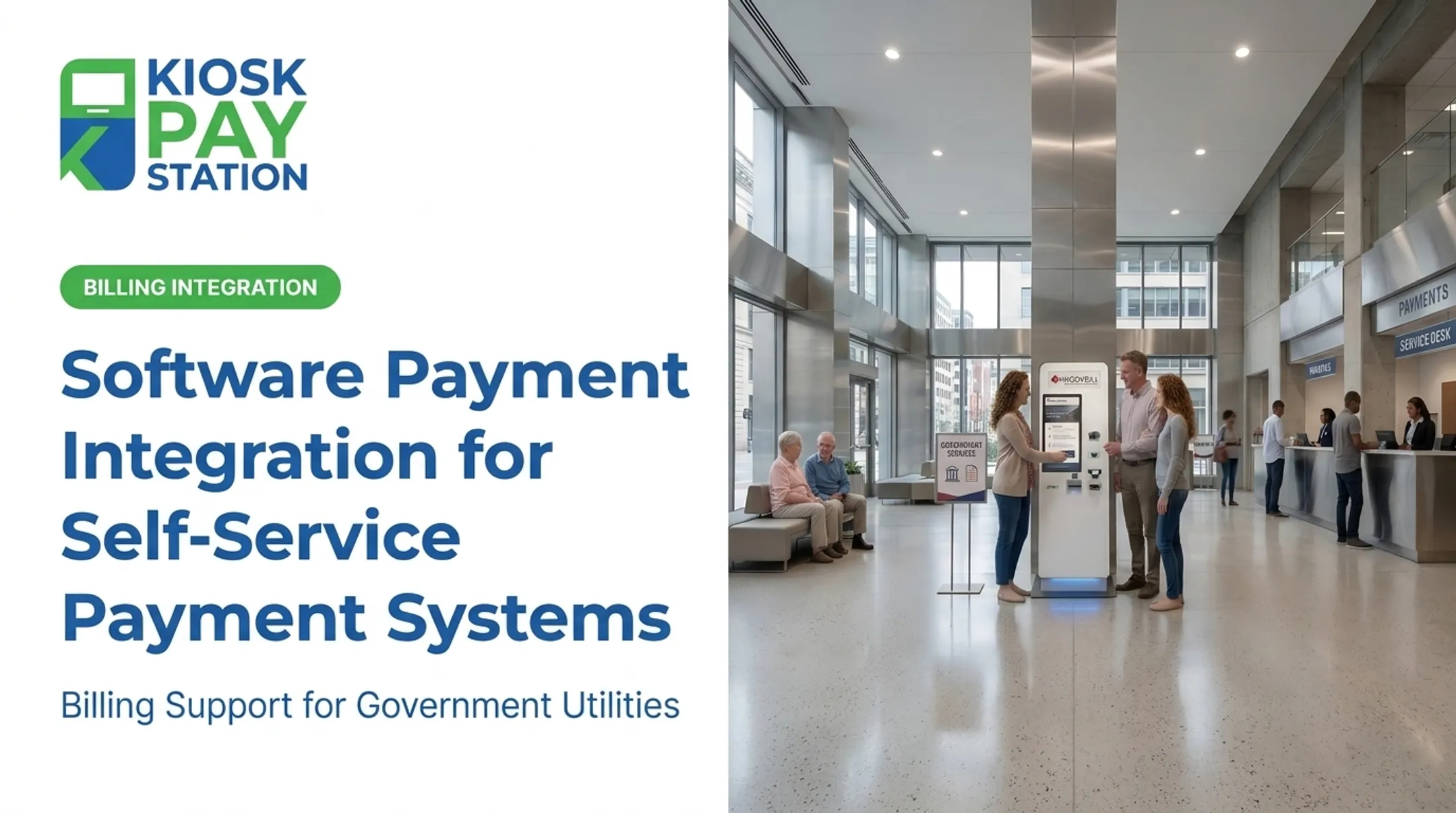
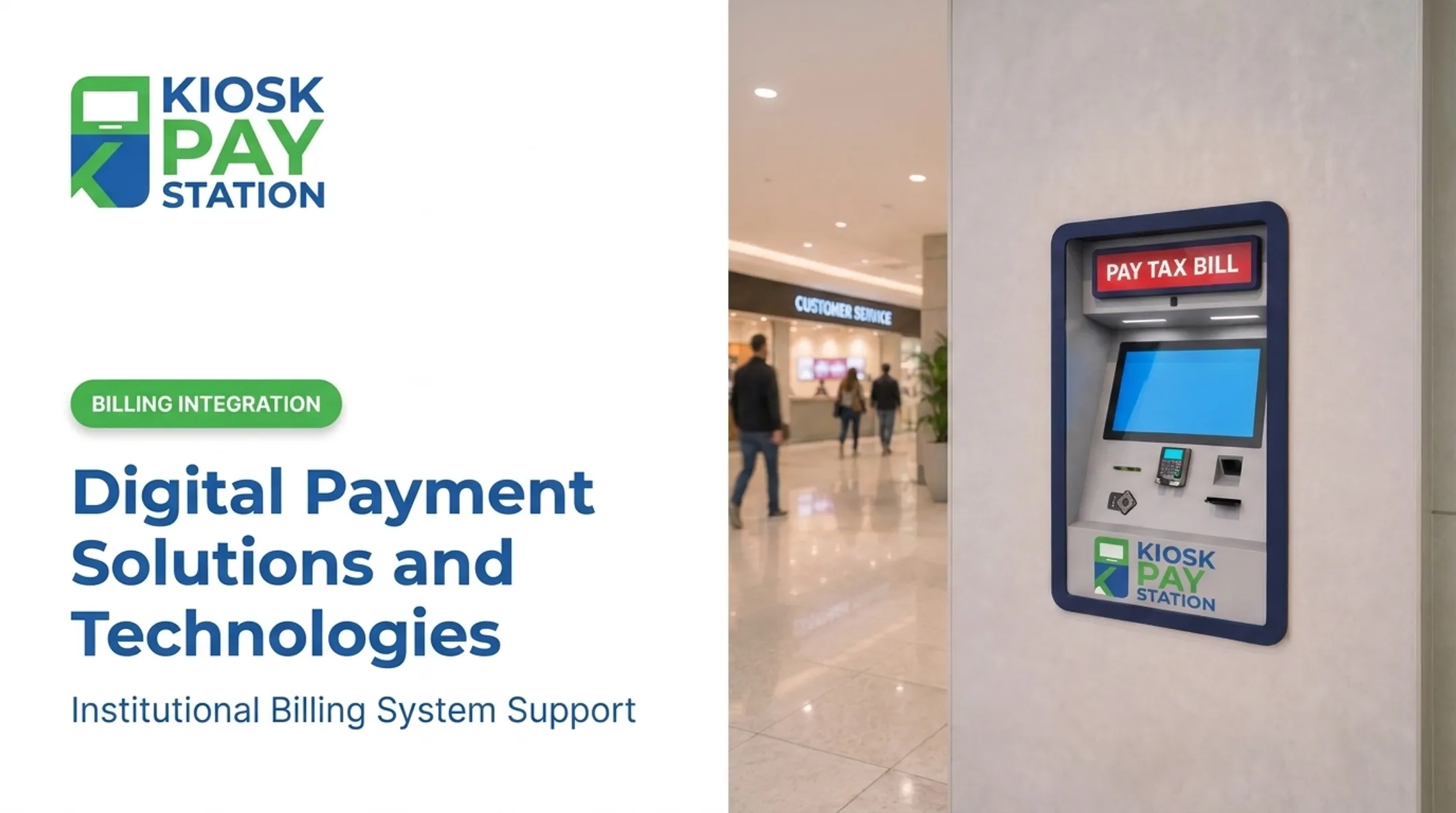
Self-service kiosks with integrated payment processing solve this by connecting hardware, software, and payment processors into one automated system. Fort Wayne City Utilities runs kiosks that post payments immediately and skip the face-to-face counter entirely, with at least one available 24/7. This article breaks down what payment integration actually means, the features that matter, the benefits agencies see, and how to pick the right partner.
Key Takeaways
- Payment integration links kiosk hardware directly to a secure payment processor, posting transactions in real time
- Multi-method kiosks accept cash, check, card, and e-wallet payments in a single unit
- PCI-DSS compliance and EMV certification are baseline requirements for government payment collection
- Two Riverside County kiosks collected $3.01M in seven days, outperforming eight staffed windows at $2.4M
What Is Payment Integration for Self-Service Kiosks?
Payment integration is the direct connection between a kiosk’s payment hardware and interface (card reader, cash acceptor, touchscreen) and a back-end payment processor or gateway.
The PCI Security Standards Council defines a payment processor as the entity that handles the transaction on the merchant’s behalf, sometimes called a gateway or payment service provider (PCI SSC glossary).
Compare that to standalone processing: a staffed counter running a separate card terminal, a paper ledger, and manual end-of-day totals. Every step introduces a chance for data-entry mistakes or missed reconciliation.
With integration, the process changes:
- Transactions post in real time instead of waiting for manual entry
- Reconciliation happens automatically against agency records
- Custom data (account numbers, department codes) travels with the payment
- Staff spend less time chasing down mismatched totals

Why It Matters for Government and Public-Sector Payment Collection
Tax collectors, courts, and utility providers handle enormous transaction volumes that benefit most from automation. The IRS alone recorded over 16.3 million Direct Pay settlements in FY2025 (IRS Publication 55-B). Local agencies see smaller totals, but the same pressure shows up in counter lines, overtime, and reconciliation backlog.
Before starting an integration project, agencies should baseline average counter wait times, staff hours spent on manual payment processing, and how much volume could move to automated collection.
Key Features to Look for in Kiosk Payment Integration
Not every kiosk is built the same. These capabilities separate a functional integration from a frustrating one. Multiple payment method support. Constituents pay differently: cash, card, or e-wallet. The kiosk should accept all of them in one interface, without workarounds. Security and compliance. This is non-negotiable:
- PCI-DSS compliance (currently version 4.0.1, the only active version supported by the PCI Security Standards Council)
- EMV certification for tap, dip, and swipe card acceptance
- Encrypted payment processing from the moment data is captured Custom data capture. Support unlimited custom fields per transaction so finance teams can reconcile without manual cross-referencing:
- Account numbers
- Department codes
- Property IDs Flexible integration methods. Agencies rarely have identical billing systems, so kiosks need to connect via:
- Real-time synchronization (instant data updates)
- File-based synchronization (scheduled data transfers)
- Non-validated synchronization (simpler, lower-overhead connections) Accessibility and usability. ADA-compliant design is part of the integration, not an add-on. Section 220 of the 2010 ADA Standards sets criteria for self-service payment machines, including audible receipt information and tactile controls. Plan for:
- Large touchscreens
- Voice and light instructions
- Multilingual interfaces When evaluating vendors, prioritize partners experienced in government and utility bill-pay workflows: multi-method acceptance (including cash and exact change where required), custom data capture, flexible billing-system sync, and ongoing monitoring and support—not retail hardware adapted after the fact.

Benefits of Integrated Payment Kiosks for Public Agencies
When payment kiosks connect to agency billing systems, public agencies see concrete gains in staffing, access, accuracy, and wait times:
- Moves routine bill payments off staffed windows so employees can handle complex casework that needs a person
- Extends access past lobby hours; Springfield City Utilities pairs staffed hours (8 a.m. to 4:30 p.m.) with around-the-clock kiosks so residents aren't limited to a narrow window (City Utilities)
- Improves accuracy with automated reconciliation that cuts manual cash-handling and end-of-day counting errors
- Speeds the citizen experience through shorter lines and fewer complaints
The Riverside County Numbers
Over a seven-day period, two self-service kiosks collected $3.01 million, while eight staffed cashier stations processed $2.4 million in that same window. More than half of all payments went through the two kiosks, not the eight counters.

Residents use self-service when it is available, and a few well-placed kiosks can outperform a much larger staffed operation.
How Kiosk Payment Integration Works Behind the Scenes
The transaction flow looks like this:
- Customer selects a payment method at the kiosk touchscreen
- Kiosk hardware captures the data: card swipe, cash insertion, or check scan
- Data is encrypted at the point of capture, protecting account information from the device onward, per PCI's point-to-point encryption standard (PCI SSC)
- The processor authorizes the transaction and returns an approval or decline response to the merchant
- Funds settle and the agency's system reflects the update

APIs and integration methods connect that final step to an agency's existing billing or ERP system. Without them, the kiosk is only a standalone card reader with no back-office connection.
That connection only holds value if the kiosk stays online. Ongoing monitoring matters as much as the initial setup: five-year onsite maintenance and component replacement programs limit unexpected downtime. For a payment kiosk, outages block residents from paying their bills, so reliability is part of the integration story, not an afterthought.
Steps to Implement Payment Integration on a Kiosk
- Assess current payment workflows. Identify which billing, ERP, or CRM systems the kiosk needs to talk to before anything else gets built.
- Select an experienced vendor. Confirm PCI-DSS and EMV credentials, and prioritize vendors who've worked in your specific vertical — courts, utilities, parking, or tax collection each has quirks.
- Test before going live. Run every payment method through a test environment, then train staff on kiosk monitoring and basic troubleshooting.
Tulsa's public procurement documents show this in practice: the city's kiosk RFP required testing and confirmation that hardware and peripherals were fully ready before live operations began (City of Tulsa RFP).
Choosing the Right Kiosk Payment Integration Partner
Not every payment integration partner understands government procurement, compliance requirements, or the workflows of a tax office versus a municipal court. Look for:
- Vertical-specific experience — government and public-sector payment collection, not generic retail POS
- Customizable software and reporting that match your agency's branding and internal reporting needs
- Flexible billing-system integration — real-time, file-based, or non-validated options that connect to systems you already run
KIOSK PAY STATION, a MyGovBill subsidiary with over 25 years in the space, focuses on this niche: connecting payment workflows to agency billing systems, supporting unlimited custom transaction fields, and providing monitoring and ongoing support instead of a one-time install-and-leave engagement.
Frequently Asked Questions
What is a payment integration system?
A payment integration system links payment hardware, software, and a payment processor so transactions complete automatically and post directly to agency records, with no manual re-entry required.
What do payment solutions do?
Payment solutions authorize, process, and reconcile transactions across cash, card, check, and e-wallet, then sync results with the agency's billing or accounting system.
How secure are self-service payment kiosks?
Properly built kiosks meet PCI-DSS and EMV standards. Encrypted data transmission protects account information from capture through processing.
Can kiosks accept cash and checks, not just cards?
Yes. Many government-focused self-service kiosks accept cash, checks, cards, and e-wallets, and some dispense exact change in bills and coins for cash payments.
How long does it take to deploy a payment kiosk for a government agency?
Timelines depend on integration complexity. Once systems and requirements are confirmed, agencies typically move from assessment through testing to go-live in weeks rather than months.
Do kiosks work with existing billing or ERP systems?
Yes. Flexible integration options—real-time, file-based, or non-validated sync—connect with agencies' existing legacy billing and accounting systems.