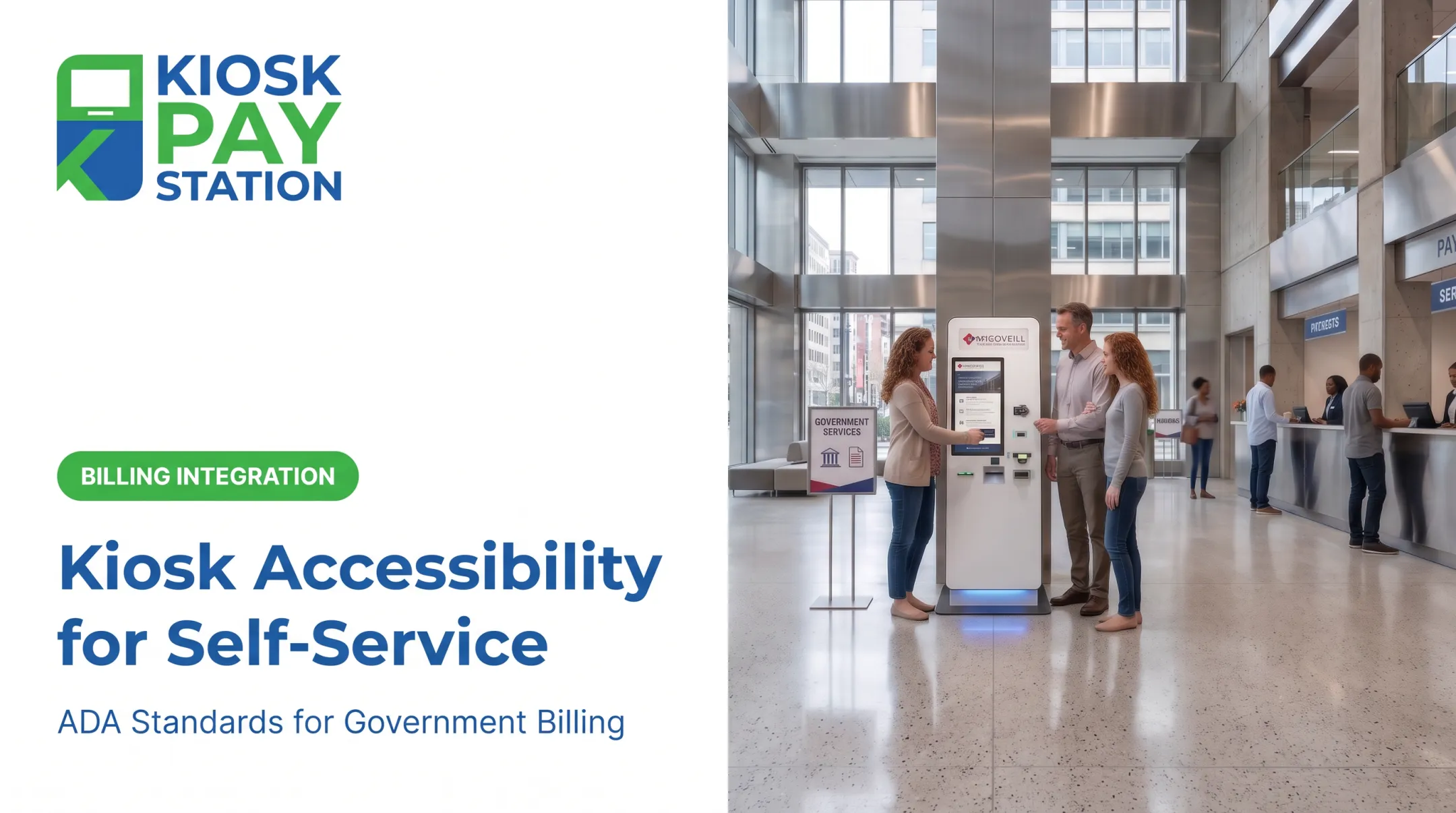
Agencies that deploy inaccessible kiosks risk lawsuits, DOJ complaints, and — more importantly — excluding disabled residents from services everyone else takes for granted. This guide breaks down the physical and software standards that apply, common violations to watch for, and how kiosk type affects compliance.
Key Takeaways
- Treat ADA compliance as two tracks: physical reach/height rules and software accessibility features
- Place touchscreens between 15 and 48 inches, adjusted for approach path and obstruction depth
- Prevent common violations: excessive mounting height, poor floor clearance, and missing audio/tactile support
- Accessibility-first kiosk design cuts legal exposure and improves constituent access
What Are the ADA Requirements for Kiosks?
The Americans with Disabilities Act, passed in 1990, guarantees equal access to public accommodations and services. Title II states that "no qualified individual with a disability shall... be excluded from participation in or be denied the benefits of the services, programs, or activities of a public entity" (ADA.gov).
Self-service kiosks are not named explicitly in the 2010 ADA Standards. They still fall under this obligation whenever a government agency uses one to deliver a public service, including bill payment.
Compliance rests on two pillars:
- Physical accessibility — reach ranges, approach clearances, and clear floor space
- Software/interface accessibility — screen readers, contrast ratios, alternative input methods
Reach Ranges and Floor Space
The 2010 ADA Standards set forward and side reach limits at 15 inches minimum to 48 inches maximum for unobstructed approaches. When a side obstruction is 20 to 25 inches deep, the maximum high side reach drops to 44 inches.
Agencies also need 30 x 48 inches of clear floor space at the kiosk for wheelchair users to approach and operate controls comfortably (Access Board).
Software and Interface Accessibility
Physical clearances alone are not enough. The interface must work for users who cannot rely on a standard touchscreen:
- Speech output or equivalent audio for closed-functionality devices
- Readable contrast, clear focus states, and text that stays legible at typical viewing distances
- Input options beyond touch-only gestures, including assistive or alternative controls where required
Other Frameworks to Know
- Section 508 applies to federal agencies and federally funded programs, requiring speech output and closed-functionality accommodations
- DOJ's 2024 Title II rule requires state and local government digital services to meet WCAG 2.1 Level AA (ADA.gov fact sheet)
For government bill-payment environments, KIOSK PAY STATION applies these ADA principles through large touchscreens with voice and light guidance, plus billing-system integration, monitoring, and support for institutional clients.
What Is the Maximum Height for an ADA-Compliant Kiosk Touchscreen?
48 inches maximum, 15 inches minimum, measured from the finished floor to the highest and lowest operable part.
When an obstruction sits in the reach path, maximum height drops:
| Approach type | Obstruction depth | Max height |
|---|---|---|
| Forward reach | 20 inches or less | 48 inches |
| Forward reach | More than 20 inches (up to 25) | 44 inches |
| Side reach | 10 inches or less | 48 inches |
| Side reach | More than 10 inches (up to 24) | 46 inches |

A kiosk tucked behind a deep countertop, for example, may only allow a 44-inch maximum screen height instead of 48. This is a frequent design mistake. Agencies retrofit an existing counter without recalculating obstruction depth.
Important: These reach-range rules don't just apply to the touchscreen. Card readers, receipt printers, and any other operable peripheral must sit within the same 15-48 inch window.
What Are the ADA Requirements for Kiosk Card Readers?
Card readers get overlooked more often than screens, but they're held to the same standard. They must sit within the 15-48 inch reach range, and their operation carries additional rules under §309 of the ADA Standards:
- Must work with one hand
- Cannot require tight grasping, pinching, or twisting of the wrist
- Cannot require more than 5 pounds of force to operate (Access Board)
Card readers also need to be tactilely discernible, so a visually impaired user can locate and insert a card by feel alone, without relying on a visual cue.

Payment design has to clear both bars. A card reader that meets reach rules on paper but fails on security creates a different liability. KIOSK PAY STATION supports PCI-DSS compliant, EMV certified card reader integrations with encrypted processing, so agencies can satisfy reach and operability standards without exposing payment data.
Most Common ADA Kiosk Violations (and How to Avoid Them)
The DOJ's review of information transaction machines found widespread gaps. Out of 82 kiosk surveys, 70 (over 85%) lacked tactile display output like Braille, and 58 (71%) had no standard headphone jack (DOJ Civil Rights Division).
Frequent violations include:
- Touchscreens mounted above 48 inches
- Insufficient clear floor space for wheelchair approach
- No audio output or screen reader support
- Low-contrast displays with small, hard-to-read fonts
- No alternative input for users who can't use a touchscreen
Enforcement is real. A 2020 settlement required the Social Security Administration to redesign visitor-intake kiosks after blind users couldn't independently access Braille or audio instructions (settlement release).
That case involved check-in kiosks, not payment terminals. The same gaps—no tactile output and no independent audio access—still apply to bill-pay machines.
How to avoid them:
- Keep operable parts within the 15–48 inch reach range and provide clear floor space for wheelchair approach
- Include a standard headphone jack, audio prompts, and screen-reader support
- Use high-contrast text at readable sizes, plus a keypad or other non-touch input
- Audit every unit before deployment with vendors who design accessibility in from day one

Types of Kiosks and Where ADA Compliance Applies
Government agencies typically choose from a few kiosk configurations:
- Standalone — freestanding floor units for high-traffic lobbies
- Countertop — smaller units placed on an existing counter
- Wall-mounted/in-wall — recessed units built into a permanent wall or exterior surface
- Payment-specific stations — dedicated bill-pay terminals, sometimes cash-accepting
ADA rules apply to every layout, but the pressure points change. Standalone units need clear floor space and approach room. Countertop units depend on counter height and forward or side reach. Wall-mounted and in-wall units add protrusion limits for cane detection: objects between 27 and 80 inches high can't project more than 4 inches into a walkway (Access Board).

Whatever footprint an agency uses, reach ranges, knee/toe clearance, and route width still have to work for constituents. KIOSK PAY STATION supports government and utility payment environments with billing-system integration, monitoring, and maintenance so those workflows stay usable as lobby layouts evolve.
Why Choosing the Right Kiosk Partner Matters for Government Agencies
Agencies collecting public payments — tax collectors, courts, utilities, parking authorities — face heightened accessibility scrutiny. They serve the general public under a direct legal obligation, and a single inaccessible kiosk can generate a complaint that costs far more than doing it right the first time.
The right partner builds accessibility in from day one instead of leaving agencies to retrofit years later. Look for a provider that delivers:
- ADA accessible design (large touch screens, voice and light guidance)
- Multilingual interfaces for diverse constituents
- Long-term onsite maintenance, not a paper warranty
- Bill-payment workflows built for public agencies
KIOSK PAY STATION designed its kiosks specifically for government bill payment with those capabilities included, which cuts the retrofit burden agencies otherwise carry after installation.
Riverside County shows what scale looks like in practice. Two self-service kiosks collected $3.01 million in a seven-day period, more than half of all payments, and outperformed eight staffed cashier stations that processed $2.4 million in the same window.
Accessibility features were not isolated as the sole driver of that result. They are one part of a well-rounded deployment that serves the full community.
Frequently Asked Questions
What are the ADA requirements for kiosks?
Kiosks must meet physical reach and height standards (15-48 inches) plus clear floor space requirements. They also need software accessibility features like screen readers, adequate contrast, and alternative input methods for equal access.
What are the most common ADA violations?
Excessive touchscreen height, insufficient floor clearance, and missing audio or tactile support top the list. Low-contrast displays and lack of alternative input methods are also frequent issues.
What is the maximum height for an ADA-compliant kiosk touchscreen?
The general rule is 48 inches maximum and 15 inches minimum. Obstructions like deep countertops can lower the max to 44 or 46 inches, depending on the approach and depth.
What are the ADA requirements for kiosk card readers?
Card readers must sit within the same 15-48 inch reach range as the screen. They must operate with one hand, require no more than 5 lbs of force, and be tactilely discernible for visually impaired users.
What are the types of kiosks?
Common configurations include standalone floor units, countertop units, wall-mounted or in-wall units, and payment-specific bill-pay stations. Each has slightly different ADA clearance and protrusion rules.