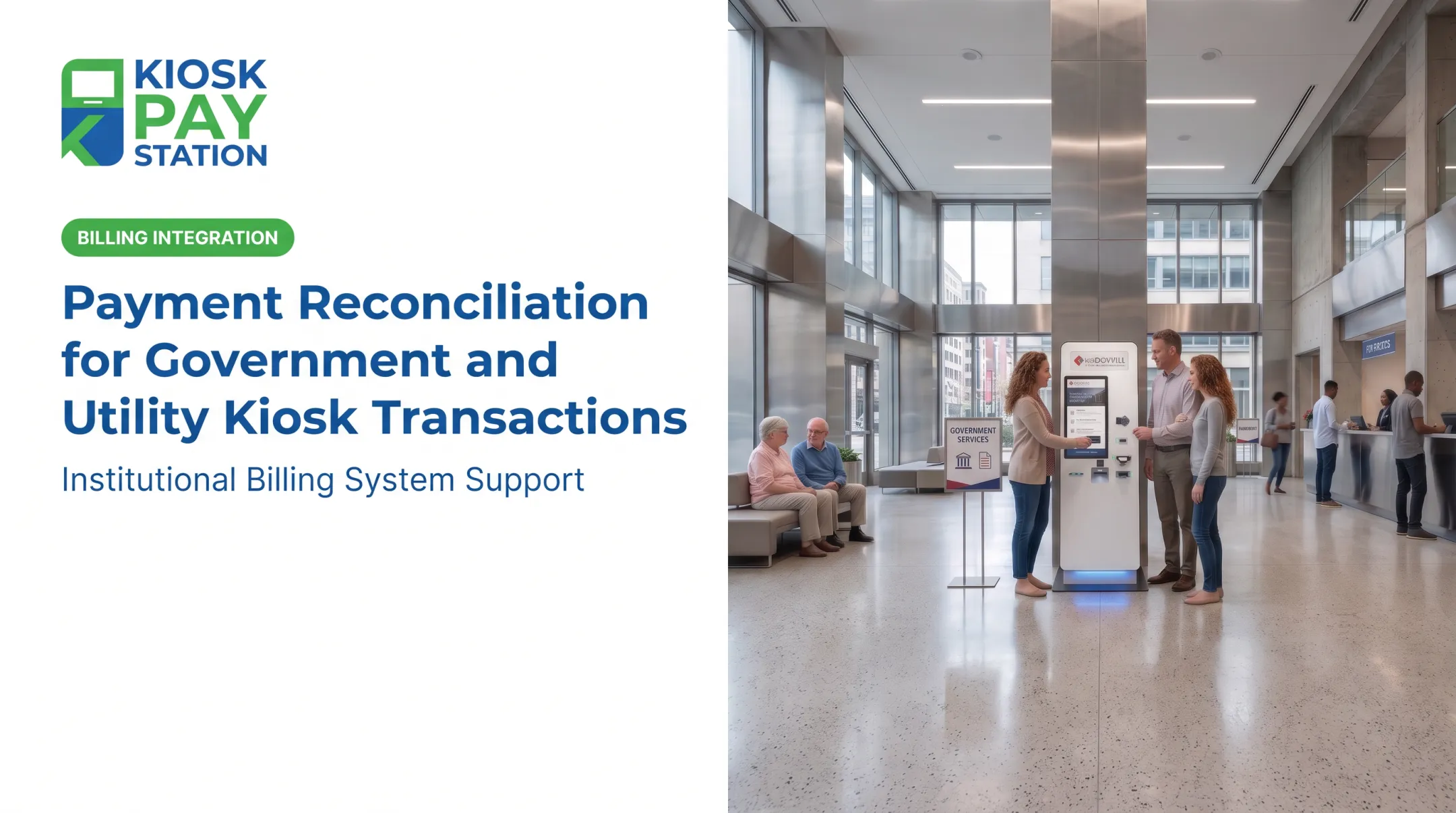
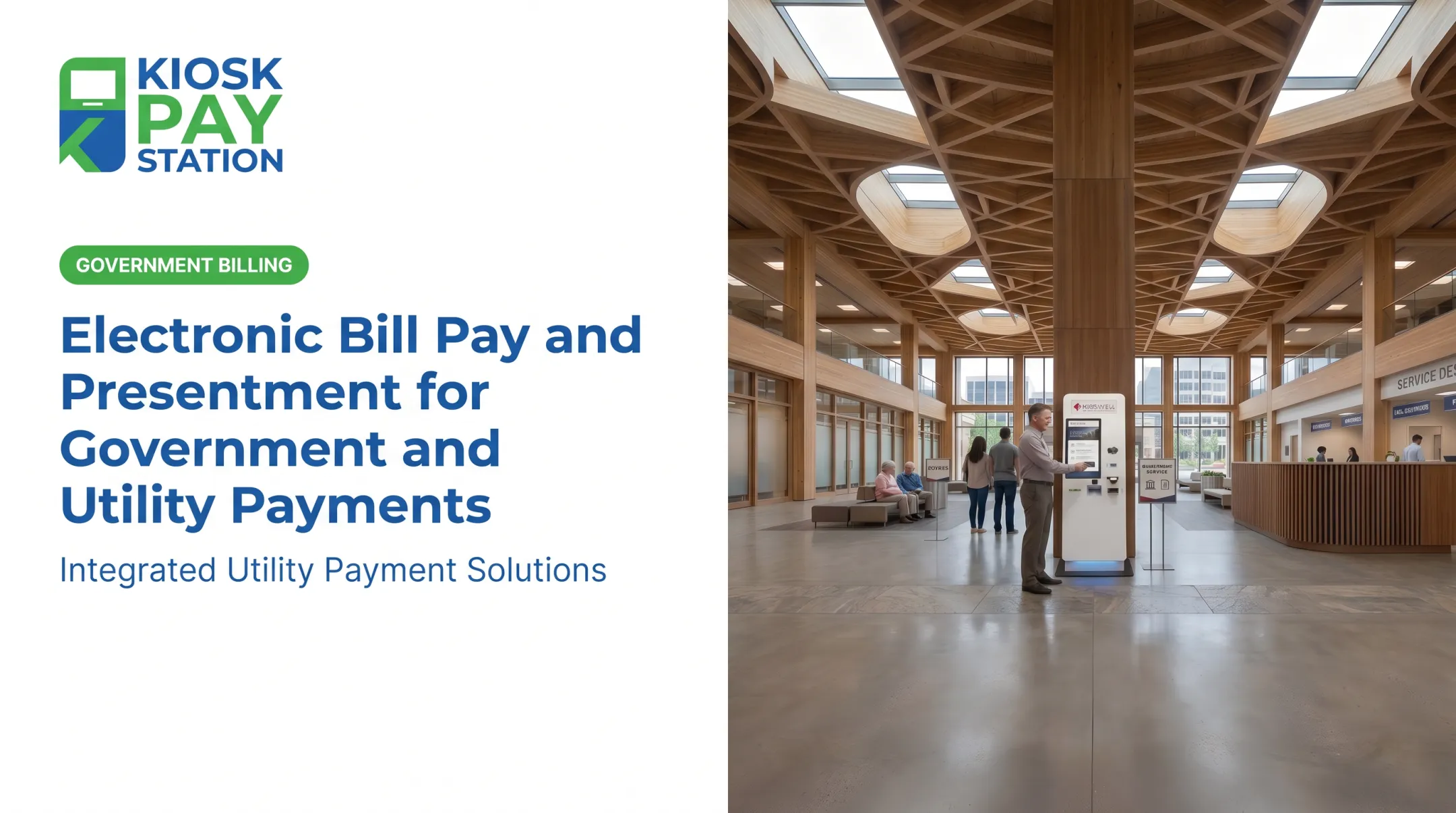
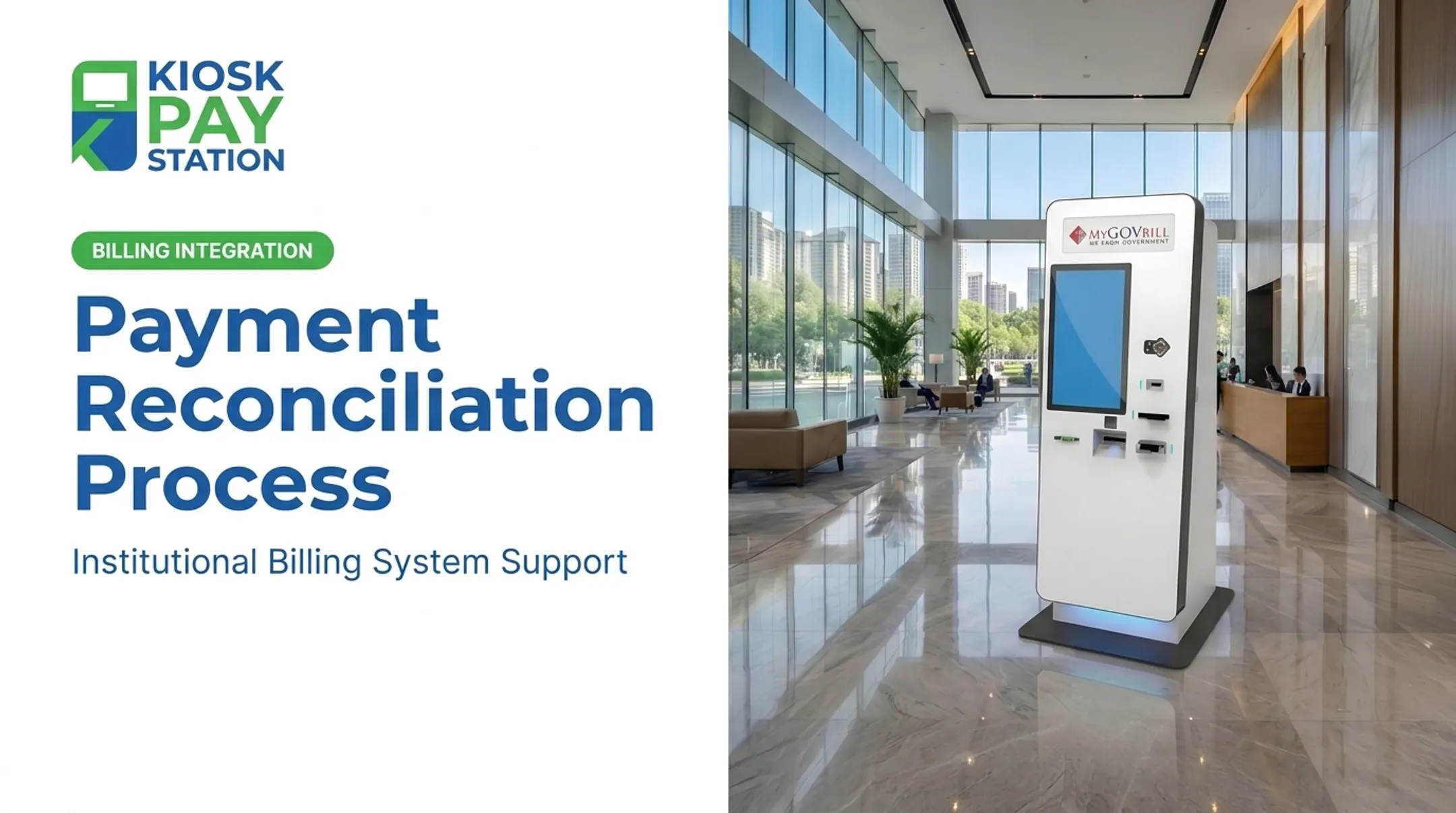
Payments arrive from kiosks, counters, online portals, processors, and banks. Each system speaks a different language. Staff often end up exporting files and comparing spreadsheets line by line, hoping nothing slips through the cracks.
Reconciliation automation replaces that fragmented process. It doesn't eliminate staff involvement — it redirects it toward the exceptions that actually need human judgment, while routine matching happens in the background.
Key Takeaways
- Automation matches routine payments across systems and routes only exceptions to staff.
- Public-sector matching needs account IDs, fund codes, settlement timing, and full audit trails.
- Cash, check, card, ACH, and e-wallet flows can run without staff reviewing every transaction.
- Before you buy, vet integrations, matching rules, exception workflows, security, and reporting.
Why Reconciliation Automation Matters for Government and Utility Payments
Here's the typical manual process: staff pull payment records from billing systems, kiosks, online portals, processors, and bank statements. Then they compare files by hand, hunting for missing, duplicated, delayed, or misapplied transactions.
This workflow breaks down fast once you add real-world complications:
- Batch settlements that bundle multiple transactions into one deposit
- Processing fees that shrink the deposited amount versus the collected amount
- Refunds, chargebacks, and partial payments
- Cash and check deposits that lag behind electronic postings
- Inconsistent reference numbers across systems
Agencies typically need to validate reconciliation at several checkpoints:
- Payment acceptance
- Account application
- Processor settlement
- Bank deposit
- Department or fund allocation
- Final ledger entry
Missing any one of these creates a gap nobody notices until reporting time.

Controls, standards, and the cost of lag
Public-sector reconciliation isn't just about balancing totals. According to the Government Finance Officers Association, agencies should maintain documented internal controls, timely reconciliation processes, and timely escheatment for every payment method they accept — cash, checks, and electronic payments alike.
The Iowa League of Cities goes further, warning that without reconciling utility billing, collection, and delinquent accounts against the general ledger monthly, cities risk losing revenue outright. Separate systems that don't talk to each other create blind spots.
When those controls slip, the fallout shows up fast: unresolved constituent accounts, inaccurate utility balances, slower month-end reporting, and more counter traffic from residents asking why a payment never posted.
What Is Reconciliation Automation in the Public Sector?
Reconciliation automation is software that pulls records from payment, billing, banking, and accounting systems. It standardizes the relevant fields, matches corresponding transactions, and flags exceptions for human review.
The Data Fields That Actually Matter
For government and utility payments, matching logic needs to account for:
- Account number, invoice number, or property/parcel ID
- Citation number (for courts and parking)
- Payment amount, date, and method
- Receipt number and processor reference
- Terminal or kiosk ID
- Department code and fund code
Kiosk Pay Station integrations, for example, can attach unlimited custom data elements to every transaction, including department codes, account numbers, and property IDs. Payers can locate an account by invoice number, QR code, or a custom identifier, so the transaction stays traceable from the moment it is initiated.
Matching Gets Complicated Fast
Not every match is one-to-one. Systems need to handle:
- Batch deposits representing dozens of individual payments
- One-to-many and many-to-one relationships between portal transactions and bank deposits
- Partial payments and settlement fees
- Timing windows with tolerances set by authorized staff
The Arizona Auditor General's reconciliation guide illustrates the point: multiple portal transactions can correspond to a single bank deposit because of mixed payment types or weekend and holiday batching.
A rigid one-to-one matching rule would flag many of these as errors. Effective automation applies configurable match rules and timing tolerances instead.
Matching success and exception handling are separate outcomes. When a transaction does not match automatically, exception workflows should assign ownership, request supporting documentation, log notes, escalate overdue items, and preserve the final resolution. Dumping unmatched items into a spreadsheet for someone to find later is not a control.
When the process works, agencies should expect clear, auditable outputs:
- Reconciled transaction records
- Settlement and deposit reports
- Department and fund summaries
- Exception queues and adjustment records
- An audit trail linking every result to source data and approval history

How the Automated Reconciliation Workflow Works
Ingest and Map Payment Data
Every collection channel needs a clear answer to one question: which system is authoritative for each field? That includes self-service kiosks, online payments, staffed counters, lockboxes, processors, banks, and billing systems.
Integrations can run real-time, on a schedule, or via file transfer. Normalization then converts different date formats, reference structures, and settlement file layouts into one consistent format the reconciliation engine can actually compare.
Apply Matching Rules Across Channels
The engine matches transactions across channels using shared fields, then treats non-standard payment events as their own category instead of forcing a standard match.
Match fields typically include:
- Identifiers, amounts, and dates
- Payment methods and settlement batches
- Custom fund or department fields
Handle separately from standard matches:
- Fees, refunds, and reversals
- Partial payments
Channel data only helps if it reaches billing, settlement, and reporting. KIOSK PAY STATION supports that connection through payment and billing system integration—real-time, file-based, or non-validated sync—so kiosk and other channel transactions do not sit isolated waiting for a manual import.
ACH settlement timing matters too. Nacha notes the ACH Network settles four times per business day with specific cutoff windows. Logic that assumes one calendar-day settlement will misfire regularly.
Route and Resolve Exceptions
Unmatched or ambiguous transactions belong in a prioritized work queue, not a spreadsheet tab nobody opens. Ownership should be clear: billing, treasury, finance, IT, or payment operations.
Review controls should include:
- Attach supporting documents when a transaction needs evidence
- Require adjustment approval with segregation of duties
- Log and authorize any tolerance changes
- Escalate aging items on defined rules
- Separate routine timing differences from genuine posting problems
Report, Certify, and Monitor Results
Daily or periodic reports should surface status across systems, not just a single matched total. At minimum, cover:
- Matched payments and unresolved exceptions
- Deposits, fees, refunds, reversals, and fund totals
- Differences among payment systems, bank activity, and the general ledger
A complete audit record captures the source transaction, matching rule applied, system action, any human change, timestamp, reviewer, and final disposition.
Monitor operational signals before they become reporting-deadline problems:
- Integration failures and stale files
- Unusual exception patterns
- Duplicate transactions
Benefits, Controls, and Public-Sector Outcomes
Automation reduces repetitive work across front-desk, treasury, billing, and accounting teams, freeing staff to focus on exceptions, constituent service, and oversight rather than manual file comparisons.
KIOSK PAY STATION's automated daily reconciliation is built around this principle: reducing staff demand while payment data syncs directly with existing treasury, court, or utility systems.
Faster, more consistent reconciliation leads to:
- Cleaner account balances
- More timely financial reporting
- Better visibility into collections
- Faster identification of duplicate or misapplied transactions
Automation strengthens public-sector controls rather than replacing them. It standardizes approvals, preserves documentation, and maintains a reviewable history.
Payment-security standards like PCI DSS and EMV are separate from reconciliation controls. PCI DSS governs how cardholder data is stored and transmitted; reconciliation governs whether the money actually landed where it should. KIOSK PAY STATION maintains PCI DSS compliance and EMV certification on the security side—a distinct requirement from a solid reconciliation process.
Real-world example: Riverside County deployed two self-service kiosks that collected $3.01 million over a seven-day period, more than 50% of total payments in that window, compared with $2.4 million across eight staffed cashier stations.

That volume shift shows how much self-service channels can absorb—and how agencies should plan the reconciliation workload that follows.
How to Select and Implement a Reconciliation Automation Solution
Define Requirements Before Comparing Vendors
Build a checklist before talking to any vendor:
- Payment channels supported (cash, check, card, ACH, e-wallet)
- Custom department and fund field support
- Refund and partial payment handling
- Reporting and exception ownership
- Data retention and audit access requirements
Then confirm integration options with billing, utility customer information systems, court, tax, and accounting systems, and whether the vendor supports real-time, scheduled, or file-based connections. GFOA's guidance is blunt about this: define requirements as acceptance criteria before engaging vendors, not after.
Assess Security, Accessibility, and Operational Fit
Verify:
- Encryption and PCI-DSS/EMV credentials where card payments are involved
- Role-based permissions and incident procedures
- ADA accessibility and multilingual support
- Vendor maintenance and replacement commitments
Ask vendors to walk through a full scenario: payment capture through account application, settlement, exception resolution, and audit review, rather than just demoing isolated matching features in a vacuum.
Implement in Controlled Stages
- Baseline current performance: reconciliation time, exception volume, unresolved-item age, manual adjustments
- Pilot one department or channel: cleanse data, configure rules and tolerances, run automation alongside the existing process
- Validate before expanding: confirm controls and exception ownership work before rolling out further
- Establish ongoing governance: rule changes, integration monitoring, periodic access reviews, and reconciliation sign-off

KIOSK PAY STATION applies the same staged approach to billing-system integration and reconciliation support, with ongoing monitoring built in rather than treated as a one-time setup.
Frequently Asked Questions
What is reconciliation automation?
Reconciliation automation is software-assisted comparison and matching of payment, billing, bank, processor, and accounting records. Unmatched items get routed to staff for controlled review rather than sitting in a spreadsheet.
What is the best software for automating reconciliation processes?
There's no universal answer. Evaluate based on payment-channel support, integrations, custom data fields, matching logic, exception workflows, auditability, security, and total cost for your specific agency.
How does reconciliation automation work for utility payments?
The system matches account or meter-related identifiers and payment details across the billing platform, payment channels, processor settlements, and accounting records. It flags partial payments, reversals, fees, and timing differences along the way.
Can government agencies reconcile cash, checks, cards, and e-wallet payments automatically?
Yes, when the solution receives usable records from each channel and can distinguish payment methods, deposits, settlement batches, fees, and account references. KIOSK PAY STATION supports all four payment types with data that syncs into existing systems.
What systems should a public-sector reconciliation solution integrate with?
Common integration points include billing or utility customer-information systems, payment processors, kiosks, online portals, bank feeds, and accounting or general-ledger systems.
Does reconciliation automation replace staff review?
No. Automation handles routine matching, but staff should retain responsibility for material exceptions, unusual transactions, adjustments, approvals, and final reconciliation sign-off.