We handle the heavy lifting — from integration to ongoing support.
Getting started is simple. Our team integrates Kiosk Pay Station with your systems, installs and configures your kiosks, and keeps them performing — so your team can focus on serving customers.
- 01
Integration
We connect Kiosk Pay Station with your existing payment and billing systems.
- 02
Installation
Secure kiosks are installed in your office or public facility and configured for your payment workflows.
- 03
Optimization
Our team provides ongoing monitoring, maintenance and optimization to maximize performance.
Connected to your payment and billing systems.
We connect Kiosk Pay Station with your existing payment and billing systems, and customize our software to integrate with them.
- Real-time, file-based or non-validated integration
- Unlimited custom data fields per transaction
- Complete end-to-end solution — or layered onto your existing infrastructure
- Custom reporting
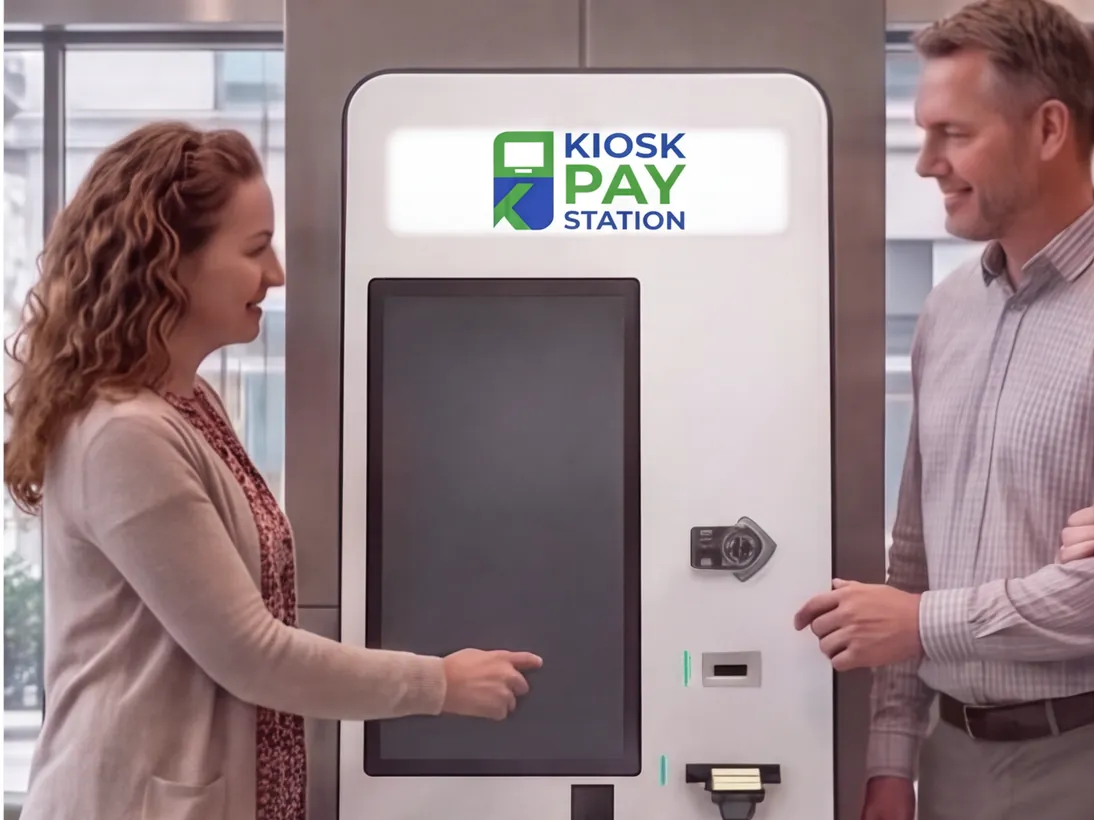
Installed and configured for your workflows.
Secure kiosks are installed in your office or public facility and configured for your payment workflows — including your screens, branding and signage.
- Standalone, Countertop or In-Wall configurations
- Customized screen display for your organization
- Customizable signage and logos
- Hours of availability determined by you, up to 24/7
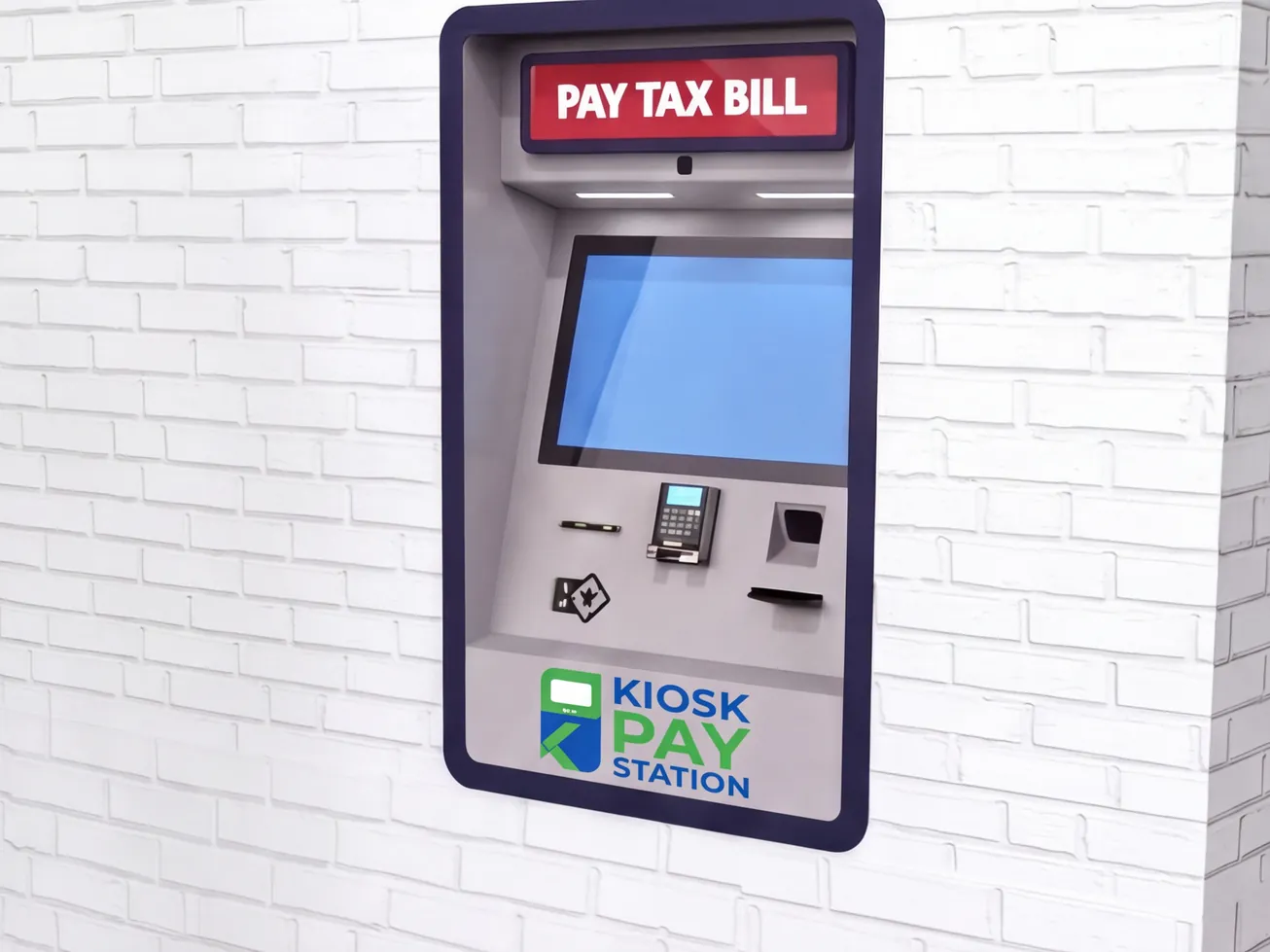
Monitored, maintained and optimized.
Our team provides ongoing monitoring, maintenance and optimization to maximize performance — backed by 5-year onsite maintenance and component replacement.
- 5-year onsite maintenance and component replacement
- Customizable alerts — paper low, money needs replenishing and more
- Works with third-party carriers
- Dedicated support team
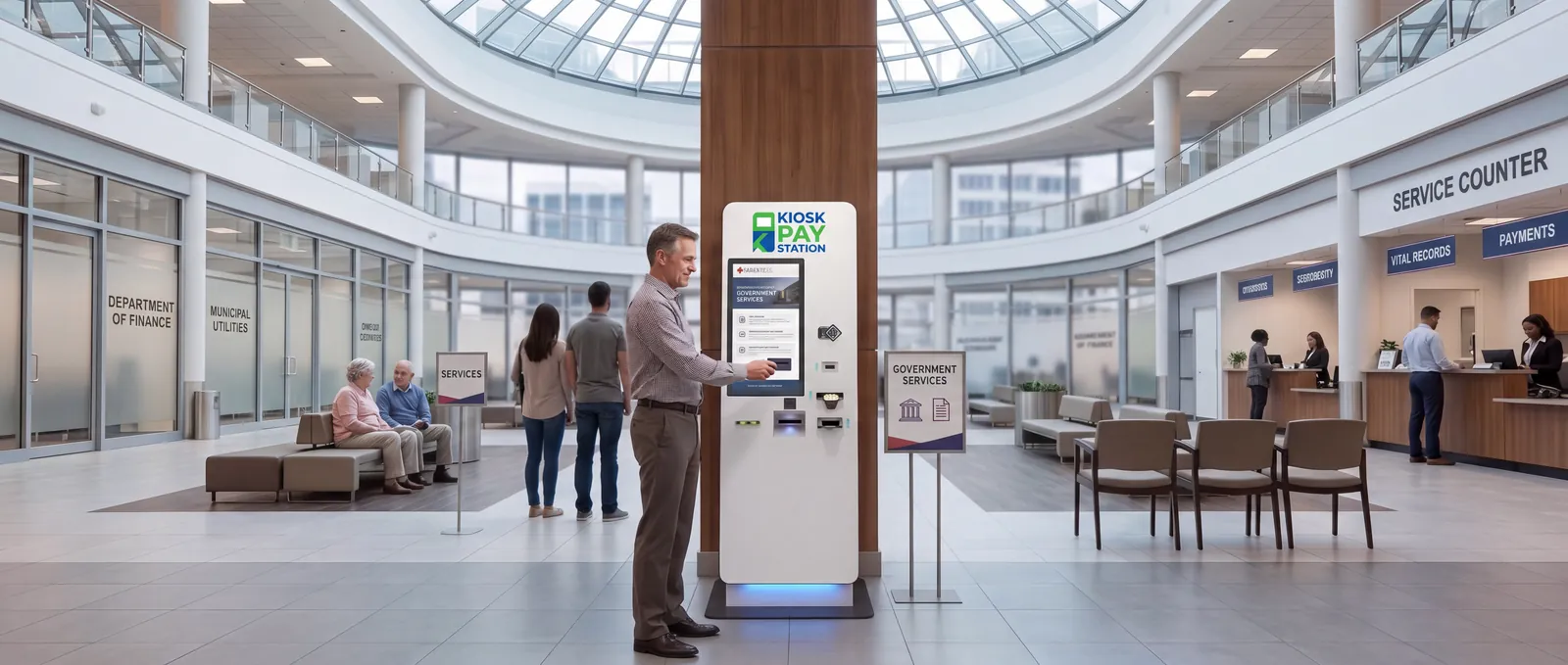
More than a kiosk — a complete payment modernization solution.
Free consultation
Free consultation and needs assessment.
Your payment data
We customize with your payment data.
Pricing proposal
No-obligation pricing proposal.
Lease or purchase
Affordable lease and purchase options.
5-year maintenance
Onsite maintenance and component replacement.
Weeks, not months
Our team handles everything.
Deployment, support & pricing questions
How does deployment work?
Three steps: Integration (we connect Kiosk Pay Station with your payment and billing systems), Installation (secure kiosks are installed and configured for your workflows) and Optimization (ongoing monitoring, maintenance and optimization).
How long does it take to get started?
Get up and running in weeks, not months. Our team handles everything.
What maintenance is included?
Kiosk Pay Station includes 5-year onsite maintenance and component replacement.
Can we lease instead of buy?
Yes. Affordable lease and purchase options are available.
How much does a kiosk cost?
Pricing depends on the model, payment types, integration and number of kiosks. Request a free consultation and needs assessment for a no-obligation pricing proposal.
What hours can the kiosk operate?
You determine the hours of availability of the kiosk, up to 24 hours a day.
Ready to modernize your payment collection?
Self-service kiosks help businesses and government entities collect payments faster while improving service to customers.
- Free consultation and needs assessment
- Customize with your payment data
- No-obligation pricing proposal
collected in 7 days by 2 kiosks at Riverside County — more than 8 staffed cashier stations.
Request a consultation
Fill out the form and a payment specialist will reach out to you.