Payment software purpose-built for bills — and customized to your systems.
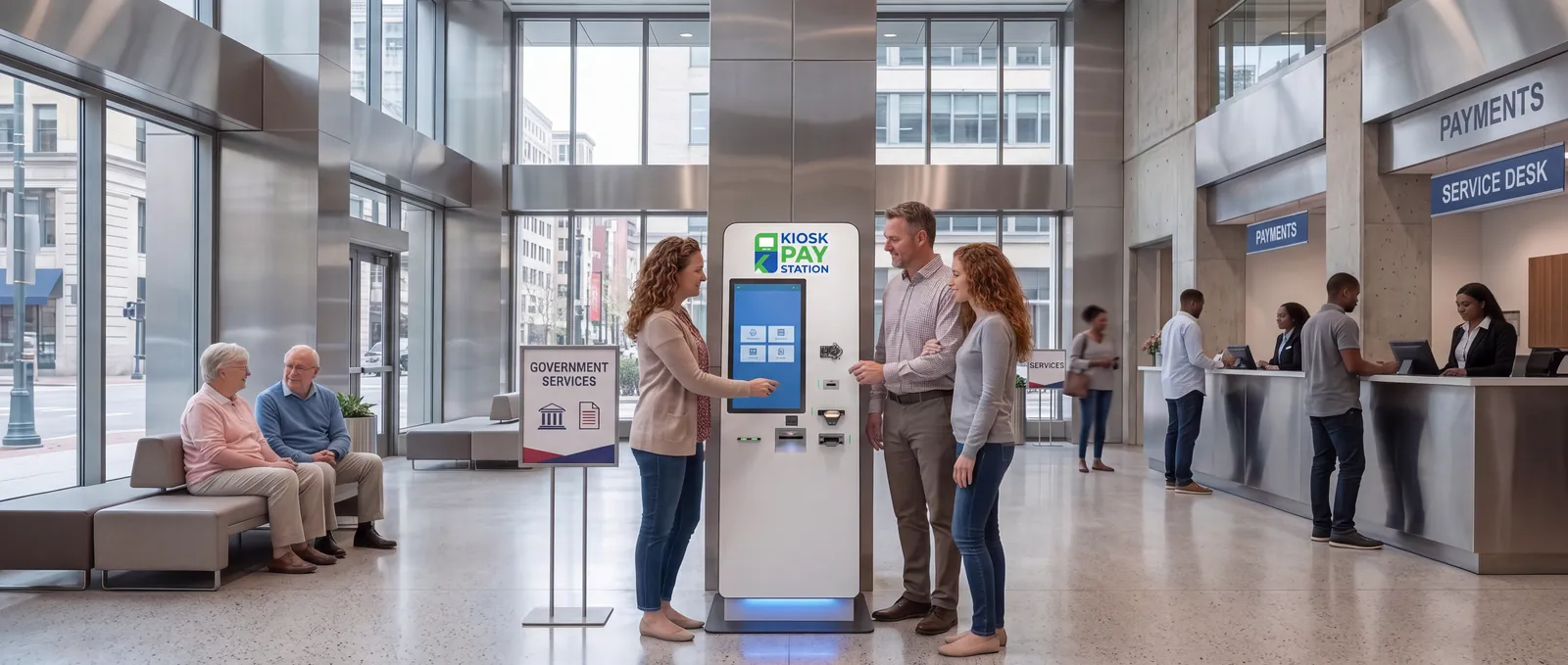
Kiosk Pay Station has spent more than 25 years building bill-payment software. We customize it to integrate with your existing billing, treasury, court or utility systems, so every kiosk payment lands where your team already works.
Software & Integration.
Real-Time System Integration
Real-time, file-based or non-validated sync with your billing, treasury, court or utility systems.
Learn more
Automated Reconciliation
Automated daily reconciliation and export-ready data that fits your workflow.
Learn more
Custom Reporting & Data Fields
Unlimited custom data elements on every transaction, plus custom reporting.
Learn moreWe flex to fit your operation — not the other way around
Most kiosks are generic hardware with payment software bolted on. Kiosk Pay Station started with the software: it was specifically designed for paying bills, and it is customized for each client to integrate with the systems they already run.
That means you choose how data flows (real-time, file-based or non-validated), what data travels with each payment (unlimited custom fields), and how it is reported and reconciled — whether you deploy our complete end-to-end solution or layer our kiosks onto your existing infrastructure.
Old way vs. new way.
The old way
- Long payment lines at counters
- Manual cashier processing
- Limited 9–5 office hours
- Staff overwhelmed during peak payment dates
- Manual reconciliation and reporting — expensive and time-consuming
The new way with Kiosk Pay Station
- Payments process quickly, securely and automatically
- Automated daily reconciliation with less staff demand on the kiosk side
- You determine the hours of availability of the kiosk, up to 24 hours
- Staff workload is significantly reduced so employees can focus on higher-value work
- Data integrates and can sync instantly with your existing systems
- Powerful software customized to your specific needs, including custom reporting
Common questions
What integration options are available?
Payment data can sync in real time, through file-based transfers, or in a non-validated mode.
How does kiosk reconciliation work?
Kiosk Pay Station provides automated daily reconciliation with less staff demand on the kiosk side, plus export-ready data that fits your reconciliation workflow.
How many custom fields can a payment carry?
Every Kiosk Pay Station transaction carries unlimited custom data elements — attach any number of custom fields to each transaction.
Ready to modernize your payment collection?
Self-service kiosks help businesses and government entities collect payments faster while improving service to customers.
- Free consultation and needs assessment
- Customize with your payment data
- No-obligation pricing proposal
collected in 7 days by 2 kiosks at Riverside County — more than 8 staffed cashier stations.
Request a consultation
Fill out the form and a payment specialist will reach out to you.